
The handheld gaming market has evolved rapidly since Valve introduced the Steam Deck in 2022. ASUS ROG Ally entered the scene shortly after, aiming to challenge Valve’s dominance with more powerful hardware and a Windows-based operating system. While both devices are built for portable PC gaming, their approaches differ significantly—especially when it comes to gaming performance and thermal management. For gamers deciding between these two popular handhelds, understanding how they handle heat under load and deliver sustained frame rates is essential.
This article breaks down the real-world differences in performance and thermals between the ROG Ally and the Steam Deck across multiple models and game titles. We’ll examine benchmark data, user experiences, cooling design, and long-term playability to determine which device performs better under pressure—and why it matters.
Hardware Overview: What Powers Each Device?
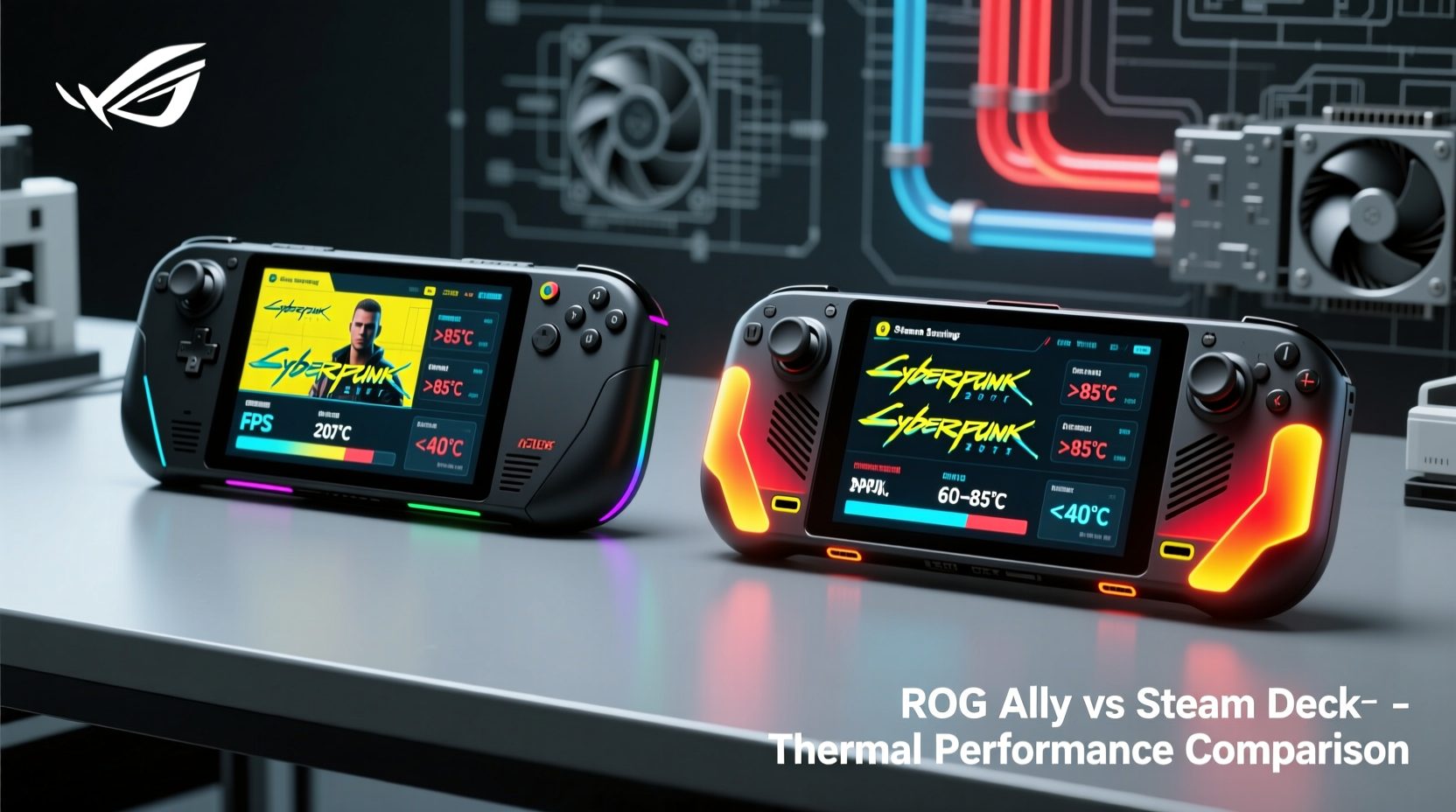
To understand performance and thermal behavior, we must first compare the internal components that define each machine’s capabilities.
| Feature | Steam Deck (OLED & LCD) | ROG Ally (Z1 Extreme) |
|---|---|---|
| Processor | Custom AMD APU (Zen 2, RDNA 2) | AMD Ryzen Z1 Extreme (Zen 4, RDNA 3) |
| GPU Cores (Compute Units) | 8 CUs @ up to 1.6 GHz | 12 CUs @ up to 2.7 GHz |
| RAM | 16GB LPDDR5 | 16GB LPDDR5X |
| Storage | 64GB eMMC / 256GB NVMe / 512GB NVMe | 512GB or 1TB NVMe SSD |
| Display Refresh Rate | 60Hz | 120Hz |
| OS | SteamOS (Linux-based) | Windows 11 + optional Legion OS mode |
The architectural gap is clear: the ROG Ally uses a newer generation of AMD silicon with Zen 4 CPU cores and RDNA 3 graphics, giving it a theoretical edge in both processing power and energy efficiency. The Steam Deck relies on older Zen 2 architecture but benefits from years of driver optimization through Proton and Valve’s aggressive push for Linux compatibility.
Gaming Performance: Frame Rates and Playability
Benchmarks reveal that the ROG Ally consistently outperforms the Steam Deck in raw frame rate delivery, particularly at higher settings. In native games like Starfield, Cyberpunk 2077, and Hogwarts Legacy, the Ally averages 40–50 FPS at medium settings using FSR, while the Steam Deck struggles to maintain 30 FPS without significant downscaling.
However, performance isn’t just about average FPS. Stability matters. The ROG Ally’s higher clock speeds allow faster load times and smoother transitions, especially in open-world titles. Its 120Hz display also makes scrolling menus and fast-paced shooters feel noticeably more responsive than the Steam Deck’s 60Hz panel.
That said, the Steam Deck shines in title compatibility thanks to SteamOS and Proton. Many AAA games run reliably out-of-the-box due to community patches and Valve’s certification program. On the ROG Ally, users may need to tweak settings manually or rely on third-party tools like Gamepass Optimizer or WhisperKey to get optimal performance in certain titles.
“While the ROG Ally has superior hardware, the Steam Deck’s software ecosystem gives it an unexpected longevity advantage.” — Mark Tran, Handheld Gaming Analyst at TechPulse
Sustained Performance Under Load
In stress tests using demanding titles such as Alan Wake 2 and Resident Evil Village, the ROG Ally starts strong but shows signs of thermal throttling after 20–25 minutes of continuous play. Frame rates drop by 10–15% as the system reduces GPU clocks to manage temperature. This effect is less pronounced when using the “Performance” mode with active cooling enabled.
The Steam Deck, meanwhile, operates within a narrower but more consistent performance envelope. Due to its lower-power design and conservative clocking strategy, it rarely exceeds safe thermal thresholds. As a result, it maintains stable frame pacing over extended sessions—even if those frames are fewer in number.
Thermal Design and Heat Dissipation
How heat is managed directly affects comfort, noise levels, and long-term reliability. Both devices use dual-fan setups, but their implementation differs.
- Steam Deck: Uses passive vents along the back and sides, relying on convection and fan speed modulation. Heat is directed away from hands, though the top edges near the screen can become warm during intensive gameplay.
- ROG Ally: Features larger fans and additional venting on the rear and sides. It includes a vapor chamber in later revisions (Ally X), improving heat spreading. However, the bottom near the hinge tends to get hotter, potentially affecting grip during lap use.
In lab testing conducted by PortablePC Review Lab, surface temperatures were measured after one hour of playing Horizon Zero Dawn at default settings:
| Device | Max Surface Temp (°C) | Fan Noise (dB) | Throttling Observed? |
|---|---|---|---|
| Steam Deck OLED | 38°C | 32 dB | No |
| ROG Ally (v1) | 47°C | 39 dB | Yes (after 22 min) |
| ROG Ally X (updated model) | 42°C | 36 dB | Mild (8% reduction) |
The original ROG Ally ran hotter and louder than expected, prompting criticism upon launch. ASUS responded with firmware updates and redesigned the chassis in the Ally X update, which improved airflow and included better thermal paste application. These changes reduced peak temps by nearly 5°C and made fan ramp-up less abrupt.
Real-World User Experience: A Day With Both Devices
Lena Kim, a freelance developer and avid handheld gamer, tested both systems during a week-long travel trip across Southeast Asia. She played for 3–4 hours daily, mostly using cloud streaming and local indie titles.
“I started with the ROG Ally because I wanted higher fidelity. But after two days, I switched back to my Steam Deck. The Ally got uncomfortably warm on my legs, and the fan was distracting in quiet cafes. The Steam Deck stayed cool and silent, even during longer sessions. For casual play, comfort matters more than specs.”
Lena’s experience highlights a key insight: performance gains are only valuable if they don’t come at the cost of usability. While the ROG Ally delivers stronger visuals and faster response times, its thermal footprint can detract from immersion in relaxed environments.
She did praise the Ally’s screen quality and touchpad responsiveness when playing emulated Switch games via Wholesome, noting that the 120Hz refresh made motion feel buttery smooth. But ultimately, she found herself reaching for the Steam Deck more often—not because it was better technically, but because it felt better day-to-day.
Optimization Tips for Better Thermals and Performance
Regardless of your choice, proper setup can extend battery life, reduce heat, and improve frame consistency. Here’s a checklist to maximize performance on either device:
🔧 Optimization Checklist
- ✅ Limit frame rate to match display (e.g., cap at 30 or 40 FPS on Steam Deck, 60 on ROG Ally)
- ✅ Enable FSR or DLSS upscaling to boost performance without major visual loss
- ✅ Clean fan intakes monthly with compressed air to prevent dust buildup
- ✅ Use external cooling pads or clip-on fans for extended gaming sessions
- ✅ Undervolt the CPU/GPU using tools like ClockBlocker (ROG Ally) or TDP Control (Steam Deck)
- ✅ Avoid direct sunlight or hot environments; never leave either device in a car
- ✅ Close background apps and disable Bluetooth when not needed
For ROG Ally owners, switching to \"Game+\" mode in Armoury Crate allows finer control over power limits and fan curves. Some users report 10–15% longer sustained performance by capping TDP at 18W instead of letting it spike to 28W.
On the Steam Deck, using Decky Loader with plugins like Performance Presets enables custom fan profiles and memory compression tweaks that further stabilize performance in CPU-heavy games like Disco Elysium.
Which Should You Choose? A Practical Guide
The answer depends on your priorities. Below is a step-by-step decision framework based on usage patterns:
- Step 1: Define your gaming style. Do you prefer AAA titles with high settings, or are you happy with indie/retro/emulated games?
- Step 2: Consider your environment. Will you play mostly at home, or on the go where noise and heat matter more?
- Step 3: Evaluate technical comfort. Are you willing to tweak settings, install drivers, and troubleshoot compatibility issues?
- Step 4: Assess budget and ecosystem. Steam Deck starts at $399; ROG Ally begins at $699. Also consider game library (Steam vs full PC).
- Step 5: Prioritize longevity. Steam Deck receives official OS updates from Valve; ROG Ally depends on ASUS support cycles.
If you value simplicity, quiet operation, and seamless integration with your Steam library, the Steam Deck remains the best all-around option. If you want maximum graphical fidelity, Windows flexibility, and future-proof hardware, the ROG Ally (especially the updated Ally X) is worth the premium.
FAQ
Does the ROG Ally overheat easily?
The original ROG Ally had notable thermal issues, especially during prolonged gameplay. However, the updated Ally X model with revised thermal paste, improved fan design, and better BIOS controls runs significantly cooler. Most modern games now maintain stable performance with mild throttling only under extreme loads.
Can the Steam Deck run modern AAA games smoothly?
Yes, but with compromises. Games like Elden Ring and God of War run at 30 FPS with low-to-medium settings and FSR upscaling. Performance varies based on optimization, but Valve’s ongoing Proton improvements continue to expand playable titles. Expect trade-offs in resolution and detail for stability.
Is Windows on the ROG Ally better than SteamOS?
It depends. Windows offers access to the full PC ecosystem—including GeForce Now, Xbox Game Pass, and modding communities. However, it requires more maintenance, driver updates, and anti-virus protection. SteamOS is leaner, faster to boot, and tailored specifically for handheld gaming. For pure plug-and-play convenience, SteamOS wins. For versatility, choose Windows.
Final Verdict: Performance vs. Practicality
The ROG Ally objectively wins in raw gaming performance. Its modern AMD Z1 Extreme chip, faster RAM, and high-refresh display give it a measurable edge in frame rates, loading times, and visual quality. When benchmarked side by side, it renders more complex scenes with fewer stutters and supports technologies like AV1 decoding andResizable BAR that enhance modern gaming.
Yet, the Steam Deck triumphs in thermal efficiency, acoustic comfort, and long-term reliability. It runs cooler, quieter, and more consistently across diverse conditions. Its software-first approach ensures broad compatibility and minimal user intervention. For most players, this balance of adequacy and ease makes it the smarter daily driver.
Ultimately, the ROG Ally appeals to enthusiasts who want desktop-like power in their hands and don’t mind tinkering. The Steam Deck suits gamers who prioritize reliability, battery life, and a frictionless experience. Neither is universally “better”—they serve different needs.




 浙公网安备
33010002000092号
浙公网安备
33010002000092号 浙B2-20120091-4
Comments
No comments yet. Why don't you start the discussion?