
Your cell phone is one of the most frequently touched items in your daily life. From morning coffee runs to late-night scrolling, it accumulates fingerprints, oils, dust, and bacteria faster than almost any other surface. While keeping it clean is essential for hygiene and visibility, using improper cleaning methods can scratch the screen or degrade protective coatings like oleophobic layers. The good news: with the right tools and techniques, you can safely maintain a pristine display without risking costly damage.
Why Proper Cleaning Matters
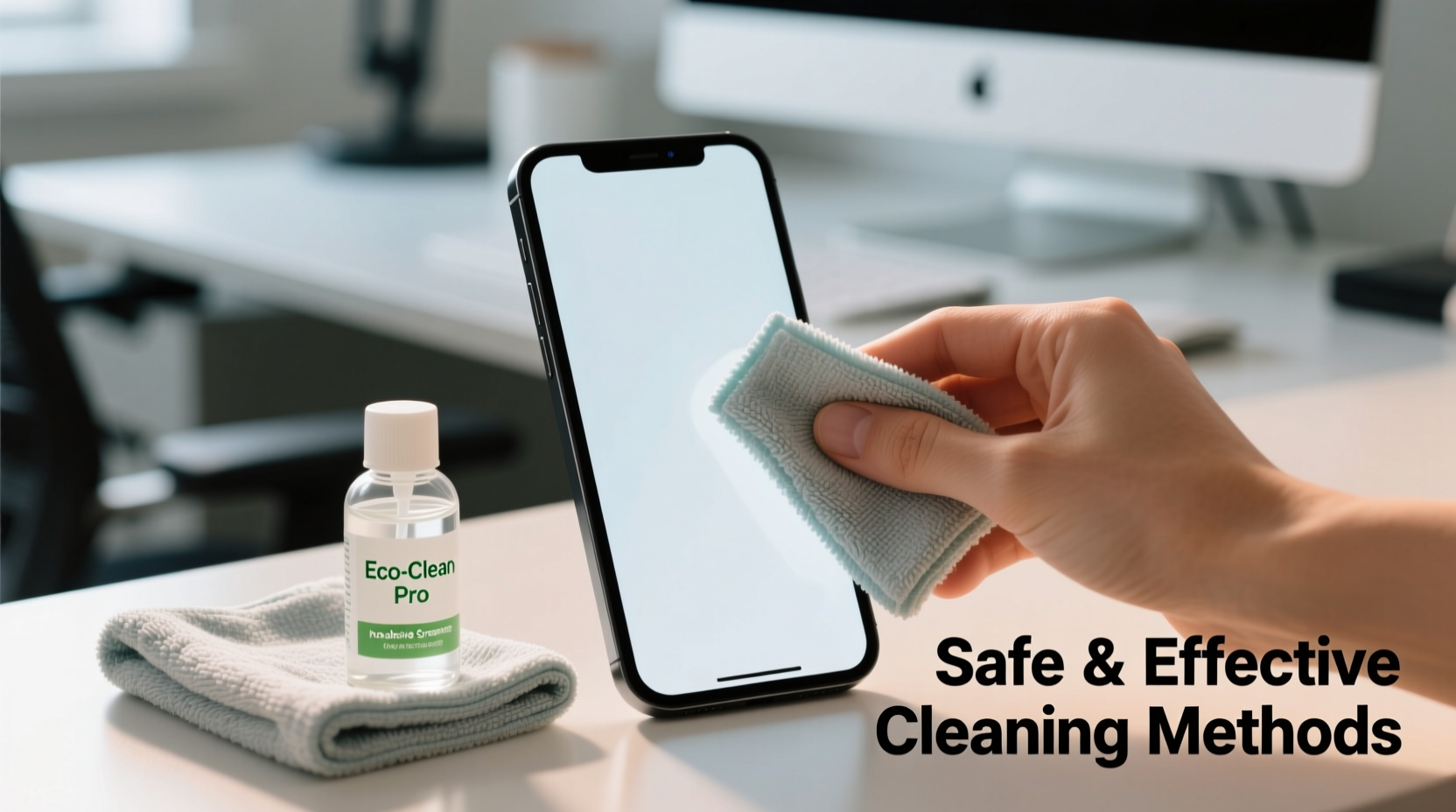
Modern smartphone screens are engineered with precision. Most feature chemically strengthened glass such as Gorilla Glass and include an oleophobic coating designed to repel oils from fingers. This coating wears down over time, but harsh cleaners or abrasive cloths accelerate the process, leading to smudges that stick and reduced responsiveness. Additionally, dirt buildup in ports and speakers can impair functionality. Regular, gentle cleaning not only improves clarity and touch sensitivity but also reduces bacterial load—studies have shown phones can carry more germs than a toilet seat.
“Cleaning your phone properly isn’t just about aesthetics—it’s a health and longevity issue.” — Dr. Lena Torres, Microbiologist and Tech Hygiene Researcher
What You Should Never Use on Your Phone Screen
Avoiding harmful substances and materials is half the battle. Many household cleaners are too aggressive for delicate electronics. Below is a list of common culprits that should never come into contact with your phone screen:
- Ammonia-based cleaners (e.g., Windex): Can strip anti-reflective and oleophobic coatings.
- Acetone or alcohol-based solvents: May dissolve screen protectors or damage display layers.
- Bleach: Corrosive and dangerous; never use on electronics.
- Paper towels, napkins, or rough fabrics: These contain fibers that can micro-scratch the screen.
- Fingernails or sharp objects: Risk scratching or cracking the glass when trying to remove debris.
Step-by-Step Guide to Safely Clean Your Phone Screen
Cleaning your phone doesn’t require special skills—just consistency and care. Follow this reliable sequence to keep your screen spotless and protected:
- Power off your device. This prevents accidental inputs and allows you to inspect the screen clearly.
- Remove the case. Clean both the phone and the case separately to eliminate trapped dust and grime.
- Dry dust removal. Use a dry, lint-free microfiber cloth (like those used for eyeglasses) to gently wipe away loose particles.
- Address stubborn smudges. Dampen a corner of the microfiber cloth with distilled water or a 70% isopropyl alcohol solution. Wring it thoroughly so no moisture drips.
- Wipe in gentle, circular motions. Apply light pressure across the screen, avoiding openings like speakers, charging ports, and microphone holes.
- Dry immediately. Use the dry side of the cloth to remove any remaining moisture.
- Clean the case. Wash plastic or silicone cases with mild soap and water. Let them air dry completely before reattaching.
- Reassemble and power on. Once everything is dry, put the case back on and turn your phone on.
Recommended Tools and Supplies
Using the right materials ensures effectiveness without risk. Here’s what experts recommend for routine maintenance:
| Item | Purpose | Notes |
|---|---|---|
| Microfiber cloth | Dust and smudge removal | Use a clean one dedicated to your phone; wash regularly |
| 70% isopropyl alcohol | Disinfecting | Safe for most screens when applied to cloth, not device |
| Distilled water | Gentle cleaning alternative | Avoid tap water due to mineral deposits |
| Compressed air (optional) | Clearing ports and edges | Use short bursts; hold upright to avoid propellant spray |
| Screen-safe disinfectant wipes | Convenient sanitizing | Choose ones labeled for electronics (e.g., Zagg, Clorox Anywhere) |
Real Example: A Common Mistake and Recovery
Jamal, a teacher in Austin, noticed his phone screen was increasingly blurry and unresponsive. He had been using a paper towel and window cleaner every few days to “disinfect” it during flu season. After six weeks, the screen felt sticky and smeared easily. He took it to a repair shop, where the technician explained that the ammonia in the cleaner had stripped the oleophobic layer. While the glass wasn’t damaged, the screen would now attract fingerprints more aggressively. Switching to a microfiber cloth and alcohol-dampened wipe routine helped stabilize the condition, though the original coating couldn’t be restored. Jamal now cleans his phone weekly with safe methods and keeps spare cloths in his bag.
How Often Should You Clean Your Phone?
Frequency depends on usage, but general guidelines apply:
- Daily: Quick wipe with a dry microfiber cloth if you use your phone heavily.
- Every 3–4 days: Light damp cleaning with alcohol-moistened cloth for disinfection.
- Weekly: Full cleaning including case removal and port inspection.
- After high-risk exposure: Clean immediately after being in crowded places, hospitals, or shared vehicles.
Checklist: Safe Phone Cleaning Routine
Use this checklist each time you clean your device to ensure thoroughness and safety:
- ✅ Power off the phone
- ✅ Remove the case
- ✅ Dry wipe screen and back with microfiber cloth
- ✅ Dampen cloth with 70% isopropyl alcohol or distilled water
- ✅ Gently wipe screen in circular motions
- ✅ Dry screen completely
- ✅ Clean case with soap and water (if applicable)
- ✅ Air dry all components before reassembly
- ✅ Reattach case only when fully dry
- ✅ Power on and test touch response
FAQ
Can I use baby wipes to clean my phone screen?
No. Most baby wipes contain oils, fragrances, and mild soaps that can leave residue and degrade screen coatings. Even \"alcohol-free\" versions are not formulated for electronics and may cause long-term smearing.
Is it safe to use alcohol wipes on an iPhone or Android?
Yes, but only if they contain 70% isopropyl alcohol and are used correctly. Apple officially approves the use of 70% isopropyl alcohol on iPhone screens, provided it’s applied to a soft cloth—not sprayed directly on the device.
Will cleaning my phone void the warranty?
No, routine cleaning does not void warranties. However, damage caused by excessive moisture, submersion, or corrosive chemicals is typically not covered. Always follow manufacturer guidelines.
Final Thoughts
Maintaining a clean phone screen is a simple habit with outsized benefits. It enhances usability, supports better hygiene, and preserves the integrity of your device’s display. By avoiding harsh chemicals, using proper tools, and following a consistent routine, you extend the life of your phone and enjoy a clearer, more responsive experience every day.
Smartphones are investments—treat them with care. A few minutes of mindful cleaning each week can prevent long-term wear and keep your device looking and functioning like new.




 浙公网安备
33010002000092号
浙公网安备
33010002000092号 浙B2-20120091-4
Comments
No comments yet. Why don't you start the discussion?