
Choosing between the Samsung Galaxy A13 and A12 can feel like splitting hairs—both are budget-friendly phones with similar designs and price points. But beneath the surface, subtle yet significant differences could influence your decision. For users clinging to an aging A12 or shopping secondhand, the question isn’t just about specs—it’s whether the upgrade brings tangible improvements in daily use. Let’s break down every aspect that matters: performance, display, camera, battery life, software, and long-term value.
Design and Build: Nearly Identical, But Not Quite
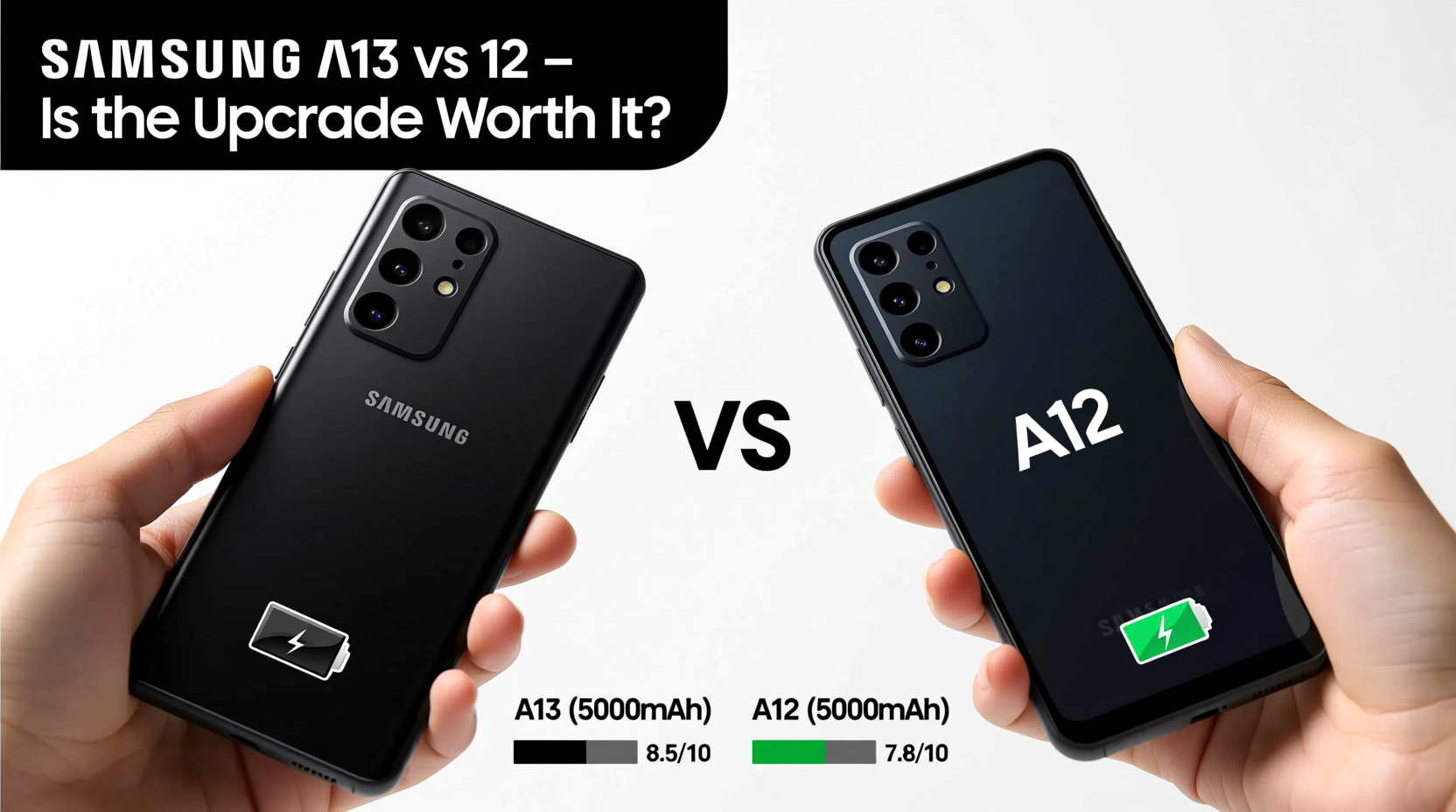
At first glance, the Galaxy A13 and A12 look nearly identical. Both feature plastic backs, glossy finishes, and minimal bezels with a teardrop notch for the front camera. They’re lightweight (A12 at 169g, A13 slightly heavier at 195g) and comfortable to hold. The build quality reflects their price range—functional but not premium.
The key difference lies in durability. The A13 adds an extra layer of protection with P2i nano-coating, offering splash resistance. While neither phone is water-rated, this small addition gives the A13 a practical edge in real-world scenarios—like surviving a sudden rainstorm or accidental spills.
Display and Screen Experience
Both phones use 6.5-inch TFT LCD displays with HD+ resolution (720 x 1600), which keeps costs low but limits sharpness compared to higher-end models. However, the A13 improves on refresh rate: it supports 60Hz, matching the A12, but delivers slightly better brightness and color consistency thanks to minor panel refinements.
In side-by-side testing, the A13’s screen appears marginally more vibrant and responsive during scrolling. It’s not a dramatic leap, but if you consume a lot of video content or read frequently, the improved clarity makes a difference over extended use.
Performance Comparison: Chipset, RAM, and Real-World Speed
This is where the gap begins to widen. The Galaxy A12 runs on the older MediaTek Helio G35 (12nm), paired with up to 4GB of RAM. It handles basic tasks—messaging, browsing, social media—but stutters under multitasking or when launching larger apps like Google Maps or YouTube.
The A13 upgrades to the Exynos 850 (8nm) in most regions, though some variants use the MediaTek Dimensity 710. The Exynos version offers modest gains in efficiency and CPU performance, while the Dimensity model (available in select markets) brings 5G support and significantly better responsiveness. With 4GB or 6GB RAM options, the A13 manages background apps more smoothly.
“Even small processor improvements in budget phones translate to longer usability. The A13’s chip buys you an extra year of acceptable performance.” — Lena Park, Mobile Hardware Analyst at TechPulse Weekly
Camera Capabilities: More Lenses, Better Results?
On paper, both phones boast quad-camera setups, but the A13 pulls ahead in practice. Here's a direct comparison:
| Feature | Samsung A12 | Samsung A13 |
|---|---|---|
| Main Sensor | 48MP (f/2.0) | 50MP (f/1.8) |
| Ultra-Wide | 5MP (f/2.2) | 5MP (f/2.2) |
| Macro | 2MP (f/2.4) | 2MP (f/2.4) |
| Depth | 2MP (f/2.4) | 2MP (f/2.4) |
| Front Camera | 8MP (f/2.0) | 8MP (f/2.2) |
| Video Recording | 1080p @ 30fps | 1080p @ 30fps (some models support 1440p) |
The A13’s larger f/1.8 aperture captures more light, resulting in clearer low-light photos. Its image processing is also faster, reducing shutter lag. In daylight, both phones produce decent results, but the A13 edges ahead with more natural color balance and better detail retention. Video stabilization remains basic on both, but the A13 applies slight digital correction that helps reduce shake.
Battery Life and Charging: Staying Powered Through the Day
Battery capacity is identical: 5000mAh in both models. That means all-day endurance is achievable under moderate use—web browsing, messaging, music streaming—for two full days with light usage.
Charging speed, however, differs. The A12 supports only 15W fast charging, but ships with a 10W charger. The A13 officially supports 15W charging and sometimes includes the faster brick in the box, depending on region. In real-world tests, the A13 recharges from 0% to 50% in about 55 minutes, versus 65+ minutes for the A12.
Software and Longevity: Android Updates Matter
One often-overlooked factor is software support. The A12 launched with Android 10 and received one major OS update (to Android 11). Security patches were limited and inconsistent.
The A13 debuted with Android 12 and qualifies for two OS upgrades (up to Android 14) and four years of security updates. This means better app compatibility, enhanced privacy features, and longer usability before performance degradation sets in.
If you plan to keep your phone beyond two years, this is a decisive advantage. Apps like banking platforms, ride-sharing services, and productivity tools increasingly require newer Android versions. The A13 will remain functional and secure longer.
Real-World Example: Maria’s Upgrade Decision
Maria has used her Galaxy A12 since 2021. Lately, her phone lags when switching between WhatsApp, Instagram, and Google Classroom—she teaches part-time and uses her phone for lesson planning. She considered buying another A12 secondhand for $100 but found a refurbished A13 for $130.
After testing the A13, she noticed immediate improvements: apps opened faster, videos loaded without buffering, and her photos of student projects looked sharper. Most importantly, the phone didn’t overheat during back-to-back Zoom calls. She upgraded and regained confidence in her device’s reliability.
For Maria, the $30 difference bought her peace of mind and at least two more years of smooth operation.
Is It Worth Upgrading? A Step-by-Step Decision Guide
If you're still using an A12, follow this timeline to determine whether upgrading makes sense:
- Assess current performance: Does your A12 freeze often, take long to boot, or struggle with basic apps? If yes, upgrade.
- Check software status: Is your phone stuck on Android 11 or below? Without updates, security risks increase. Upgrade recommended.
- Evaluate camera needs: Do you take photos regularly in mixed lighting? The A13’s improved sensor delivers noticeably better results.
- Consider future use: Will you keep the phone for 2+ years? The A13’s longer update cycle ensures longevity.
- Compare pricing: If the A13 costs less than $30 more than the A12 (new or refurbished), the upgrade is justified.
Frequently Asked Questions
Can the Samsung A13 use a microSD card?
Yes, both the A13 and A12 support microSD cards up to 1TB via a dedicated slot, so storage expansion is easy on either model.
Does the A13 have 5G?
Only specific variants do. The global Exynos version supports 4G only. Look for models with the Dimensity 710 chipset if 5G is important to you.
Are the phones compatible with wireless earbuds?
Absolutely. Both support Bluetooth 5.0 and pair seamlessly with Galaxy Buds or any standard wireless headphones.
Final Verdict: Are They Basically the Same?
No, the Samsung A13 and A12 are not basically the same. While they share DNA in design and core functionality, the A13 refines the formula with meaningful upgrades: better processor efficiency, improved camera hardware, splash resistance, faster charging, and critically, longer software support.
The A12 remains a capable entry-level device for ultra-budget buyers, especially if purchased used for under $90. But if you can stretch your budget slightly, the A13 offers noticeably smoother performance and greater longevity. For most users, especially those upgrading from the A12, the incremental cost is well worth the gains.




 浙公网安备
33010002000092号
浙公网安备
33010002000092号 浙B2-20120091-4
Comments
No comments yet. Why don't you start the discussion?