
Switching between smartphone ecosystems isn’t just about swapping devices—it’s changing how you interact with your digital life. For years, iPhone loyalists have praised iOS for its polish and longevity, while Android users champion flexibility and value. In 2024, the debate between Samsung’s Galaxy A52 and Apple’s iPhone 11 Pro remains surprisingly relevant. Though both phones are several generations old, they’re still in active use, and many users are reconsidering their loyalty. So, is it worth leaving one camp for the other? Let’s break it down.
Performance and Longevity: Real-World Speed in 2024
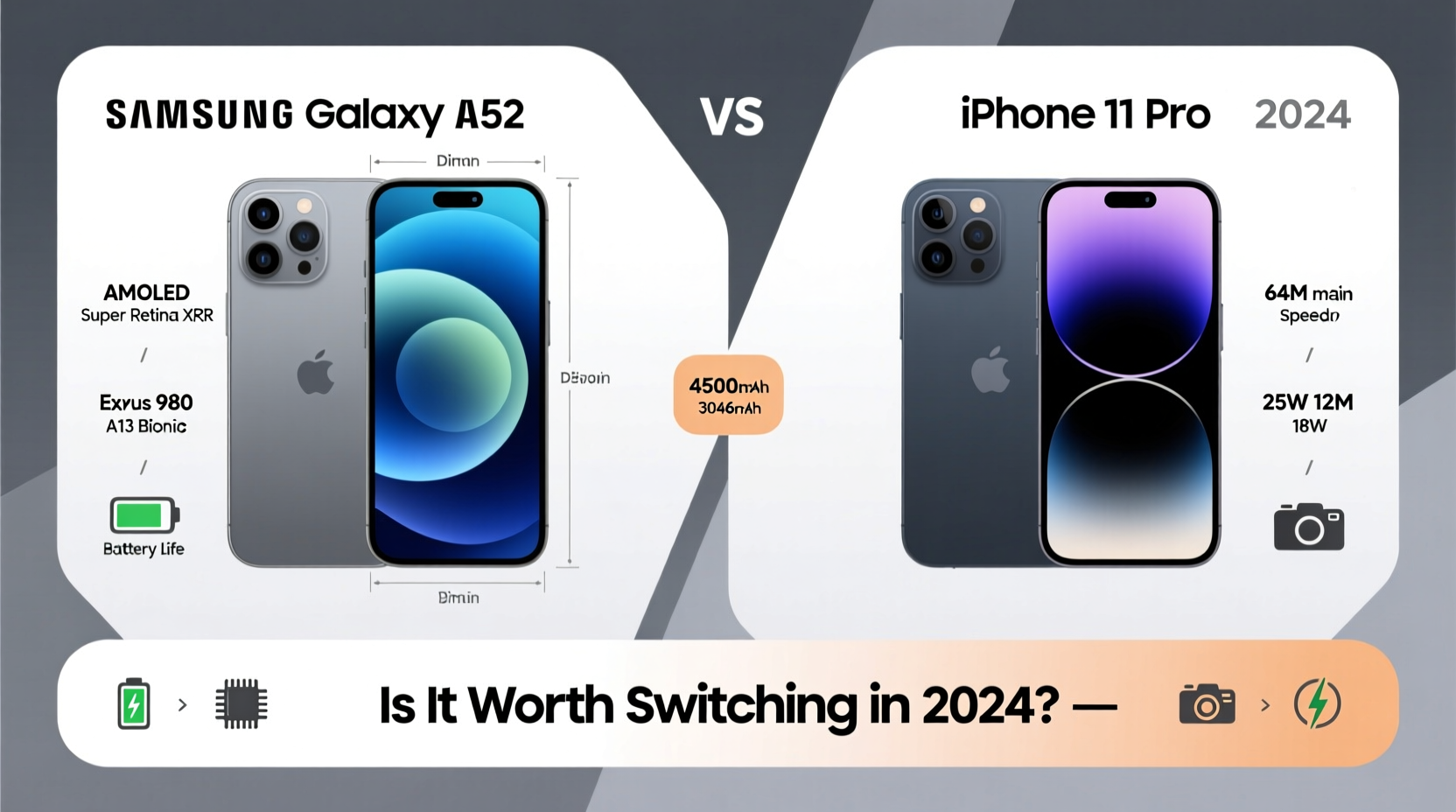
The iPhone 11 Pro, powered by Apple’s A13 Bionic chip, was a powerhouse in 2019. Even today, it handles daily tasks smoothly—apps launch quickly, multitasking remains stable, and iOS updates continue to roll out. Apple’s tight hardware-software integration ensures that even older devices feel responsive well beyond their release cycle. The iPhone 11 Pro received support up to iOS 17, giving it nearly five years of software updates—a benchmark few Android phones match.
In contrast, the Samsung Galaxy A52 runs on the Qualcomm Snapdragon 750G, a mid-tier processor at launch. While capable for everyday use in 2021, by 2024, some lag becomes noticeable during heavy app usage or gaming. However, Samsung has committed to four years of OS upgrades and five years of security patches, meaning the A52 will stay updated through 2026. This represents a major shift in Samsung’s approach to long-term support.
Camera Comparison: Quality vs. Flexibility
Photography is often a deciding factor. The iPhone 11 Pro features a triple-lens system: 12MP wide, ultra-wide, and telephoto lenses. Its image processing remains exceptional—colors are natural, dynamic range is strong, and video stabilization is industry-leading. It excels in low light and produces consistent results across conditions, thanks to Apple’s computational photography.
The Galaxy A52 counters with a 64MP main sensor, 12MP ultra-wide, 5MP macro, and 5MP depth sensor. On paper, this looks superior, but megapixels don’t tell the full story. The A52 tends to oversharpen images and boost saturation, which can look artificial. That said, it offers more shooting modes—Pro mode, AI scene optimizer, and single-take—and greater control for enthusiasts.
For casual photographers, the iPhone delivers more reliable shots. For those who enjoy tweaking settings or experimenting, the A52 provides more tools.
“Apple’s consistency in photo quality across lighting conditions sets a high bar. But Samsung gives users more creative freedom.” — David Lin, Mobile Photography Analyst
Battery Life and Charging: Endurance vs. Efficiency
The Galaxy A52 packs a 4,500mAh battery, significantly larger than the iPhone 11 Pro’s 3,046mAh unit. In real-world testing, the A52 consistently delivers 1.5 to 2 days of moderate use. It supports 25W fast charging (though often shipped with a 15W charger), allowing a 0–50% charge in about 30 minutes.
The iPhone 11 Pro, while efficient due to iOS optimization, typically lasts a full day under normal use. It supports 18W fast charging but requires purchasing a compatible charger separately. Wireless charging is available on both, as is reverse wireless charging on the A52—a handy feature for topping off earbuds or another phone.
| Feature | Samsung A52 | iPhone 11 Pro |
|---|---|---|
| Battery Capacity | 4,500 mAh | 3,046 mAh |
| Fast Charging | 25W (supports 15W standard) | 18W (adapter sold separately) |
| Wireless Charging | Yes | Yes |
| Reverse Charging | Yes | No |
| Estimated Daily Use | 1.5–2 days | 1 day |
Ecosystem and Software Experience
This is where switching becomes more than technical—it becomes behavioral. If you’re embedded in Apple’s ecosystem—using a Mac, iPad, AirPods, or Apple Watch—staying on iPhone ensures seamless continuity. Features like Handoff, AirDrop, iMessage, and iCloud sync create a frictionless experience that Android struggles to replicate.
Android, particularly Samsung’s One UI, offers deep customization. You can change launchers, default apps, icon styles, and even automate tasks via Bixby Routines. The A52 integrates well with Windows PCs and Google services like Gmail, Drive, and Photos. Samsung also offers its own ecosystem with Galaxy Buds, Watches, and SmartThings home automation.
However, Google Messages, while functional, doesn’t match iMessage’s reliability or feature set. And while WhatsApp is universal, green bubbles still matter in certain social circles.
Real User Scenario: Sarah’s Switch from iPhone to A52
Sarah had used iPhones since 2014. She owned an iPhone 11 Pro, AirPods, and a MacBook. When her phone started slowing down in 2023, she considered upgrading to an iPhone 14—but the price tag gave her pause. Instead, she bought a Galaxy A52 for less than half the cost.
The first week was jarring. iMessage contacts saw “SMS” instead of blue bubbles. Her AirPods worked, but without instant pairing or spatial audio. She missed AirDrop but found workarounds using Google’s Nearby Share. Over time, she appreciated the longer battery life and ability to expand storage with a microSD card. She now uses Samsung Notes synced with Google Drive and finds the customization liberating.
“It wasn’t perfect,” she says, “but for $350 instead of $999, I got a phone that does 90% of what I need. The switch was worth it.”
Step-by-Step Guide to Switching Safely in 2024
Making the leap requires planning. Follow this timeline to minimize disruption:
- Week 1: Backup Your iPhone – Use iCloud to back up photos, messages, and app data. Also export contacts to Google or SIM.
- Week 2: Set Up Google Account – Migrate emails, calendars, and files to Gmail and Google Drive. Install Google Authenticator if using 2FA.
- Week 3: Test Android Device – Buy or borrow an Android phone to try the interface. Install your most-used apps to check compatibility.
- Week 4: Transfer Data – Use Samsung Smart Switch or Google’s Move to Android tool to transfer contacts, messages, photos, and music.
- Ongoing: Rebuild Ecosystem – Gradually replace Apple accessories with Android-compatible ones. Explore alternatives like Signal, Telegram, or Google Messages.
Frequently Asked Questions
Can I use my AirPods with the Samsung A52?
Yes. AirPods connect via Bluetooth and work well for audio playback and calls. However, you lose features like automatic switching, spatial audio, and battery level pop-ups unless using third-party apps.
Will my iCloud photos transfer easily?
Not automatically. You’ll need to download your iCloud photos to a computer or use a service like Google Photos’ upload tool. Consider doing this before switching to avoid missing memories.
Is the Samsung A52 still secure in 2024?
Yes. Samsung continues to deliver monthly security patches for the A52 through 2026. As long as you keep the phone updated, it remains safe for daily use, including banking and shopping.
Final Verdict: Is Switching Worth It in 2024?
The answer depends on your priorities. If you value ecosystem cohesion, long-term software support, and consistent camera performance, sticking with the iPhone 11 Pro—or upgrading within the Apple family—makes sense. But if you want better battery life, lower cost, expandable storage, and more control over your device, the Samsung A52 offers compelling advantages.
What hasn’t changed is the emotional weight of switching teams. iOS feels curated; Android feels customizable. Neither is objectively better. But in 2024, the gap has narrowed. Mid-range Android phones now offer durability, updates, and features once reserved for flagships. Meanwhile, Apple’s pricing continues to push budget-conscious users toward alternatives.
For users willing to adapt, the switch isn’t just worth considering—it might be overdue.




 浙公网安备
33010002000092号
浙公网安备
33010002000092号 浙B2-20120091-4
Comments
No comments yet. Why don't you start the discussion?