
When Samsung released the Galaxy J7 and Galaxy Note 5 in the same year, consumers faced a tough decision: stick with an affordable mid-ranger or invest in a premium phablet. For many users coming from older devices or budget models, upgrading to either could feel like a leap forward. But was moving from the J7 to the Note 5—or choosing the Note 5 over the J7—truly worth the extra cost? The answer depends on how you use your phone, what features matter most, and whether flagship-level performance aligns with your daily needs.
This isn’t just about specs on paper. It’s about real-world usability, longevity, multitasking capability, and long-term satisfaction. Let’s break down the key differences and determine if the jump from the J7 to the Note 5 delivered meaningful improvements or simply inflated the price without proportional benefits.
Design and Build Quality: A Clear Divide
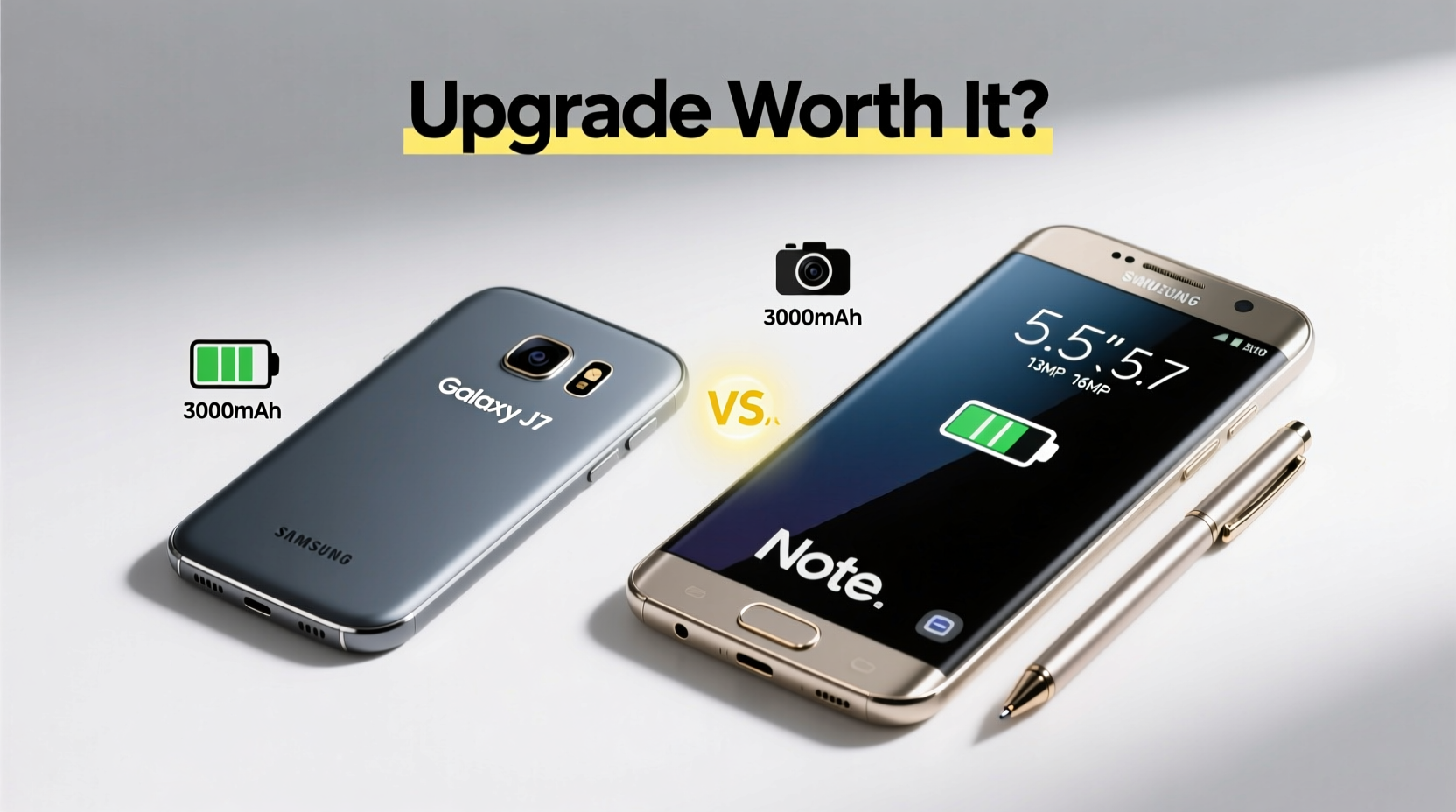
The physical experience of using each device sets them apart immediately. The Galaxy J7 features a plastic body with a removable back cover, typical of Samsung’s mid-tier lineup at the time. It’s lightweight and comfortable for one-handed use, but it lacks the premium feel that many users associate with high-end smartphones.
In contrast, the Galaxy Note 5 marked a design shift for Samsung. It introduced a glass-and-metal construction with a sleek, curved back made of Gorilla Glass 4 and an aluminum frame. While less durable against drops than the J7’s sturdier plastic shell, the Note 5 exudes sophistication and solidity. Its slim profile and refined finish make it stand out as a true flagship.
One notable downside of the Note 5’s design is its non-removable battery and lack of expandable storage—a trade-off for the slimmer, more elegant build. The J7, meanwhile, supports microSD cards and allows battery swaps, offering greater flexibility for travelers or heavy media users.
Performance and Hardware Comparison
Beneath the surface, the gap widens significantly. The Galaxy J7 runs on an Exynos 7580 octa-core processor (1.5 GHz) paired with 1.5GB or 2GB of RAM, depending on region. This setup handles basic tasks well—calls, messaging, light browsing, and social media—but struggles with multitasking and demanding apps.
The Galaxy Note 5, however, is powered by Samsung’s Exynos 7420—a 14nm octa-core powerhouse shared with the Galaxy S6 Edge+. With 4GB of RAM, it delivers smooth performance even under heavy loads. Whether editing documents with the S Pen, running multiple apps simultaneously, or playing graphics-intensive games, the Note 5 performs consistently.
“Flagship processors from this era weren’t just faster—they enabled new workflows.” — David Kim, Mobile Technology Analyst
Storage also plays a role. The Note 5 comes in 32GB or 64GB variants with no microSD support, while the J7 offers 16GB base storage expandable up to 128GB. For users who store large photo libraries or offline videos, this limitation may be a dealbreaker despite the superior hardware.
Detailed Feature Comparison
| Feature | Samsung Galaxy J7 | Samsung Galaxy Note 5 |
|---|---|---|
| Display | 5.5” HD Super AMOLED (720p) | 5.7” Quad HD Super AMOLED (1440p) |
| Processor | Exynos 7580 (Octa-core 1.5GHz) | Exynos 7420 (Octa-core 2.1GHz) |
| RAM | 1.5GB / 2GB | 4GB |
| Storage | 16GB (expandable via microSD) | 32GB / 64GB (no expansion) |
| Rear Camera | 13MP f/1.9 | 16MP f/1.9 with OIS |
| Front Camera | 5MP | 5MP |
| Battery | 3000mAh (removable) | 3000mAh (non-removable) |
| S Pen Support | No | Yes |
| Fast Charging | No | Yes (Adaptive Fast Charging) |
| Wireless Charging | No | Yes |
The display difference alone is striking. The Note 5’s Quad HD screen provides sharper text, richer colors, and better outdoor visibility. Combined with Always-On Display functionality, it enhances usability without sacrificing too much battery life thanks to efficient AMOLED technology.
Real-World Usage: A Mini Case Study
Take the example of Priya, a freelance graphic designer who upgraded from a Galaxy J7 to a Note 5 in 2016. Her work involved sketching concepts, managing client emails, and editing images on the go. On the J7, she experienced lag when switching between Photoshop Express and her email app. Saving files often took several seconds due to slower write speeds.
After switching to the Note 5, her workflow transformed. The S Pen allowed precise drawing directly on screen, and multitasking via Multi-Window mode let her reference color palettes while editing. Fast charging meant she could power up during short breaks, and wireless charging simplified her desk setup. Although she missed the expandable storage, cloud integration compensated adequately.
For creative professionals or power users, the upgrade wasn’t just nice—it was transformative. But for casual users focused on calls, messaging, and occasional YouTube viewing, the J7 remained perfectly capable.
Is the Upgrade Worth It? A Step-by-Step Decision Guide
Deciding whether the Note 5 was worth the upgrade over the J7 requires evaluating personal priorities. Follow this timeline to assess your own needs:
- Assess your usage patterns: Do you frequently run multiple apps, edit media, or rely on productivity tools?
- Evaluate feature importance: Is the S Pen essential? Do you value fast/wireless charging?
- Consider long-term ownership: Will you keep the phone for 2+ years? Flagships age better due to stronger hardware.
- Analyze budget constraints: The Note 5 launched at nearly double the price of the J7. Was that justified for your use case?
- Test both devices: Hands-on experience reveals differences specs can’t capture—like screen clarity or pen responsiveness.
Frequently Asked Questions
Can the Galaxy J7 handle everyday tasks smoothly?
Yes, the J7 handles calls, messaging, web browsing, and social media without issues. However, multitasking and gaming performance are limited compared to higher-end models.
What makes the S Pen on the Note 5 special?
The S Pen enables pressure-sensitive writing and drawing, quick note-taking from standby (Screen Off Memo), and advanced functions like translating text or cropping screenshots. It adds tangible value for students, artists, and professionals.
Does the lack of SD card on the Note 5 hurt usability?
It depends on your habits. With cloud storage and streaming services now widespread, internal storage is often sufficient. But if you download movies or hoard photos, expandability matters more.
Final Verdict: Who Should Upgrade?
For general users—those who primarily make calls, browse lightly, and check social media—the jump from the J7 to the Note 5 likely wasn’t worth the added expense. The core smartphone experience remains similar: same OS, similar cameras, comparable battery life. You’d pay a premium for marginal gains in daily usability.
However, for power users, creatives, business professionals, or anyone relying on multitasking and precision input, the Note 5 offered a genuinely improved experience. The combination of superior processing power, advanced display, S Pen functionality, and modern conveniences like fast and wireless charging created a noticeable upgrade path.
In essence, the value wasn’t in doing the same things slightly better—it was in enabling entirely new ways to work and create. That distinction determines whether the upgrade was truly worthwhile.
“The right phone doesn’t just perform better—it expands what you can do.” — Lena Torres, UX Researcher
Conclusion
Looking back, the Galaxy Note 5 represented Samsung’s peak innovation in 2015: powerful, elegant, and packed with unique tools. The Galaxy J7 served its purpose as a reliable, accessible option for mainstream users. Upgrading between them wasn’t a simple step up the ladder—it was a shift in category.
If your lifestyle demands efficiency, creativity, and seamless performance, then yes: upgrading from the J7 to the Note 5 was absolutely worth it. But if your needs are modest and budget-conscious, sticking with the J7—or waiting for a more balanced mid-range flagship hybrid—would have been the smarter move.




 浙公网安备
33010002000092号
浙公网安备
33010002000092号 浙B2-20120091-4
Comments
No comments yet. Why don't you start the discussion?