
As messaging evolves beyond basic SMS into rich communication services (RCS), cloud integration, and AI-powered features, the default messaging app on your Android device matters more than ever. For Samsung users, the choice isn’t just about convenience—it’s a decision between staying with the pre-installed Samsung Messages or switching to Google Messages, the company’s flagship texting platform. In 2025, both apps have matured significantly, but their philosophies and feature sets differ in ways that could impact your daily experience.
With Google aggressively pushing RCS as the future of mobile messaging and Samsung beginning to integrate deeper with its own ecosystem, now is the time to evaluate which app truly delivers better performance, security, and long-term usability.
Feature Comparison: Core Capabilities in 2025
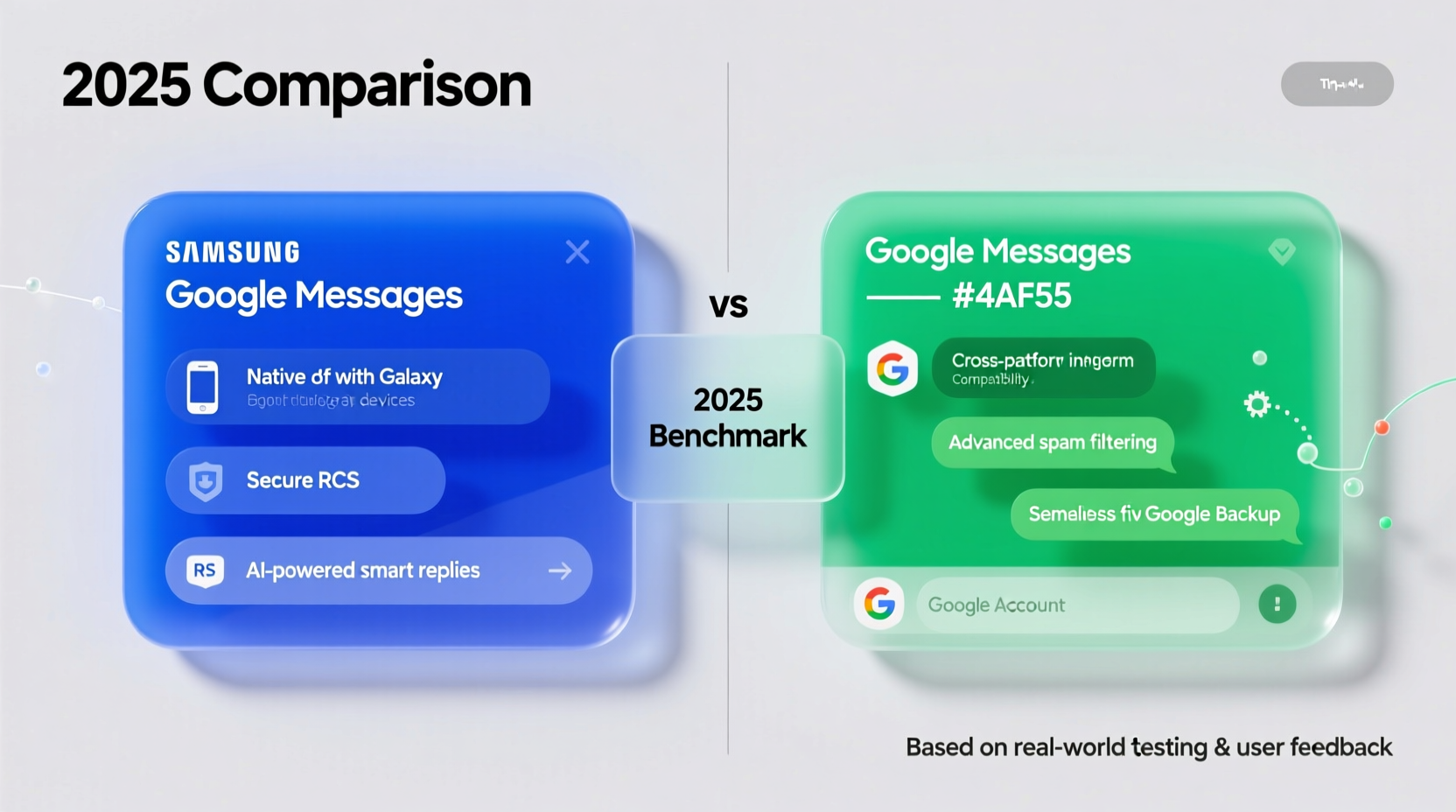
The fundamental difference between Samsung Messages and Google Messages lies in their design focus. Samsung’s app emphasizes hardware integration and premium device features, while Google’s approach prioritizes cross-platform consistency, cloud sync, and universal standards like RCS.
| Feature | Google Messages | Samsung Messages |
|---|---|---|
| RCS Support | Full native support, default behavior | Supported, but can be unstable without carrier approval |
| Cloud Sync & Backup | End-to-end encrypted backups via Google Drive | Limited to Samsung Cloud; no E2EE for messages |
| Cross-Device Sync | Messages for Web, Wear OS, tablets, foldables | Available only on Samsung Galaxy devices |
| Spam Protection | AI-driven filtering, real-time warnings | Basic filtering, less accurate detection |
| Chat Expiry (Disappearing Messages) | Customizable from 24 hours to 90 days | Only available in Secure Folder or private mode |
| AI Features | Built-in Bard integration, smart replies, message summarization | Limited to Bixby Routines and basic suggestions |
| Themes & Customization | Minimalist interface, limited themes | Extensive theme store, bubble styles, font options |
While Samsung offers richer visual customization, Google leads in functional innovation—especially when it comes to privacy, interoperability, and next-gen messaging infrastructure.
Privacy and Security: Where Each App Stands
Security remains a critical factor in choosing a messaging app. Both platforms support RCS with end-to-end encryption—but only under specific conditions. Google Messages enables E2EE by default for chat features when both parties use compatible apps. Samsung Messages supports encrypted chats but requires manual activation and depends on carrier cooperation, which varies globally.
Google’s implementation ties into its broader privacy framework. Backups to Google Drive are optionally end-to-end encrypted using a user-defined passcode. This means even Google cannot access your backed-up messages. Samsung, meanwhile, backs up messages through Samsung Cloud, but these backups are not end-to-end encrypted by default, raising concerns for privacy-conscious users.
“Moving toward zero-knowledge architectures in messaging is essential. Google Messages has taken a measurable step forward in giving users control over their data.” — Dr. Lena Patel, Cybersecurity Researcher at OpenComms Lab
In 2025, Google also introduced decentralized identity verification for business messages, reducing phishing risks. Samsung has yet to adopt similar safeguards outside its Knox enterprise suite.
Real-World Example: A User’s Transition from Samsung to Google
Jamal, a freelance designer using a Galaxy S24 Ultra, relied on Samsung Messages for years. He appreciated the sleek themes and integration with his DeX setup. But after switching to a secondary Pixel tablet for client meetings, he found himself missing important texts because they weren’t syncing properly.
He decided to try Google Messages. Within minutes, his conversation history synced across phone, tablet, and laptop via Messages for Web. The AI-powered smart replies saved time during back-and-forth confirmations. Most importantly, he activated disappearing messages for sensitive project discussions, something he hadn’t realized was so seamlessly supported.
“I didn’t think a messaging app could affect my workflow this much,” Jamal said. “Now I get replies faster, stay organized across devices, and feel safer knowing my backups are encrypted.”
Step-by-Step: How to Switch from Samsung to Google Messages Safely
Migrating from Samsung Messages to Google Messages doesn’t have to disrupt your conversations. Follow this timeline to ensure a smooth transition:
- Week 1: Install and Test
Download Google Messages from the Play Store. Set it as your default SMS app without disabling Samsung Messages yet. Send test messages to verify delivery and RCS functionality. - Enable Chat Features
Go to Settings > Chat features in Google Messages. Turn on RCS and verify your phone number. Allow a few hours for activation. - Set Up Backup
Navigate to Settings > Chat backup. Link your Google Drive account and enable end-to-end encrypted backup with a strong passcode. Choose auto-backup frequency. - Sync Across Devices
Open messages.google.com on your laptop or tablet. Scan the QR code to link your device. Confirm notifications work across all screens. - Disable Samsung Messages (Optional)
Once confident in Google Messages’ reliability, go to Android Settings > Apps > Default Apps and remove Samsung Messages as default. Uninstall updates or disable if desired.
Is Google Messages Worth It? The Verdict
The answer depends on your priorities. If you value deep personalization, aesthetic flexibility, and tight integration with Samsung’s ecosystem—including Galaxy Watches, Buds, and SmartThings—then sticking with Samsung Messages makes sense.
But if you care about future-proofing your communications, securing your data with verifiable encryption, and enjoying seamless multi-device access regardless of brand, Google Messages is clearly ahead in 2025.
Google’s commitment to open standards like RCS ensures broader compatibility with non-Samsung users. Unlike fragmented carrier-dependent implementations, Google Messages acts as a universal hub for modern messaging—similar to how iMessage functions on iOS, but designed for openness.
Additionally, Google continues integrating AI tools directly into the inbox. By late 2025, users can expect contextual summaries of long message threads, automated follow-up reminders, and voice-to-text translation in group chats—all powered by on-device models to protect privacy.
Checklist: Should You Switch?
- ✅ Do you use non-Samsung devices occasionally?
- ✅ Do you want encrypted message backups?
- ✅ Are you frustrated with inconsistent RCS performance?
- ✅ Do you rely on smart replies or productivity integrations?
- ✅ Do you plan to keep using Android long-term, regardless of brand?
If three or more apply, switching to Google Messages will likely improve your experience.
Frequently Asked Questions
Can I use both Samsung and Google Messages at the same time?
No—only one app can be set as the default SMS handler. Running both simultaneously disables incoming notifications in the inactive app. However, you can switch back anytime through Android settings.
Does Google Messages drain battery more than Samsung’s app?
Not significantly. Battery usage is nearly identical under normal conditions. However, constant background sync on older devices may increase power draw slightly. Adjust sync frequency in settings to optimize.
Will switching delete my old messages?
No, your existing messages remain stored locally until manually deleted. When you enable Google Messages with chat backup, it imports all current conversations and begins backing them up securely.
Final Thoughts: Make the Move Before It’s Too Late
By 2025, Google Messages isn't just an alternative—it's becoming the de facto standard for Android messaging. As carriers phase out SMS and embrace IP-based communication, relying on an app that fully supports and champions these changes is no longer optional; it’s essential.
Samsung Messages still holds appeal for loyalists who prioritize look and feel over function. But for most users—especially those who communicate across devices, value privacy, or work in collaborative environments—Google Messages offers superior utility and peace of mind.
The switch takes less than ten minutes and can be reversed if needed. Given the long-term advantages in security, compatibility, and intelligence, there’s little downside and significant upside to making the change now.




 浙公网安备
33010002000092号
浙公网安备
33010002000092号 浙B2-20120091-4
Comments
No comments yet. Why don't you start the discussion?