
For Android users, the default messaging app often depends on the device brand. Samsung phones come with Samsung Messages pre-installed, while Google promotes its own Google Messages as the flagship SMS and RCS client. With both apps offering rich features, seamless integration, and support for modern messaging standards like RCS (Rich Communication Services), many users wonder: is it actually worth switching from Samsung Messages to Google Messages — or vice versa?
The answer isn't black and white. It depends on your priorities — whether that's feature depth, privacy, ecosystem consistency, or long-term software support. Let’s break down both apps across key categories to help you make an informed decision.
Feature Comparison: Core Messaging Capabilities
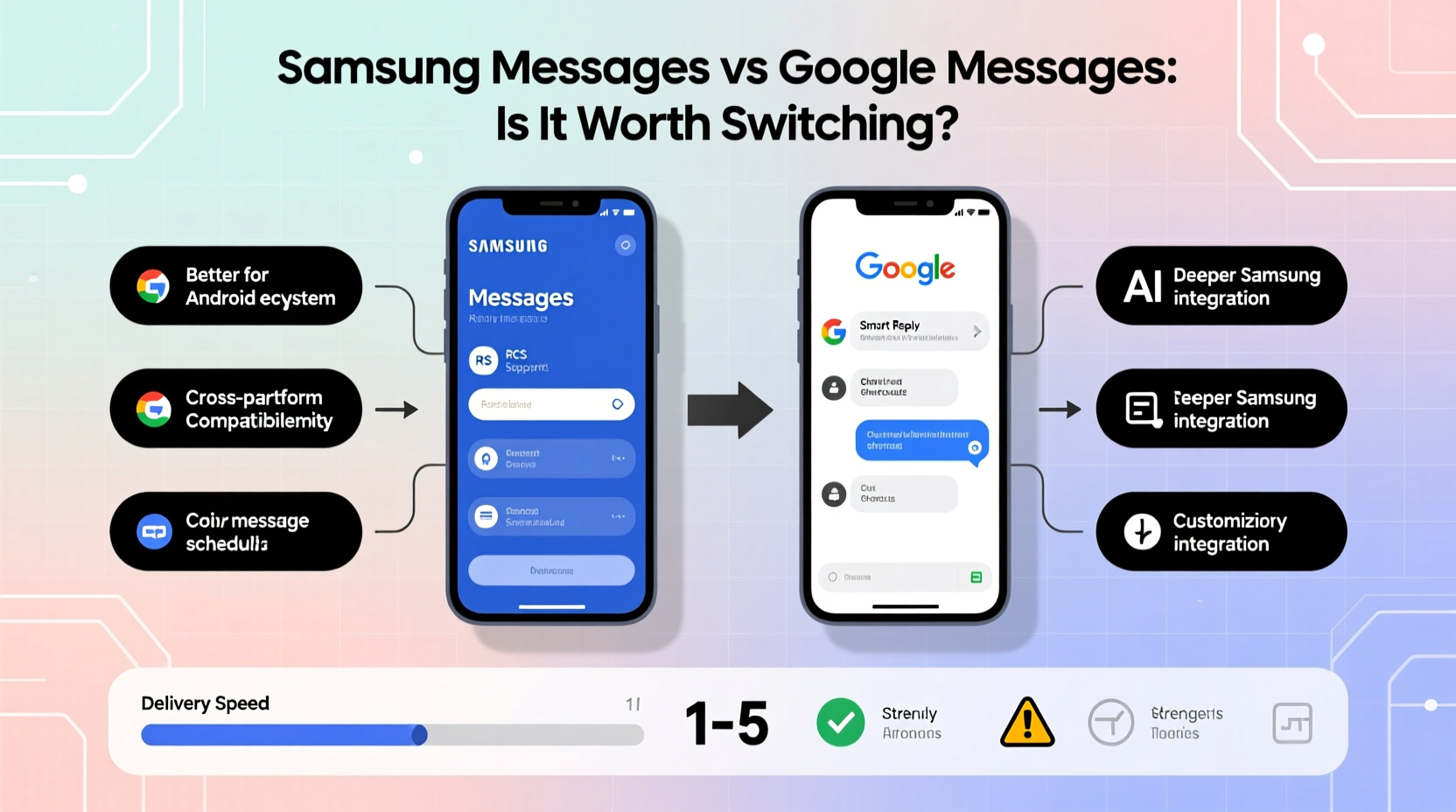
At their core, both Samsung Messages and Google Messages handle traditional SMS and MMS flawlessly. Where they diverge is in advanced functionality, particularly around RCS, spam protection, interface design, and cross-device syncing.
RCS is a next-generation replacement for SMS, enabling read receipts, typing indicators, high-resolution media sharing, and end-to-end encryption in group chats. Both apps support RCS, but implementation varies significantly.
| Feature | Samsung Messages | Google Messages |
|---|---|---|
| RCS Support | Yes (via Samsung’s backend) | Yes (via Google Jibe, widely adopted) |
| End-to-End Encryption (RCS) | Limited to certain carriers | Yes, by default with compatible contacts |
| Cross-Device Syncing | No native web/desktop version | Yes (Messages for Web/Desktop) |
| Spam Protection | Basic filtering | Advanced AI-powered detection |
| Message Scheduling | No | Yes (send later feature) |
| Built-in Chatbots / Actions | Limited | Smart replies, Google Assistant integration |
| Themes & Customization | Extensive (bubbles, fonts, colors) | Minimal (light/dark mode only) |
Google Messages leads in cloud integration and smart features, while Samsung Messages offers deeper UI personalization and tighter integration with Galaxy devices.
User Experience and Interface Design
Samsung Messages provides a highly customizable interface. You can change chat bubbles, message colors, background themes, and even set different styles per contact. For users who value visual expression, this level of control is appealing.
Google Messages takes a minimalist approach. The interface is clean, fast, and consistent with Material Design principles. While customization is limited, the focus is on speed, clarity, and accessibility. Features like “Smart Reply” and suggested actions (e.g., adding events to Calendar) are integrated directly into the conversation flow.
Navigation differs too. Samsung Messages uses a bottom tab layout on newer models, while Google Messages sticks to a top-down inbox model similar to Gmail. Users upgrading from older Android versions may find Google’s layout more intuitive.
“Google Messages sets the standard for predictive intelligence in messaging. Its ability to suggest actions based on context — like booking confirmations or delivery tracking — adds real utility.” — David Kim, Mobile UX Analyst at TechFlow Insights
Privacy and Security: Who Handles Your Data?
This is one of the most critical differences. Google Messages uses Google’s servers to enable RCS and message syncing across devices. That means your message metadata — who you’re talking to, when, and how often — may be processed by Google systems, though content remains end-to-end encrypted in RCS chats.
Samsung Messages routes RCS through its own infrastructure or carrier networks, depending on region and carrier support. This can mean less data flowing through third-party clouds, which some users prefer for privacy reasons.
However, Google has been transparent about its encryption practices. Since 2020, Google Messages enables end-to-end encryption automatically in RCS conversations between users of Google Messages — provided both parties have it enabled. Samsung lacks universal E2EE for RCS, making Google the stronger choice for secure communication.
Security Checklist: What to Look For
- ✅ End-to-end encryption enabled by default in RCS
- ✅ Two-factor authentication for web sync (Google Messages)
- ✅ Spam filtering with automatic reporting
- ✅ Local backups (both support device-level backup)
- ✅ No third-party ad tracking within the app
Real-World Example: Switching from Samsung to Google
Jessica, a freelance designer using a Galaxy S23, relied on Samsung Messages for years. She liked the themed chats and emoji reactions but found herself frustrated when trying to respond to client texts from her Chromebook. Her messages wouldn’t sync, and she missed time-sensitive updates.
After switching to Google Messages, she gained instant access to her full inbox via Messages for Web. The app also began suggesting calendar entries when clients sent meeting times — a small but impactful efficiency boost. Though she missed custom themes, the trade-off in productivity and reliability made the switch worthwhile.
Her experience highlights a growing trend: users prioritizing function over form, especially when working across multiple devices.
Step-by-Step: How to Switch Safely
Moving from Samsung Messages to Google Messages doesn’t have to risk losing your history. Follow these steps to ensure a smooth transition:
- Backup your messages in Samsung Messages: Go to Settings > Chats > Chat Backup and save to local storage or Samsung Cloud.
- Install Google Messages from the Play Store if not already present.
- Set Google Messages as default: Open Settings > Apps > Default Apps > SMS App, then select Google Messages.
- Enable RCS: Open Google Messages > More > Settings > Chat features > Turn on “Enable chat features.”
- Restore messages (if supported): Some devices allow restoring from local SMS backups during setup.
- Sync to web: Visit messages.google.com on your computer and scan the QR code to link your device.
Note: Full chat history migration, especially with multimedia, isn’t always possible due to platform limitations. Always verify your backup before uninstalling or disabling Samsung Messages.
Frequently Asked Questions
Can I use both Samsung Messages and Google Messages at the same time?
No. Only one app can be set as the default SMS handler on Android. Running both simultaneously will cause duplicate notifications and inconsistent message delivery.
Does switching affect my message history?
Not immediately — your existing messages stay in the original app unless manually backed up and restored. Google Messages does not automatically import conversations from Samsung Messages, so plan your transfer carefully.
Is Google Messages better for RCS?
Yes, in most cases. Google’s Jibe platform powers RCS for hundreds of carriers worldwide, ensuring broader compatibility and faster rollout of new features. Samsung relies on a mix of carrier partnerships and its own backend, which can lead to spotty performance outside major markets.
Final Verdict: Should You Switch?
If you're deeply embedded in the Samsung ecosystem and prioritize aesthetics, customization, and seamless integration with Galaxy Buds or SmartThings, sticking with Samsung Messages makes sense. It’s stable, familiar, and well-tuned for Samsung hardware.
But if you value cross-platform functionality, smarter replies, built-in scheduling, and more reliable, encrypted RCS — especially across non-Samsung devices — Google Messages is the superior choice. It’s also the official vehicle for Android’s future messaging vision, meaning it will receive updates and new features ahead of OEM alternatives.
For most users, particularly those who multitask across phone, tablet, and desktop, the benefits of Google Messages outweigh the loss of visual flair. The app isn’t just functional — it’s increasingly intelligent, secure, and future-proof.




 浙公网安备
33010002000092号
浙公网安备
33010002000092号 浙B2-20120091-4
Comments
No comments yet. Why don't you start the discussion?