
When Samsung launched the Galaxy S20 series in early 2020, it set a new benchmark for Android flagships—powerful processors, high-refresh-rate displays, and advanced camera systems. Just months later, the Galaxy Note 20 arrived, promising refinements and enhanced productivity. But for users already on the S20, the real question emerged: is upgrading to the Note 20 actually worth it? The answer depends on how you use your phone and what features matter most.
Design and Build: Subtle Refinements Over Revolution
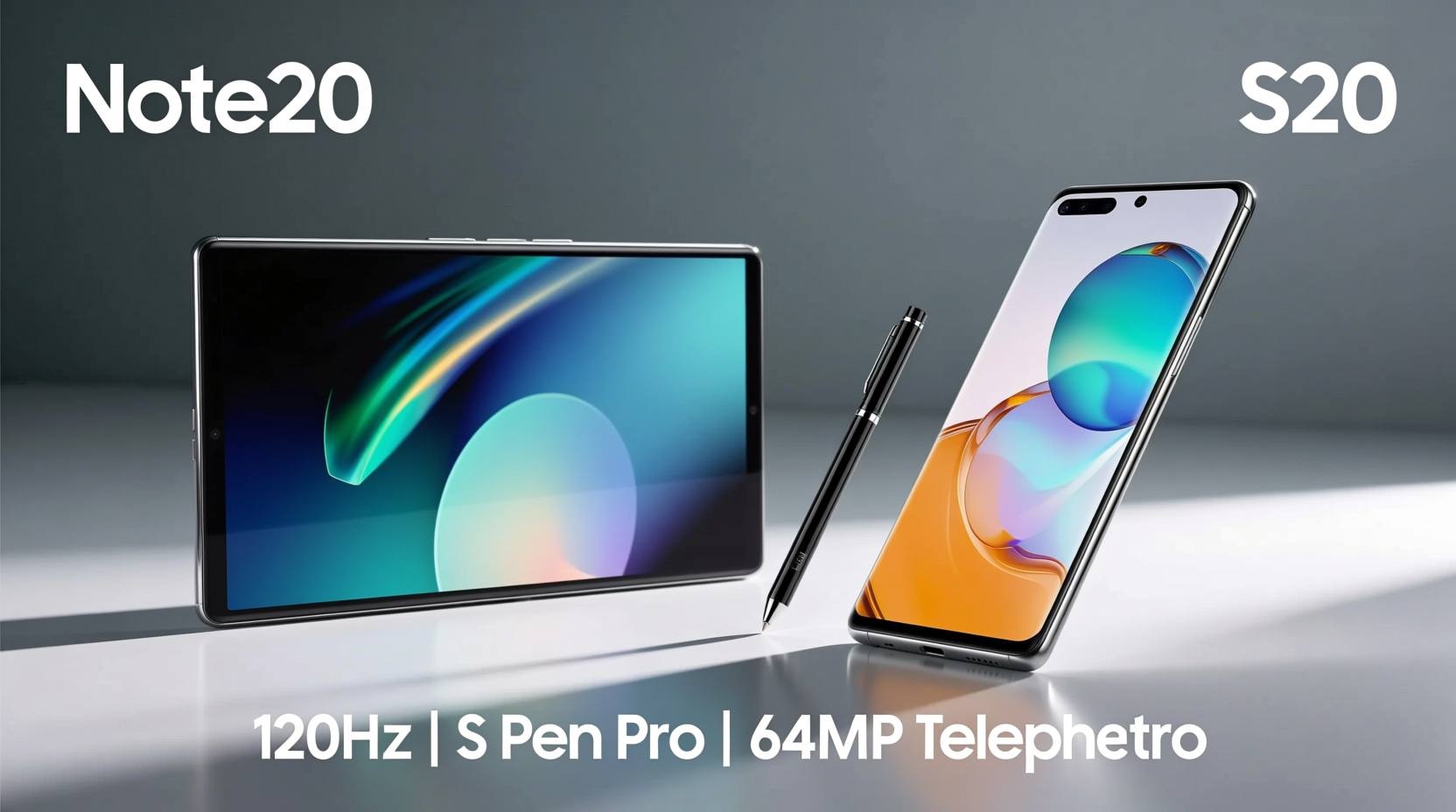
The physical differences between the Galaxy S20 and Note 20 are subtle but meaningful. Both devices share a premium glass-and-metal construction with IP68 water resistance, but their ergonomics diverge slightly. The S20 has a sleeker, more compact profile (especially the base S20 model), while the Note 20 trades some portability for usability—its larger frame accommodates the S Pen and a bigger battery.
The Note 20 features a flatter display compared to the S20’s curved edges, which many users find more practical for daily use. Curved screens look stunning but can cause accidental touches and glare. The flat panel on the Note 20 also improves S Pen accuracy, making handwriting and drawing feel more natural.
Performance: Same Power, Better Thermal Management
Under the hood, both phones are powered by either the Snapdragon 865+ (U.S. models) or Exynos 990 (international), depending on region. This means nearly identical raw performance in day-to-day tasks and gaming. However, Samsung made notable improvements in thermal management and sustained performance on the Note 20.
In extended workloads—such as video editing or long gaming sessions—the Note 20 maintains higher clock speeds for longer due to improved heat dissipation. While the S20 can throttle under heavy load, especially in warm environments, the Note 20 handles prolonged usage with greater stability.
“Even with the same chipset, Samsung optimized the Note 20’s cooling system to support consistent performance, which matters for professionals relying on multitasking.” — David Kim, Mobile Hardware Analyst at TechPulse Asia
Camera Comparison: Incremental Gains, Not Leaps
On paper, both phones feature triple-camera setups: a 12MP wide, 64MP telephoto, and 12MP ultra-wide sensor. The hardware is nearly identical, but software tuning and stabilization differ.
The Note 20 introduces improved optical image stabilization and better AI scene optimization. Its 3x hybrid zoom performs slightly better than the S20’s, producing sharper images at mid-range distances. Video recording sees one major upgrade: 8K at 24fps is now stabilized on the Note 20, whereas the S20 lacks stabilization in 8K mode—a significant difference for content creators.
| Feature | Galaxy S20 | Galaxy Note 20 |
|---|---|---|
| Rear Cameras | 12MP (wide), 64MP (tele), 12MP (ultra-wide) | 12MP (wide), 64MP (tele), 12MP (ultra-wide) |
| 8K Video Recording | Yes, no stabilization | Yes, with stabilization |
| Zoom Range | 30x digital | 30x digital |
| Front Camera | 10MP | 10MP |
| Video Features | Single Take, Hyperlapse | Single Take, Hyperlapse, Pro Video Mode (Note 20 Ultra only) |
For casual photographers, the differences may go unnoticed. But professionals who record video or rely on consistent zoom quality will appreciate the Note 20’s refinements.
S Pen and Productivity: Where the Note Truly Shines
This is where the Note 20 pulls ahead decisively. The S Pen, exclusive to the Note line, transforms the phone into a mobile productivity tool. With lower latency (reduced from 42ms on the S20+ with DeX to 26ms on the Note 20), pressure sensitivity, and air gestures, it enables precise control unmatched by touch alone.
New features like **Link to Windows** allow seamless integration with Microsoft’s Your Phone app, letting users reply to messages, view notifications, and even transfer files between devices. Enhanced Samsung Notes supports handwriting-to-text conversion, PDF annotation, and cloud sync across devices—ideal for students, creatives, and remote workers.
- Write directly on screenshots and share them instantly
- Use Air Actions to control media playback or take photos remotely
- Annotate documents during meetings without switching apps
Mini Case Study: From Meeting to Memo in Seconds
Jamie, a project manager at a tech startup, upgraded from an S20 to a Note 20 primarily for workflow efficiency. During virtual meetings, she uses the S Pen to jot down action items directly on her screen using Samsung Notes. After the call, she converts her handwritten notes to text, shares them via email, and schedules follow-ups—all within three minutes. “The S20 was fast and beautiful,” she says, “but the Note 20 actually saves me time every single day.”
Battery and Charging: Longevity vs Speed
The Note 20 packs a 4300mAh battery compared to the S20’s 4000mAh, translating to about 10–15% longer screen-on time. In real-world use, this often means an extra hour or two of moderate usage, which adds up for travelers or field workers.
However, charging speed regressed slightly. The S20 supports 25W fast charging out of the box, while the Note 20 is limited to 25W but ships with only a 15W charger in some regions—an eco-friendly move that frustrates power users.
“The battery increase isn’t massive, but combined with the S Pen and improved efficiency, the Note 20 feels more capable for all-day productivity.” — Lena Park, Senior Editor at MobileEdge Review
Checklist: Should You Upgrade?
Ask yourself these questions before making the jump:
- Do you take handwritten notes regularly? If yes, the S Pen alone justifies the upgrade.
- Are you a content creator or videographer? Stabilized 8K and better thermal performance make the Note 20 a stronger choice.
- Do you value flat screens over curved ones? The Note 20’s display reduces glare and accidental touches.
- Are you already satisfied with your S20? If you don’t need the S Pen or advanced note-taking, the gains may not be worth the cost.
- Is budget a concern? The price gap between used S20 models and new Note 20 units could be better spent elsewhere unless productivity is critical.
Frequently Asked Questions
Can I use the S Pen with the Galaxy S20?
No, the S20 does not have built-in support for the S Pen. While some third-party styluses work for basic input, they lack pressure sensitivity, low latency, and palm rejection features.
Is the display quality better on the Note 20?
The S20 has a slightly higher peak brightness and smoother curve aesthetic, but the Note 20’s flat AMOLED panel offers better readability in sunlight and improved S Pen accuracy. For functionality, the Note 20 wins; for visual flair, the S20 edges ahead.
Does the Note 20 run cooler than the S20?
Yes, under sustained loads such as gaming or 4K video editing, the Note 20 maintains lower temperatures due to a larger vapor chamber and improved thermal paste distribution. This results in more consistent performance over time.
Conclusion: Who Should Make the Leap?
The Galaxy Note 20 isn’t a revolutionary upgrade over the S20—it’s a purpose-built evolution. If your workflow involves writing, sketching, multitasking, or managing documents on the go, the Note 20 delivers tangible benefits through its S Pen, refined software, and improved thermal performance. For everyone else, the S20 remains a powerful, well-rounded flagship that still holds up years after release.
Ultimately, the decision comes down to how you use your phone. For creatives, professionals, and note-takers, the Note 20 is absolutely worth the upgrade. For general users who prioritize camera variety or compact size, sticking with the S20—or considering newer models—might be the smarter move.




 浙公网安备
33010002000092号
浙公网安备
33010002000092号 浙B2-20120091-4
Comments
No comments yet. Why don't you start the discussion?