
When the Samsung Galaxy S8 launched in 2017, it arrived amid a wave of excitement around mobile payments. Two platforms—Samsung Pay and Android Pay (now Google Pay)—were positioned as the future of cashless transactions. But for S8 users specifically, choosing between them wasn’t just about preference; it was about ecosystem loyalty, hardware compatibility, and real-world usability. Years later, it’s worth asking: did these services deliver on their promises, or were they overhyped solutions to a problem most consumers didn’t have?
The S8 was one of the first flagships to integrate NFC and MST (Magnetic Secure Transmission) natively across all major markets. This gave Samsung Pay a distinct edge at launch, but Android Pay had Google’s vast infrastructure behind it. The competition wasn’t just technological—it was strategic. One offered broader device support, the other near-universal terminal compatibility. For users, the decision came down to convenience, security, and whether merchants actually accepted contactless payments at the time.
The Technology Behind the Hype
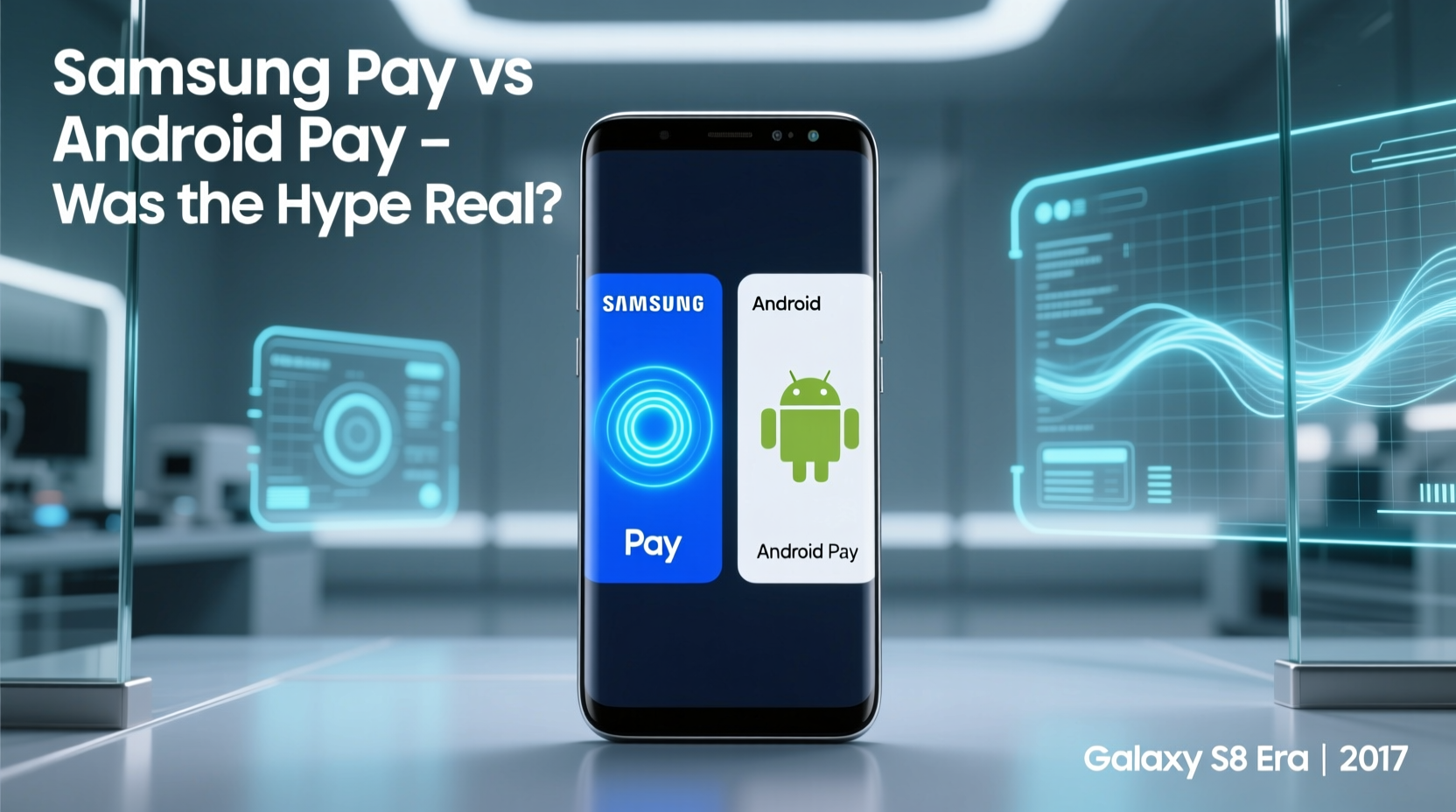
Samsung Pay and Android Pay used fundamentally different approaches to emulate physical card swipes. Android Pay relied solely on NFC (Near Field Communication), the same technology used in contactless credit cards. It required terminals equipped with NFC readers—a growing standard in 2017, but still far from universal, especially in smaller retail environments.
In contrast, Samsung Pay utilized both NFC and MST. The latter allowed the phone to mimic the magnetic signal of a traditional card swipe, making it compatible with nearly any card reader—even those without NFC support. This meant Samsung Pay could work at gas pumps, older grocery registers, and mom-and-pop shops where Android Pay failed.
This dual-technology approach gave Samsung Pay a significant practical advantage during the early days of mobile wallet adoption. While Android Pay was elegant and secure, its reliance on modern infrastructure limited its reach. Samsung, by supporting legacy systems, effectively future-proofed its solution during a transitional period in payment technology.
Real-World Performance: A Comparative Table
| Feature | Samsung Pay (S8) | Android Pay (S8) |
|---|---|---|
| Payment Technology | NFC + MST | NFC only |
| Terminal Compatibility | ~85% of U.S. terminals (including non-NFC) | ~60% (NFC-enabled only) |
| Setup Time | 3–5 minutes (with SMS verification) | 2–3 minutes (Google Account sync) |
| Security | Tokenization + KNOX + Biometric/Fingerprint | Tokenization + Google Play Services + Fingerprint |
| Loyalty Card Integration | Yes (via partnerships) | Limited (required third-party apps) |
| Bank Support (U.S., 2017) | Major banks + regional credit unions | Larger national banks only |
The table illustrates why Samsung Pay gained traction faster among early adopters. Its ability to function almost anywhere lowered the friction of switching from physical cards. Android Pay, while simpler to set up and deeply integrated with Gmail and Chrome, often left users reaching for their wallets when NFC wasn’t supported.
User Experience: Speed, Reliability, and Adoption
On the Galaxy S8, both platforms loaded quickly. Samsung Pay could be accessed by swiping up from the home screen or lock screen—even when the phone was powered off for up to 24 hours (a feature called “Always On” mode). This level of accessibility made it feel like a true replacement for a wallet.
Android Pay, however, required the screen to be on and unlocked. While this added a layer of security, it slowed down transactions in high-traffic scenarios like coffee runs or public transit. Users reported that Samsung Pay consistently processed payments in under two seconds, compared to Android Pay’s three-to-four-second average, primarily due to authentication flow differences.
“Samsung Pay wasn’t just convenient—it worked where others failed. In 2017, that was the difference between using your phone daily versus occasionally.” — Raj Patel, Mobile Payments Analyst at TechInsight Group
A Real-World Scenario: Commuting in Chicago, 2018
Consider Sarah, a marketing professional living in Chicago. She bought a Galaxy S8 at launch and tried both services for her daily commute. Her route included a Dunkin’ Donuts (NFC-enabled), a CTA bus (magnetic stripe reader), and a pharmacy with an outdated Verifone system.
Android Pay worked at Dunkin’, but failed at the bus kiosk and pharmacy register. Samsung Pay succeeded at all three. Over time, she stopped opening Android Pay altogether. Her experience mirrored that of many urban professionals who encountered mixed terminal support. For them, Samsung Pay wasn’t just better—it was the only viable option.
Step-by-Step: Setting Up Mobile Payments on the S8 in 2017
Here’s how users navigated setup at the time:
- Unlock the device and open either Samsung Pay or Android Pay.
- Add a payment card by manually entering details or using the camera to scan the card.
- Verify ownership via SMS, email, or automated call (Samsung Pay often required bank verification).
- Set default payment method and enable fingerprint or iris authentication.
- Test transaction at a supported retailer or via peer-to-peer transfer (e.g., sending money to a friend).
- Enable lock screen access (especially critical for Samsung Pay’s offline mode).
While both processes were straightforward, Samsung Pay’s additional verification steps sometimes delayed activation by a day or two, depending on the bank. Android Pay, leveraging existing Google account trust signals, typically verified instantly.
Long-Term Impact: Did the Hype Last?
By 2020, the landscape had shifted dramatically. NFC adoption surged, driven by pandemic-era demand for touchless payments. Google rebranded Android Pay as Google Pay and expanded functionality to include peer-to-peer transfers and transit passes. Samsung Pay remained strong in regions with fragmented payment infrastructure, particularly in South Korea, India, and parts of Latin America.
However, outside of specific markets, Samsung Pay’s MST advantage diminished as legacy terminals were phased out. Meanwhile, Google leveraged its dominance in search, maps, and Android OS updates to push Google Pay into default status on new devices. On the S8, which received updates until 2020, both apps continued to function—but user habits had already formed.
Data from Statista shows that in 2017, Samsung Pay held a 28% share of mobile wallet users in the U.S., compared to Android Pay’s 22%. By 2021, Google Pay had climbed to 43%, while Samsung Pay dropped to 19%. The shift reflects not just technological convergence, but also ecosystem inertia.
Checklist: Choosing the Right Wallet on Your S8 (Back in 2017)
- ✅ Check if your bank supports the service
- ✅ Test both apps at your most frequented stores
- ✅ Prioritize MST compatibility if shopping at older retailers
- ✅ Consider biometric integration with S8’s iris scanner
- ✅ Evaluate loyalty program syncing capabilities
- ✅ Ensure offline access is enabled for emergencies
FAQ
Could I use both Samsung Pay and Android Pay on the same S8?
Yes. Many users installed both to compare reliability. However, only one could be set as the default for double-tap-to-pay actions via NFC.
Did Samsung Pay require an internet connection to work?
No. Thanks to token storage and MST, Samsung Pay could process transactions even without cellular or Wi-Fi, as long as the phone had battery.
Why did Android Pay seem faster in some apps?
Android Pay had deeper integration with Google-supported apps like YouTube, Google Express, and Uber. Within apps, it triggered faster than Samsung Pay, which was optimized for in-store use.
Conclusion: More Than a Fad—But Not the Revolution Promised
The rivalry between Samsung Pay and Android Pay on the Galaxy S8 wasn’t a fleeting trend. It represented a pivotal moment in the transition from physical to digital wallets. Samsung Pay delivered real utility through MST, solving a genuine pain point during a period of uneven infrastructure. Android Pay, though initially limited, laid the groundwork for a unified, cloud-based payment ecosystem that now dominates.
The hype was real—not because either app transformed society overnight, but because they proved mobile payments could be secure, fast, and practical. For S8 owners willing to adopt early, the benefits were tangible. Today’s seamless checkout experiences owe much to the lessons learned during that era.




 浙公网安备
33010002000092号
浙公网安备
33010002000092号 浙B2-20120091-4
Comments
No comments yet. Why don't you start the discussion?