
When it comes to Samsung’s mid-range QLED TVs, the Q6 and 8000 series often land on shoppers’ shortlists. Both promise vibrant colors, solid brightness, and smart functionality at accessible price points. But with newer models rolling out each year, a critical question arises: Is upgrading from the older 8000 series to the newer Q6 actually worthwhile? The answer isn’t always straightforward—especially when the differences aren't as dramatic as marketing might suggest.
To help you make an informed decision, we’ve analyzed both models across key performance metrics: display technology, processing power, design, gaming capabilities, and overall value. This comparison cuts through the jargon and focuses on what actually matters in daily viewing experiences.
Display and Picture Quality: Brightness, Color, and Clarity
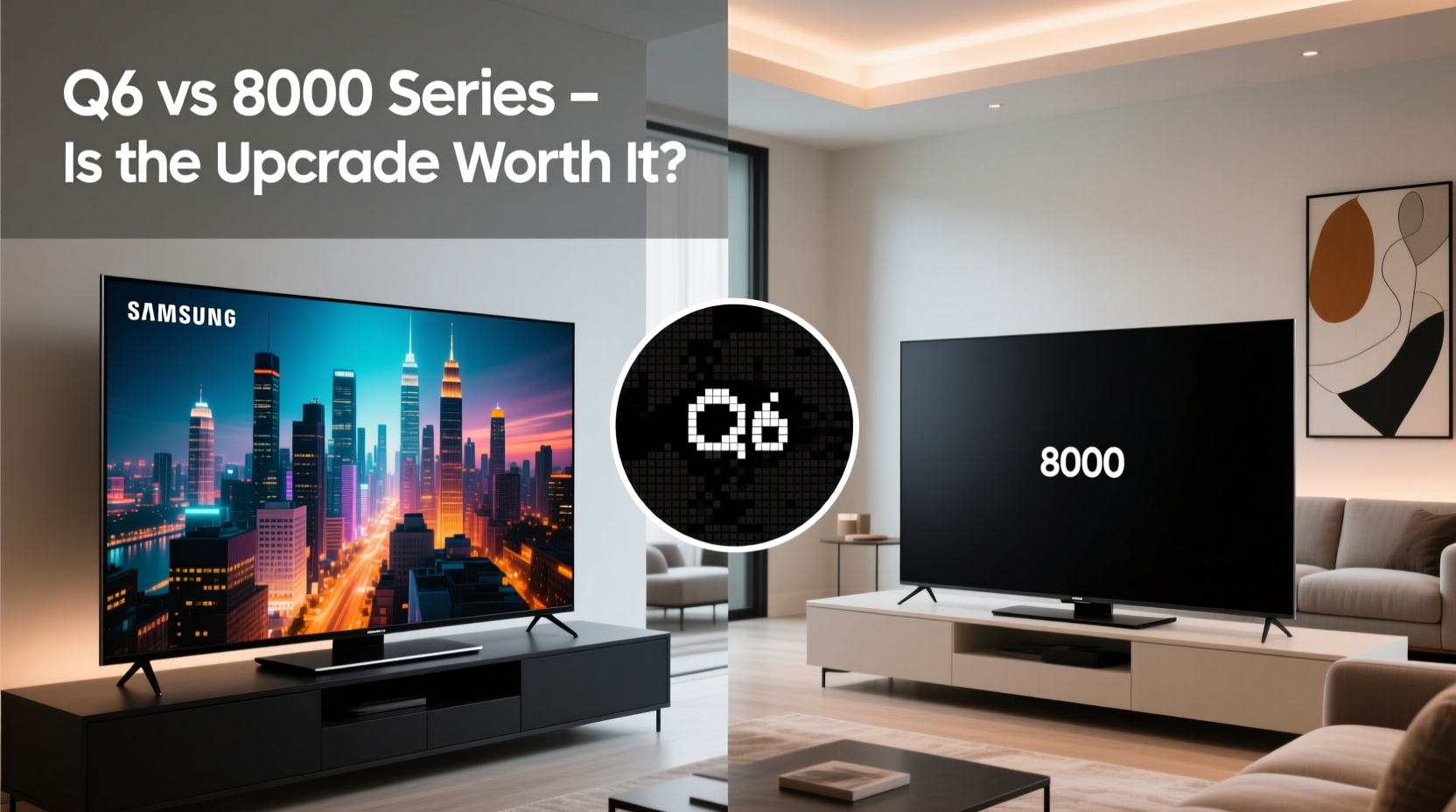
The foundation of any TV experience lies in its display. Both the Samsung Q6 and 8000 series utilize QLED technology, which relies on quantum dots to enhance color volume and brightness compared to standard LED-LCD panels. However, subtle but meaningful differences exist between the two.
The Q6 typically uses a more refined version of Samsung’s Direct Full Array backlighting, offering better local dimming control than the edge-lit or basic full-array systems found in many 8000 series models. This translates to improved contrast, especially in darker scenes. In a dimly lit room, the Q6 can deliver deeper blacks and less blooming around bright objects—a noticeable upgrade for movie enthusiasts.
In terms of peak brightness, the Q6 usually reaches higher nits (often 500–600), making it more effective in brightly lit environments. HDR content benefits from this extra headroom, with highlights like sunlight reflections or explosions appearing more lifelike. The 8000 series, while still capable, tends to max out around 400–500 nits, which can result in slightly washed-out HDR under strong ambient light.
Processing Power and Smart Features
Beneath the screen, the processor plays a crucial role in upscaling, motion handling, and interface responsiveness. The Q6 is equipped with Samsung’s newer Crystal Processor or a variant of the Quantum Processor, depending on region and year. This brings tangible improvements in noise reduction and detail enhancement when watching sub-4K content.
In practical terms, streaming services like Netflix at 1080p look sharper and cleaner on the Q6. Motion interpolation is also more refined, reducing judder during sports or action films without introducing the “soap opera effect” as aggressively as older models.
Both TVs run Samsung’s Tizen OS, so navigation, app availability, and voice assistant integration (Bixby, Alexa, Google Assistant) are nearly identical. However, the Q6 often includes a slimmer bezel and updated remote design, contributing to a more modern aesthetic and slightly better usability.
“Even incremental upgrades in processing can significantly improve everyday viewing, especially with mixed-resolution content.” — David Lin, Home Theater Analyst at AV Insight Weekly
Design and Build: A Matter of Subtlety
Aesthetics may seem secondary, but they influence how well a TV integrates into your space. The Q6 generally features a sleeker profile with thinner side bezels and a more minimalist stand. Some versions even support flush wall-mounting, giving it a near-borderless appearance when installed.
In contrast, the 8000 series often retains a bulkier frame and wider chin beneath the screen. While not unattractive, it feels more dated—particularly if you're aiming for a clean, contemporary setup. The materials used are similar (plastic with metal accents), but fit and finish on the Q6 tend to be more consistent across units.
If you’re placing the TV in a prominent living area or mounting it above a fireplace, these design nuances can matter more than expected. A visually lighter TV draws attention to the content, not the hardware.
Gaming and Input Performance
For gamers, input lag, refresh rate, and HDMI 2.1 features are decisive factors. Neither the Q6 nor most 8000 series models offer true 120Hz panels or Variable Refresh Rate (VRR), limiting their appeal for next-gen console owners seeking high-frame-rate gameplay.
That said, both support Game Mode, which reduces input lag to acceptable levels—around 13–18ms at 60Hz. The Q6 edges ahead with slightly faster response times and better motion clarity, thanks to enhanced processing and panel tuning. Auto Low Latency Mode (ALLM) is present on select Q6 models, automatically switching to Game Mode when a compatible device is detected.
| Feature | Samsung Q6 | Samsung 8000 Series |
|---|---|---|
| Panel Type | QLED, Direct Full Array | QLED, Edge-lit or Basic Full Array |
| Peak Brightness | 500–600 nits | 400–500 nits |
| Processor | Crystal / Quantum Processor | Standard Quad Core or HD Processor |
| HDMI 2.1 Features | Limited ALLM (model-dependent) | None |
| Input Lag (Game Mode) | ~13–15ms | ~16–18ms |
| Smart Platform | Tizen OS (latest) | Tizen OS (older version) |
Real-World Example: Upgrading from 8000 to Q6
Consider Mark, a cord-cutter who watches mostly streaming content and occasionally plays PS5 games. He owned a 65-inch 8000 series for three years and recently upgraded to the Q6 in the same size. His feedback reflects common user experiences: “The colors feel punchier, and I notice fewer halos around subtitles in dark scenes. During daytime TV, the screen handles glare better. For gaming, it’s not revolutionary, but menus feel snappier, and fast pans in documentaries don’t blur as much.”
Mark didn’t expect a leap akin to OLED, but he values the refinement. “It’s like going from a reliable sedan to a newer model with better suspension and quieter cabin noise—same road, smoother ride,” he said.
Is the Upgrade Worth It? A Practical Checklist
Before deciding whether to upgrade, assess your current setup and viewing habits. Use this checklist to guide your evaluation:
- Are you watching in a bright room? → The Q6’s higher brightness gives a clear advantage.
- Do you frequently watch HDR content? → Better dimming on the Q6 improves HDR realism.
- Is your 8000 series more than 3–4 years old? → Newer processing enhances lower-quality streams.
- Do you game casually? → Minor lag reduction helps, but don’t expect pro-level performance.
- Is design important in your space? → The Q6 offers a more modern, minimalist look.
- Are you on a tight budget? → If your 8000 series still performs well, the upgrade may not be urgent.
Frequently Asked Questions
Can the Q6 replace an OLED for most users?
Not entirely. While the Q6 improves upon the 8000 series, it still lacks perfect blacks and infinite contrast. However, for bright rooms and casual viewing, it delivers a compelling QLED experience that satisfies most non-audiophiles.
Does the Q6 support Apple AirPlay and HomeKit?
Yes, newer Q6 models include AirPlay 2 and HomeKit support, allowing seamless integration with iPhones, iPads, and Macs—unlike many older 8000 series units.
Will the Q6 last longer than the 8000 series?
There’s no significant difference in lifespan. Both use similar panel technologies with comparable durability. Longevity depends more on usage patterns and environmental factors than model year.
Final Verdict: When to Upgrade—and When to Wait
The Samsung Q6 represents a thoughtful evolution over the 8000 series, not a revolution. If you’re still using an early-generation 8000 model and value brighter images, better contrast, and a refreshed interface, the upgrade makes sense—especially if you find the Q6 at a competitive price.
However, if your 8000 series TV is functioning well and you don’t watch much HDR or stream in challenging lighting, the gains may feel marginal. In that case, consider saving for a higher-tier model like the Q80 or even an entry-level OLED, where the leap in quality is far more pronounced.




 浙公网安备
33010002000092号
浙公网安备
33010002000092号 浙B2-20120091-4
Comments
No comments yet. Why don't you start the discussion?