
It’s been over a decade since the Samsung Galaxy S4 launched, and nearly eight years since the Galaxy S7 hit shelves. Yet, some users still rely on these devices—especially in regions where budget constraints or limited access to newer models persist. For those clinging to an S4 wondering if jumping to an S7 is worthwhile, the answer isn’t as straightforward as “yes” or “no.” It depends on your usage, expectations, and what you value in a smartphone experience.
The leap from the S4 to the S7 was one of the most significant in Samsung’s early flagship evolution. While both phones are now considered obsolete by modern standards, understanding their differences helps clarify whether that upgrade still holds practical value today—even if only for secondary use, emergency backup, or light-duty tasks.
Performance & Hardware: A Generational Leap
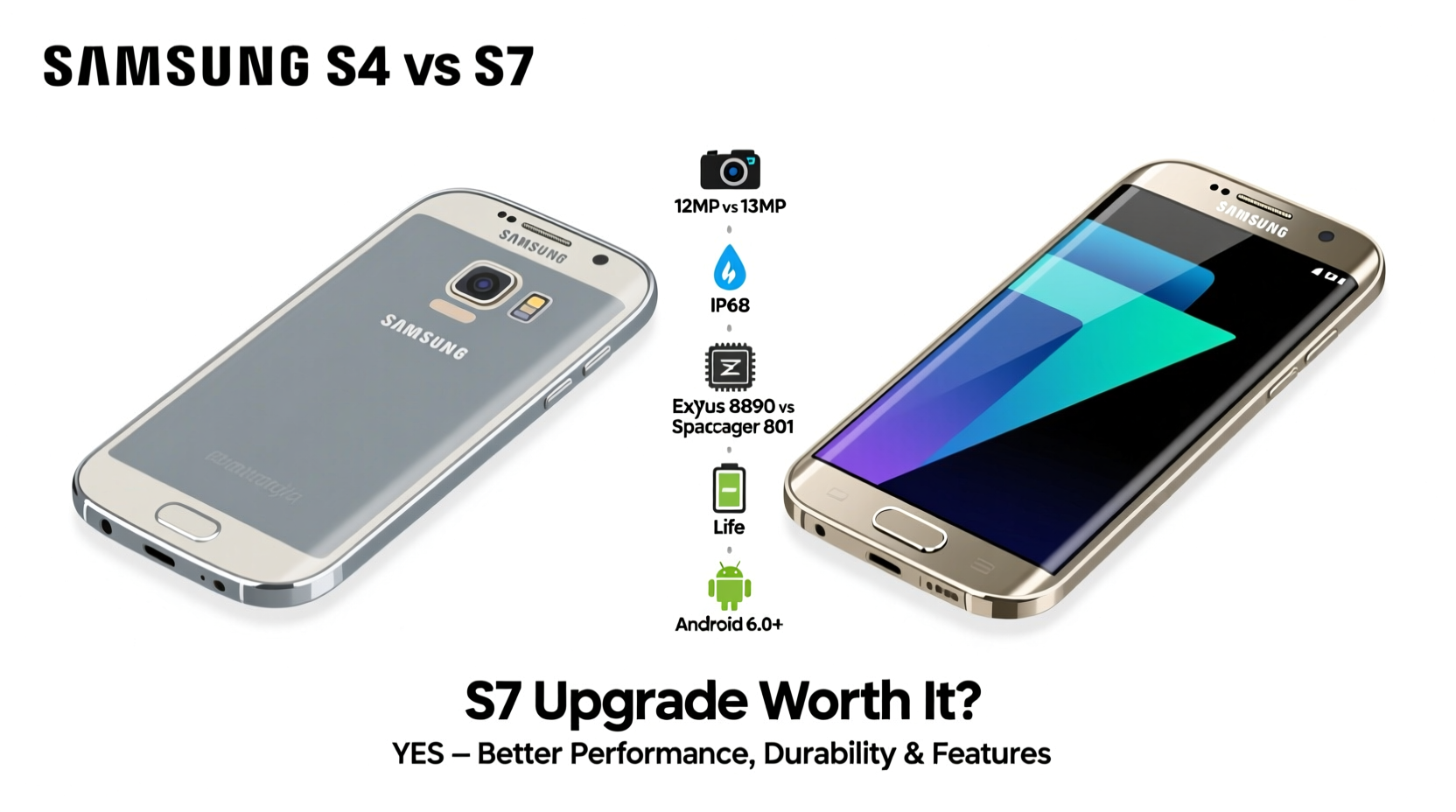
The Galaxy S4, released in 2013, ran on either an Exynos 5 Octa or Qualcomm Snapdragon 600, depending on region. At the time, this was top-tier hardware, but by today’s standards, it struggles with even basic multitasking. The S4 came with 2GB of RAM and up to 64GB of storage—modest even back then.
In contrast, the Galaxy S7 (2016) featured the more powerful Snapdragon 820 or Exynos 8890, paired with 4GB of RAM. This doubled memory capacity made a noticeable difference in app switching, gaming, and overall responsiveness. Apps loaded faster, background processes were smoother, and the user interface felt significantly more fluid.
Benchmark scores reflect this gap clearly. The S7 typically scored around 100,000 on Antutu, while the S4 hovered near 30,000. That’s more than a threefold improvement in raw processing power. Real-world impact? The S7 could handle HD video streaming, moderate photo editing, and social media apps without constant lag.
Camera Quality: Night and Day Difference
One area where the S7 outshines the S4 dramatically is photography. The S4 had a respectable 13MP rear sensor for its time, but low-light performance was poor, autofocus slow, and dynamic range limited. Image processing introduced heavy noise reduction, often smudging details.
The S7 introduced a revolutionary 12MP Dual Pixel sensor with larger pixels (1.4µm vs 1.12µm), f/1.7 aperture, and improved software algorithms. This meant better light capture, faster focusing—even in dim environments—and richer color reproduction. In side-by-side comparisons, S7 photos consistently show superior clarity, especially after sunset.
“Even among older phones, the S7’s camera remains surprisingly competent for casual shooting.” — David Lin, Mobile Photography Analyst at TechLegacy Review
Front cameras also saw an upgrade: the S4’s 2MP shooter was replaced with a 5MP unit on the S7, offering clearer selfies and better video calls. Optical Image Stabilization (OIS) on the S7 further enhanced photo stability, reducing blur from hand movement.
Battery Life and Charging: Practical Gains
The S4 packed a 2,600mAh battery, which under moderate use lasted about a day. However, aging batteries today likely deliver far less—sometimes just a few hours. Fast charging was not supported, meaning full recharges took over two hours.
The S7 improved this with a 3,000mAh cell and support for Quick Charge 2.0 and Adaptive Fast Charging. With regular use, the S7 could last a full day, and fast charging allowed ~50% charge in 30 minutes. This alone makes the S7 more viable for anyone needing reliable uptime.
Another critical advantage: the S7 retained a microSD card slot and water resistance (IP68 rating)—features the S4 lacked. You could expand storage up to 256GB and survive accidental spills or rain exposure.
Detailed Comparison Table
| Feature | Samsung Galaxy S4 | Samsung Galaxy S7 |
|---|---|---|
| Release Year | 2013 | 2016 |
| Processor | Exynos 5 Octa / Snapdragon 600 | Exynos 8890 / Snapdragon 820 |
| RAM | 2GB | 4GB |
| Rear Camera | 13MP, f/2.2 | 12MP Dual Pixel, f/1.7 |
| Front Camera | 2MP | 5MP |
| Battery | 2,600mAh (non-removable) | 3,000mAh, IP68 rated |
| Charging | Standard USB charging | Quick Charge 2.0 & Adaptive Fast Charging |
| Storage Expandable | Yes (microSD) | Yes (microSD + UFS 2.0) |
| Water Resistance | No | IP68 (up to 1.5m for 30 mins) |
| Last OS Version | Android 5.0.1 Lollipop | Android 8.0 Oreo (with security updates until 2019) |
Real-World Example: Maria’s Upgrade Journey
Maria, a small business owner in rural Guatemala, used her Galaxy S4 for six years—managing inventory, WhatsApp orders, and customer photos. By 2021, the phone barely held a charge past noon, apps crashed constantly, and taking product pictures required multiple attempts due to shutter lag.
She found a used Galaxy S7 online for $70. After switching, she reported immediate improvements: longer battery life let her work through market days without carrying a power bank; faster app loading helped her respond quicker to messages; and the better camera allowed her to take crisp product shots that boosted sales on social media.
For Maria, upgrading wasn’t about chasing specs—it was about functionality. The S7 restored reliability she hadn’t realized she’d lost.
Is Upgrading Still Worth It in 2024?
As of 2024, neither phone receives security updates or official app support. Google Play Services may function intermittently, and many modern apps—including banking, ride-sharing, and streaming platforms—either won’t install or run poorly.
However, if you’re using the S4 as a backup device, kid’s tablet, or offline media player, moving to the S7 offers tangible benefits:
- Faster performance for web browsing and YouTube
- Better camera for scanning documents or capturing memories
- Water resistance adds durability
- Longer-lasting battery reduces charging anxiety
That said, spending more than $50–$70 on an S7 isn’t advisable unless it's part of a collection or for nostalgic purposes. Modern budget phones like the Samsung Galaxy A14 or Motorola Moto G Power offer far better value, with current Android versions, LTE connectivity, and ongoing support.
Checklist: Should You Upgrade from S4 to S7?
- Are you still actively using the S4 daily? → Yes = Stronger case for upgrade
- Do you need better camera quality? → Yes = S7 wins decisively
- Is battery life a major pain point? → Yes = S7 provides relief
- Will you pay more than $70? → If yes, consider newer alternatives
- Do you rely on modern apps (e.g., Zoom, banking, Google Maps)? → Likely problematic on either device
Frequently Asked Questions
Can the Galaxy S7 still connect to modern networks?
Yes, the S7 supports LTE bands used by most carriers globally. However, some U.S. providers have begun phasing out 3G, which may affect fallback connectivity. VoLTE compatibility varies by carrier and firmware version.
Is the S7 safe to use in 2024?
Not entirely. Without security patches since 2019, both phones are vulnerable to malware, phishing, and data breaches—especially when downloading files or visiting untrusted sites. Avoid entering passwords or financial info on either device.
Why does the S7 have fewer megapixels but better photos?
Megapixels aren’t everything. The S7 uses larger pixels (1.4µm vs 1.12µm) and Dual Pixel autofocus technology, allowing more light capture and faster focus. This results in cleaner, sharper images, particularly in low light.
Final Verdict: Upgrade Only Under Specific Conditions
Upgrading from the S4 to the S7 is no longer a future-proof move—it’s a stopgap solution. If you already own an S7 or can acquire one cheaply (<$60), the jump makes sense purely for usability gains. But investing significant money into either device is hard to justify in 2024.
Today’s cheapest smartphones outperform the S7 in almost every category: security, software support, battery efficiency, and app compatibility. Even refurbished mid-range models from 2019–2020 offer better long-term utility.




 浙公网安备
33010002000092号
浙公网安备
33010002000092号 浙B2-20120091-4
Comments
No comments yet. Why don't you start the discussion?