
The Samsung T3 and T5 are two of the most popular external solid-state drives in recent years, both praised for their compact size, reliability, and performance. But with newer models on the market, many users wonder: if you already own a T3, is upgrading to the T5 truly worthwhile? The answer depends on your workflow, storage demands, and expectations from portable storage. This article breaks down every critical difference between the T3 and T5—speed, build quality, security, compatibility, and price—to help you decide whether the upgrade justifies the cost.
Performance: Speed and Real-World Transfer Rates
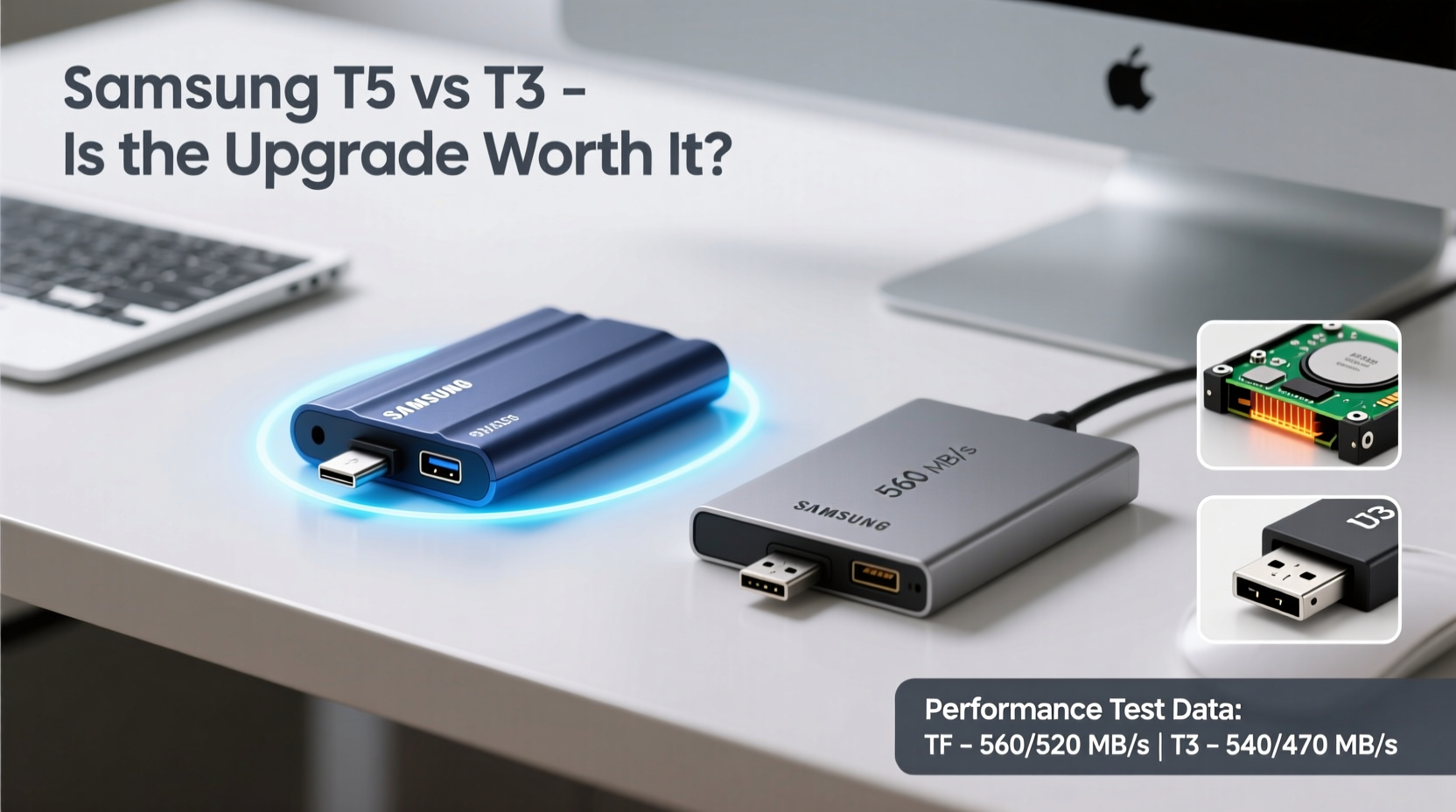
One of the most cited reasons to upgrade from the T3 to the T5 is performance. Both drives use Samsung’s V-NAND technology and connect via USB 3.1 Gen 2 (USB-C), but the T5 benefits from improved controller efficiency and firmware optimization.
The T3 offers sequential read speeds up to 450 MB/s and write speeds around 440 MB/s. In contrast, the T5 pushes read speeds up to 540 MB/s and writes up to 520 MB/s—a noticeable jump, especially when handling large video files, photo libraries, or software development projects.
However, real-world performance gains depend heavily on your host device. Older laptops with USB 3.0 ports will bottleneck both drives, making the theoretical advantage of the T5 less impactful. Only systems supporting USB 3.1 Gen 2 fully unlock the T5’s potential.
Design and Durability: Built for Modern Mobility
Samsung refined the physical design between generations. While both drives are roughly the same size—about the footprint of a credit card and only 10mm thick—the T5 features a more modern aluminum body with a brushed finish that resists fingerprints better than the T3’s glossy surface.
Durability is another area where the T5 pulls ahead. It’s rated to withstand drops from up to 2 meters, thanks to internal shock-absorbing construction. The T3 lacks an official drop rating, though it’s still reasonably sturdy. For professionals who travel often or carry their drives in crowded bags, this added resilience matters.
The T5 also includes a status LED indicator showing power and data activity—a small but useful feature missing on the T3. You’ll know at a glance whether the drive is actively reading or writing, reducing the risk of unsafe disconnection.
Security Features: Hardware Encryption and Password Protection
Data security has become non-negotiable, especially for creatives and business users storing sensitive information. Both the T3 and T5 include AES 256-bit hardware encryption, which secures data at the drive level without taxing your computer’s CPU.
However, the T5 comes with updated software—Samsung Portable SSD Software—that offers enhanced password protection and easier management across multiple drives. You can set different passwords per drive, schedule auto-lock timers, and even integrate biometric login (via Windows Hello) when used with compatible systems.
“Hardware encryption ensures your data remains secure even if the drive is lost or stolen.” — David Lin, Cybersecurity Analyst at SecureEdge Labs
If you handle client files, financial records, or personal media collections, these refinements make the T5 a smarter long-term choice—even if the core encryption standard hasn’t changed.
Detailed Comparison Table: T3 vs T5 at a Glance
| Feature | Samsung T3 | Samsung T5 |
|---|---|---|
| Capacity Options | 250GB, 500GB, 1TB, 2TB | 250GB, 500GB, 1TB, 2TB |
| Interface | USB 3.1 Gen 1 (5 Gbps) | USB 3.1 Gen 2 (10 Gbps) |
| Max Read Speed | Up to 450 MB/s | Up to 540 MB/s |
| Max Write Speed | Up to 440 MB/s | Up to 520 MB/s |
| Encryption | AES 256-bit | AES 256-bit (enhanced software) |
| Drop Resistance | Not officially rated | Up to 2 meters |
| Status Indicator | No | Yes (LED) |
| OS Compatibility | Windows, Mac, Android | Windows, Mac, Android |
| Warranty | 3 years | 3 years |
Real-World Example: Upgrading for Video Editing Workflow
Consider Mark, a freelance videographer using Adobe Premiere Pro on a mid-2017 MacBook Pro. He owns a 1TB T3 where he stores project files and exports final videos. Recently, he noticed longer-than-expected export times and occasional frame drops during playback of multi-cam timelines.
After upgrading to a T5, his timeline responsiveness improved noticeably. Exporting a 10-minute 4K video dropped from 18 minutes to 13 minutes—a 28% reduction. While part of this gain came from faster sustained write speeds, the smoother scrubbing experience was due to quicker random access performance on the T5’s optimized controller.
For Mark, the $60 price difference was justified by increased productivity and reduced rendering frustration. However, if he were only backing up documents or music, the improvement would have been imperceptible.
When Should You Upgrade? A Practical Checklist
Deciding whether to upgrade shouldn't be based solely on specs. Use this checklist to evaluate your needs:
- Are you regularly transferring files larger than 10GB? (e.g., video projects, VMs, game libraries)
- Do you use a modern laptop/desktop with USB 3.1 Gen 2 support?
- Is your current T3 showing signs of wear or slowdown?
- Do you need better physical protection for fieldwork or travel?
- Would advanced security features (like auto-lock or biometric integration) add value?
If three or more apply, the T5 is likely a worthwhile investment. Otherwise, your T3 may still serve you well for years.
Frequently Asked Questions
Can I use the Samsung T5 with older USB-A ports?
Yes. The T5 includes a USB-C to USB-C cable and a USB-C to USB-A adapter. When connected to USB 3.0/3.1 Gen 1 ports, speeds will be limited to around 400–450 MB/s—similar to the T3. You only get full speed on systems with USB 3.1 Gen 2 (10 Gbps) support.
Is there any difference in lifespan between the T3 and T5?
Both drives use similar MLC NAND flash memory and have comparable endurance ratings—typically around 300 TBW (terabytes written) for the 1TB model. There's no evidence the T5 lasts significantly longer under normal use, though its improved thermal management may reduce throttling during prolonged transfers.
Does the T5 work with PlayStation or Xbox?
Yes. Both the T3 and T5 are compatible with PS4, PS5, and Xbox Series X/S for expanding game storage. However, only PS5 supports ultra-fast NVMe drives internally; external USB SSDs like these are limited to copying and playing PS4 games.
Final Verdict: Is the T5 Worth the Upgrade?
The Samsung T5 isn't a revolutionary leap over the T3, but it is a meaningful refinement. The faster speeds, better build quality, drop resistance, and improved software suite collectively justify the upgrade—for certain users. If you're a creative professional, frequent traveler, or someone who values cutting-edge performance and peace of mind, spending extra for the T5 makes sense.
But if your T3 still performs reliably and you’re mainly doing light file transfers or backups, the practical benefit of upgrading is minimal. Technology evolves fast, but so does planned obsolescence. Sometimes, “good enough” truly is good enough.




 浙公网安备
33010002000092号
浙公网安备
33010002000092号 浙B2-20120091-4
Comments
No comments yet. Why don't you start the discussion?