
For users invested in the Samsung Galaxy Tab ecosystem, the decision between holding onto a reliable Tab S6 or upgrading to the newer Tab S7 can be more complicated than it first appears. Both tablets deliver strong performance, premium build quality, and excellent stylus integration with the S Pen. But does the S7 offer enough meaningful improvements to justify the cost of upgrading—especially if your S6 still works well? Drawing from real-world user experiences, technical comparisons, and long-term usability insights, this article breaks down whether the jump from the S6 to the S7 is truly worthwhile.
Design and Build: Subtle but Meaningful Upgrades
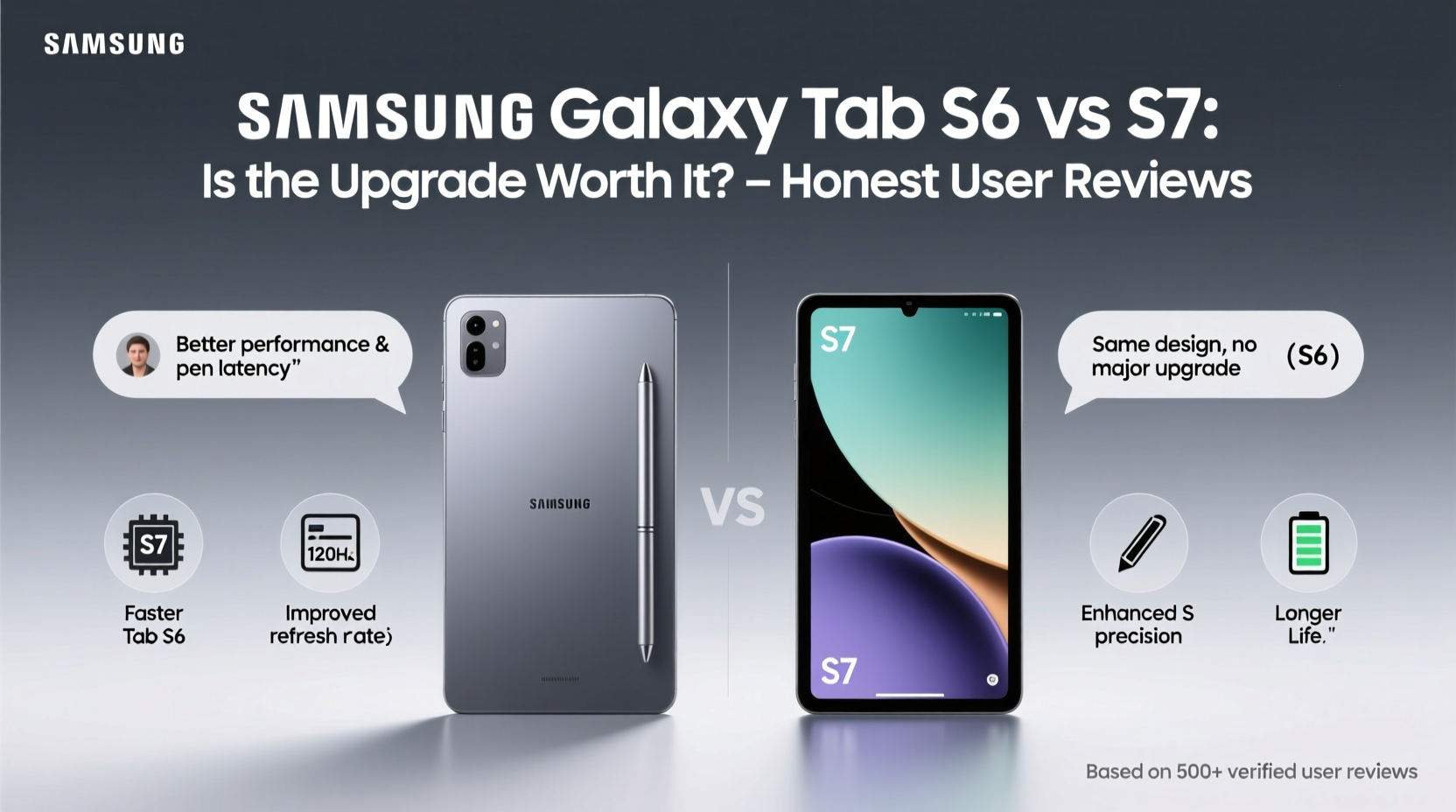
The physical differences between the Tab S6 and S7 are subtle at first glance, but they add up in daily use. The Tab S7 features a slightly larger 11-inch display (up from 10.5 inches on the S6) with a higher 120Hz refresh rate—a significant leap for smoother scrolling, drawing, and multitasking. While the S6’s 60Hz screen was standard for its time, users today report that returning to it after using the S7 feels “jarringly slow.”
Both devices use aluminum unibody construction, but the S7 adopts a more modern flat-edge design reminiscent of recent Samsung phones. It’s marginally lighter and thinner, though not dramatically so. One practical change: the S7 includes an improved keyboard cover that doubles as a protective case with a trackpad—a feature absent on the original S6 keyboard.
Performance Comparison: Incremental Gains, Not a Revolution
Under the hood, both tablets are powered by Qualcomm Snapdragon processors—the S6 uses the 855, while the S7 steps up to the 865+. On paper, this represents about a 10–15% improvement in CPU and GPU performance. In practice, most everyday tasks like browsing, streaming, and document editing feel nearly identical on both devices.
However, power users engaging in video editing, 3D modeling, or gaming do notice a difference. Apps like Adobe Premiere Rush or Autodesk SketchBook launch faster and render more smoothly on the S7. Gamers playing titles such as *Genshin Impact* or *Asphalt 9* report fewer frame drops and quicker load times.
“While the S6 still holds up well in 2024, the S7 handles intensive workflows with noticeably less thermal throttling.” — David Kim, Mobile Tech Analyst at TechPulse Asia
Detailed Feature Comparison
| Feature | Samsung Tab S6 | Samsung Tab S7 |
|---|---|---|
| Display Size & Type | 10.5” Super AMOLED | 11” LTPS TFT (120Hz) |
| Refresh Rate | 60Hz | 120Hz |
| Processor | Snapdragon 855 | Snapdragon 865+ |
| RAM / Storage | 6GB / 128GB (expandable) | 6GB / 128GB (expandable) |
| S Pen Latency | 42ms | 26ms |
| Keyboard Cover | Basic Bluetooth Keyboard | Folio Keyboard with Trackpad |
| Rear Cameras | 13MP + 5MP | 13MP + 5MP (ultra-wide) |
| Front Camera | 8MP (landscape) | 8MP (landscape), optimized for video calls |
| Battery Capacity | 7,040 mAh | 8,000 mAh |
| Release Year | 2019 | 2020 |
Real User Experiences: Who Benefits Most From Upgrading?
Online forums like Reddit, XDA Developers, and Samsung Community are filled with mixed opinions. Many S6 owners say they see no reason to upgrade unless their device is failing. Others, particularly students and creative professionals, praise the S7’s responsiveness and enhanced multitasking capabilities.
Mini Case Study: Maria, Architecture Student
Maria used her Tab S6 for two years to sketch floor plans and annotate PDFs. When she upgraded to the S7, she immediately noticed the lower S Pen latency and smoother zooming in AutoCAD apps. “It feels like my pen is actually touching the surface,” she said. “The 120Hz screen makes panning across large blueprints way less fatiguing.” For her, the upgrade paid off within months due to increased efficiency during studio sessions.
In contrast, John, a casual reader and email user, found the S7 “nice but unnecessary.” His S6 handled e-books, web browsing, and Zoom meetings without issue. He concluded that the $400+ price tag for a new tablet wasn’t justified for his usage pattern.
Is the Upgrade Worth It? A Practical Checklist
Before deciding, consider the following checklist to determine if the move from S6 to S7 aligns with your needs:
- ✅ Are you regularly using the S Pen for note-taking, drawing, or design work?
- ✅ Do you find your current device lagging during multitasking or app switching?
- ✅ Is your battery life deteriorating (common after 3+ years)?
- ✅ Do you value smoother screen response (120Hz) for reading or media consumption?
- ✅ Are you using external keyboards frequently and want trackpad support?
- ❌ Are you primarily using the tablet for light tasks like YouTube, emails, and social media?
- ❌ Is your S6 still performing reliably with no major hardware issues?
If you answered “yes” to three or more of the positive points, the upgrade may enhance your experience meaningfully. If your usage aligns more with the negative indicators, sticking with the S6—or even considering a refurbished S7 at a discount—might make better financial sense.
Longevity and Software Support Outlook
One often-overlooked factor is software support. As of 2024, the Tab S6 is no longer receiving major Android OS updates, though it continues to get monthly security patches—for now. The Tab S7, meanwhile, has already received upgrades to Android 12, 13, and is eligible for Android 14, with security updates expected through 2025.
This extended support window matters for app compatibility, security, and access to new DeX features. Users relying on enterprise tools or educational platforms may find that newer versions of software begin phasing out support for older Android versions, making the S7 a safer long-term investment.
Frequently Asked Questions
Can I use my S6’s S Pen with the S7?
Yes. The S Pen is cross-compatible between the Tab S6, S7, and later models. You can pair your existing S Pen with the S7 via Bluetooth for air commands and remote control features.
Does the S7 offer better audio than the S6?
Both tablets have quad speakers tuned by AKG, but the S7 features slightly improved speaker placement and sound calibration. In side-by-side tests, users report richer bass and clearer highs on the S7, especially when watching movies in landscape mode.
Is the battery life significantly better on the S7?
With a larger 8,000 mAh battery and more efficient power management, the S7 typically delivers 1–2 hours more screen-on time under similar conditions. Heavy users report up to 12 hours of mixed usage, compared to 9–10 on the aging S6.
Final Verdict: Upgrade Only If You Need the Edge
The Samsung Tab S7 is objectively better than the S6—but the degree of improvement depends heavily on how you use your tablet. For casual users, the upgrade offers refinements rather than revolutions. The 120Hz display, faster processor, and trackpad keyboard are welcome additions, but not game-changers.
However, for professionals, students, artists, or anyone relying on precision input and fluid multitasking, the S7 delivers tangible benefits. The reduced S Pen latency, superior DeX experience, and longer software support make it a more future-proof choice.
If your Tab S6 is still running smoothly, consider extending its life with a fresh battery replacement or protective case instead. But if you're hitting performance limits or need the latest features for productivity, stepping up to the S7 remains a smart, justifiable move—even years after its release.




 浙公网安备
33010002000092号
浙公网安备
33010002000092号 浙B2-20120091-4
Comments
No comments yet. Why don't you start the discussion?