
When shopping for a Samsung Galaxy Watch, one of the most consequential decisions you’ll face is choosing between the Bluetooth-only model and the LTE-enabled version. The LTE variant typically costs $50 to $100 more upfront—and often comes with a monthly carrier fee. That raises a critical question: does the added connectivity justify the extra expense? For some users, LTE transforms their smartwatch into a truly independent device. For others, it’s an underused feature that inflates the bill without delivering meaningful value.
The answer depends on your lifestyle, usage patterns, and how much autonomy you expect from your wearable. To help you decide, we’ll break down key differences in functionality, analyze real-world use cases, compare costs, and provide a clear framework for evaluating whether LTE is worth the investment.
How LTE and Bluetooth Connectivity Work on Samsung Watches
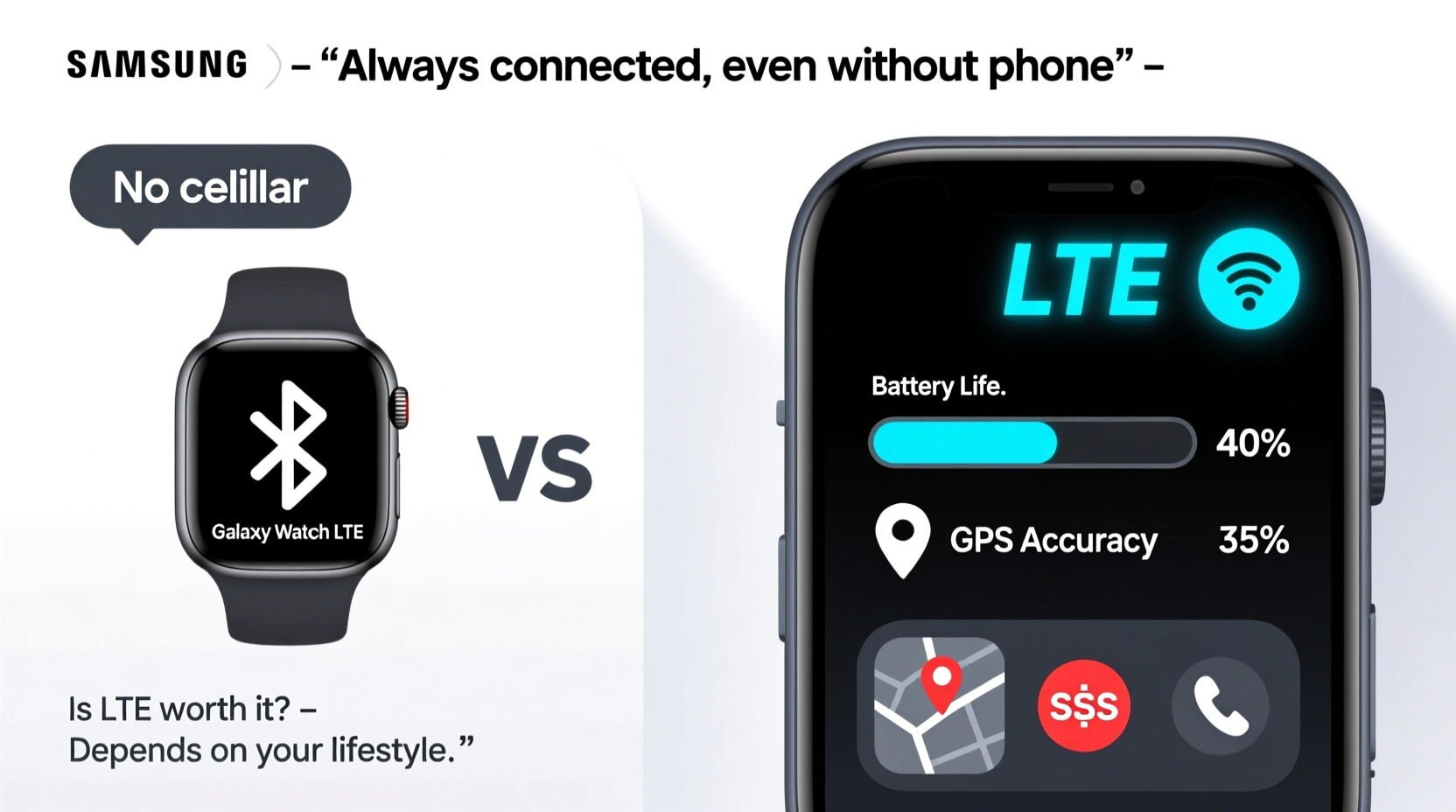
Samsung Galaxy Watches are designed to function as companions to your smartphone. In standard mode, they rely on Bluetooth to sync data, receive notifications, stream music, and make calls—provided your phone is within range (typically 30 feet). This setup works seamlessly for most daily tasks when your phone is nearby.
LTE models add a cellular radio, allowing the watch to connect directly to your mobile carrier’s network. With LTE enabled, you can:
- Make and receive phone calls without your phone
- Send and receive texts independently
- Stream music or podcasts via apps like Spotify
- Use GPS tracking during workouts even if you leave your phone behind
- Receive real-time notifications from email, social media, and messaging apps
This independence is powerful, but it only matters if your routine frequently separates you from your phone. If you always carry your device, the Bluetooth model may be sufficient.
Real-World Scenarios: Who Benefits Most from LTE?
LTE isn’t universally useful. Its value emerges in specific lifestyles and routines. Consider these scenarios:
Runners and Cyclists
Athletes who train outdoors often prefer leaving their phones at home to reduce bulk. With LTE, they can track routes via built-in GPS, stream music from cloud services, and stay reachable in emergencies—all without carrying a phone.
Fitness Enthusiasts at the Gym
If you work out in a locker room or crowded gym where phone access is inconvenient, an LTE watch lets you take calls, check messages, and control music from your wrist.
Parents and Caregivers
Parents chasing toddlers or caregivers managing multiple responsibilities may not always have pockets or bags for a phone. An LTE watch ensures they remain contactable during busy moments.
Commuting or Traveling
During subway rides or airport layovers, pulling out a phone repeatedly can be impractical. LTE enables seamless access to messages, navigation, and boarding passes directly from the wrist.
“Cellular connectivity turns the smartwatch from a notification mirror into a standalone communication tool.” — David Lin, Wearable Tech Analyst at TechPulse Insights
Cost Breakdown: What You’re Really Paying For
The premium for LTE isn’t just upfront—it extends into ongoing fees. Here’s a realistic cost comparison over two years:
| Cost Factor | Bluetooth Model | LTE Model |
|---|---|---|
| Upfront Device Cost | $299 | $379 |
| Monthly Carrier Fee | $0 | $10 (avg.) |
| Two-Year Total Cost | $299 | $619 |
| Battery Impact | Normal usage (~2 days) | Reduced (~1 day with LTE active) |
The LTE model costs nearly double over two years. Additionally, maintaining a separate line or adding a shared plan increases complexity. Some carriers offer promotions (e.g., free LTE for 6 months), but long-term ownership still incurs recurring charges.
Performance and Battery Life Trade-Offs
LTE enhances freedom—but at a cost to battery life. When actively using cellular data, your Galaxy Watch consumes power significantly faster. Even in standby, background syncing over LTE drains the battery more than Bluetooth.
Most LTE Samsung watches last about one full day with mixed usage, compared to 1.5 to 2 days on Bluetooth-only models. Frequent travelers or users who dislike daily charging may find this limitation frustrating.
Moreover, LTE performance varies by carrier and location. In areas with weak signal, the watch may struggle to maintain a stable connection, leading to dropped calls or delayed notifications—similar to a low-signal phone.
Mini Case Study: Alex, the Urban Runner
Alex, a 32-year-old software engineer in Chicago, runs five mornings a week before work. He used to carry his phone in a waistband pouch but found it cumbersome. After upgrading to a Galaxy Watch6 LTE, he left his phone at home during runs. He now streams offline playlists synced via LTE, tracks his route with GPS, and receives emergency alerts from family—all without interruption. For Alex, the $10 monthly fee is justified by convenience and safety.
However, on weekends, when he’s at home or commuting with his phone, he rarely uses LTE. His battery lasts longer when he disables cellular, confirming that LTE utility is situational.
Checklist: Should You Buy the LTE Model?
Before committing to LTE, ask yourself the following:
- Do I regularly exercise or commute without my phone?
- Would I benefit from taking calls or replying to messages from my wrist when my phone is out of reach?
- Am I willing to pay $10–$15 extra per month for cellular service?
- Can I manage one-day battery life, or do I need multi-day endurance?
- Do I already have a compatible carrier plan that supports wearable LTE?
- Will I use LTE features enough to justify the higher resale value loss?
If you answered “yes” to three or more, LTE is likely a worthwhile upgrade. Otherwise, the Bluetooth model offers nearly identical core functionality at a lower total cost.
FAQ: Common Questions About Samsung Watch LTE
Can I switch between LTE and Bluetooth on the same watch?
Yes. LTE models support both connectivity types. You can disable LTE and use Bluetooth when your phone is nearby to conserve battery.
Do I need a separate phone number for the LTE watch?
No. Samsung’s LTE watches use Number Share, which mirrors your smartphone’s number. Calls and texts appear to come from your primary line.
Does LTE work internationally?
Limited support. Most U.S.-purchased LTE watches aren’t optimized for global networks. Roaming capabilities are restricted, and international data plans for wearables are rare. Travelers should rely on Wi-Fi and Bluetooth abroad.
Final Verdict: Is LTE Worth It?
For the average user who keeps their phone close throughout the day, the Bluetooth model delivers 90% of the experience at a fraction of the cost. Notifications, health tracking, app integration, and music control all work flawlessly over Bluetooth when paired with a Galaxy phone.
LTE shines in niche but meaningful situations—when you’re actively separating from your phone and still want full connectivity. It’s less about constant use and more about peace of mind: knowing you won’t miss an urgent call while jogging, or that your child can reach you during pickup even if your phone is buried in a bag.
Think of LTE as insurance for connectivity. You may not use it every day, but when you need it, it’s invaluable.




 浙公网安备
33010002000092号
浙公网安备
33010002000092号 浙B2-20120091-4
Comments
No comments yet. Why don't you start the discussion?