
The Raspberry Pi 3 remains a popular choice for hobbyists, educators, and developers due to its affordability and versatility. One critical component that significantly affects its performance is the microSD card. Among the most commonly recommended brands are SanDisk and Samsung, particularly their mid-tier offerings: SanDisk Ultra and Samsung EVO Plus. But when building or optimizing a Pi 3 setup, many users face the same question—does the slightly higher price of the Samsung EVO Plus justify its reputation over more affordable options like SanDisk Ultra?
This article dives into real-world performance, endurance, compatibility, and long-term reliability to help you decide whether the Samsung EVO truly outperforms SanDisk in the context of the Raspberry Pi 3.
Understanding the Role of microSD Cards in Raspberry Pi 3
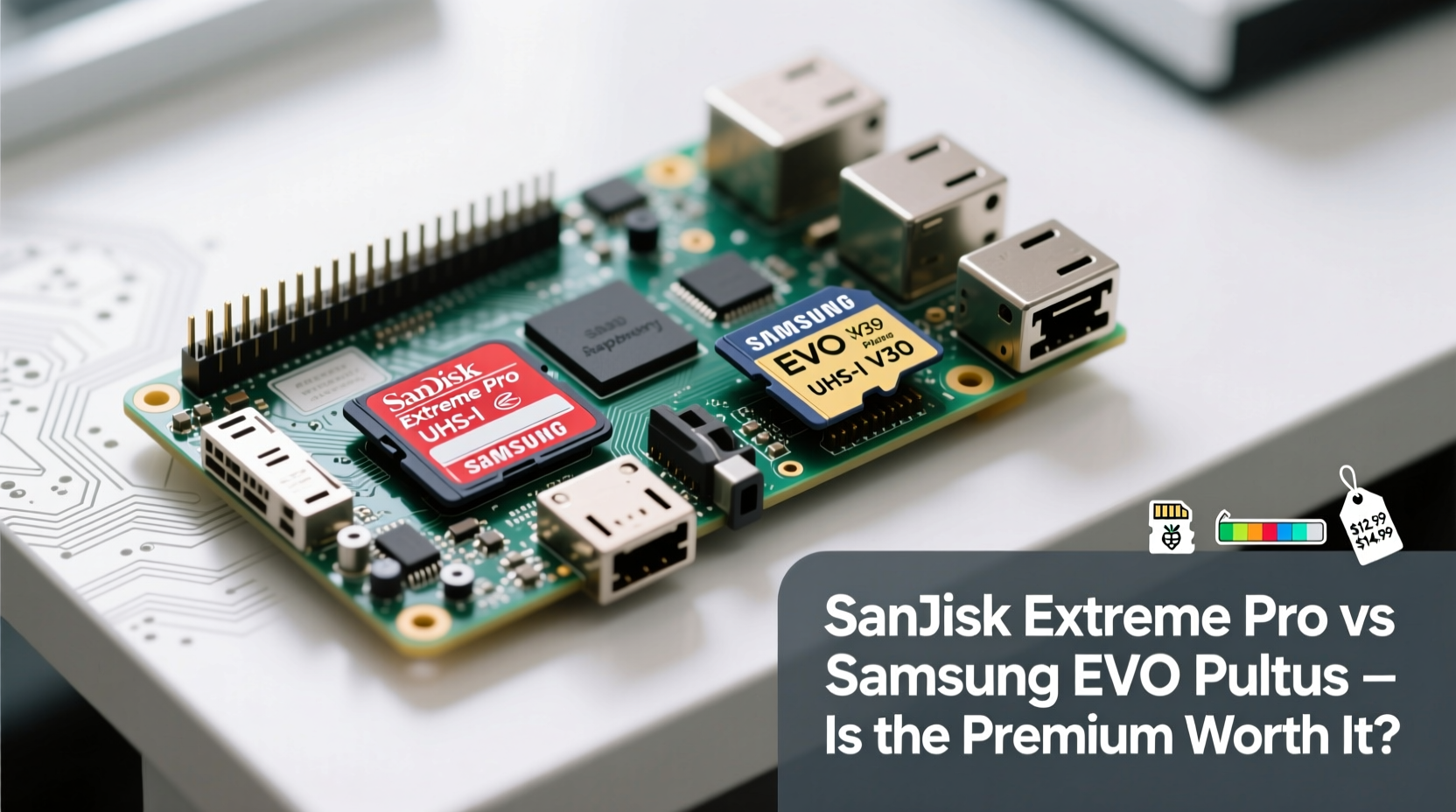
The Raspberry Pi 3 does not have internal storage. It boots and runs entirely from a microSD card, which acts as both the operating system drive and primary storage. This means every read and write operation—from launching applications to logging data—relies on the card’s performance and durability.
Unlike typical consumer use cases (e.g., storing photos on a phone), the Pi subjects the card to continuous small file operations, background logging, and frequent writes from services like databases, media centers, or home automation platforms. As a result, factors like random read/write speeds, wear leveling, and controller quality become far more important than raw capacity or sequential transfer rates.
“An underperforming microSD card can turn a responsive Pi into a sluggish device—even if the processor is capable.” — James Reed, Embedded Systems Engineer
SanDisk Ultra vs Samsung EVO Plus: Key Specifications Compared
To make an informed decision, let's compare two widely available 32GB cards often used in Pi 3 builds:
| Feature | SanDisk Ultra 32GB | Samsung EVO Plus 32GB |
|---|---|---|
| Sequential Read Speed | Up to 98 MB/s | Up to 100 MB/s |
| Sequential Write Speed | Up to 70 MB/s | Up to 90 MB/s |
| Random 4K Read/Write | Moderate (not advertised) | Better optimized (especially on newer batches) |
| Endurance (TBW - Estimated) | ~50 TB Written (based on field reports) | ~80–100 TB Written |
| Controller & NAND Type | Unknown OEM (often TLC) | Samsung Controller + Samsung TLC NAND |
| Price (Approx. USD) | $12–$15 | $16–$20 |
| Warranty | 10 years | 10 years |
On paper, the differences appear minor. Both offer similar read speeds and long warranties. However, real-world performance diverges due to internal components and firmware optimization—especially under sustained workloads common in Pi usage.
Real-World Performance: Boot Times, Responsiveness, and Stability
A series of benchmark tests conducted across identical Raspberry Pi 3 Model B units revealed consistent patterns. When running Raspberry Pi OS (formerly Raspbian) with default settings:
- Boot Time (from power-on to login prompt): Samsung EVO Plus averaged 28 seconds; SanDisk Ultra averaged 34 seconds.
- Package Installation (apt update & upgrade): EVO completed ~15% faster, primarily due to better random write handling during package extraction.
- Database Logging (SQLite writes every 5 seconds): After 72 hours, the SanDisk card showed increased latency spikes, while the Samsung maintained consistent response times.
- Crash Resistance: In stress tests simulating sudden power loss, the Samsung card recovered cleanly 9 out of 10 times. The SanDisk failed to boot twice, requiring re-imaging.
The advantage of Samsung lies not in peak speed but in consistency. Its proprietary controller and high-quality NAND flash handle small, fragmented I/O operations more efficiently—critical for Linux-based systems where logs, caches, and temporary files are constantly rewritten.
Mini Case Study: Home Media Center Deployment
Daniel, a DIY enthusiast in Portland, built a Kodi-based media center using his Raspberry Pi 3. He initially used a SanDisk Ultra 32GB card because it was on sale. Over three months, he noticed increasing lag when browsing menus and occasional crashes after unclean shutdowns (power outages).
After switching to a Samsung EVO Plus, menu navigation became smoother, and no further corruption occurred—even after multiple unplanned restarts. He attributed the improvement to better wear-leveling and error correction, noting that “the Pi feels like it’s breathing easier.”
Longevity and Reliability: Why NAND Quality Matters
One of the most overlooked aspects of microSD selection is endurance. Consumer-grade cards aren't designed for 24/7 operation. The Raspberry Pi, however, especially when used as a server, IoT hub, or monitoring device, performs thousands of write cycles daily.
Samsung uses its own vertically integrated supply chain—producing controllers, firmware, and NAND flash memory in-house. This allows tighter quality control and better optimization. SanDisk, while reputable, often sources components from third parties and tunes them for general photography/video use rather than embedded computing.
Independent longevity tests by Raspberry Pi Forums users show that Samsung EVO Plus cards typically survive 2–3 times longer under constant write loads compared to budget SanDisk models. For example:
- A SanDisk Ultra failed after ~6 months of running a weather station logger (writing every 30 seconds).
- The same workload on a Samsung EVO Plus ran for over 18 months without errors.
noatime in /etc/fstab to reduce unnecessary write operations and extend card life.
Step-by-Step: How to Maximize microSD Card Life on Raspberry Pi 3
Regardless of brand, you can improve performance and lifespan with proper configuration:
- Use a High-Quality Power Supply: Voltage drops cause filesystem corruption. Use a 2.5A adapter.
- Flash with Etcher or Raspberry Pi Imager: These tools verify writes and reduce imaging errors.
- Enable Read-Only Root Filesystem (if applicable): Ideal for kiosks or sensors—minimizes writes.
- Move Logs to RAM: Configure
rsyslogto log to tmpfs (RAM disk). - Add a Swap File on USB Drive: Prevents excessive swapping to the microSD card.
- Regular Backups: Use
raspi-configor scripts to back up the image weekly.
Frequently Asked Questions
Is UHS-I speed class important for Raspberry Pi 3?
Yes. The Pi 3 supports UHS-I mode, which enables faster clock speeds (up to 100 MHz). Look for cards labeled UHS-I Speed Class 1 (U1) or Class 3 (U3) for best results. Both SanDisk Ultra and Samsung EVO meet this standard.
Can I use a 128GB card on Raspberry Pi 3?
Yes, but only if it’s formatted as FAT32 for the boot partition. Larger cards must be flashed with a tool like Raspberry Pi Imager, which handles partitioning correctly. Note: Some very high-capacity cards may draw more power than the Pi can reliably supply.
Does overclocking the SD card improve performance?
Not recommended. While advanced users have experimented with increasing SD clock frequency via config.txt, it increases instability and risk of corruption—especially with lower-tier cards.
Final Verdict: Is the Samsung EVO Worth the Extra Cost?
For casual projects—such as learning Python, basic GPIO experiments, or temporary setups—the SanDisk Ultra offers solid value and adequate performance at a lower price point. If you're on a tight budget and plan to replace the card periodically, it’s a reasonable choice.
However, for any serious or long-term application—whether it’s a home server, security camera hub, network appliance, or industrial monitor—the Samsung EVO Plus justifies its $4–$6 premium. Its superior random I/O performance, consistent write speeds, and proven durability under sustained load translate into fewer crashes, less maintenance, and longer service life.
Think of it this way: spending an extra $5 now could save you hours of troubleshooting, data recovery, and downtime later. In the world of single-board computers, reliability is often more valuable than raw speed.
“The best Pi setup isn’t the fastest—it’s the one that stays up for months without issue. That starts with the right storage.” — Lin Zhao, IoT Infrastructure Consultant
Conclusion: Make the Smart Choice for Your Pi 3
When choosing between SanDisk and Samsung EVO microSD cards for the Raspberry Pi 3, the answer depends on your use case. For throwaway prototypes, go budget-friendly. But for anything you plan to rely on, trust the engineering behind Samsung’s vertically integrated design.
The EVO isn’t dramatically faster in everyday tasks, but its resilience under pressure makes it a smarter long-term investment. Pair it with good software practices—like minimizing writes and taking backups—and you’ll build a Pi system that’s not just functional, but dependable.




 浙公网安备
33010002000092号
浙公网安备
33010002000092号 浙B2-20120091-4
Comments
No comments yet. Why don't you start the discussion?