
When you unbox a brand-new smartphone, laptop, tablet, or wireless earbuds, one question often lingers: should you charge it before using it for the first time? With conflicting advice circulating online—some urging users to charge to 100%, others warning against full charges—the truth is buried in battery chemistry, manufacturer guidelines, and real-world usage patterns. The answer isn’t always straightforward, but understanding modern lithium-ion and lithium-polymer batteries can help you make informed decisions that extend device lifespan and maintain performance.
Unlike older nickel-based batteries, today’s electronics rely on advanced lithium technology designed for convenience and longevity. But even with smart charging circuits and built-in safeguards, how you treat your device during its first few hours can set the tone for long-term battery health. This guide dives into the science, dispels myths, and offers practical steps to ensure your new tech starts strong and lasts longer.
The Evolution of Battery Technology
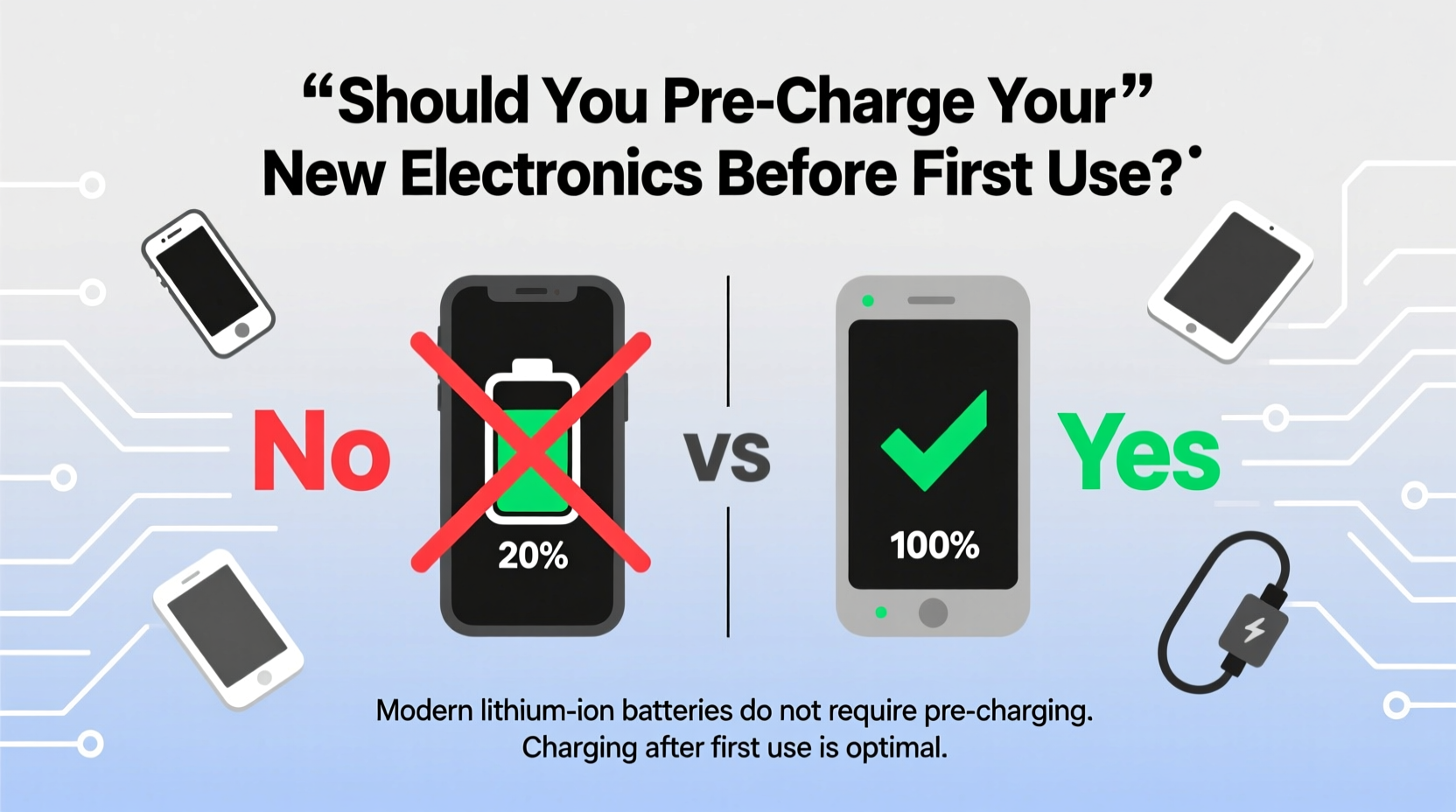
In the early days of mobile phones and portable electronics, nickel-cadmium (NiCd) and nickel-metal hydride (NiMH) batteries dominated the market. These chemistries suffered from a well-known issue called “memory effect,” where partial discharges followed by recharging could cause the battery to “remember” a lower capacity. To counteract this, users were advised to fully discharge and then fully recharge these batteries regularly, especially at first use.
Lithium-ion (Li-ion) and lithium-polymer (Li-Po) batteries, now standard in nearly all consumer electronics, operate differently. They have no memory effect, are more energy-dense, and include sophisticated internal management systems that regulate voltage, temperature, and charge cycles. As a result, the old rules no longer apply. Pre-charging is less about conditioning and more about ensuring safe operation and optimal initial performance.
Manufacturers typically ship devices with a partial charge—usually between 40% and 60%. This range is intentional. According to Dr. Isidor Buchmann, CEO of Cadex Electronics and battery technology expert:
“Shipment at 50% state of charge preserves battery longevity. Fully charged batteries degrade faster in storage, while deeply discharged ones risk falling below safe voltage thresholds.” — Dr. Isidor Buchmann, Battery University
This means your new device arrives with enough power to power on and begin setup, while minimizing stress on the battery during transit and storage.
Do You Actually Need to Pre-Charge?
The short answer: not strictly necessary, but highly recommended. While you *can* use a new electronic device straight out of the box, doing so when the battery is critically low—or worse, completely drained—can trigger instability in the power management system. Some devices may shut down unexpectedly during initial setup if the battery dips below a critical threshold.
Pre-charging ensures you have enough juice to complete essential first-time tasks: signing into accounts, transferring data, installing updates, and configuring settings. These processes can be lengthy and power-intensive, especially on smartphones and laptops. Running out of battery mid-setup might force a forced restart, potentially corrupting temporary files or delaying activation.
What Happens If You Don’t Charge First?
Using a new device without charging carries minimal risk of hardware damage thanks to built-in protections, but it increases the likelihood of interruptions. For example:
- A smartphone might die during Google or Apple ID setup, requiring you to restart the entire process.
- A new laptop could hibernate during driver installations, leading to incomplete configurations.
- Wireless earbuds may fail pairing attempts if the case or buds themselves lack sufficient charge.
Moreover, skipping an initial charge may prevent the battery calibration system from establishing an accurate baseline. While modern devices self-calibrate over time, starting with a stable charge helps the system map battery life more precisely from day one.
Battery Health: What Really Matters
While the act of pre-charging itself has little long-term impact on battery lifespan, how you charge—and how often—does. Lithium-ion batteries degrade based on three primary factors: charge cycles, depth of discharge, and exposure to extreme temperatures.
A charge cycle is defined as using 100% of the battery’s capacity, regardless of whether it’s done in one go or over multiple sessions. For instance, draining 50% today and 50% tomorrow counts as one full cycle. Most smartphone batteries are designed to retain about 80% of their original capacity after 500 full cycles.
| Factor | Impact on Battery Life | Best Practice |
|---|---|---|
| Full Discharges (0%) | High stress; accelerates degradation | Avoid dropping below 20% |
| Constant 100% Charging | Increases voltage stress | Unplug around 80–90% |
| Heat Exposure | Doubles degradation rate at high temps | Avoid direct sun, remove case while charging |
| Fast Charging | Convenient but generates heat | Use overnight or when needed |
| Long-Term Storage at Full Charge | Causes chemical aging | Store at ~50% charge |
Given these dynamics, the way you handle your device after the first charge matters far more than the initial ritual. Frequent deep discharges, keeping the device plugged in past 100%, and using it intensively while charging (e.g., gaming while fast-charging) contribute significantly more to wear than any first-use behavior.
Step-by-Step Guide: Optimizing Your New Device’s First Charge
While there’s no universal “perfect” way to charge a new device, following a structured approach can maximize both immediate usability and long-term battery health. Here’s a recommended sequence:
- Inspect the battery level – Power on the device immediately after unboxing. Check the battery percentage. If it’s below 30%, proceed to charge.
- Use the original charger – Always use the manufacturer-provided cable and adapter. Third-party chargers may not communicate properly with the device’s charging circuitry.
- Charge in a cool environment – Avoid charging under pillows, in direct sunlight, or inside a closed car. Ideal temperature is between 20°C and 25°C (68°F–77°F).
- Allow a full charge cycle (optional) – Let the device charge from its current level to 100%. This isn’t required for battery conditioning, but it ensures stability for setup.
- Complete initial setup while charging – Connect to Wi-Fi, sign in to accounts, restore backups, and install system updates. Keep the device plugged in until setup finishes.
- Discharge moderately – After setup, use the device normally until it reaches around 20–30%. Avoid letting it shut down automatically.
- Resume regular charging habits – From this point forward, aim to keep the battery between 20% and 80% for daily use.
This routine doesn’t “break in” the battery in a chemical sense—modern Li-ion cells don’t require break-in periods—but it establishes good habits and avoids early stress.
Real-World Example: Sarah’s Smartphone Setup
Sarah bought a new Android phone and was eager to transfer her photos and apps. She powered it on right away, excited to get started. The screen lit up, showing 18% battery. Within 20 minutes of setting up her Google account and restoring apps, the phone suddenly shut down. Frustrated, she plugged it in, only to find that the restoration process had been interrupted.
She restarted the setup, but some apps failed to sync properly. It took another hour to troubleshoot and re-download missing data. A technician later explained that modern cloud restores can take significant time and power—especially over Wi-Fi—and that starting with such a low charge increased the risk of failure.
Had Sarah charged the phone to at least 50% before beginning setup, she would have avoided the shutdown and completed the process smoothly. Her experience highlights a common oversight: prioritizing immediate use over preparation.
Manufacturer Guidelines: What the Experts Say
Major electronics companies provide clear guidance on initial use, reflecting confidence in modern battery systems:
- Apple: Recommends charging iPhones and iPads before first use, stating, “Your device comes with a partial charge. We suggest charging it fully before use.”
- Samsung: Notes that Galaxy devices are shipped with enough charge to turn on but advises users to charge fully for optimal setup experience.
- Microsoft: For Surface devices, recommends plugging in during initial Windows setup to avoid interruptions.
- Google: Pixel phones arrive with ~50% charge and suggest completing setup while connected to power.
These recommendations aren’t rooted in battery conditioning but in user experience. A smooth, uninterrupted setup improves customer satisfaction and reduces support calls.
Frequently Asked Questions
Should I charge my new device to 100% and drain it completely for the first time?
No. This practice was relevant for nickel-based batteries but is harmful to lithium-ion cells. Deep discharges increase stress and accelerate wear. Modern devices do not require full charge-discharge cycles to calibrate.
Can I use my phone while charging during the first use?
You can, but it’s best to avoid heavy usage like gaming or video streaming. Doing so generates heat, which degrades battery health over time. Light tasks like texting or browsing are fine.
How long should I charge my new device before first use?
Until it reaches at least 80%, preferably 100%, especially if you plan to perform data transfers or software updates. Most devices reach full charge within 1.5 to 3 hours using the original charger.
Actionable Checklist: First-Time Device Setup
- ✅ Unbox and inspect battery level
- ✅ Plug in using original charger and cable
- ✅ Charge to at least 80% before setup
- ✅ Perform initial configuration while plugged in
- ✅ Install all system and app updates
- ✅ Remove plastic protective films (if any)
- ✅ Enable battery optimization features (e.g., Optimized Battery Charging on iOS)
- ✅ Set up cloud backup and security settings
- ✅ Begin regular use with charge between 20% and 80%
Conclusion: Start Smart, Stay Charged
Pre-charging your new electronics isn’t a mandatory ritual for battery longevity, but it’s a wise step for reliability and peace of mind. Today’s lithium-based batteries don’t need conditioning, yet they benefit from thoughtful handling from day one. Ensuring your device has ample power for setup prevents frustration, avoids data issues, and supports accurate battery calibration.
More importantly, focus on sustainable charging habits moving forward. Avoid extremes—don’t let your battery drop to zero or stay plugged in at 100% for hours. Use features like adaptive charging, keep devices cool, and prioritize partial top-ups over full cycles. These small actions compound over time, preserving battery health far beyond the first charge.




 浙公网安备
33010002000092号
浙公网安备
33010002000092号 浙B2-20120091-4
Comments
No comments yet. Why don't you start the discussion?