
For many years, 60Hz was the standard refresh rate for computer monitors. As technology advances, higher refresh rates like 120Hz and 144Hz have become more accessible—even common. Gamers were the first to embrace these faster displays, but now everyday users are asking: does a 144Hz monitor offer meaningful benefits for casual browsing and streaming? Or is it simply overkill for non-gaming tasks?
The answer isn’t straightforward. While a 144Hz monitor delivers smoother motion and reduced blur, most web content and video streams don’t exceed 60 frames per second. So, upgrading may not deliver the dramatic improvement some expect. But subtle advantages in responsiveness, visual comfort, and future-proofing do exist. This article explores whether the leap from 60Hz to 144Hz makes sense for users whose primary activities include reading articles, watching videos, and scrolling through social media.
Understanding Refresh Rates: What 144Hz Actually Means
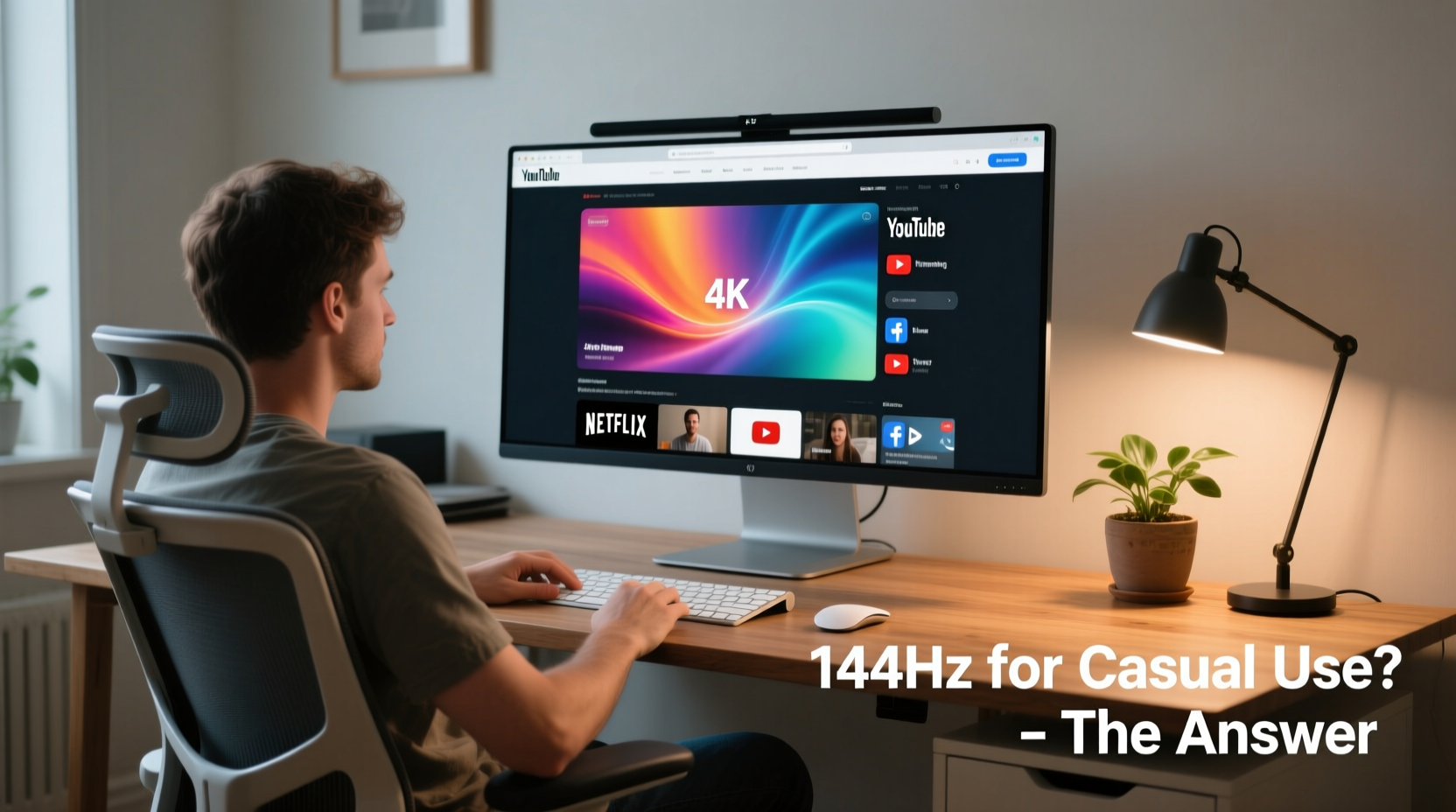
A monitor’s refresh rate refers to how many times per second the display updates with new image data, measured in hertz (Hz). A 60Hz monitor refreshes the screen 60 times per second; a 144Hz monitor does so 144 times. This doesn’t mean that content must be delivered at 144 frames per second—it means the screen can redraw images more frequently, which leads to smoother transitions between frames.
In practice, higher refresh rates reduce motion blur and make on-screen movement feel more fluid. When you scroll a webpage or move your mouse cursor, a 144Hz monitor will display those movements in smaller, more frequent increments than a 60Hz panel. The result is perceived smoothness—similar to how high-frame-rate films appear more lifelike.
However, this benefit depends on system performance. If your CPU, GPU, or browser can’t generate enough frame updates, the monitor won’t reach its full potential. For example, if a web page only renders at 30fps, even a 240Hz monitor will show no visible improvement over 60Hz. The bottleneck lies in software and hardware capabilities, not just the display.
Real-World Benefits for Browsing and Streaming
Let’s examine how a 144Hz monitor impacts two core activities: browsing and streaming.
Browsing Experience
Modern web browsing involves rapid scrolling, dynamic animations, and responsive interfaces. On a 144Hz display, scrolling through long articles, social media feeds, or search results feels noticeably smoother. Mouse tracking becomes more precise, reducing jitter and lag. These improvements are subtle but can enhance comfort during extended use.
Some users report less eye strain after switching to high-refresh displays, though scientific evidence remains limited. Anecdotal feedback suggests that smoother motion reduces visual fatigue, especially when rapidly scanning text or navigating complex dashboards.
That said, most websites are designed around 60fps standards. Animations, transitions, and JavaScript-driven interactions rarely exceed this limit. So while the display is capable of more, the content often isn’t. You gain refinement, not revolution.
Streaming and Video Playback
When it comes to streaming video—from Netflix to YouTube—the situation is even more constrained. Nearly all online video content is encoded at 24, 30, or 60fps. Even 4K HDR streams on major platforms max out at 60fps. This means your 144Hz monitor will still show the same number of unique frames per second as a 60Hz model.
So where’s the benefit? It lies in motion interpolation and refresh alignment. Some 144Hz monitors support adaptive sync technologies (like FreeSync or variable refresh rate modes) that can reduce judder during playback by better synchronizing frame delivery. However, this feature is more relevant for gaming or mixed-use scenarios than pure video consumption.
Additionally, certain high-end streaming services now offer select content at higher frame rates—for instance, sports broadcasts on YouTube in 120fps. But such content remains rare and geographically limited. Unless you actively seek out ultra-high-frame-rate videos, you’re unlikely to notice any difference.
“Higher refresh rates primarily benefit interactive experiences. For passive viewing, the gains are marginal unless the source material supports it.” — Dr. Alan Reyes, Display Technology Researcher, MIT Media Lab
Cost vs. Value: Is the Upgrade Justified?
Today, 144Hz monitors range from budget-friendly ($150–$250) to premium models ($400+), depending on size, resolution, panel type (IPS, VA, TN), and additional features like HDR or USB-C connectivity. For someone focused solely on browsing and streaming, spending extra on a high-refresh display raises questions about return on investment.
Consider this: a basic 24-inch 1080p IPS monitor with 60Hz refresh rate costs around $120. A comparable 144Hz model might cost $200—a 67% increase. That extra $80 could instead go toward a better chair, lighting, or audio setup, all of which directly impact comfort and productivity.
Alternatively, if you already own an aging monitor, upgrading to a newer 144Hz panel may bring other improvements beyond refresh rate—such as better color accuracy, anti-glare coatings, thinner bezels, or built-in speakers. In that case, the 144Hz capability becomes a bonus rather than the main selling point.
| Feature | 60Hz Monitor | 144Hz Monitor | Practical Impact for Casual Use |
|---|---|---|---|
| Refresh Rate | 60Hz | 144Hz | Marginal improvement in smoothness during scrolling |
| Typical Price (24\", 1080p) | $100–$150 | $180–$250 | Significant price gap for modest gains |
| Video Playback Support | Up to 60fps | Same (content-limited) | No advantage for standard streaming |
| Input Lag | ~10ms | ~5ms | Slightly snappier interaction, minor benefit |
| Eye Comfort (subjective) | Standard | Potentially better due to smoother motion | Varies by individual sensitivity |
Mini Case Study: Sarah’s Office Setup Upgrade
Sarah, a freelance writer and part-time student, spent four hours daily reading research papers, drafting articles, and watching educational videos. Her old 22-inch 60Hz TN panel had served her well for five years, but she noticed increasing eye fatigue and occasional ghosting during fast scrolls.
She considered upgrading and found two options: a 24-inch 60Hz IPS monitor for $130 or a 144Hz IPS model for $220. After reading reviews and testing both in-store, she chose the 144Hz version—not for the refresh rate itself, but because it offered better color reproduction, wider viewing angles, and a matte finish that reduced glare from her desk lamp.
After three weeks of use, Sarah reported that scrolling felt “more natural,” and she experienced fewer headaches. However, when asked to identify what made the biggest difference, she cited the improved panel quality and larger screen size—not the 144Hz refresh rate. “I didn’t buy it for speed,” she said. “I bought it for clarity.”
Her experience underscores a key insight: sometimes, the secondary benefits of a 144Hz monitor outweigh the headline spec. If you're upgrading from an older or low-quality display, the overall visual upgrade may justify the cost—even if the high refresh rate plays a minor role.
When a 144Hz Monitor Makes Sense for Non-Gamers
While casual browsing and streaming alone don’t require 144Hz, several factors might make the upgrade worthwhile:
- You multitask heavily: Switching between multiple browser tabs, documents, and video windows feels more fluid on a high-refresh display.
- You plan to dabble in gaming: Even occasional gaming—like browser-based games or indie titles—benefits significantly from smoother visuals.
- You value responsiveness: Users who prioritize snappy interactions (e.g., coders, editors, designers) may appreciate lower input lag.
- You work in a bright environment: Many 144Hz monitors come with better brightness, contrast, and anti-glare properties.
- You want future-proofing: As web standards evolve, we may see more 120fps content, WebXR applications, or animated UIs that benefit from higher refresh rates.
Step-by-Step Guide: Deciding Whether to Upgrade
- Assess your current monitor: Is it outdated, blurry, or causing discomfort? If yes, an upgrade may be due—but not necessarily for refresh rate reasons.
- List your primary uses: If >90% of your time is spent on static content (reading, emails, video), 60Hz is sufficient.
- Check your system specs: Does your laptop or PC support output beyond 60Hz at your desired resolution? Older HDMI ports or integrated graphics may limit performance.
- Compare total value: Evaluate brightness, color accuracy, ergonomics, and warranty—not just refresh rate.
- Test in person if possible: Visit a store to compare scrolling smoothness side by side. Perception varies widely between individuals.
- Set a budget: If the 144Hz model fits within your existing upgrade budget without sacrificing other needs, it may be worth the small premium.
Frequently Asked Questions
Does a 144Hz monitor improve battery life on laptops?
No—in fact, higher refresh rates typically consume more power. Many laptops automatically switch to 60Hz in battery-saving mode to extend usage time. A 144Hz screen will drain the battery faster when active.
Can I notice the difference between 60Hz and 144Hz while browsing?
Yes, many users report noticing smoother scrolling and cursor movement, especially after using a 144Hz monitor for a few days. However, the difference is subtle and not essential for functionality. First-time switchers often describe it as “sharper” or “more alive,” though objective performance remains unchanged.
Do websites need to be optimized for 144Hz?
No. Websites don’t need special optimization. Any HTML content rendered at high frame rates by your browser will benefit from the higher refresh rate. However, most pages don’t push rendering limits, so the monitor’s capability often exceeds actual demand.
Final Verdict: Upgrade Only If Conditions Align
For pure casual browsing and streaming, a 144Hz monitor offers minimal tangible benefits. The content you consume rarely exceeds 60fps, and your current 60Hz display likely performs adequately. Spending extra on a high-refresh panel in this context is difficult to justify based on performance alone.
However, if you're replacing an old or low-quality monitor, and a 144Hz model offers better overall build, panel technology, or ergonomics at a reasonable price, the upgrade can still be smart. Think of 144Hz as a bonus feature rather than the primary reason to buy.
Moreover, if you anticipate expanding your digital habits—trying light gaming, editing videos, or engaging with interactive web apps—a 144Hz monitor provides headroom for those experiences. It’s not wasted potential; it’s preparedness.
The decision ultimately hinges on value, not specs. Don’t chase numbers. Chase usability, comfort, and longevity. A monitor should serve you for years, not impress you for a week.




 浙公网安备
33010002000092号
浙公网安备
33010002000092号 浙B2-20120091-4
Comments
No comments yet. Why don't you start the discussion?