
Having your SIM card suddenly become inaccessible can be more than just an inconvenience—it can disrupt communication, block access to two-factor authentication, and even affect your ability to work remotely. A SIM card locks when incorrect PIN attempts exceed the allowed limit, typically three tries. While this security feature protects your data from unauthorized use, it can leave you stranded if you don’t know how to respond. Understanding how to unlock your SIM card and how to avoid future lockouts is essential for uninterrupted mobile service.
Why Your SIM Card Gets Locked
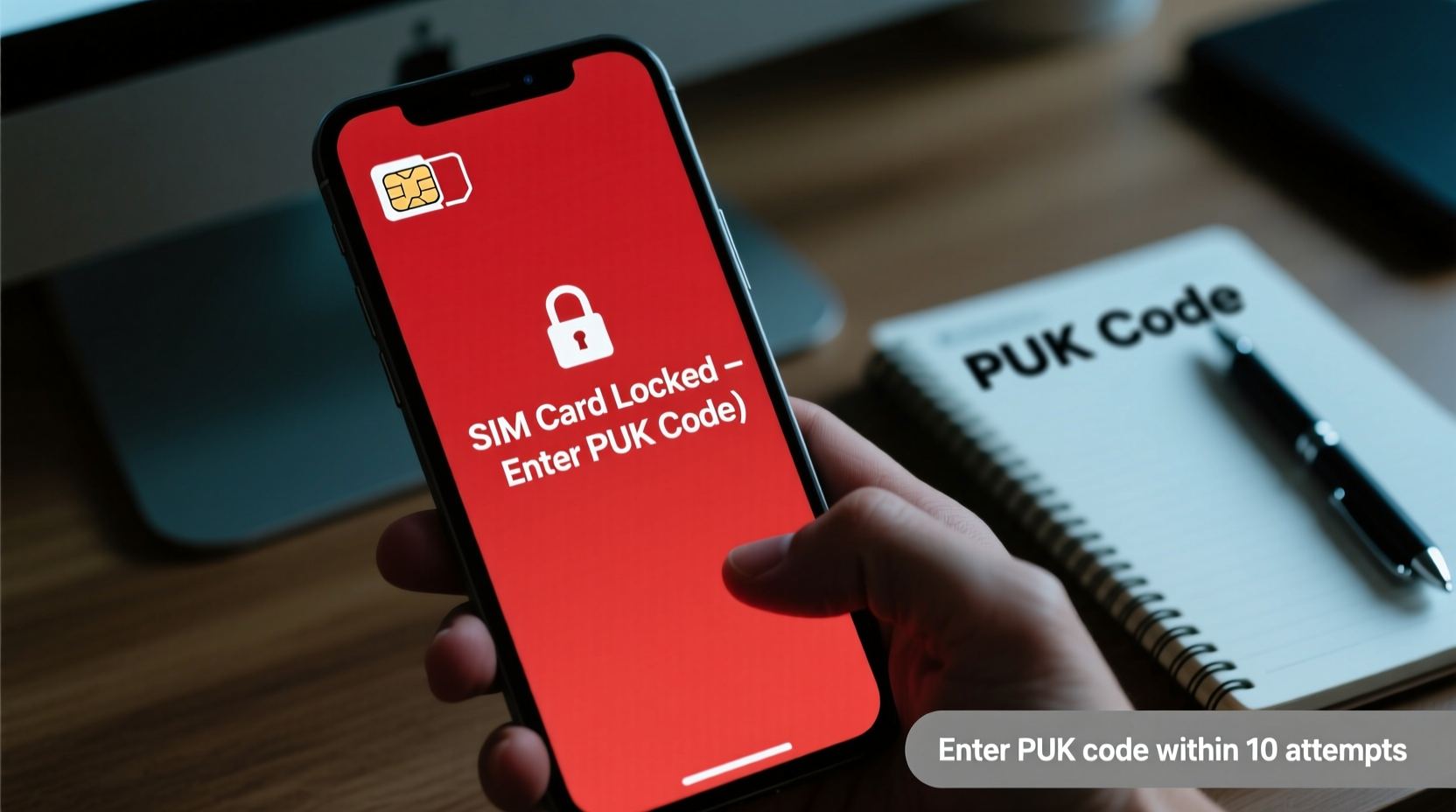
A SIM (Subscriber Identity Module) card contains your phone number, network authentication details, and sometimes personal data like contacts. To safeguard this information, carriers require a PIN (Personal Identification Number) to activate the SIM. If you enter the wrong PIN too many times—usually three—the SIM locks automatically as a security measure. At this point, the device will prompt for a PUK (PIN Unlock Key), a longer code issued by your carrier.
Entering the wrong PUK code multiple times—typically ten attempts—can permanently disable the SIM, requiring a full replacement. This makes understanding the unlocking process critical before attempting any fixes.
“SIM locks are designed to protect user identity and prevent theft-related misuse. But users often panic when locked out, risking permanent damage by guessing PUK codes.” — Dr. Lena Patel, Mobile Security Analyst at Telecom Integrity Group
Step-by-Step Guide to Unlock Your SIM Card
If your phone displays “SIM Locked,” “Enter PUK Code,” or “SIM Blocked,” follow these steps carefully:
- Stop entering random PINs. Further incorrect entries will escalate the lock status.
- Locate your PUK code. It’s usually printed on the original SIM card packaging. If you no longer have it, proceed to step 3.
- Contact your mobile carrier. Call customer service or log into your online account. You’ll need to verify your identity using account details or government ID.
- Request the PUK code. Once verified, the carrier will provide the 8-digit PUK code via SMS, email, or voice call.
- Enter the PUK code on your phone. When prompted, input the code exactly as provided.
- Set a new PIN. After successful PUK entry, you’ll be asked to create a new 4–6 digit PIN. Choose something secure but memorable.
- Restart your device. The SIM should now be active and functioning normally.
How to Prevent Future SIM Lockouts
Prevention is far simpler than recovery. Implementing a few smart habits can eliminate the risk of being locked out again.
- Memorize your PIN. Avoid writing it down in easily accessible places like notebooks or phone notes.
- Disable the SIM PIN if not needed. In low-risk environments (e.g., personal use, trusted devices), turning off the SIM lock reduces accidental lockouts. Go to Settings > Security > SIM Card Lock to toggle it off.
- Use biometric or device-level security instead. Modern smartphones offer facial recognition, fingerprint scanning, and strong passcodes that protect your entire device without relying on SIM-level locks.
- Save your PUK code securely. Store it in a password vault or encrypted document. Do not keep it saved in your email inbox unless the account is highly secured.
- Educate household members. If others use your phone, ensure they know not to guess the SIM PIN.
Do’s and Don’ts of SIM Card Management
| Do’s | Don’ts |
|---|---|
| Keep your PUK code in a secure offline location | Store your PUK code in your phone or cloud notes |
| Change your default PIN (often 1234 or 0000) | Use obvious PINs like birthdays or repeated digits |
| Enable device encryption and screen lock | Rely solely on SIM PIN for device security |
| Contact carrier immediately after lockout | Guess PUK codes repeatedly |
| Carry backup SIM or eSIM info when traveling | Throw away SIM packaging with PUK code |
Real Example: Recovering Access While Traveling Abroad
Sophie, a digital nomad based in Lisbon, found her Portuguese SIM locked during a week-long trip to Morocco. She had lent her phone to a friend who mistakenly entered the wrong PIN three times. Without local connectivity, she couldn’t access banking apps or messaging platforms tied to her number.
She used free Wi-Fi at a café to log into her carrier’s online portal. After verifying her identity with a scanned passport and answering account questions, she retrieved her PUK code within 15 minutes. Following the unlock steps, she restored service and switched to airplane mode with Wi-Fi enabled until she could purchase a local SIM. Her experience emphasized the importance of knowing carrier support options and securing backup access methods while abroad.
Frequently Asked Questions
Can I unlock my SIM without the PUK code?
No. Once the SIM is locked, the only official way to unlock it is with the PUK code provided by your carrier. There are no universal codes or third-party tools that safely bypass this system without risking permanent SIM disablement.
What happens if I enter the wrong PUK code 10 times?
The SIM card will be permanently disabled and cannot be reactivated. You must request a replacement SIM from your carrier, which may take several days and could involve a fee depending on your plan.
Is there a way to retrieve my PUK code online?
Yes, most major carriers allow PUK retrieval through their official websites or mobile apps. Log in to your account, navigate to “Manage SIM” or “Security,” and look for PUK code options. Examples include EE, Verizon, AT&T, and Vodafone, all offering self-service portals.
Essential Checklist for SIM Safety
- ☑ Locate and securely save your PUK code
- ☑ Change your default SIM PIN to a unique, memorable number
- ☑ Verify carrier contact info is up to date
- ☑ Test SIM lock/unlock process on a secondary device if possible
- ☑ Consider using eSIMs with digital backups for added redundancy
- ☑ Educate family or colleagues on proper SIM handling
- ☑ Regularly back up contacts stored on the SIM
Final Thoughts: Stay in Control of Your Mobile Access
A locked SIM card doesn’t have to mean lost connectivity. With the right knowledge, you can quickly regain access and implement safeguards to prevent recurrence. Always treat your PUK code with the same level of security as your banking credentials. Understand your carrier’s support channels, keep vital information backed up, and balance convenience with protection.
In today’s connected world, your phone number is a gateway to your digital life—from email recovery to financial alerts. Taking a few proactive steps today ensures you remain in control tomorrow, even when things go wrong.




 浙公网安备
33010002000092号
浙公网安备
33010002000092号 浙B2-20120091-4
Comments
No comments yet. Why don't you start the discussion?