
Finding your own mobile phone number might seem like a basic task, but it can be surprisingly tricky—especially in a foreign country or when you've just activated a new SIM card. In Morocco, where multiple telecom providers operate with different procedures, knowing how to retrieve your number quickly can save time and avoid confusion. Whether you're a resident, traveler, or new subscriber, this guide provides reliable, tested methods across major Moroccan networks like Maroc Telecom, Orange Morocco, and Inwi.
Why It’s Not Always Obvious
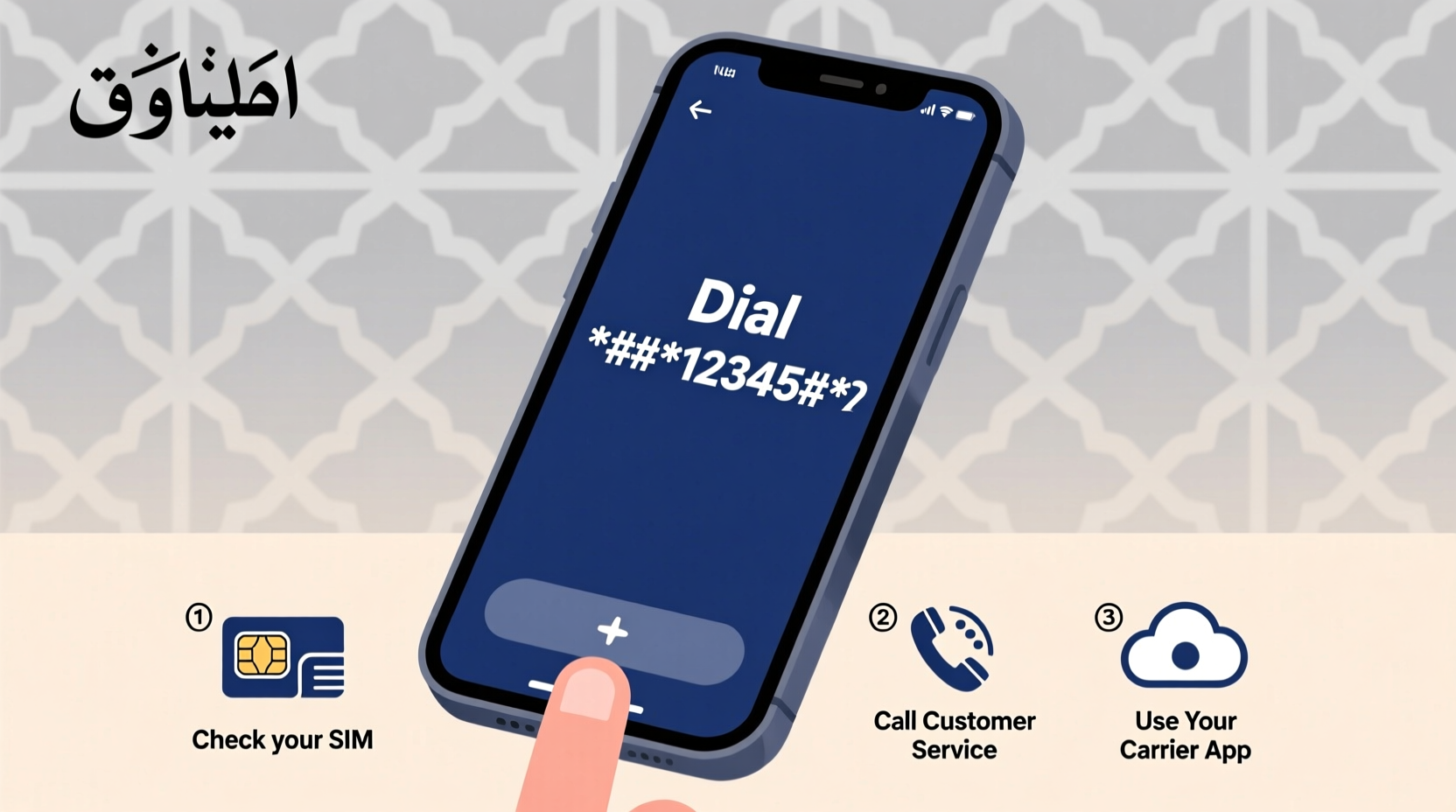
Unlike some countries where your number appears automatically on the SIM packaging or in device settings, Moroccan carriers often don’t display it upfront. Many users only realize they don’t know their number when someone asks for it or when filling out forms requiring contact details. This lack of visibility stems from localized billing systems, shared SIM distribution channels, and minimal digital account integration for prepaid users.
Additionally, if you’re using a dual-SIM phone or have recently switched providers, identifying which number is active on which line adds another layer of complexity. Fortunately, each operator offers accessible self-service tools that make retrieval fast and free.
Step-by-Step: How to Find Your Number by Operator
The most effective way to find your mobile number in Morocco depends on your service provider. Below are detailed instructions for the three main operators.
1. Maroc Telecom (IAM)
Maroc Telecom, also known as Itissalat Al-Maghrib (IAM), is Morocco’s largest telecom provider. If you're using a Maroc Telecom SIM, try these methods:
- Dial *124# – This USSD code displays your active number on the screen instantly.
- Call 121 – A free automated voice response system will announce your number in Arabic or French.
- Use the MyIAM App – Download the official app from Google Play or App Store, log in with your number (if remembered), or use your ICCID to authenticate. Once logged in, your number appears on the dashboard.
2. Orange Morocco
Orange Morocco serves millions of customers nationwide. Their process is straightforward and available in both Arabic and French.
- Dial *123# – This universal code shows your number within seconds.
- Send “NUM” to 8888 – You’ll receive an SMS reply containing your full number.
- Visit an Orange Store – Bring your ID (CIN) and SIM card; staff can look up your number via their internal system.
- Check the Orange Money App – Even if you don’t use mobile money services, registering links your number visibly during setup.
3. Inwi
Inwi, known for competitive data plans and youth-focused marketing, offers several user-friendly options.
- Dial *111# – This brings up a menu; select option “My Number” or wait for automatic display.
- Text “MON NUMERO” to 111 – You’ll get a confirmation message with your number.
- Use the Inwi App – After downloading and logging in (via OTP), your profile page clearly lists your number.
- Check Welcome SMS – When activating a new SIM, Inwi typically sends a welcome message including your number—scroll through old messages if possible.
“Most Moroccans assume their number is stored somewhere obvious, but without checking early, they risk losing access if the SIM resets.” — Khalid Nasser, Telecommunications Consultant, Casablanca
Alternative Methods Using Your Smartphone
If USSD codes fail or you prefer not to rely on carrier-specific steps, your device itself may hold the answer—depending on its operating system.
On Android Devices
Some Android phones display the SIM number under settings, though this varies by brand and model:
- Go to Settings > Network & Internet > Mobile Network > Advanced > SIM Cards.
- Tap on your active SIM; some devices show the phone number directly.
- Alternatively, check About Phone > Status > SIM Status.
Note: This feature depends on whether the carrier has pushed the number to the SIM during provisioning. It's more common with postpaid accounts than prepaid.
On iPhones
iOS does not natively display your phone number in settings unless linked to an Apple ID or iMessage account:
- Navigate to Settings > Phone. Your number may appear under \"My Number.\"
- If blank, go to Settings > Messages > Send & Receive—your number should appear under \"You can be reached by iMessage at.\"
If neither method works, the issue isn’t with your phone—it’s that the number hasn’t been registered in Apple’s ecosystem yet. Use a carrier USSD code instead.
Do’s and Don’ts When Retrieving Your Number
| Do’s | Don’ts |
|---|---|
| Try USSD codes first—they’re instant and free. | Assume your number is saved just because you made calls. |
| Save your number in contacts immediately once found. | Rely solely on memory or handwritten notes that can be lost. |
| Use official apps verified by the operator. | Download third-party apps claiming to reveal your number—they may contain malware. |
| Keep your CIN (national ID) handy for verification at stores. | Share your number publicly online while trying to confirm it. |
Real Example: Tourist Recovers Lost Number in Marrakech
A Dutch traveler, Lars van Dijk, arrived in Marrakech with a newly purchased Inwi SIM for local connectivity. After making a few calls, he realized he couldn’t recall his number when asked by a riad owner confirming booking details. With limited Arabic and French, visiting a store wasn’t ideal.
He opened his messaging app and sent “MON NUMERO” to 111, as mentioned in a blog post he’d skimmed earlier. Within ten seconds, he received a reply: “Votre numéro est : +212 XXX XXX XXX.” Relieved, he saved it into his phone under “Morocco Line” and later added it to his email signature for easy reference.
This experience highlighted how crucial simple, language-independent solutions are for international visitors relying on temporary connections.
Quick Checklist: Confirm Your Number in Under 5 Minutes
- Identify your provider (check SIM packaging or logo on phone).
- Dial the correct USSD code: *124# (Maroc Telecom), *123# (Orange), *111# (Inwi).
- If no response, send a keyword SMS: “NUM” to 8888 (Orange), “MON NUMERO” to 111 (Inwi).
- Check your smartphone settings (Android: SIM Status; iPhone: Phone settings).
- Save the number in your contacts labeled clearly (e.g., “Personal - Morocco”).
Frequently Asked Questions
Can I find my number without signal or credit?
No. All USSD codes and SMS services require an active network connection. However, even without credit, most Moroccan networks allow free access to balance and number inquiry codes like *124# or *123#.
What if I have a dual-SIM phone? How do I know which number I’m checking?
USSD codes usually apply to the default voice/SMS SIM unless specified otherwise. To verify, disable one SIM temporarily in settings, then run the code. Repeat for the second line.
Is it safe to use USSD codes? Could they trigger unwanted subscriptions?
Yes, it’s safe. Codes like *124#, *123#, and *111# are read-only information queries. They cannot activate paid services. Avoid entering random codes from untrusted sources, however.
Final Thoughts: Stay Connected with Confidence
Knowing your mobile number shouldn’t be a guessing game. In Morocco’s dynamic telecom environment, having instant access to your digits ensures smoother communication, easier bookings, and better integration into daily life—whether you’re staying for weeks or years. The methods outlined here work consistently across urban centers and rural areas alike, thanks to widespread network coverage and standardized self-service protocols.




 浙公网安备
33010002000092号
浙公网安备
33010002000092号 浙B2-20120091-4
Comments
No comments yet. Why don't you start the discussion?