
Digital watches offer precision, durability, and a sleek modern look. Among affordable yet stylish options, Megir has built a reputation for producing reliable digital timepieces that combine function with fashion. However, like many digital models, setting the time isn’t always intuitive—especially if you’ve misplaced the instruction manual or are using the watch for the first time.
This comprehensive guide walks you through the exact process of setting the time on your Megir digital watch, including adjusting the date, switching between 12-hour and 24-hour formats, and navigating common pitfalls. Whether you’ve just unboxed your new watch or are troubleshooting a reset after battery replacement, this article gives you everything you need in clear, actionable steps.
Understanding Your Megir Digital Watch Layout
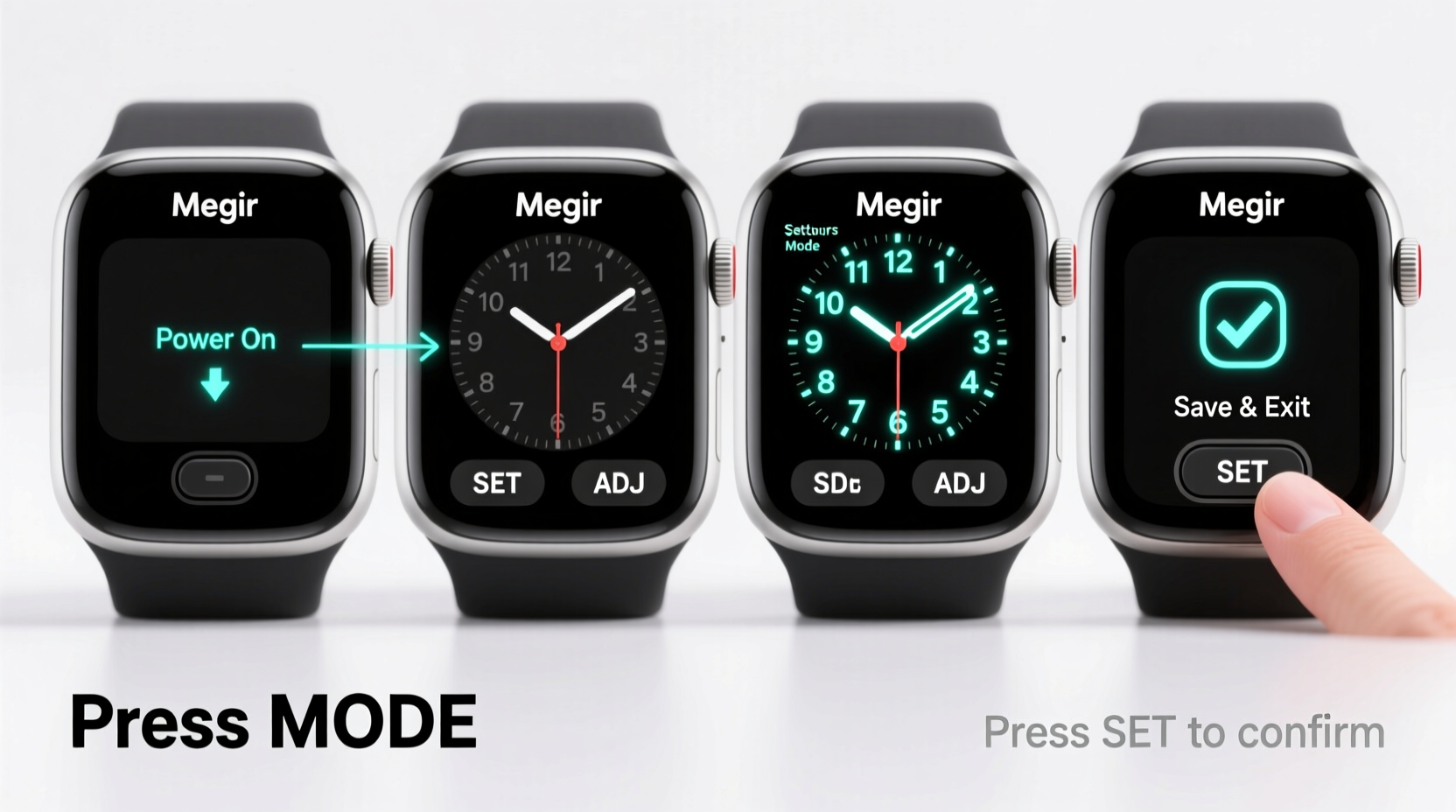
Before diving into time-setting procedures, it’s essential to understand the basic layout of your Megir digital watch. Most models feature four primary buttons labeled A, B, C, and D—typically arranged around the watch face:
- A (Top-left): Mode – cycles through different functions (time, alarm, stopwatch, etc.)
- B (Top-right): Adjust – enters adjustment mode or increases values
- C (Bottom-left): Reset/Light – resets counters or activates the display light
- D (Bottom-right): Start/Stop – used for stopwatch functions or confirms settings
The screen typically displays hours, minutes, seconds, day, date, and sometimes month. Some models include additional features like alarms, chronographs, and dual time zones. While button labels may vary slightly across models, their functions remain consistent.
Step-by-Step Guide to Setting the Time
Follow this precise sequence to set the correct time on your Megir digital watch. This method works across most Megir digital models manufactured in the last five years.
- Enter Time-Setting Mode: Press and hold the Adjust (B) button for about 3 seconds. The seconds will begin to flash, indicating you've entered edit mode.
- Select Hours: Press the Start/Stop (D) button once. The hour digits will now blink. Use the Adjust (B) button to increase the hour value. Note: Holding the button speeds up the increment.
- Switch AM/PM or 24-Hour Format: On 12-hour format watches, pressing Adjust (B) past 12 toggles between AM and PM. For 24-hour format, the cycle goes from 13:00 to 23:00 then back to 00:00.
- Set Minutes: Press Start/Stop (D) again to move to minutes. Use Adjust (B) to set the correct minute value.
- Confirm and Exit: Press Adjust (B) one final time to stop flashing and save the settings. The watch will return to normal operation.
If your model includes a separate date field, it often adjusts automatically once the time is set—especially if the watch detects midnight passage. However, some versions allow manual date input during the same adjustment cycle.
Adjusting the Date and Day Display
While many Megir watches update the date automatically at midnight, you may need to manually set it when initializing the watch or after changing batteries. Here's how:
- From the main time screen, press the Mode (A) button until you reach the calendar view (usually shows DD-MM or MM-DD).
- Press and hold Adjust (B) until the date starts blinking.
- Use Start/Stop (D) to toggle between date and day fields.
- Use Adjust (B) to scroll forward through dates and days of the week.
- After setting both, press Adjust (B) again to exit and confirm.
Keep in mind that incorrect date settings can affect automatic rollover behavior. For example, if today is the 31st but the watch is set to the 1st, it won’t advance properly next month.
| Function | Button Sequence | Visual Indicator |
|---|---|---|
| Enter Time Mode | Hold B for 3 sec | Seconds flash |
| Change Hours | Press D, then use B | Hour digits blink |
| Change Minutes | Press D again, use B | Minute digits blink |
| Save Settings | Press B once | Flashing stops |
| Switch Modes | Press A repeatedly | Screen changes display |
Common Issues and How to Fix Them
Even with careful handling, users occasionally encounter issues when setting their Megir digital watch. Below are frequent problems and practical solutions:
- Time resets after battery change: This is normal. All digital watches lose memory during power loss. Simply re-enter time and date using the steps above.
- Buttons aren't responding: Ensure you’re not pressing too lightly or too quickly. Hold buttons steadily. If unresponsive, check if the battery is properly installed or depleted.
- Date rolls over at noon instead of midnight: This usually means the AM/PM setting is incorrect. Re-enter time mode and verify the 12-hour cycle is properly aligned.
- Watch displays wrong day of the week: Most Megir models don’t allow independent day adjustment. Correct the date, and the day should auto-sync based on internal logic.
“Accurate timekeeping starts with proper setup. Even the most advanced digital watch performs poorly if initialized incorrectly.” — Daniel Reyes, Watch Calibration Technician
Tips for Long-Term Accuracy and Maintenance
Once your Megir digital watch is correctly set, maintaining its performance ensures long-term reliability. Consider these best practices:
- Avoid prolonged sunlight exposure: UV rays can damage the LCD screen and degrade internal components over time.
- Replace batteries promptly: A dying battery can cause erratic behavior or memory loss. Replace it every 1–2 years depending on usage.
- Keep it dry: While many Megir watches are water-resistant, they are not fully waterproof. Avoid submerging unless specified.
- Reset periodically: If you notice drift in time accuracy, recalibrate the watch even if no battery change occurred.
Mini Case Study: Sarah’s First Digital Watch Setup
Sarah, a college student, received a Megir digital watch as a birthday gift. Excited but unfamiliar with digital interfaces, she struggled to set the correct time. She pressed random buttons, accidentally activating the stopwatch and losing track of the main display.
After consulting online forums and trying multiple methods, she followed the standard adjustment process outlined here. By holding the Adjust button until seconds flashed, she regained control. Within two minutes, she had corrected the time and date. Now, she uses her watch daily and appreciates its stopwatch feature for tracking study sessions.
Sarah’s experience highlights a common gap: even simple devices require clear guidance. With the right steps, anyone can master their digital watch without frustration.
Frequently Asked Questions
Can I switch between 12-hour and 24-hour time format?
Most Megir digital watches default to 12-hour format. There is no user-accessible option to permanently switch to 24-hour mode. However, the internal system tracks 24-hour time, and some advanced models may support it via firmware—but consumer versions typically do not.
Why does the date change when I’m adjusting the time?
The date is linked to the time cycle. When you manually advance the hours past midnight (e.g., from 11 PM to 12 AM), the watch interprets this as a new day and updates the date accordingly. To avoid unintended changes, set the time close to the current hour before fine-tuning.
My watch doesn’t have labeled buttons. How do I know which is which?
On unlabeled models, orientation matters. The top-right button is almost always the Adjust (B) button. Top-left is Mode (A). Confirm by testing: pressing top-left should cycle screens. Holding top-right should initiate time adjustment.
Final Checklist: Did You Set Your Watch Correctly?
- ✅ Started from the main time display
- ✅ Held Adjust (B) until seconds flashed
- ✅ Used Start/Stop (D) to navigate between hours and minutes
- ✅ Used Adjust (B) to set accurate values
- ✅ Confirmed settings by pressing Adjust (B) to exit
- ✅ Verified date and day match current calendar
Conclusion
Setting the time on your Megir digital watch doesn’t require technical expertise—just a clear understanding of the button functions and a systematic approach. Once you’ve mastered the sequence, you can confidently reset or recalibrate your watch whenever needed, whether after a battery swap or daylight saving adjustments.
Your Megir watch is designed to be both functional and durable. Taking a few minutes to set it accurately ensures you stay on schedule with confidence. Now that you know exactly how it works, there’s no need to guess or search for lost manuals.




 浙公网安备
33010002000092号
浙公网安备
33010002000092号 浙B2-20120091-4
Comments
No comments yet. Why don't you start the discussion?