
Automating your home lighting doesn’t require a full-scale renovation or expensive smart switches. Two accessible options—smart bulbs and smart plugs—offer homeowners an easy entry into smart lighting. But which one actually delivers better value, simplicity, and long-term convenience? The answer isn't always obvious, especially when balancing upfront cost, ease of installation, compatibility, and functionality.
Both smart bulbs and smart plugs can turn ordinary lights into automated systems, allowing control via smartphone, voice assistants, or scheduled routines. However, their differences in performance, versatility, and scalability can significantly impact your experience. This guide breaks down the key factors to help you choose the most practical and cost-effective solution for your needs.
How Smart Bulbs Work
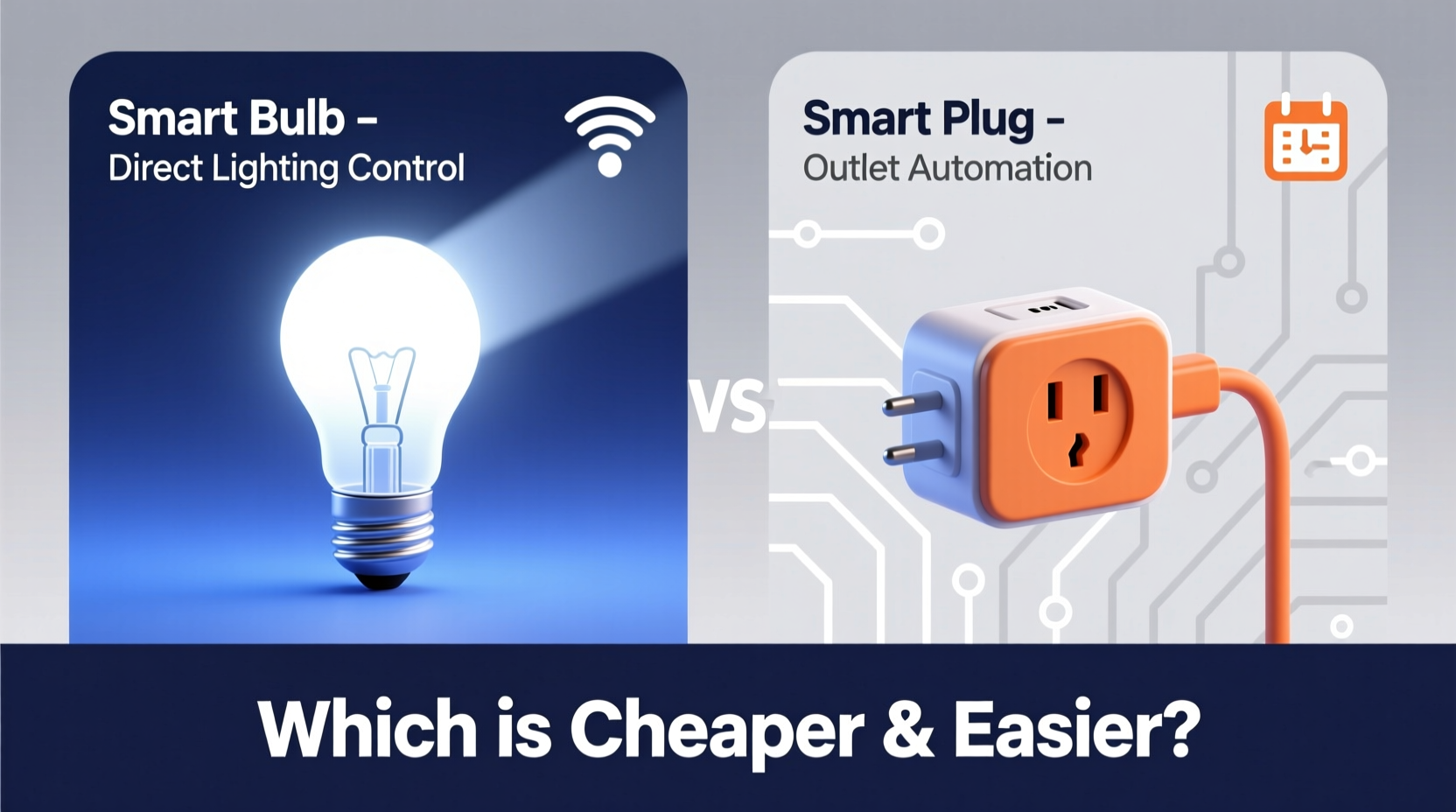
Smart bulbs replace traditional incandescent or LED bulbs in existing fixtures. Once installed, they connect to your Wi-Fi network (or via Bluetooth or Zigbee, depending on the model) and allow remote control through a mobile app or voice commands using platforms like Amazon Alexa, Google Assistant, or Apple HomeKit.
Most smart bulbs offer features such as dimming, color changing, scheduling, and integration with other smart devices. Some even support scene automation—like turning warm white during dinner and cool white in the morning.
Because they're built into the light source itself, smart bulbs provide granular control over individual lights. You can set different colors and brightness levels per bulb, making them ideal for mood lighting, accent illumination, or multi-room ambiance.
Limits of Smart Bulbs
Despite their advantages, smart bulbs come with notable drawbacks. First, they’re more expensive than smart plugs—often costing $15–$25 per bulb. If you have multiple lamps or ceiling fixtures, this adds up quickly. Second, because the intelligence is embedded in the bulb, it only works when screwed into a powered socket. If the lamp switch is turned off, the bulb loses power and becomes unreachable.
Additionally, not all fixtures are compatible. Enclosed fixtures may overheat certain bulbs, and three-way lamps often don’t work with standard smart bulbs. Finally, replacing every bulb in a large home can be tedious and costly.
How Smart Plugs Work
A smart plug is a simple device that plugs into a wall outlet. You then plug a lamp or other lighting device into the smart plug. It acts as a remote-controlled power switch, enabling you to turn connected devices on or off via an app or voice command.
Unlike smart bulbs, smart plugs don’t alter the light’s color or brightness—they only control power. However, if your lamp uses a dimmable bulb and has a rotary or touch dimmer, some smart plugs support dimming functions through app-based sliders or schedules.
Smart plugs are generally cheaper, averaging $10–$15 each. They’re also easier to install: no need to unscrew anything. Just plug in, pair with your network, and assign the lamp to a room in your smart home app.
“Smart plugs offer the fastest path to automation without rewiring or replacing hardware.” — Jordan Lee, IoT Integration Specialist
Limits of Smart Plugs
The main limitation of smart plugs is lack of fine-tuned lighting control. You can’t change color temperature or create dynamic lighting scenes. Also, since they control power at the outlet level, any device plugged into them will lose function when switched off—including digital clocks or appliances needing constant power.
Another issue is physical space. Larger smart plugs can block adjacent outlets, reducing utility. And while most modern plugs are compact, dual-outlet models with USB ports are still limited in availability.
Cost Comparison: Long-Term Value Analysis
When evaluating affordability, consider both upfront cost and long-term value. Let’s compare a typical scenario: automating five floor and table lamps across a living room, bedroom, hallway, and office.
| Option | Unit Cost | Total (5 units) | Dimming | Color Control | Installation Effort |
|---|---|---|---|---|---|
| Smart Bulb (e.g., Philips Hue White) | $20 | $100 | Yes | No | High (replace each bulb) |
| Smart Plug (e.g., TP-Link Kasa KP125) | $13 | $65 | Limited* | No | Low (plug and play) |
| Color-Changing Smart Bulb (e.g., Nanoleaf A19) | $25 | $125 | Yes | Yes | High |
*Dimming depends on bulb type and lamp interface; not all smart plugs support it.
In this example, smart plugs save $35 upfront. Over time, savings grow if you expand automation to more lamps. Plus, smart plugs preserve your existing bulbs—if you already use energy-efficient LEDs, there's no need to replace them.
Setup and Usability: Which Is Easier?
For users prioritizing speed and simplicity, smart plugs win hands-down. Installation takes under a minute: plug in, open the app, follow pairing instructions, and assign a name. No tools, no ladder, no risk of dropping a fragile bulb.
Smart bulbs require handling delicate electronics, climbing to reach ceiling fixtures, and potentially dealing with outdated sockets. Pairing can also be trickier—some brands require a hub (like Philips Hue Bridge), adding complexity and another point of failure.
On the software side, both types integrate well with major ecosystems. However, smart bulbs often offer richer app experiences: sunrise simulations, geofencing, and music sync. Smart plugs focus on basic on/off and scheduling, though newer models include energy monitoring—a feature rare in smart bulbs.
Real-World Example: Sarah’s Living Room Upgrade
Sarah wanted to automate her two floor lamps and a table lamp for evening relaxation. She considered smart bulbs but hesitated due to the $60+ cost and effort involved in replacing bulbs she’d just bought.
Instead, she purchased two compact smart plugs ($12 each) and used her existing dimmable LEDs. Within 10 minutes, both lamps were on a schedule to turn on at sunset and fade out by midnight. She grouped them in the app and added voice control via Alexa.
“I didn’t want to mess with the bulbs,” she said. “The plugs worked perfectly and saved me money. I can always upgrade later if I want color effects.”
This case illustrates how smart plugs deliver immediate results with minimal investment—ideal for renters, beginners, or budget-conscious users.
Flexibility and Future Expansion
One advantage of smart plugs is their versatility. They aren’t limited to lighting—you can automate coffee makers, fans, holiday decorations, or air purifiers. This makes them a better long-term investment if you plan to expand beyond lighting.
Smart bulbs, while less flexible, offer superior lighting-specific features. If you eventually want ambient lighting scenes—such as calming blue hues before bedtime or vibrant whites for morning energy—smart bulbs are necessary.
However, hybrid strategies exist. Use smart plugs for general task lighting (lamps, reading lights) and reserve smart bulbs for decorative or high-impact areas (kitchen under-cabinet lights, bathroom mirrors). This balances cost and capability.
Step-by-Step Guide: Choosing the Right Option
- Assess your lighting setup: Identify which lights you want to automate. Are they lamps plugged into outlets, or hardwired fixtures?
- Determine your goals: Do you want simple on/off control, or advanced features like dimming and color changes?
- Check bulb condition: If your current bulbs are new and efficient, avoid replacing them unnecessarily.
- Budget your project: Calculate total cost for both options. Include any required hubs or accessories.
- Test one unit first: Buy a single smart plug or bulb to test responsiveness, app usability, and voice assistant compatibility.
- Scale gradually: Start small and expand based on performance and satisfaction.
Common Mistakes to Avoid
- Buying incompatible bulbs: Not all smart bulbs fit every fixture. Check base size (E26, E12, GU10) and clearance requirements.
- Ignoring power requirements: Some smart plugs have wattage limits. Ensure your lamp’s total load doesn’t exceed it.
- Using smart plugs with always-on devices: Avoid plugging in devices like refrigerators or modems that shouldn’t lose power remotely.
- Overlooking hub dependency: Certain smart bulbs (Hue, LIFX) need a bridge or hub for full functionality and reliability.
- Skipping firmware updates: Both devices require regular updates for security and feature improvements.
Frequently Asked Questions
Can I use a smart plug with any lamp?
Yes, as long as the lamp is plugged into an outlet and draws within the smart plug’s power rating (typically up to 1800W). Avoid using with high-wattage halogen or incandescent bulbs unless specified.
Do smart bulbs work if the switch is off?
No. If the wall switch cuts power to the fixture, the smart bulb loses connectivity and cannot be controlled remotely. For reliable operation, keep the switch on and control the bulb via app or voice.
Which uses more electricity: smart bulbs or smart plugs?
Neither consumes meaningful power on its own. Smart bulbs use slightly more due to onboard processors and radios, but the difference is negligible—usually under 0.5W in standby. Smart plugs typically use less than 0.3W.
Final Recommendation: Match the Tool to Your Needs
If your priority is **cheaper, faster automation** with minimal effort, **smart plugs are the clear winner**. They’re ideal for lamps, temporary setups, renters, or anyone who wants basic scheduling and remote control without replacing hardware.
If you want **advanced lighting features**—color tuning, precise dimming, ambiance creation, or integration with entertainment systems—then **smart bulbs are worth the investment**, especially in frequently used rooms like bedrooms or living areas.
Many users find the best outcome lies in combining both. Use smart plugs for functional lighting and smart bulbs where atmosphere matters. This approach maximizes value, minimizes waste, and adapts to evolving needs.




 浙公网安备
33010002000092号
浙公网安备
33010002000092号 浙B2-20120091-4
Comments
No comments yet. Why don't you start the discussion?