
When upgrading to a smart home, one of the most common decisions homeowners face is whether to invest in smart bulbs or smart switches. Both offer remote control, scheduling, voice assistant integration, and automation capabilities—but they differ significantly in cost, installation, and scalability. For whole-home automation, the financial implications can add up quickly. Understanding the true cost difference between smart bulbs and smart switches is essential to making a budget-conscious yet future-proof decision.
While smart bulbs are often seen as the easier entry point into home automation, smart switches may offer better long-term value—especially when outfitting multiple rooms. The answer isn’t always straightforward, but with a detailed breakdown of initial investment, ongoing expenses, and practical trade-offs, it becomes clear which option delivers greater affordability at scale.
Upfront Cost Comparison: Bulbs vs Switches
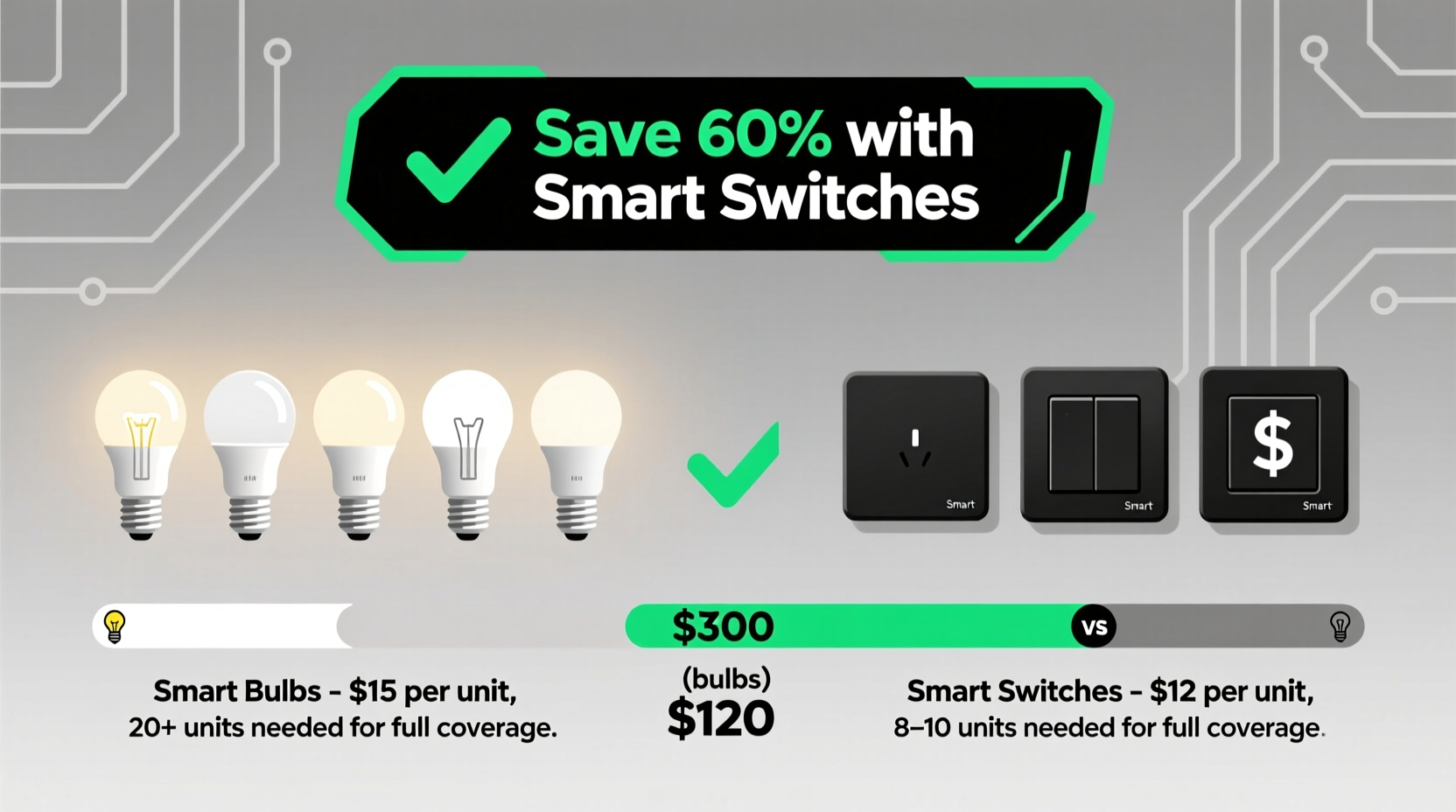
The first factor to consider is the initial purchase price. At first glance, smart bulbs appear inexpensive. A single smart LED bulb typically ranges from $15 to $25, depending on brand, brightness, and color features. However, homes have many light fixtures—often 20 to 40 across multiple rooms. Replacing every bulb adds up fast.
In contrast, smart switches usually cost between $30 and $60 per unit. While this seems higher than a single bulb, each switch controls an entire circuit, which may power multiple lights or outlets. This means fewer units are needed overall. For example, one smart switch in a living room can manage four recessed lights, whereas four smart bulbs would be required otherwise.
“Many people underestimate how quickly smart bulb costs escalate when applied across an entire house. Smart switches often provide more control for less total hardware.” — Daniel Reeves, Home Automation Consultant at NestAware Systems
Total Cost Analysis for a Typical 3-Bedroom Home
To illustrate the real-world difference, consider a standard three-bedroom home with approximately 30 lighting circuits and 45 individual light sockets. Here's how the two approaches compare:
| Component | Smart Bulb Approach | Smart Switch Approach |
|---|---|---|
| Average Unit Price | $20 per bulb | $45 per switch |
| Number Needed (approx.) | 45 bulbs | 30 switches |
| Total Hardware Cost | $900 | $1,350 |
| Installation Difficulty | Easy (screw-in) | Moderate (requires wiring knowledge) |
| Compatibility with Dumb Bulbs | No – requires smart bulbs only | Yes – works with any bulb type |
| Lifespan (average) | 15,000–25,000 hours | 10+ years (mechanical) |
| Energy Monitoring | Rare (limited models) | Common (built-in sensors) |
At first glance, the smart switch approach appears more expensive—$1,350 versus $900. But this calculation doesn’t account for long-term ownership costs, bulb replacements, or functional limitations.
Hidden Costs and Long-Term Ownership
The true expense of smart bulbs extends beyond the initial purchase. Unlike traditional incandescent or even basic LEDs, smart bulbs have complex internal electronics that are prone to early failure, especially in enclosed fixtures where heat builds up. When a smart bulb fails, it must be replaced with another smart bulb to maintain functionality—costing another $20–$25 each time.
Smart switches, once installed, last significantly longer. They’re not exposed to heat stress like bulbs and don’t need frequent replacement. Even if the connected bulb burns out—which happens less often with modern LEDs—you can replace it with any standard bulb, saving money over time.
Additionally, smart switches support legacy lighting. If you already own high-quality LED or halogen fixtures, there’s no need to discard them. With smart bulbs, you’re forced to replace working bulbs simply to gain smart functionality—a wasteful and costly proposition.
Another hidden cost lies in Wi-Fi congestion. Each smart bulb connects individually to your network. In a home with 30–40 bulbs, that’s 30–40 additional devices competing for bandwidth. This can slow down your network and increase router load, potentially requiring a mesh system upgrade ($200–$400). Smart switches generate far less network traffic since fewer devices are connected.
Energy Efficiency Considerations
Both options consume minimal standby power, but their impact on energy usage differs. Smart bulbs draw slightly more power than standard LEDs due to onboard radios and processors—even when off. Most smart bulbs use 0.2 to 0.5 watts in standby mode. Multiply that by 40 bulbs: that’s 8 to 20 watts continuously, or roughly 70–175 kWh per year. At $0.13/kWh, that’s an extra $9–$23 annually in phantom load.
Smart switches consume about 0.5 to 1 watt in standby, but because there are fewer units, the total is lower. Thirty switches at 0.8 watts equal 24 watts total, or about 210 kWh/year—around $27. While slightly higher per device, the overall footprint is still manageable and offset by advanced features like occupancy sensing and automatic shutoff.
Functional Flexibility and Control
Smart switches offer broader control. Beyond lighting, many models include relay outputs for fans, outlets, or under-cabinet strips. Some even support multi-way switching without needing additional accessories. For example, a Lutron Caseta switch can work with traditional toggle switches at other entrances, eliminating the need for smart remotes or companion modules.
Smart bulbs, while offering rich color tuning and dimming, are limited to the socket they occupy. If you want scene lighting in a room with multiple fixtures, each must be a smart bulb. There’s no centralized control unless using a hub-based system like Philips Hue, which adds another $60–$100 to the setup.
Moreover, smart bulbs lose functionality if manually turned off at the wall switch—a common habit. Once the circuit is cut, the bulb disconnects from Wi-Fi or Bluetooth and cannot be controlled remotely until power is restored. Smart switches avoid this issue entirely because they remain powered at all times.
Installation and DIY Feasibility
Smart bulbs win on ease of installation. Anyone can screw in a bulb—no tools, no wiring, no permits. This makes them ideal for renters or those uncomfortable with electrical work.
Smart switches require replacing existing wall switches, which involves turning off the circuit breaker, removing the faceplate, disconnecting wires, and connecting new ones—sometimes including a neutral wire. Not all older homes have neutral wires in switch boxes, limiting compatibility. Professional electrician installation can cost $75–$150 per switch, drastically increasing total project cost.
However, newer models like the Lutron Aurora or TP-Link Kasa offer \"no-neutral\" versions, expanding retrofit possibilities. And for homeowners doing the work themselves, the learning curve is manageable with proper safety precautions.
Real-World Example: The Thompson Family Upgrade
The Thompsons recently automated their 2,200-square-foot suburban home. Initially drawn to smart bulbs for their color-changing features, they began replacing bulbs in the kitchen, living room, and bedrooms. After installing 18 bulbs at $22 each, they spent $396—and realized they were only halfway done.
They also noticed lag in response time and occasional disconnections. Their Wi-Fi network became sluggish, affecting streaming and video calls. Researching alternatives, they switched strategy and installed smart switches in remaining rooms.
They used Lutron Caseta switches ($45 each) for 12 circuits, spending $540. Though the total hardware cost rose to $936, the system became more stable, responsive, and easier to automate through Apple HomeKit. Plus, they could keep their favorite non-smart LED downlights. Motion-based automations reduced energy use by 18% in the first month.
“We thought bulbs were cheaper,” said Mark Thompson, “but we ended up spending nearly the same amount for a less reliable system. If we had started with switches, we’d have saved time and frustration.”
Step-by-Step Decision Guide
Follow this process to determine the most cost-effective solution for your home:
- Inventory Your Fixtures: Count the number of light sockets and switches in each room.
- Identify Circuits: Determine how many lights are controlled by a single switch—this affects how many smart devices you’ll need.
- Check Electrical Box Compatibility: Open a few switch plates (after turning off power) to see if neutral wires are present.
- Evaluate Rent vs. Own: Renters should lean toward smart bulbs; owners can consider permanent upgrades.
- Calculate Total Project Cost: Multiply expected units by average price, then add potential labor or networking upgrades.
- Test a Pilot Room: Automate one room with each method to compare performance before scaling.
- Choose Based on Results: Prioritize reliability, ease of use, and long-term maintenance—not just sticker price.
FAQ: Common Questions Answered
Can I mix smart bulbs and smart switches?
Yes, but with caution. Running a smart bulb on a smart switch works well—just ensure the switch stays on so the bulb remains powered. Avoid placing a smart switch *after* a smart plug controlling a lamp, as this can cause conflicts.
Do smart switches work with Alexa and Google Assistant?
Most do. Popular brands like TP-Link Kasa, Lutron, and GE Enbrighten offer full integration with Amazon Alexa, Google Assistant, Apple HomeKit, and Samsung SmartThings.
Are smart bulbs worth it for small apartments?
For studios or one-bedroom units with fewer than 10 fixtures, smart bulbs can be more affordable and sufficient. The simplicity of installation often outweighs long-term concerns in compact spaces.
Final Recommendation: It Depends on Scale
For single rooms or small setups, smart bulbs are the cheaper, simpler choice. They require no wiring, allow gradual adoption, and offer unique features like color tuning. However, for whole-home automation, smart switches generally provide better value despite higher per-unit cost.
The key advantage lies in durability, reduced network load, and compatibility with existing lighting. While the upfront investment is higher—especially if hiring an electrician—the long-term savings on bulb replacements, energy, and system stability make smart switches the smarter economic choice for comprehensive automation.
Homeowners planning to stay in their property for several years should strongly consider smart switches. Renters or those seeking temporary solutions will benefit more from the flexibility of smart bulbs.
“The cheapest option today isn’t always the most economical over five years. Think in terms of lifecycle cost, not just purchase price.” — Sarah Lin, Senior Editor at SmartHome Review Journal
Take Action Today
Start by auditing your home’s lighting layout. Map out each switch and fixture, then calculate what a full smart bulb versus smart switch rollout would cost. Test one of each in a secondary room to experience the differences firsthand. Whether you prioritize convenience, aesthetics, or long-term savings, the right choice depends on your specific needs and living situation. Make an informed decision—and build a smarter, more efficient home without overspending.




 浙公网安备
33010002000092号
浙公网安备
33010002000092号 浙B2-20120091-4
Comments
No comments yet. Why don't you start the discussion?