
Every holiday season, millions of homes light up with festive cheer. But as technology evolves, so do the options for illuminating your space. The classic string of incandescent bulbs has long been a staple, but smart Christmas lights—those controllable via smartphone apps, voice assistants, or automation schedules—are gaining popularity. They promise dynamic colors, scheduling, music synchronization, and remote access. But are these features truly worth the extra cost and complexity?
This isn’t just about brightness or color variety. It’s about understanding how much control enhances the experience—and whether that enhancement justifies the investment. For some, flipping a switch is more than enough. For others, programming a light show synchronized to “Jingle Bell Rock” is the pinnacle of holiday joy.
The answer depends on your lifestyle, tech comfort level, budget, and how much personalization you value in your holiday decor.
Understanding the Core Differences
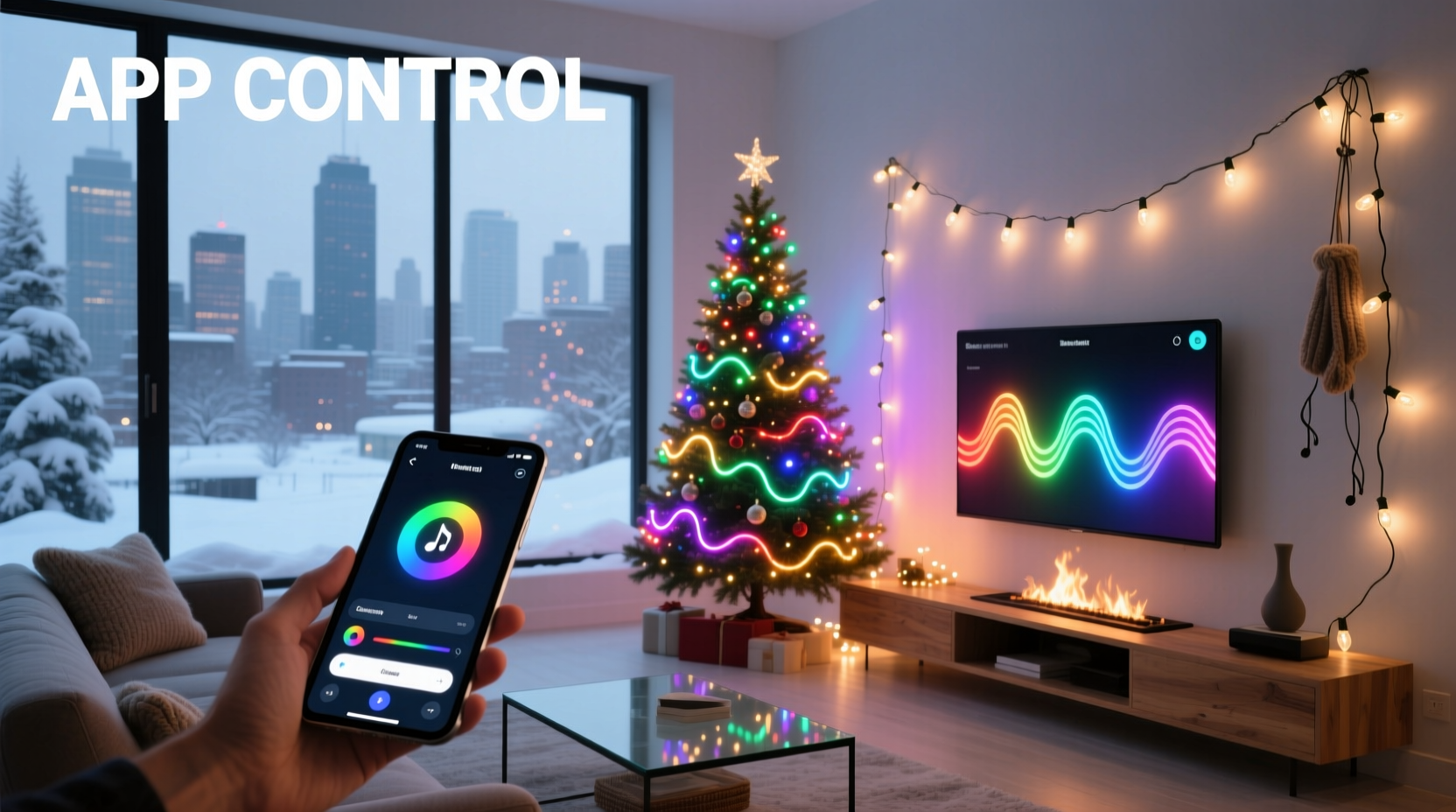
At first glance, both smart and basic string lights serve the same purpose: to illuminate your home during the holidays. However, their underlying technology, functionality, and user experience diverge significantly.
Basic string lights are simple electrical circuits with bulbs wired in series or parallel. Most use either traditional incandescent filaments or energy-efficient LEDs. You plug them in, turn them on (manually or with a timer), and enjoy the glow. They’re affordable, widely available, and require no setup beyond hanging them.
Smart Christmas lights, on the other hand, contain microcontrollers that allow individual bulbs or segments to be controlled digitally. These lights connect to your Wi-Fi network or a hub device, enabling interaction through a mobile app. Many support integration with Amazon Alexa, Google Assistant, or Apple HomeKit, allowing voice commands like “Turn on the porch lights” or “Set the tree to red and gold.”
Some advanced models offer:
- Color customization (millions of colors via RGB LEDs)
- Scheduling (lights turn on at sunset, off at midnight)
- Music synchronization (pulsing or dancing to holiday tunes)
- Remote access (turn lights on/off while away from home)
- Zoning (control different sections independently)
The gap isn’t just technological—it’s experiential. Smart lights transform decoration into an interactive display.
Cost Comparison: Upfront vs Long-Term Value
Price is often the deciding factor. Basic string lights range from $5 to $20 per strand, depending on length and bulb type. A typical household might spend $30–$60 total to decorate a tree and outdoor eaves.
Smart lights, however, start around $25 per strand and can exceed $60 for premium models with advanced features. A full setup could easily reach $150–$300. That’s a significant jump.
But cost shouldn’t be measured only at purchase. Consider longevity, energy efficiency, and utility.
| Feature | Basic String Lights | Smart Christmas Lights |
|---|---|---|
| Average Price per Strand | $5–$20 | $25–$70 |
| Energy Efficiency | Moderate (LED versions efficient) | High (all LED, low-wattage control) |
| Lifespan | 1,000–2,000 hours (incandescent) 25,000+ hours (LED) |
25,000–50,000 hours |
| Replacement Frequency | Every 2–5 years (if not stored well) | Every 5–10 years |
| Additional Costs | Timers, extension cords | App learning curve, potential hub |
While smart lights cost more upfront, their longer lifespan and energy savings can offset the price over time. Plus, features like scheduling reduce wasted electricity by ensuring lights aren’t left on all night.
“Smart lighting pays for itself in five years when used consistently—especially in cold climates where people want seasonal ambiance without constant manual control.” — Mark Reynolds, Energy Efficiency Consultant at GreenHome Labs
Real-World Use Case: The Johnson Family Holiday Display
The Johnsons live in suburban Minnesota. For years, they used basic white mini-lights on their roofline and tree. Setup took half a day, and they relied on mechanical timers. One year, their son convinced them to try smart lights.
They invested in three strands of Wi-Fi-enabled RGB LED lights for the front porch and two for the living room tree. Using the manufacturer’s app, they programmed a rotating color scheme for weekends and a warm white setting for weekdays. They also set a schedule: lights turn on at 5 PM and off at 11 PM.
During Thanksgiving weekend, they hosted a party. With a tap on their phones, they activated a “Party Mode”—multicolor pulses synced to Mariah Carey’s “All I Want for Christmas Is You.” Guests were impressed. Neighbors stopped by to ask how they did it.
Later in December, the family went skiing for five days. Before leaving, they turned off the lights remotely. Mid-trip, they realized they’d forgotten to activate the “Away Mode” schedule. A quick adjustment from the resort ensured the house didn’t stay dark the entire time—a small detail that added peace of mind.
Was it worth it? According to Mrs. Johnson: “The first year was mostly novelty. But now, it’s part of our tradition. The kids love picking new themes each week. And yes, I admit—I check the app more than I should.”
When App Control Makes Sense (And When It Doesn’t)
App control is powerful—but not universally beneficial. Its value depends on your habits and expectations.
App control is worth it if you:
- Enjoy customizing your decor regularly
- Host frequent gatherings during the holidays
- Travel during the season and want to manage lights remotely
- Have mobility challenges that make physical switches difficult
- Want to integrate lights into a broader smart home ecosystem
App control may not be worth it if you:
- Prefer a “set it and forget it” approach
- Only display lights for a few weeks and don’t change settings
- Live in an area with unreliable Wi-Fi
- Are uncomfortable with technology or app-based systems
- Have a tight budget and prioritize simplicity
For many, the novelty wears off after the first season. If you’re unlikely to explore beyond turning the lights on and off, a $60 smart strand offers little advantage over a $10 basic one paired with a $8 programmable outlet.
Step-by-Step Guide to Choosing the Right Option
Deciding between smart and basic lights doesn’t have to be overwhelming. Follow this practical sequence to make an informed choice.
- Assess your current setup. How many strands do you use? Where are they placed? Do you use timers already?
- Define your goals. Are you aiming for ambiance, security, entertainment, or tradition? Write down what matters most.
- Estimate your usage frequency. Will you use the lights daily? Only on weekends? For special events?
- Evaluate your tech comfort level. Are you confident downloading apps, connecting devices, and troubleshooting connectivity issues?
- Check your Wi-Fi coverage. Smart lights need stable signal strength, especially outdoors. Test near your planned installation spots.
- Compare total costs. Include multiple strands, potential hubs, and power consumption over three seasons.
- Start small (recommended). Try one smart strand alongside your existing setup. See how much you actually use the features before upgrading everything.
Common Pitfalls and How to Avoid Them
Even enthusiastic adopters can misstep. Here are common mistakes with smart Christmas lights—and how to prevent them.
- Overbuying too soon. Buying ten smart strands before testing one leads to buyer’s remorse. Start with a single zone—like your tree or front door.
- Ignoring compatibility. Not all smart lights work with all voice assistants. Check packaging carefully before purchasing.
- Underestimating setup time. Pairing lights to Wi-Fi, naming devices, and creating scenes takes longer than plugging in a cord. Allow at least 30 minutes per strand the first time.
- Forgetting storage. Smart lights often have delicate controllers or end plugs. Store them in labeled containers with care.
- Expecting perfection. Wi-Fi dropouts, app bugs, and firmware updates happen. Have a backup plan—like a manual switch—for critical displays.
FAQ: Answering Common Questions
Can I mix smart and basic lights on the same circuit?
Yes, absolutely. Smart and basic lights can share an electrical circuit as long as the total wattage doesn’t exceed the limit. However, only the smart strands will be app-controllable. Use separate outlets or power strips for easier management.
Do smart Christmas lights work without Wi-Fi?
Most smart lights require Wi-Fi for app control, scheduling, and voice commands. However, many have a manual override—usually a button on the controller—that turns them on in default mode. Without Wi-Fi, you lose remote access and advanced features, but the lights usually still function.
Are smart lights harder to install?
Physically, installation is identical—just hang and plug in. The difference lies in digital setup. You’ll need to download an app, connect the lights to your network, and possibly create an account. This process takes 10–20 minutes the first time but becomes faster with experience.
Final Checklist Before You Buy
Use this checklist to ensure you’re making the right decision for your needs.
- ☐ Define your primary goal (ambiance, security, fun, etc.)
- Knowing your \"why\" guides your choice.
- ☐ Confirm Wi-Fi strength at installation locations
- Poor signal = unreliable control.
- ☐ Check voice assistant compatibility
- Ensure it works with Alexa, Google, or Siri if desired.
- ☐ Read recent customer reviews
- Look for feedback on app stability and customer support.
- ☐ Start with one smart strand
- Test before committing to a full upgrade.
- ☐ Compare energy usage
- Smart LEDs use less power, reducing long-term costs.
Conclusion: Is App Control Worth It?
The truth is nuanced. App control isn’t inherently better—it’s different. For those who value convenience, personalization, and the ability to adapt their holiday atmosphere with a tap, smart Christmas lights deliver real value. The ability to turn on your lights from bed, surprise loved ones with a color change, or make your home feel lived-in while traveling adds a layer of modern comfort.
But for others, especially those who prefer simplicity or limited seasonal engagement, basic string lights remain the smarter choice. They’re reliable, inexpensive, and require zero technical knowledge. There’s elegance in their straightforwardness.
The holiday season is about joy, not gadgets. Technology should enhance the experience—not complicate it. If app control brings you delight and fits your lifestyle, invest in smart lights. If it feels like more hassle than happiness, stick with the classics.
In the end, both types of lights achieve the same thing: they bring warmth, visibility, and celebration to the darkest time of year. Whether controlled by a switch or a smartphone, what matters most is the light itself—and the spirit behind it.




 浙公网安备
33010002000092号
浙公网安备
33010002000092号 浙B2-20120091-4
Comments
No comments yet. Why don't you start the discussion?