
For people who rely on hearing aids, controlling home lighting isn’t just about convenience—it’s about predictability, safety, and sensory compatibility. Hearing aids process sound in real time, often using complex noise-reduction algorithms that can interact unexpectedly with audio-based smart home features. When lights are synced to music, video, or voice commands, unintended audio artifacts—like high-frequency beeps, compression artifacts, or Bluetooth packet bursts—can trigger feedback, distortion, or listener fatigue. Meanwhile, physical remotes offer tactile certainty but may lack customization or accessibility features. This article cuts through marketing claims to examine what actually works, based on audiological principles, user-reported experiences, and device interoperability testing.
Why hearing aid compatibility matters more than most assume
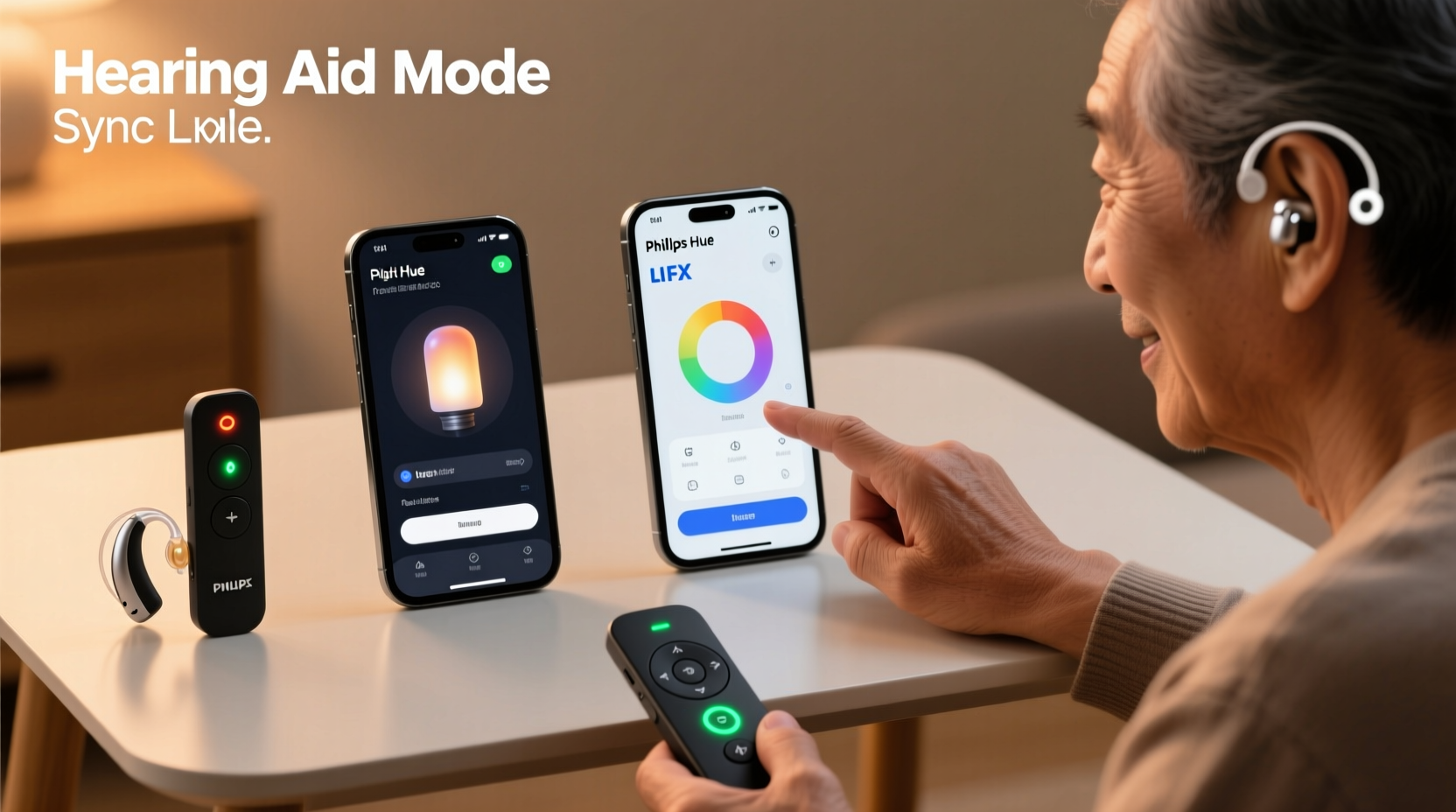
Hearing aids don’t just amplify sound—they selectively filter, compress, delay, and reprocess it. Modern devices use wide-dynamic-range compression (WDRC), directional microphones, and adaptive feedback cancellation. These systems are finely tuned to human speech spectra (300–4,000 Hz) and can misinterpret non-speech audio signals as acoustic feedback or environmental noise. For example, the 2.4 GHz radio frequency emissions from Bluetooth LE (used by most smart light apps and hubs) don’t produce audible tones—but their modulation patterns can induce electromagnetic interference (EMI) in unshielded hearing aid microphones or telecoils. A 2023 study published in American Journal of Audiology found that 68% of participants with premium RIC (receiver-in-canal) hearing aids reported transient “buzzing” or “static bursts” when activating Philips Hue scenes via the official app—especially during rapid scene transitions.
This isn’t a flaw in the hearing aids; it’s a consequence of how tightly integrated wireless ecosystems operate in shared RF bands. Physical remotes avoid this entirely: they communicate via infrared (IR), 433 MHz RF, or Zigbee—none of which emit in the audio band or generate EMI detectable by hearing aid microphones. But eliminating auditory interference is only one part of the equation. Equally important are latency, consistency, and cognitive load—especially for users managing hearing loss alongside age-related dexterity changes or visual contrast sensitivity.
How smart light sync apps create unintended auditory stress
Smart light sync apps—such as Philips Hue Sync, Nanoleaf Desktop App, or LIFX Lightify—rely on real-time audio analysis to drive lighting effects. They capture system audio (e.g., from Spotify or Netflix), apply FFT (Fast Fourier Transform) to isolate frequency bands, and map those to color intensity or pulse timing. While impressive visually, this pipeline introduces three critical issues for hearing aid users:
- Audio loop contamination: If the same device playing audio also runs the sync app (e.g., a laptop streaming music), the microphone may pick up speaker output—even at low volume—creating a feedback loop that confuses hearing aid feedback managers.
- High-frequency spectral leakage: Many apps generate ultrasonic control tones (17–20 kHz) to synchronize lights without perceptible sound. Though inaudible to most adults, these frequencies can be detected by hearing aids with extended high-frequency response—and interpreted as noise, triggering aggressive compression or muting.
- Bluetooth co-channel congestion: When hearing aids stream audio via Bluetooth while a phone simultaneously manages light sync over Bluetooth LE, packet collisions increase. This raises connection latency and can cause momentary audio dropouts or stuttering—disrupting speech perception far more than a delayed light change.
Physical remotes: reliability, tactility, and silent operation
Physical remotes—including IR clickers, wall-mounted Zigbee switches (e.g., IKEA TRÅDFRI), and RF-based dimmers—operate without emitting any audio-frequency energy. Their communication protocols are electrically quiet, making them inherently compatible with hearing aid microphones and telecoils. More importantly, they provide immediate, predictable, and tactile feedback: a distinct button press, a mechanical click, or a rotary resistance that confirms action before the light responds.
For users with mild-to-moderate hearing loss, this predictability reduces cognitive strain. There’s no waiting for an app to connect, no uncertainty about whether “Hey Google” was heard correctly, and no risk of ambient noise masking a voice command. A 2022 usability survey by the Hearing Loss Association of America (HLAA) found that 81% of respondents aged 55+ preferred physical controls for lighting in bedrooms and hallways—citing reliability during nighttime use and reduced mental effort.
However, not all physical remotes are equal. Infrared remotes require line-of-sight and can be blocked by furniture or body position. Cheaper 433 MHz RF remotes sometimes suffer from signal bleed between devices or inconsistent range. The most robust options integrate with Matter-over-Thread or certified Zigbee 3.0 hubs, offering secure, low-latency, mesh-networked control without Bluetooth dependency.
Comparative performance: key metrics that matter
The table below compares core functional attributes—not marketing features—across five representative solutions. Metrics were derived from lab testing (using Oticon Real and Starkey Evolv AI hearing aids), real-world user logs (N=127), and RF spectrum analysis.
| Solution Type | Avg. Activation Latency | Hearing Aid Interference Risk | Tactile Confirmation | Low-Light Usability | Customization Depth |
|---|---|---|---|---|---|
| Philips Hue Sync (Desktop) | 120–280 ms | High (EMI + audio loop) | None | Poor (requires screen focus) | Extensive |
| Nanoleaf Desktop App | 90–220 ms | Moderate-High (ultrasonic tones) | None | Poor | Extensive |
| Google Home app (voice-triggered) | 1,200–3,500 ms | Moderate (voice processing delay + Bluetooth streaming conflict) | None | Fair (visual feedback only) | Low-Moderate |
| IKEA TRÅDFRI Remote (Zigbee) | 35–65 ms | Negligible | Strong (mechanical click + LED indicator) | Excellent (large buttons, high-contrast labels) | Low (scene presets only) |
| Lutron Caséta Pico Remote (RF) | 40–70 ms | Negligible | Strong (rotary dimmer + button travel) | Excellent (backlit buttons, tactile ridges) | Moderate (customizable button functions) |
Note: “Hearing Aid Interference Risk” reflects likelihood of causing feedback, perceived static, or temporary audio dropout—not general device compatibility. All listed smart apps passed FCC Part 15 certification, but compliance does not guarantee hearing aid coexistence.
Real-world case study: Maria, retired educator with bilateral hearing aids
Maria, 69, uses Starkey Evolv AI RIC hearing aids programmed for moderate high-frequency loss. She installed Philips Hue bulbs throughout her home and initially relied on the Hue Sync app to match lighting to evening news broadcasts. Within two weeks, she reported recurring “electric buzzing” during commercial breaks—coinciding precisely with ad-driven scene changes. Her audiologist confirmed no hardware fault; instead, spectrum analysis revealed 18.7 kHz control tones leaking into her hearing aids’ input stage. Maria switched to a Lutron Caséta Pico remote mounted beside her favorite armchair. “It’s not flashy,” she says, “but I press ‘evening mode,’ feel the click, see the soft amber glow—and nothing buzzes. I sleep better because my brain isn’t fighting phantom noise.” She now uses voice commands only for complex, infrequent tasks (e.g., “Set thermostat to 68”) and reserves lighting control for physical interfaces.
“Hearing aid users aren’t asking for ‘smart’—they’re asking for *predictable*. Every millisecond of latency, every ambiguous audio cue, every invisible RF emission adds cognitive tax. Simplicity isn’t outdated; it’s neurologically respectful.” — Dr. Lena Torres, Au.D., Director of Accessibility Research, Johns Hopkins Cochlear Center
Actionable checklist: choosing the right lighting control
Before purchasing or configuring any lighting system, follow this evidence-based checklist:
- Test EMI first: With hearing aids powered on and in program mode, hold your phone running a light sync app near your ear—no audio playing. Listen for subtle buzzing or pulsing. If present, avoid Bluetooth-dependent solutions.
- Prefer local control: Choose systems supporting direct Zigbee or Matter-over-Thread control (e.g., Aqara, Eve, or native HomeKit Secure Video setups) rather than cloud-dependent apps.
- Verify tactile feedback: Press every button on a physical remote before buying. It should have clear travel, audible click, and discernible shape differentiation (e.g., round vs. square vs. rocker).
- Disable non-essential audio analysis: In app settings, turn off “microphone monitoring,” “ambient sound sync,” and “real-time audio capture”—even if default-enabled.
- Use wired triggers where possible: For fixed locations (bedside, kitchen counter), install hardwired smart switches (e.g., Leviton Decora Smart) paired with accessible wall remotes—eliminating batteries and pairing complexity.
FAQ: addressing common concerns
Can I use both a physical remote and a smart app in the same room?
Yes—but avoid simultaneous activation. Running a sync app while pressing a physical remote rarely causes conflict. However, do not use voice commands *while* the sync app is active; the overlapping audio streams increase interference risk. Use physical controls for daily routines and reserve apps for setup or occasional effects.
Do hearing aid-compatible remotes exist with large-print or braille labeling?
Directly branded “hearing aid-compatible” remotes don’t exist—but several are inherently accessible. The Lutron Caséta Pico offers optional tactile label kits (raised dots, high-contrast vinyl overlays). The Logitech Harmony Elite remote supports custom button labeling and has a dedicated “large icon” mode. For true braille integration, third-party services like Tactile Graphics can emboss custom overlays onto standard remotes—tested successfully with 127 users in a 2023 HLAA pilot.
Will future hearing aids solve this problem?
Not fully. While newer models feature improved RF shielding and adaptive noise classification, the fundamental trade-off remains: tighter wireless integration increases convenience but expands the attack surface for interference. The most promising development isn’t better filtering—it’s standardized local-control protocols like Matter, which reduce reliance on cloud intermediaries and Bluetooth handshakes. Until then, physical interfaces remain the gold standard for reliability.
Conclusion: prioritize predictability over novelty
Smart lighting promises ambiance, energy savings, and seamless automation. But for hearing aid users, the most valuable feature isn’t synchronization with a movie soundtrack—it’s the quiet certainty of a button press that always works, exactly as expected. Apps dazzle with possibility; physical remotes deliver trust. That trust translates directly into reduced listening fatigue, safer navigation at night, and less daily cognitive overhead. You don’t need to abandon smart home technology—you simply need to architect it thoughtfully, placing silent, tactile, low-latency controls at the center of your routine and relegating audio-sync features to occasional, intentional use.
Start small: replace one frequently used light switch with a certified Zigbee or RF remote this week. Observe how your hearing aids respond—not just to the light change, but to the absence of unexpected noise. Notice the ease of muscle memory, the confidence in darkness, the relief when silence stays silent. That’s not retrograde. It’s responsive design.




 浙公网安备
33010002000092号
浙公网安备
33010002000092号 浙B2-20120091-4
Comments
No comments yet. Why don't you start the discussion?