
Home automation no longer requires a six-figure budget or a degree in electrical engineering. With the rise of affordable smart devices, anyone can start automating their living space—starting with lighting and plug-in appliances. Two of the most accessible entry points are smart lights and smart plugs. Both offer remote control, scheduling, and voice assistant integration, but they differ significantly in cost, functionality, and long-term value. For homeowners and renters alike looking to dip their toes into automation on a budget, understanding the real cost differences—and benefits—is essential.
This guide breaks down smart lights and smart plugs from a financial and practical standpoint, helping you determine which option delivers the best return on investment for your specific needs.
Understanding Smart Lights and Smart Plugs
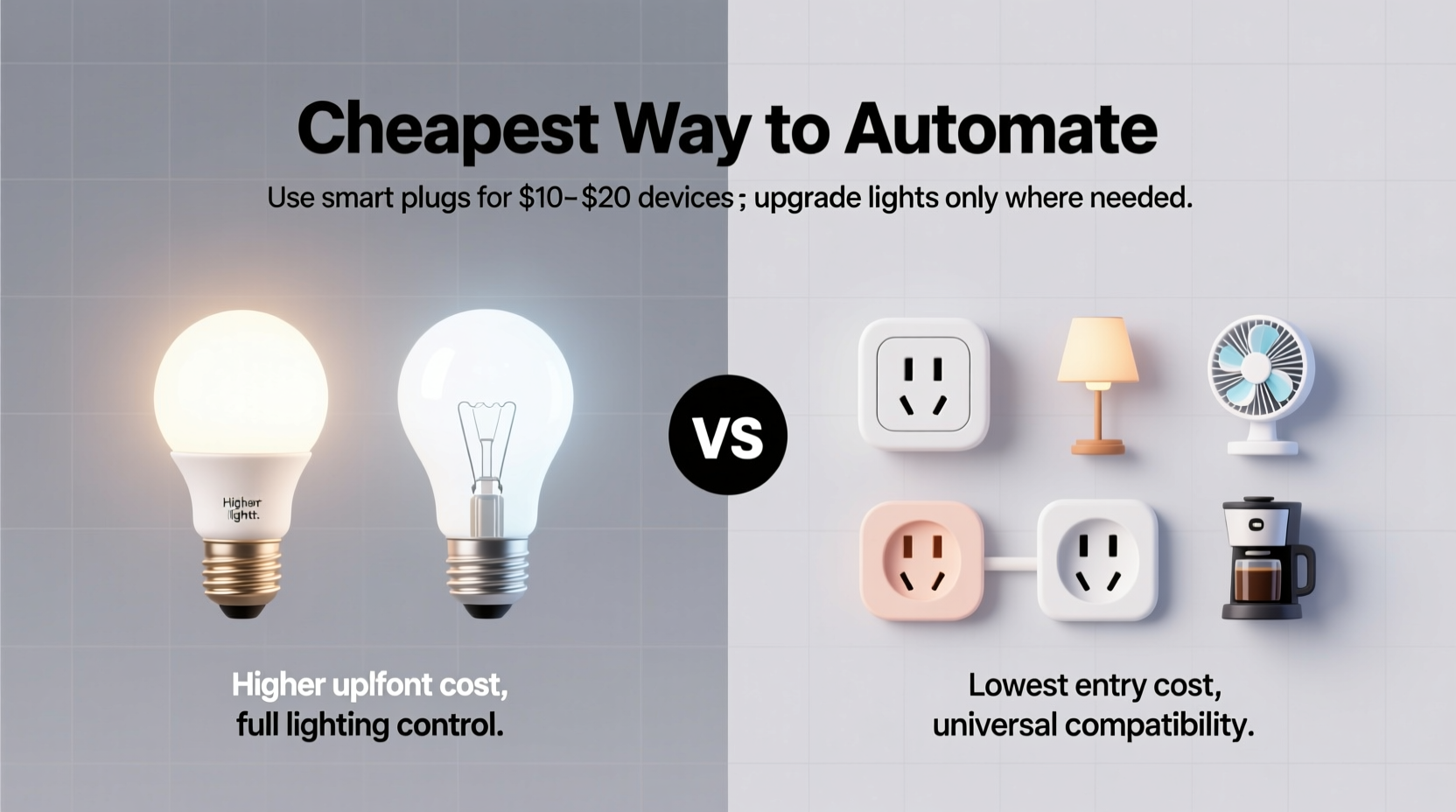
Smart lights are LED bulbs that connect to Wi-Fi or a hub (like Zigbee or Z-Wave) and allow users to control brightness, color, and on/off states via smartphone apps or voice commands. They often support features like dimming, color temperature adjustment, and even full RGB color cycling. Brands like Philips Hue, LIFX, and TP-Link Kasa dominate this space.
Smart plugs, on the other hand, are simple adapters that go between a wall outlet and any standard appliance or lamp. Once connected, they enable remote control of whatever is plugged into them. You can turn a regular floor lamp into a “smart” light by plugging it into a smart plug. These are typically much cheaper than smart bulbs and work with existing fixtures.
The fundamental difference lies in integration: smart lights replace your bulbs; smart plugs work with your existing hardware. This distinction has major implications for cost, scalability, and flexibility.
Cost Comparison: Upfront and Long-Term Expenses
To determine which option is truly cheaper, we need to look beyond sticker prices and consider total ownership costs—including initial purchase, installation, energy use, and future upgrades.
| Feature | Smart Lights (per bulb) | Smart Plugs (per unit) |
|---|---|---|
| Average Price | $15–$25 (single-color), $25–$60 (color) | $10–$25 |
| Installation Effort | Replace each bulb manually | Plug in—no tools needed |
| Lifespan | 15,000–25,000 hours | 5–7 years (dependent on usage) |
| Energy Monitoring | Rare in basic models | Common in mid-range+ models |
| Hue/Color Control | Yes (on compatible models) | No |
| Works with Existing Fixtures | No—requires compatible sockets | Yes—any plug-in device |
| Scalability Cost | High (cost per bulb adds up) | Low (one plug controls one device) |
At first glance, smart plugs appear more economical. A single plug at $15 can make an entire lamp “smart,” whereas replacing multiple bulbs in a chandelier could cost over $100. But cost-effectiveness also depends on how many lights you want to automate and whether advanced lighting features matter to you.
When Smart Plugs Are the Cheaper Choice
For most budget-conscious beginners, smart plugs are the clear winner in terms of affordability and ease of deployment. Consider these scenarios where smart plugs outshine smart bulbs:
- You have multiple table or floor lamps. Instead of buying several smart bulbs, one smart plug per lamp achieves similar results.
- You rent your home. Landlords rarely allow permanent changes. Smart plugs are removable and leave no trace.
- You want to automate non-lighting devices. Use smart plugs for coffee makers, fans, space heaters, or holiday lights—all controllable via the same app.
- You’re testing automation. A $15 plug is a low-risk way to learn routines, schedules, and voice commands before investing in pricier systems.
Additionally, many smart plugs include energy monitoring—a feature rarely found in basic smart bulbs. This allows you to track how much power your devices consume, potentially saving money by identifying energy hogs.
“Smart plugs offer the fastest ROI for home automation. You get control, scheduling, and data insights at a fraction of the cost of upgrading every bulb.” — Jordan Lee, Home Automation Consultant at TechHaven Labs
Mini Case Study: The Apartment Renter’s Solution
Maria, a 28-year-old graphic designer renting a two-bedroom apartment, wanted to add convenience without violating her lease. She bought three $18 smart plugs: one for her bedroom floor lamp, one for her living room standing lamp, and one for her electric kettle. Using the Kasa app, she set schedules so lights turned on at dusk and the kettle heated water at 7:00 AM on weekdays. Total cost: $54.
If she had gone the smart bulb route, replacing just four bulbs (two lamps, overheads) would have cost $80–$120, required tools, and risked deposit deductions. Instead, she achieved nearly identical functionality with zero permanent changes.
When Smart Lights Make Financial Sense
While smart plugs win on price, smart lights provide capabilities that plugs simply cannot match. There are situations where paying more upfront leads to greater long-term satisfaction and utility.
For example, if you want:
- Dimmable ambient lighting throughout the evening
- Color-changing scenes for movie nights, parties, or relaxation
- Room-specific moods synced to music or sunrise alarms
- Integration with motion sensors or geofencing
In these cases, smart bulbs deliver a richer experience. Moreover, high-end smart lighting systems like Philips Hue or Nanoleaf can be integrated into broader ecosystems (Apple Home, Google Home, Alexa Routines) with precision control down to individual bulbs.
Another advantage: smart bulbs are often more energy-efficient than older incandescent or halogen bulbs. Replacing a 60W traditional bulb with a 9W smart LED can save ~$7/year per bulb in electricity (based on U.S. average rates). Over 10 bulbs, that’s $70 saved annually—helping offset the initial cost within a few years.
Step-by-Step: Building a Budget-Friendly Automation Plan
Here’s how to create a smart home setup that balances cost and functionality:
- Assess your current lighting setup. Identify which lights you use daily and which ones are decorative or situational.
- Prioritize high-impact areas. Focus on bedrooms, living rooms, and entryways—places where automation adds real convenience.
- Decide on desired features. Do you want color control? Scheduling? Voice commands? Energy tracking?
- Start with smart plugs for lamps. Use them to automate existing floor and table lamps. Choose models with scheduling and energy monitoring.
- Add smart bulbs selectively. Install them only in overhead fixtures or multi-bulb lamps where color or dimming matters (e.g., dining room chandelier).
- Use a unified ecosystem. Stick to one brand (like TP-Link Kasa or Wyze) to ensure compatibility and avoid app overload.
- Create routines. Automate “Good Morning” (lights on gradually) or “Away Mode” (randomized on/off cycles for security).
This hybrid approach lets you spend strategically—using cheap, flexible smart plugs where possible and reserving smart bulbs for situations where their advanced features justify the cost.
Checklist: Choosing Between Smart Lights and Smart Plugs
- ☐ Do I own my home or am I renting? (Renters favor plugs)
- ☐ Do I want color-changing or mood lighting? (Bulbs required)
- ☐ Am I automating lamps or ceiling fixtures? (Lamps = plugs; fixtures = bulbs)
- ☐ Do I want to control non-light devices? (Plugs offer broader use)
- ☐ Is energy monitoring important to me? (Many plugs include this)
- ☐ Am I on a tight budget? (Plugs are cheaper per device)
- ☐ Will I expand the system later? (Ensure compatibility across devices)
Frequently Asked Questions
Can I use a smart plug with any lamp?
Yes, as long as the lamp is plugged into the wall and not hardwired. However, if the lamp has a dimmer switch, ensure it’s set to “on” permanently—the smart plug will handle the on/off function. Note: Some LED lamps may flicker if incompatible with electronic switches, but this is rare with modern bulbs.
Do smart plugs work when the internet is down?
Most smart plugs require Wi-Fi for remote access and app control. If the internet goes out, scheduled on/off events usually still run because they’re stored locally on the device. However, voice commands and remote access via phone will not work until connectivity is restored.
Are smart bulbs worth the extra cost?
Only if you value features like color tuning, precise dimming, or integration with entertainment systems. For basic on/off automation, smart plugs are more cost-effective. But if ambiance and customization matter, smart bulbs enhance the experience significantly.
Final Verdict: What’s the Cheapest Way to Automate Your Home?
For most people, **smart plugs are the cheapest and most practical way to begin automating their homes**. They require no rewiring, preserve existing investments in lighting, and offer surprising versatility beyond just lights. At $10–$25 per unit, they deliver core smart features—remote control, scheduling, and voice activation—at a fraction of the cost of smart bulbs.
That said, smart lights are not obsolete. They excel in environments where lighting design, ambiance, and personalization are priorities. The ideal strategy is often a hybrid: use smart plugs for lamps and appliances, and reserve smart bulbs for key areas where lighting quality enhances daily life.
The goal of home automation isn’t to replace everything with smart gear—it’s to add convenience, efficiency, and comfort where it matters most. By starting with smart plugs and expanding thoughtfully, you can build a functional, future-ready home without draining your wallet.




 浙公网安备
33010002000092号
浙公网安备
33010002000092号 浙B2-20120091-4
Comments
No comments yet. Why don't you start the discussion?