
For those stepping into the world of smart home technology, the decision between smart lights and smart plugs often comes down to simplicity. Both devices offer automation, voice control, and remote access through smartphone apps, but their setup processes differ significantly—especially for someone new to home tech. Understanding these differences can save time, reduce frustration, and ensure a smoother transition into a connected lifestyle.
The appeal of smart lighting lies in its ambiance control and color customization, while smart plugs provide universal compatibility with any lamp or appliance. Yet when it comes to ease of installation and initial configuration, one clearly stands out as more beginner-friendly. Let’s explore why—and how each option stacks up in real-world usability.
Understanding the Basics: What Each Device Does
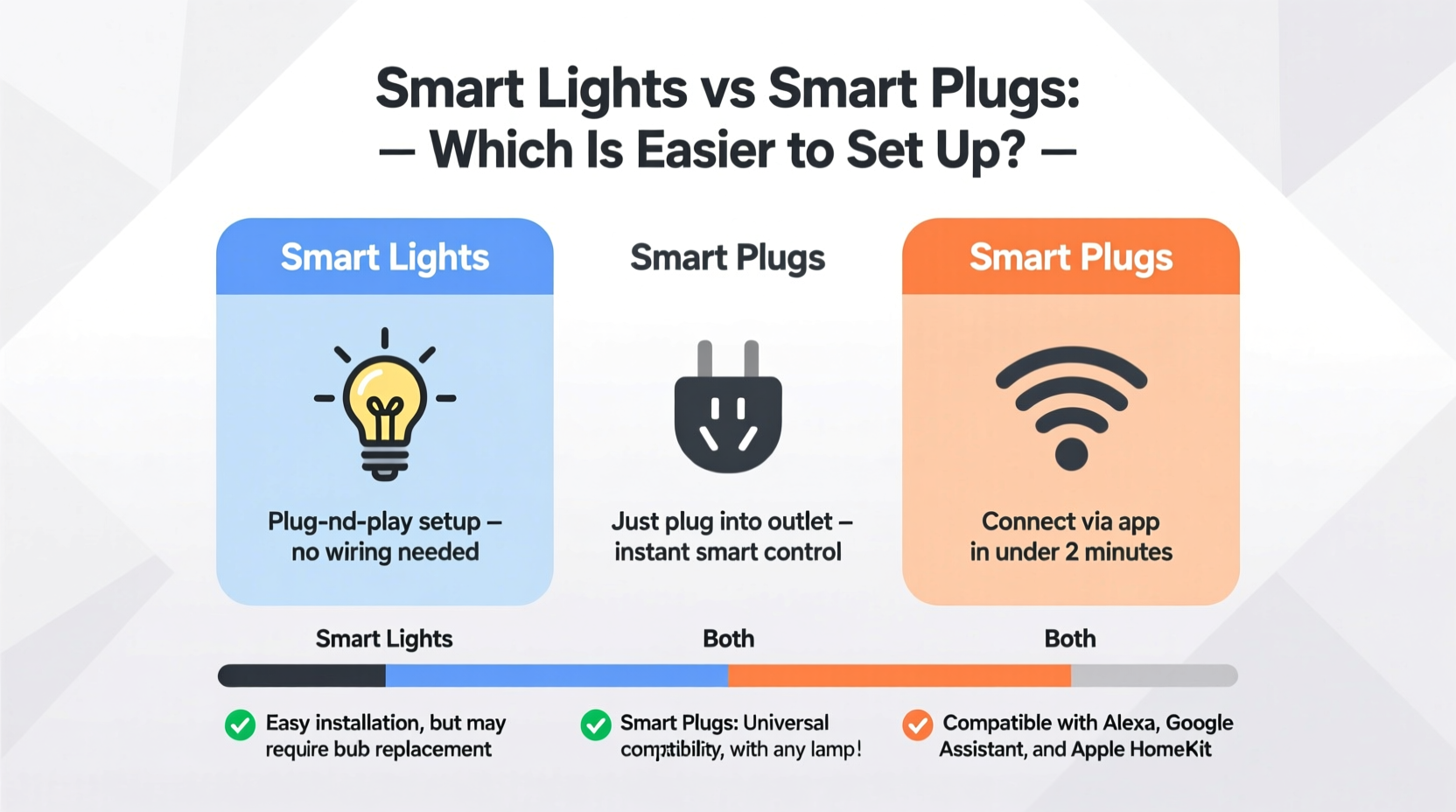
Before comparing setup difficulty, it's important to clarify what each device actually does and where it fits in your home.
Smart lights are LED bulbs or light fixtures that connect to your Wi-Fi or a dedicated hub (like Zigbee or Z-Wave). Once installed, they can be controlled via an app, scheduled to turn on or off, dimmed remotely, or even change colors based on mood or time of day. They require replacing existing bulbs or installing compatible fixtures.
Smart plugs, also known as smart outlets or Wi-Fi plugs, act as intermediaries between a wall outlet and any plug-in device—like a floor lamp, coffee maker, or fan. The plug connects to your Wi-Fi network, allowing you to control the power flow to whatever is plugged into it using an app or voice assistant.
While both deliver smart functionality, the way they integrate into your space affects how easy they are to install and start using.
Physical Installation: Plugs Win by a Mile
The most immediate difference is physical installation. Smart plugs require no tools, no electrical knowledge, and no changes to your existing setup. You simply plug them into a standard wall outlet and then plug your device into the smart plug. That’s it. No screwing, wiring, or ladder work involved.
In contrast, installing smart lights means handling bulbs—sometimes in hard-to-reach fixtures like ceiling fans, recessed cans, or high-mounted sconces. This may involve climbing ladders, turning off circuit breakers for safety (especially with hardwired fixtures), and ensuring compatibility with dimmer switches or enclosed fixtures.
For beginners unfamiliar with home electrical systems, this extra step introduces risk and uncertainty. Even changing a regular light bulb can be intimidating when it’s above a staircase or requires balancing on furniture. Adding the concern about whether the smart bulb will fit, work with your switch, or get damaged during installation only compounds the stress.
Network Setup & App Configuration
Once physically installed, both devices require connection to your home Wi-Fi network and pairing with a mobile app. Here, smart plugs still maintain a slight edge due to consistency and fewer variables.
Most smart plugs use common protocols like Wi-Fi or Bluetooth and follow a standardized setup process: plug in the device, open the companion app (such as Kasa, Meross, or TP-Link), select “Add Device,” wait for the plug to flash, and enter your Wi-Fi credentials. Within minutes, the device appears in the app and responds to commands.
Smart lights follow a similar path, but complications arise more frequently. Some smart bulbs must first be powered on via a wall switch before appearing in the app. Others require being toggled on/off in specific patterns (e.g., three quick flips) to enter pairing mode—a step not always clearly explained in manuals.
Additionally, certain brands like Philips Hue require a separate hub, adding another layer of setup complexity. While hubs improve reliability and support more advanced features, they demand additional configuration, firmware updates, and network integration—none of which are ideal for someone just starting out.
“For true plug-and-play simplicity, nothing beats a smart plug. It removes nearly all barriers to entry.” — David Lin, Home Automation Consultant at TechHaven Labs
Compatibility Challenges: Where Smart Lights Can Stumble
Another factor affecting ease of setup is compatibility. Smart plugs have near-universal compatibility because they don’t interact directly with the internal workings of the device they power—they just cut or restore electricity.
Smart lights, however, must match socket types (E26, E12, GU10, etc.), voltage requirements, and sometimes even dimmer switch configurations. Using a non-dimmable smart bulb with a traditional dimmer switch can cause flickering, buzzing, or premature failure. Dual-control setups (where a light is managed by both a wall switch and an app) add further confusion.
Beginners might not realize that turning off a smart bulb at the wall switch breaks its network connection, making it invisible to the app until turned back on. This leads many new users to believe the bulb has failed or disconnected permanently, prompting unnecessary troubleshooting.
| Feature | Smart Plug | Smart Light |
|---|---|---|
| Installation Tools Needed | None | Ladder, possibly screwdriver |
| Electrical Knowledge Required | No | Slight (fixture type, dimmer compatibility) |
| Average Setup Time | 5–7 minutes | 10–20 minutes |
| Hassle-Free Reconnection After Power Off | Yes | No (must manually turn switch back on) |
| Works With Voice Assistants Out of Box | Yes (Alexa, Google Assistant) | Usually yes, but varies by brand |
Real-World Example: Sarah’s First Smart Home Attempt
Sarah, a teacher in her early 30s with no technical background, wanted to automate her bedroom lamp. She bought a popular brand of smart bulb, excited by the promise of setting schedules and controlling brightness from bed.
She unscrewed the old incandescent bulb and replaced it with the smart version. Then she downloaded the app, followed the instructions, and waited for the bulb to appear. Nothing happened. She tried restarting her phone, resetting the bulb, and checking her Wi-Fi—but still no success.
After two frustrating hours, she discovered online that the wall switch needed to stay ON for the bulb to remain connected. She had been switching it off every night, unknowingly disconnecting the bulb from the network. When she left the switch on and reset the bulb, it finally paired.
Had she chosen a smart plug instead and used it with her existing lamp, she would have avoided the entire ordeal. The plug would have stayed powered regardless of the lamp’s position, and reconnection after shutdown would have been automatic.
Step-by-Step Setup Comparison
To illustrate the gap in complexity, here’s a side-by-side walkthrough of setting up each device for the first time.
Setting Up a Smart Plug (Beginner-Friendly Process)
- Unbox the smart plug and verify it matches your region’s voltage and outlet type.
- Plug it into a wall outlet near the device you want to control (e.g., a table lamp).
- Download the manufacturer’s app (e.g., Kasa Smart, Wemo, or Smart Life).
- Open the app and create an account if required.
- Select “Add Device” and choose your plug model.
- Wait for the plug to blink rapidly (indicating pairing mode).
- Enter your home Wi-Fi name and password when prompted.
- Wait 30–60 seconds for confirmation that the device is online.
- Test by tapping “Turn On” in the app—your connected lamp should light up.
- Optional: Assign the plug to a room, rename it (“Bedroom Lamp”), and link to Alexa or Google Assistant.
Total time: under 10 minutes. No special skills needed.
Setting Up a Smart Light Bulb (More Steps, More Variables)
- Turn off the power to the fixture at the breaker or wall switch for safety.
- Remove the existing bulb carefully (allow cooling if recently on).
- Screw in the smart bulb by hand, avoiding overtightening.
- Restore power via the wall switch. The bulb should glow or flash softly.
- Download the correct app (e.g., Philips Hue, LIFX, or Nanoleaf).
- Create an account; some apps require email verification.
- Navigate to “Add Light” or “Discover Devices.”
- If using a hub (like Hue Bridge), connect the hub to your router via Ethernet and power it on first.
- Follow app prompts to sync the bulb—this may involve flipping the switch on/off multiple times.
- Once detected, assign the bulb to a room and test controls.
- Set up routines or voice assistant integration if desired.
Total time: 15–25 minutes. Risk of errors increases with older wiring, multi-way switches, or incompatible dimmers.
Which Is Better for Long-Term Use?
While smart plugs win on ease of setup, smart lights offer richer long-term benefits. Their ability to adjust brightness, color temperature, and hue enables scene creation (e.g., warm white for reading, blue-white for focus). Many also support music synchronization, sunrise alarms, and geofencing.
Smart plugs, though limited to on/off control, bring intelligence to legacy appliances. You can make a toaster, space heater, or holiday lights “smart” without replacing anything. They’re also typically cheaper—often under $20 per unit compared to $15–$50 per smart bulb.
For users planning to expand their smart homes gradually, starting with plugs allows experimentation without commitment. Once comfortable, they can move on to lighting upgrades with greater confidence.
Frequently Asked Questions
Can I use a smart plug with a lamp that has a manual switch?
Yes, but the lamp’s switch should remain in the “on” position. If you turn it off manually, the plug loses power and can’t be controlled remotely. Think of the smart plug as the primary switch—the lamp’s switch becomes secondary.
Do smart bulbs work if the light switch is turned off?
No. Smart bulbs need constant power to stay connected to Wi-Fi. Turning off the wall switch cuts power, disconnecting the bulb. To maintain remote control, leave the switch on and operate the bulb exclusively through the app or voice commands.
Are smart plugs safe to leave plugged in all the time?
Yes. Reputable smart plugs are designed for continuous use and include surge protection and overheating safeguards. Just ensure the plug isn’t overloaded beyond its wattage rating (usually 15A or 1800W).
Final Recommendation: Start Simple
For absolute beginners, smart plugs are the undisputed choice for ease of setup. They eliminate physical risks, reduce technical friction, and deliver instant gratification. Within minutes, you can control a lamp, fan, or coffee maker from your phone—proof that smart home tech doesn’t have to be complicated.
Smart lights, while powerful, come with caveats that can frustrate newcomers. Compatibility issues, pairing quirks, and dependency on wall switch behavior create hurdles best tackled after gaining experience.
That said, the ideal approach is often hybrid: begin with one or two smart plugs to learn the ecosystem, then graduate to smart lighting once you understand app navigation, network requirements, and automation logic.
“The best smart home journey starts with confidence. Master the simple wins first.” — Lena Patel, IoT Educator and Author of *Smart Living Made Easy*




 浙公网安备
33010002000092号
浙公网安备
33010002000092号 浙B2-20120091-4
Comments
No comments yet. Why don't you start the discussion?