
As homes grow smarter, so do the ways we secure them. The debate between traditional keypad locks and modern smart locks is no longer just about convenience—it’s about safety, reliability, and digital vulnerability. While smart locks offer remote access, voice control, and integration with home automation systems, many homeowners wonder: are they more prone to hacking than their simpler keypad counterparts? The answer isn’t binary. It depends on design, implementation, and user habits. This article breaks down the key differences, analyzes real-world threats, and provides actionable steps to keep your smart lock as secure as—or more secure than—a conventional keypad lock.
Understanding the Core Differences
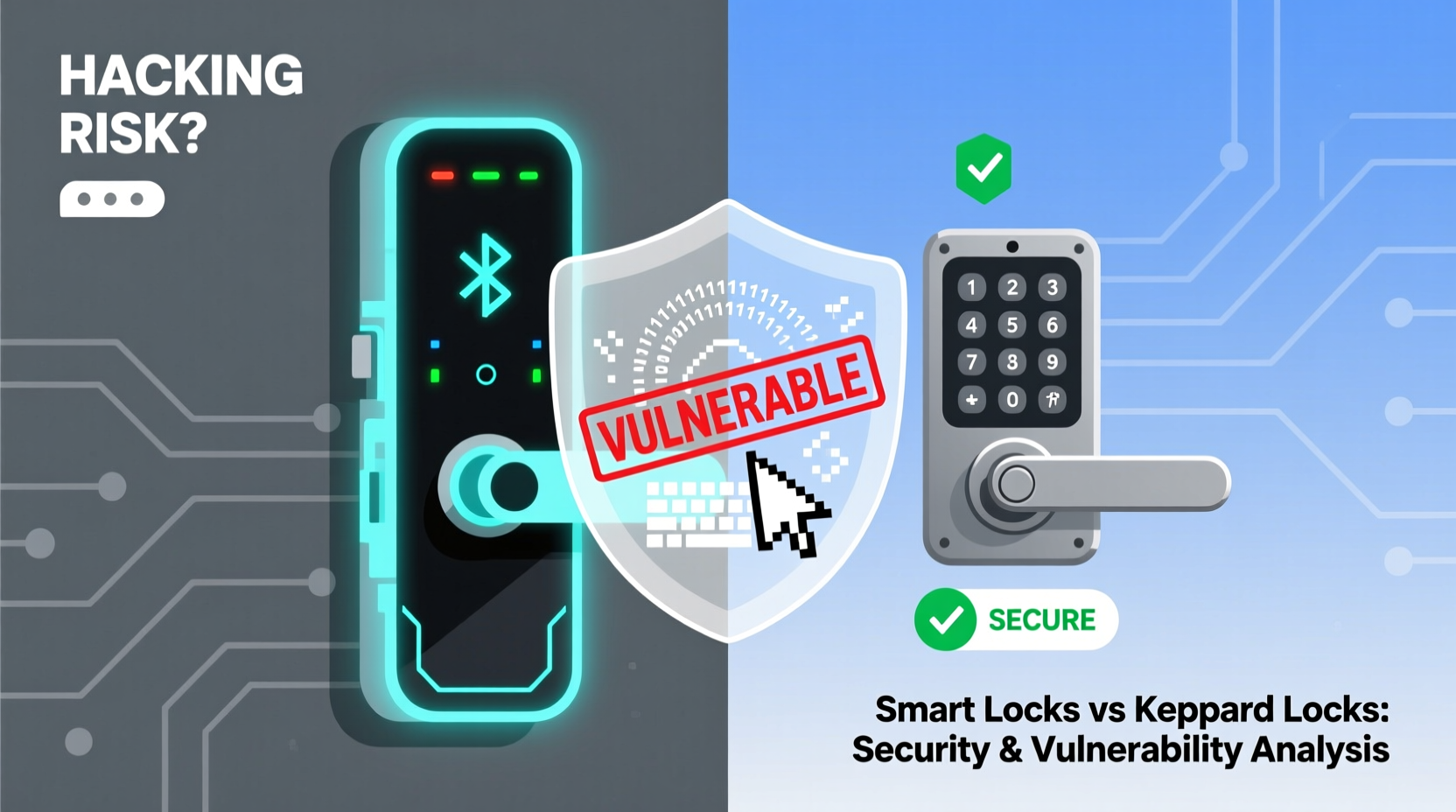
A keypad lock operates on a standalone mechanism: you enter a PIN code, and if it matches the stored combination, the bolt retracts. These locks rely on physical input and internal logic chips, typically without internet connectivity. In contrast, a smart lock connects to your Wi-Fi, Bluetooth, or a proprietary hub, enabling features like remote unlocking, guest access scheduling, and integration with platforms like Apple HomeKit, Google Home, or Amazon Alexa.
This added functionality introduces new attack vectors. A keypad lock can be compromised through brute-force attempts, shoulder surfing, or mechanical tampering. A smart lock, however, may also face digital intrusions—such as phishing, malware, or network-based exploits—if not properly configured.
How Keypad Locks Work—and Where They Fall Short
Traditional keypad locks use embedded firmware to verify codes. High-end models include anti-tamper features like temporary lockouts after multiple failed attempts. However, they lack monitoring capabilities. You won’t receive alerts if someone tries to guess your code at 2 a.m., nor can you remotely disable access if a former tenant still knows the PIN.
Additionally, keypad wear patterns can reveal commonly pressed digits. Over time, fingerprints or smudges on specific keys may allow an observant intruder to narrow down possible combinations. Some advanced keypad locks now include randomized keypads or require touch in sequence to mitigate this risk.
The Smart Lock Advantage: Features That Enhance Security
Smart locks go beyond basic entry. Many offer:
- Real-time notifications when the door is locked or unlocked
- Temporary access codes for guests or service workers
- Integration with security cameras and alarm systems
- Auto-locking based on geofencing (locks when you leave)
- Two-factor authentication for account access
These features don’t just add convenience—they improve accountability. If a door opens unexpectedly, you’ll know instantly. You can revoke access remotely, track who entered and when, and even receive alerts if the lock is physically tampered with.
“Smart locks aren’t inherently less secure than traditional ones. In fact, when properly maintained, they offer superior audit trails and response capabilities.” — Dr. Lena Torres, Cybersecurity Researcher at MIT Lincoln Lab
Vulnerability: Are Smart Locks Really Hackable?
The short answer: yes, but so are many other connected devices in your home. The real question is *how likely* and *under what conditions* a smart lock can be hacked.
Hacking attempts fall into two broad categories: physical/digital hybrid attacks and pure cyberattacks.
Cyberattack Vectors
Smart locks communicate via wireless protocols such as Bluetooth, Wi-Fi, Zigbee, or Z-Wave. Each has its own security profile:
| Protocol | Security Level | Common Risks |
|---|---|---|
| Bluetooth (Low Energy) | Moderate to High | Bluejacking, spoofing if within range |
| Wi-Fi | Variable | Network breaches, weak router security |
| Zigbee / Z-Wave | High (with encryption) | Hub compromise, outdated firmware |
In 2020, researchers at the University of Michigan demonstrated a “lock-picking” method using radio signal manipulation on certain Bluetooth-enabled smart locks. By intercepting and replaying signals, they were able to unlock doors without authorization. However, these vulnerabilities were patched quickly once disclosed.
More common threats stem from poor user practices: weak passwords, unsecured home networks, or failure to update firmware. A hacker doesn’t need to break encryption if they can guess your password or exploit a known vulnerability in outdated software.
Physical + Digital Hybrid Attacks
Some attacks combine observation and technology. For example:
- Shoulder Surfing + Credential Reuse: Someone sees you enter a PIN, then logs into your smart lock app if you reuse passwords.
- Bluetooth Sniffing: Using off-the-shelf hardware, attackers within close proximity can capture pairing requests and potentially gain access if encryption is weak.
- Firmware Exploits: Older models with unpatched firmware may allow privilege escalation or backdoor access.
Comparative Risk Assessment: Smart Lock vs Keypad Lock
To understand which system is safer, consider both threat likelihood and mitigation potential.
Keypad locks are simpler, which reduces complexity-related vulnerabilities. But their static nature works against them. Once a PIN is compromised, it stays compromised until manually changed. There’s no way to detect suspicious activity, and no remote recovery option.
Smart locks, while more complex, offer dynamic security tools. You can:
- Change access codes remotely
- Monitor login attempts
- Enable multi-factor authentication
- Receive intrusion alerts
In a side-by-side test conducted by Consumer Reports in 2022, several top-tier smart locks resisted digital intrusion attempts better than budget keypad models resisted brute-force attacks. The conclusion: well-maintained smart locks outperform poorly managed traditional ones.
Case Study: The Compromised Vacation Rental
A property manager in Colorado used a keypad lock for a vacation rental, sharing the same four-digit code with all guests. After repeated incidents of unauthorized access, they switched to a smart lock with unique, time-limited access codes. Within three months, break-in reports dropped to zero. Additionally, the owner received an alert when a guest tried to force the door open after checkout. Police were notified automatically via integrated security software.
The switch didn’t eliminate human error—but it transformed passive security into active defense.
Best Practices to Secure Your Smart Lock
Technology is only as strong as its weakest link. Most smart lock breaches stem from preventable oversights. Follow this checklist to minimize risk:
Smart Lock Security Checklist
- ✅ Choose a reputable brand with regular firmware updates (e.g., August, Yale, Schlage)
- ✅ Use a strong, unique password for your smart lock account
- ✅ Enable two-factor authentication (2FA) on the associated app
- ✅ Connect the lock to a secure Wi-Fi network with WPA3 encryption
- ✅ Avoid public Wi-Fi when managing lock settings remotely
- ✅ Regularly review access logs and remove unused users
- ✅ Install a secondary physical deadbolt for layered protection
- ✅ Keep the manufacturer’s customer support info handy for emergencies
Also, avoid \"universal\" smart lock apps that manage multiple brands. These can become single points of failure. Instead, use official manufacturer apps and treat them with the same caution as banking software.
“The most secure smart lock is useless if paired with a weak email password. Security is a chain—the strongest lock won’t help if the front door is left open.” — Marcus Reed, Lead Engineer at NIST’s IoT Security Division
FAQ: Common Concerns About Smart Lock Safety
Can someone hack my smart lock from another country?
Direct remote hacking from thousands of miles away is highly unlikely unless your home network is already compromised. Most smart locks require local Bluetooth proximity for initial setup or emergency access. Cloud-based controls are protected by encrypted APIs and login verification. However, if your account uses a weak password or lacks 2FA, a determined attacker could attempt credential stuffing.
What happens if my Wi-Fi goes down?
Most smart locks retain core functionality during outages. You can still use a PIN code, physical key, or Bluetooth (if your phone is nearby). Access logs may not sync until connectivity resumes, but locking and unlocking continue to work. Always ensure your model supports offline mode before purchasing.
Are fingerprint smart locks safer than keypad ones?
Fingerprint sensors add biometric verification, which is harder to spoof than a static PIN. However, low-quality scanners can be fooled by high-resolution images or silicone molds. Look for models with liveness detection (measures blood flow or skin conductivity). Even then, treat biometrics as a convenience layer—not an impenetrable barrier.
Conclusion: Balancing Innovation and Security
The choice between a smart lock and a keypad lock shouldn’t be framed as technology versus tradition. Instead, it’s about aligning your security needs with the right tools. Smart locks are not universally more vulnerable—they introduce new risks, but also powerful defenses that keypad locks simply cannot match.
Vulnerability isn’t inherent to being “smart.” It arises from poor configuration, outdated software, or complacency. A well-maintained smart lock on a secure network, with strong credentials and updated firmware, offers greater visibility, control, and responsiveness than any standalone keypad system.
If you value peace of mind, remote management, and detailed access tracking, a smart lock is worth the effort to secure properly. And if you’re concerned about hacking, remember: the greatest threat isn’t a sophisticated cybercriminal—it’s neglect. Change defaults, enable protections, and stay informed.




 浙公网安备
33010002000092号
浙公网安备
33010002000092号 浙B2-20120091-4
Comments
No comments yet. Why don't you start the discussion?