
In an era where digital convenience meets physical security, homeowners are increasingly turning to electronic locks for better access control. Two popular options dominate the market: keypad locks and smart locks. While both eliminate the need for traditional keys, they differ significantly in design, functionality, and—most critically—security. The central question many ask is: Is a smart lock safe from hacking? This article examines the differences between smart locks and keypad locks, analyzes real-world risks, and provides practical guidance for securing your entry points against digital threats.
Understanding Keypad Locks and Smart Locks
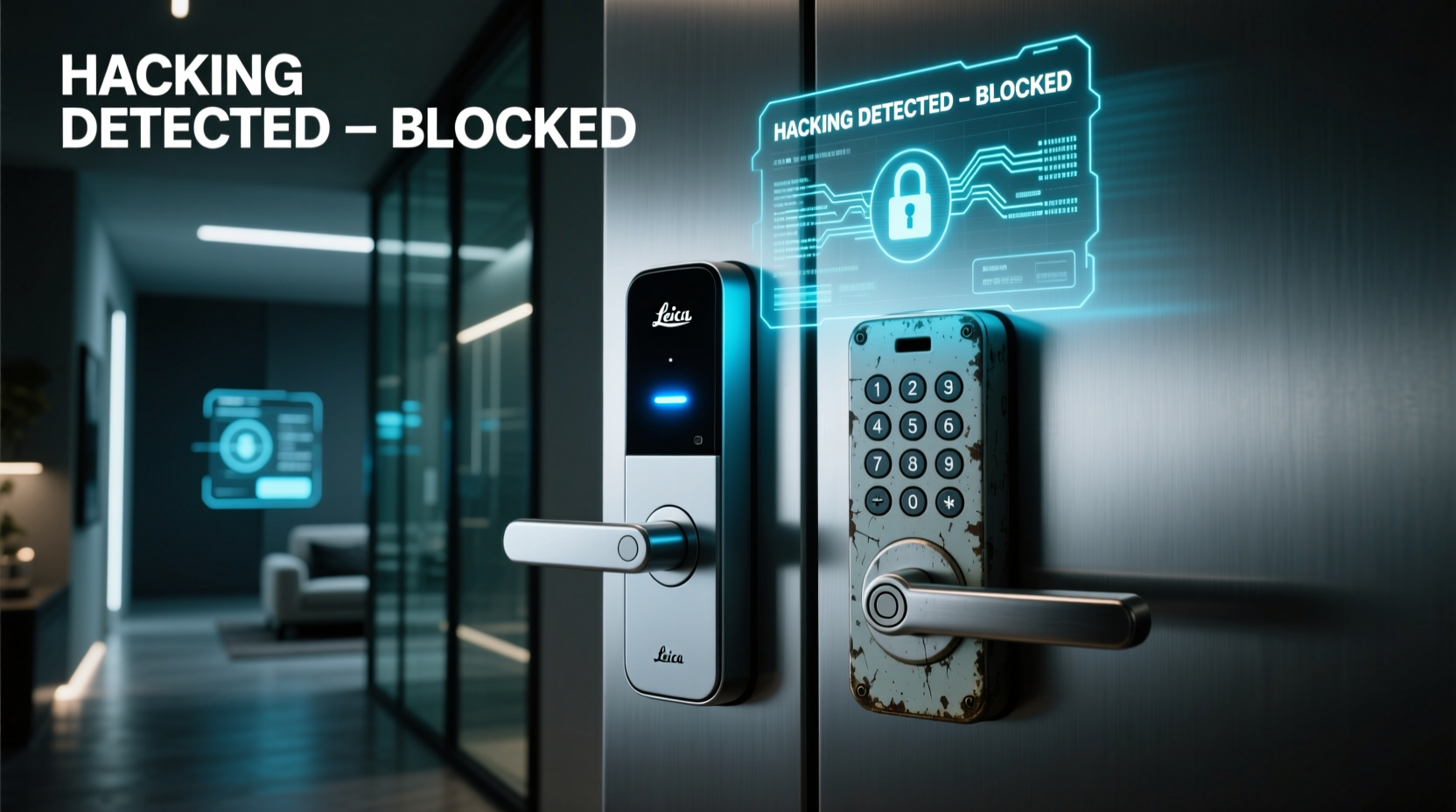
A **keypad lock** operates by requiring users to input a numeric code on a physical or digital pad. Once authenticated, the lock disengages, granting access. These locks have been used for decades in commercial and residential settings. They typically run on batteries and connect directly to the door mechanism without internet access. Their simplicity makes them reliable but limited in features.
A **smart lock**, on the other hand, integrates with wireless technologies such as Bluetooth, Wi-Fi, or Z-Wave. It allows remote access via smartphone apps, voice assistants (like Alexa or Google Assistant), geofencing, and integration with home automation systems. Some models support temporary digital keys, activity logs, and even facial recognition. While more feature-rich, this connectivity introduces new attack vectors that don’t exist with standalone keypad locks.
“Any device connected to the internet expands the potential surface for cyberattacks. Convenience should never override fundamental security principles.” — Dr. Lena Torres, Cybersecurity Researcher at MIT Lincoln Lab
Security Comparison: Smart Lock vs Keypad Lock
The core difference lies in connectivity. Keypad locks are generally \"dumb\" devices—they perform one task using locally stored codes. Smart locks communicate over networks, which opens doors (literally and figuratively) to remote exploitation.
| Feature | Keypad Lock | Smart Lock |
|---|---|---|
| Internet Connectivity | No | Yes (Wi-Fi/Bluetooth/Zigbee) |
| Remote Access | No | Yes |
| Hacking Risk (Network-Based) | Very Low | Moderate to High |
| Physical Tampering Risk | Medium (code shoulder-surfing, brute force) | Medium (same + device spoofing) |
| Firmware Updates | Rare or None | Regular (if maintained) |
| Integration with Home Systems | No | Yes (e.g., cameras, alarms) |
| Battery Life | Long (1–2 years) | Shorter (6–12 months, varies by usage) |
While smart locks offer greater flexibility, their reliance on software and network protocols means they’re inherently more complex—and thus more vulnerable—if not properly configured.
How Smart Locks Can Be Hacked
Despite marketing claims of “military-grade encryption,” no connected device is immune to exploitation. Here are common ways smart locks can be compromised:
- Bluetooth Sniffing: Attackers within range can intercept communication between your phone and lock using tools like Ubertooth. If pairing isn't encrypted properly, credentials may be captured.
- Wi-Fi Spoofing: Fake access points mimicking your home network can trick the lock into connecting, allowing man-in-the-middle attacks.
- App Vulnerabilities: Poorly secured mobile apps can leak login tokens or allow unauthorized API access.
- Default Credentials: Some budget models ship with universal admin passwords that users fail to change.
- Firmware Exploits: Outdated firmware may contain known bugs that hackers exploit to gain root access.
- Replay Attacks: An attacker records a valid unlock signal and replays it later to open the door.
In 2020, researchers at Bishop Fox demonstrated how certain smart locks could be bypassed using simple radio tools due to weak implementation of rolling codes. In another case, a vulnerability in a major brand’s cloud service allowed attackers to unlock doors remotely after compromising a user account through phishing.
Real Example: The Vacation Home Breach
A family in Colorado installed a Wi-Fi-enabled smart lock on their mountain cabin, allowing relatives to enter using temporary e-keys. One summer, they returned to find signs of intrusion. No forced entry was detected. After reviewing app logs, they discovered an unfamiliar IP address had triggered an unlock command two days prior. Investigation revealed that a relative had reused the same password on a breached website, leading to credential stuffing. The attacker accessed the smart lock account and entered the property undetected.
This incident underscores that smart lock security often depends less on the hardware itself and more on user behavior and ecosystem hygiene.
Best Practices to Secure Your Smart Lock
If you choose a smart lock, adopting strong security habits dramatically reduces risk. Follow these steps to minimize exposure:
- Choose Reputable Brands: Opt for manufacturers with a track record of regular updates and third-party security audits (e.g., August, Yale, Schlage).
- Enable Two-Factor Authentication (2FA): Ensure your account requires more than just a password to log in.
- Update Firmware Regularly: Enable automatic updates or check monthly for patches.
- Use Strong, Unique Passwords: Never reuse passwords across accounts. Consider a password manager.
- Limit Remote Access: Disable Wi-Fi on the lock if you don’t need remote unlocking. Use Bluetooth-only models when possible.
- Review Access Logs: Monitor who unlocks the door and when. Set up alerts for unusual activity.
- Disable Unused Features: Turn off voice assistant integrations or geofencing if not essential.
- Secure Your Home Network: Use WPA3 encryption on your router, segment IoT devices on a separate VLAN, and keep router firmware updated.
“The weakest link in smart lock security is usually the user, not the technology.” — Sarah Kim, Senior Security Analyst at Kroll Advisory
Tips Box: Quick Wins for Smart Lock Safety
Tip: Cover the keypad when entering codes to prevent shoulder-surfing or camera-based capture.
Tip: Install a mechanical deadbolt behind your smart lock as a backup in case of failure or tampering.
When a Keypad Lock Might Be Safer
For many households, especially those prioritizing reliability over automation, a standalone keypad lock remains the more secure choice. Because it lacks network connectivity, it cannot be attacked remotely. There's no app to hack, no server to breach, and no firmware update backlog.
However, keypad locks come with their own risks:
- Code Sharing: Guests may write down or save codes insecurely.
- Brute Force Attacks: Simple 4-digit codes can be guessed, especially if users pick common combinations (e.g., 1234).
- Shoulder Surfing: Observers can memorize codes during entry.
- Lack of Audit Trail: Most don’t log who entered or when.
To mitigate these issues, use longer codes (6+ digits), rotate codes regularly, and install the keypad out of public view. Some advanced keypad locks now include anti-tailgating features and time-limited codes—bridging the gap between basic and smart functionality without full connectivity.
FAQ: Common Questions About Smart Lock Security
Can someone hack my smart lock from another country?
Possibly, if the lock connects to the internet and relies on a cloud service. A hacker who compromises your account credentials (via phishing or data breaches) could issue unlock commands remotely. However, most reputable brands require additional authentication layers, making long-distance attacks rare but not impossible.
Do smart locks work during a power outage?
Yes. Smart locks run on batteries and will continue functioning normally until power is depleted. Most send low-battery alerts weeks in advance. In the event of complete battery failure, you can usually unlock manually with a physical key or emergency power source (some models support USB-C charging via portable banks).
Are fingerprint smart locks more secure?
They add convenience but aren’t necessarily more secure. Fake fingerprints made from lifted prints (using glue or gelatin) have fooled some sensors in lab tests. Additionally, biometric data can’t be changed if compromised. Use fingerprint modes as secondary authentication, not primary.
Checklist: Choosing and Securing Your Electronic Lock
Before installing any electronic lock, go through this checklist to ensure maximum safety:
- ☐ Determine whether you truly need remote access or if local-only operation suffices.
- ☐ Research brands with transparent security policies and regular firmware updates.
- ☐ Confirm the lock supports two-factor authentication for account login.
- ☐ Plan for battery replacement and emergency access (keep a spare key in a secure location).
- ☐ Connect the lock to a segmented Wi-Fi network, not your main one.
- ☐ Set up activity notifications and review them weekly.
- ☐ Train all users on secure practices (no sharing passwords, logging out of shared devices).
- ☐ Test manual override procedures annually.
Conclusion: Balancing Security and Convenience
The debate between smart lock vs keypad lock ultimately comes down to your priorities. If seamless integration, remote access, and automation enhance your lifestyle, a well-configured smart lock can be safe—provided you treat it like any other critical digital asset. But if minimizing attack surfaces and maximizing reliability are paramount, a non-connected keypad lock offers proven, predictable protection.
No lock is 100% unhackable. What matters is reducing risk through informed choices and disciplined habits. Whether you opt for a high-tech smart lock or a simple keypad model, remember that security is not a product—it’s a practice.




 浙公网安备
33010002000092号
浙公网安备
33010002000092号 浙B2-20120091-4
Comments
No comments yet. Why don't you start the discussion?