
In an era where digital convenience meets physical safety, homeowners are increasingly turning to modern access solutions to protect their properties. Two of the most popular options—smart locks and keyless entry systems—are often discussed interchangeably, but they differ significantly in design, functionality, and security impact. Understanding these differences is essential for making a decision that genuinely strengthens your home’s defense against intrusion.
While both technologies eliminate the need for traditional metal keys, they operate on different principles and offer distinct advantages and vulnerabilities. Choosing between them isn’t just about preference—it’s about aligning technology with your actual security needs, lifestyle, and risk tolerance.
Understanding the Core Differences
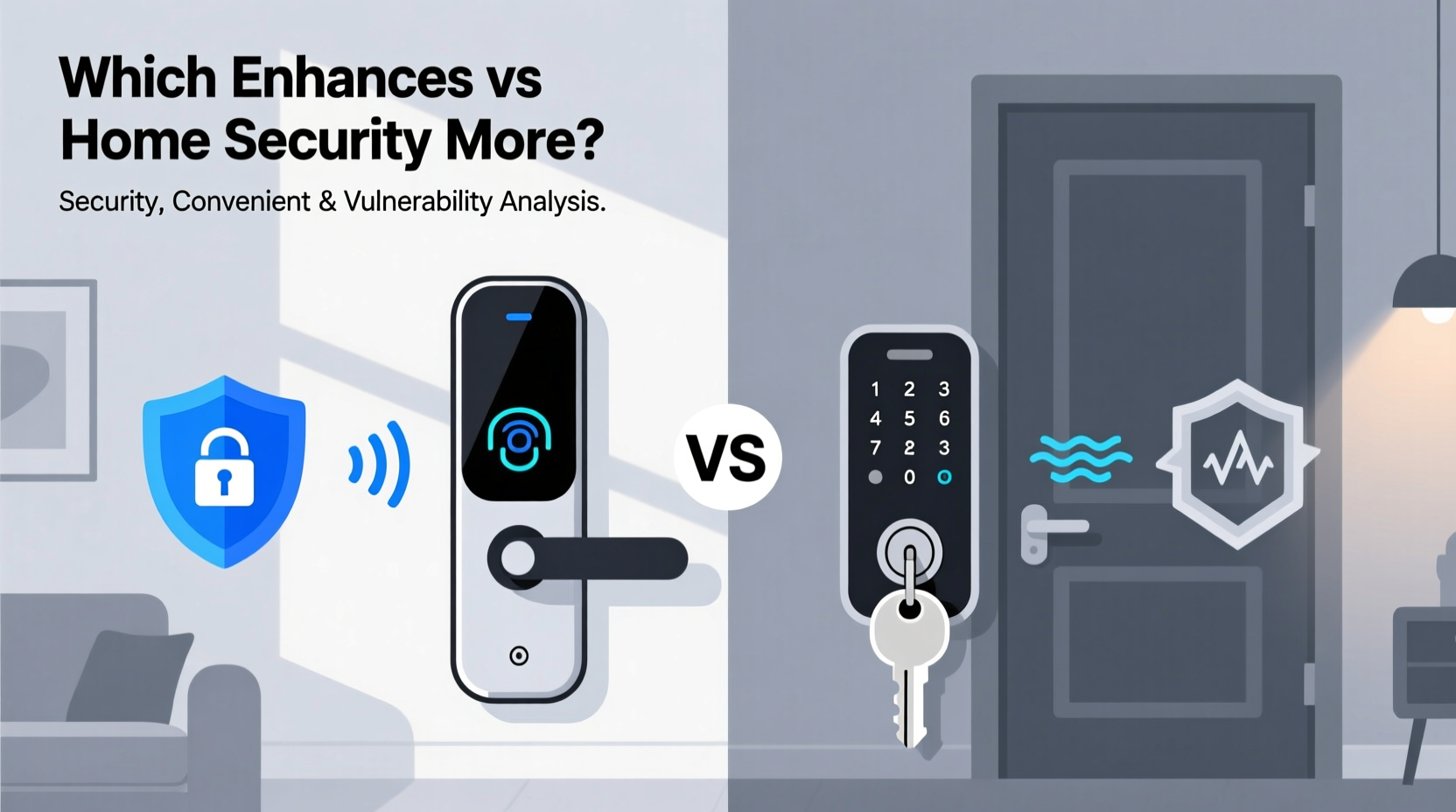
At first glance, smart locks and keyless entry systems may appear similar. Both allow entry without a physical key. However, their mechanisms, integration capabilities, and levels of automation set them apart.
- Smart locks are internet-connected devices that can be controlled remotely via smartphone apps, voice assistants, or automation platforms. They often support multiple access methods: PIN codes, biometrics (like fingerprint scanning), Bluetooth proximity, or even facial recognition.
- Keyless entry systems, on the other hand, typically refer to standalone keypad-based locks that require a numeric code to unlock. These may not connect to Wi-Fi or integrate with smart home ecosystems, operating independently of external networks.
The distinction matters because connectivity introduces both convenience and potential attack vectors. A smart lock might let you unlock your door from across the country, but it also becomes part of your home’s digital footprint—an attractive target for hackers if not properly secured.
Security Features Compared
When evaluating which system enhances home security more, it’s crucial to assess specific protective features each offers. The following table outlines key security attributes of both types:
| Feature | Smart Locks | Keyless Entry Systems |
|---|---|---|
| Remote Access & Monitoring | Yes – real-time alerts, remote locking/unlocking | No – limited to local input only |
| Integration with Smart Home | High – works with cameras, alarms, lighting | Low or none |
| Multi-Factor Authentication | Often supported (PIN + app confirmation) | Rarely available |
| Vulnerability to Hacking | Moderate to high (if poorly configured) | Very low (no network connection) |
| Backup Access Methods | Yes (mechanical key, emergency power) | Limited (battery replacement needed) |
| Audit Trail / Activity Logs | Detailed logs via app | None or basic |
From a pure security standpoint, the lack of internet connectivity in many keyless entry systems makes them inherently less vulnerable to cyberattacks. There's no Wi-Fi signal to intercept, no firmware to exploit, and no cloud server storing user data. This simplicity can be a strength—especially in homes where digital exposure is minimized by design.
However, smart locks provide richer monitoring capabilities. For example, receiving a notification when your teenager arrives home from school adds situational awareness that a basic keypad cannot offer. When paired with surveillance cameras and motion sensors, smart locks become part of a layered defense strategy rather than a standalone solution.
“Physical security is only as strong as its weakest digital link. A well-configured smart lock with encrypted communication can outperform a keyless padlock—but misconfiguration turns convenience into risk.” — Dr. Lena Torres, Cybersecurity Researcher at SecureHome Labs
Real-World Security Scenarios
To illustrate how these systems perform under pressure, consider a realistic case study involving two neighboring homes during a break-in attempt.
Case Study: Suburban Neighborhood Break-In Attempt
In a quiet residential area, two homes were targeted within minutes of each other. Home A used a premium smart lock integrated with a video doorbell and alarm system. Home B relied on a basic keyless entry keypad with no network connection.
The intruder approached Home B first, noticing the keypad. After observing family members entering a four-digit code through binoculars over several days, he returned and successfully guessed the combination (1234). No alert was triggered; the door opened silently.
At Home A, the same individual tried shoulder surfing but failed—the homeowner used a temporary guest code that expired after one use. When the man lingered near the door, the smart lock’s motion sensor activated the doorbell camera, sent a live alert to the homeowner’s phone, and automatically turned on the porch light. Police were notified via the connected security app before any forced entry occurred.
This scenario highlights a critical insight: while keyless systems avoid digital threats, they remain susceptible to social engineering, observation, and brute-force attacks unless users follow strict code hygiene. Smart locks, when properly managed, add deterrence through visibility and responsiveness.
Best Practices for Maximizing Security
Regardless of which system you choose, implementation determines effectiveness. A poorly maintained smart lock or a predictable PIN undermines even the most advanced hardware. Follow this checklist to ensure optimal protection:
✅ Smart Lock Security Checklist
- Enable two-factor authentication in the companion app.
- Use strong, unique passwords for your account—never reuse credentials.
- Regularly update firmware to patch known vulnerabilities.
- Disable universal plug and play (UPnP) on your router to prevent unauthorized port exposure.
- Limit admin access to trusted household members only.
- Set up geofencing so the door unlocks only when your phone is nearby.
- Review access logs weekly for suspicious activity.
✅ Keyless Entry System Best Practices
- Change default PINs immediately upon installation.
- Avoid using birthdays, anniversaries, or repeating digits (e.g., 1111).
- Wipe the keypad surface regularly to remove fingerprint smudges that reveal commonly pressed numbers.
- Use longer codes (6+ digits) instead of standard 4-digit combinations.
- Install a privacy shield around the keypad to block line-of-sight from neighbors or passersby.
- Replace batteries annually—even if the low-battery warning hasn’t triggered.
Which Offers Greater Long-Term Security?
The answer depends on how you define \"security.\" If your priority is minimizing digital attack surfaces, a non-connected keyless entry system wins. Its isolation from networks eliminates risks associated with data breaches, phishing, or device spoofing.
But true home security isn't just about resisting hacking—it's also about detection, response, and adaptability. In this broader context, smart locks have a clear edge. Their ability to generate alerts, integrate with alarms, and provide time-stamped access records transforms passive entry control into active monitoring.
Moreover, smart locks support dynamic access management. You can issue time-limited codes for house cleaners, contractors, or guests—all without needing to hand over a physical key or rekey the entire lock afterward. Once the visit ends, the code expires automatically, reducing long-term liability.
Consider also the psychological deterrent effect. Visible signs of smart technology—a camera above the door, motion-sensitive lighting, or a branded smart lock faceplate—signal to potential intruders that the home is monitored and protected. Criminals tend to avoid homes that appear technologically fortified.
Still, smart locks demand ongoing maintenance. Users must stay vigilant about software updates, password rotation, and network security. A forgotten firmware update could leave a known vulnerability unpatched for months. In contrast, a quality keyless entry system might function reliably for years with minimal intervention beyond battery changes.
Frequently Asked Questions
Can smart locks be hacked?
Yes, smart locks can be vulnerable to hacking if not properly secured. Common attack vectors include weak passwords, outdated firmware, Bluetooth spoofing, and insecure Wi-Fi networks. However, reputable brands use end-to-end encryption and regular security patches to mitigate these risks. Choosing models certified by standards like Zigbee Alliance or Matter can improve trustworthiness.
Are keyless entry systems more reliable than smart locks?
In terms of mechanical reliability and resistance to electronic interference, yes. Keyless systems have fewer components that can fail due to power surges, app crashes, or internet outages. However, they lack the redundancy and remote functionality that make smart locks resilient in different scenarios (e.g., letting someone in remotely during an emergency).
Do I need a smart lock if I already have a security system?
Not necessarily, but integration enhances overall effectiveness. A smart lock adds another layer of verification and control. For instance, your alarm system can arm automatically when the last person leaves and the door locks. It can also detect if a door was forced open despite the alarm being active—something a standalone keyless lock wouldn’t report.
Conclusion: Choose Based on Your Threat Model
There is no universal winner in the debate between smart locks and keyless entry systems. Each serves a different kind of homeowner with distinct priorities. If you value simplicity, offline operation, and minimal digital exposure, a keyless entry system may be the smarter, more secure choice. But if you want visibility, control, and integration with modern smart home defenses, a well-maintained smart lock provides superior long-term protection.
The best approach often lies in combining strengths. Some high-end smart locks include robust offline modes and tamper-resistant keypads, offering both connectivity and fallback security. Others support hybrid access—allowing family members to use PINs while enabling remote guests to receive temporary digital keys.
Ultimately, the most secure system is the one used correctly. No amount of technology compensates for poor habits: sharing codes freely, ignoring update prompts, or using “1234” as a PIN. Evaluate your lifestyle, assess your real risks, and invest in a solution that supports disciplined, consistent security practices.




 浙公网安备
33010002000092号
浙公网安备
33010002000092号 浙B2-20120091-4
Comments
No comments yet. Why don't you start the discussion?