
In an era where smartphones control everything from thermostats to coffee makers, it's no surprise that front doors are going high-tech too. Smart locks promise convenience—unlocking your door with a tap on your phone or a voice command—but they also raise a critical question: Are they actually secure? While traditional keys have been trusted for centuries, digital locks introduce new vulnerabilities. The real issue isn't whether one is better than the other in every way, but rather understanding their strengths, weaknesses, and how modern threats like hacking affect them.
The debate between smart locks and traditional keys isn’t just about technology—it’s about trust, access, and peace of mind. As cyber threats grow more sophisticated, homeowners must weigh the benefits of remote access and keyless entry against potential digital exploits. This article breaks down the security realities of both systems, explores documented cases of smart lock breaches, and offers practical guidance for making informed decisions about home security.
How Smart Locks Work—and Where They’re Vulnerable
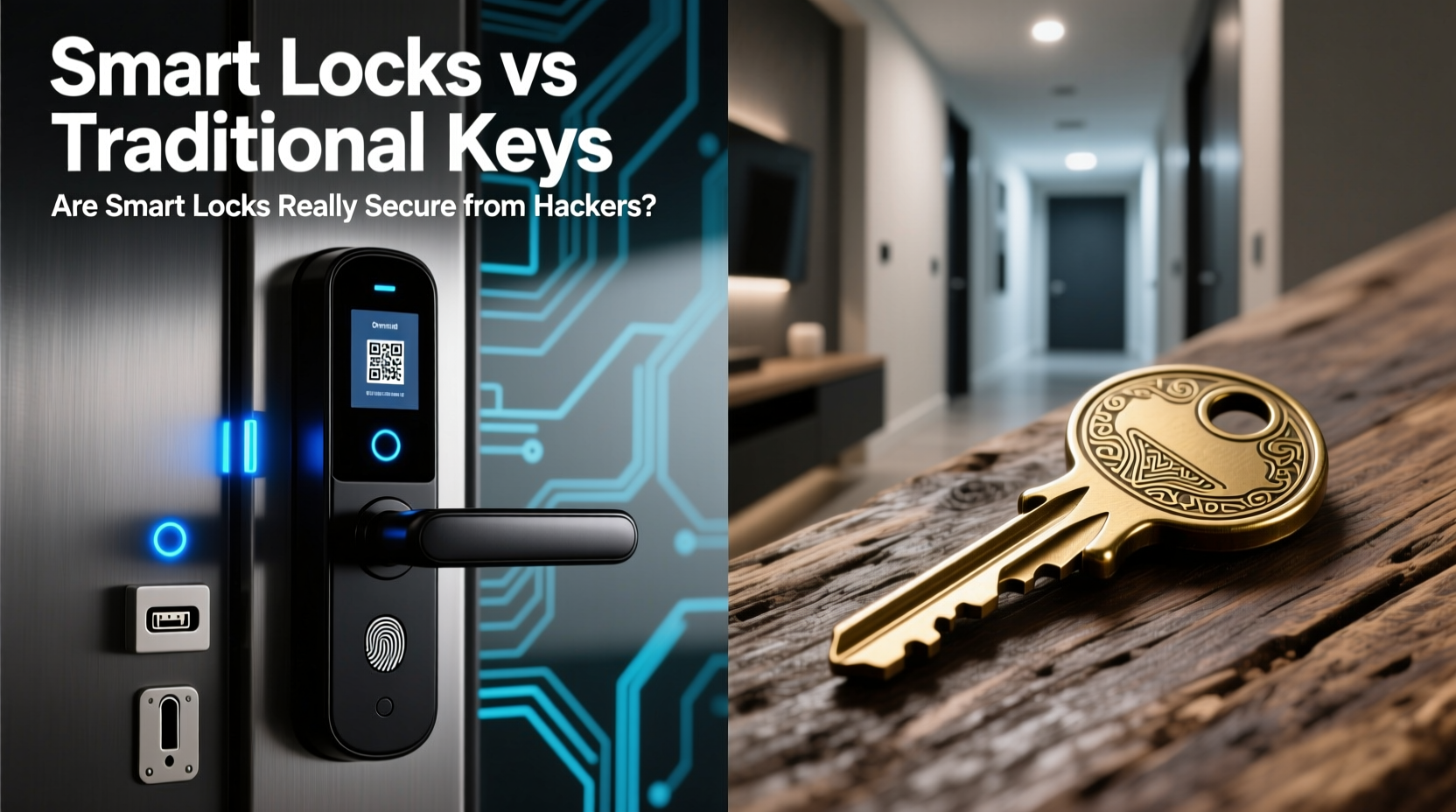
Smart locks use wireless communication protocols such as Bluetooth, Wi-Fi, Z-Wave, or Zigbee to connect with smartphones, smart home hubs, or cloud services. Many support features like temporary access codes, auto-locking, and integration with voice assistants. Some even allow you to see who comes and goes via app notifications.
But this connectivity is a double-edged sword. Every wireless signal is a potential entry point for attackers. Common attack vectors include:
- Bluetooth spoofing: Hackers within range can mimic authorized devices and trick the lock into unlocking.
- Wi-Fi network breaches: If your home network is compromised, so may be any connected smart lock.
- Phishing attacks: Scammers may gain access to your smart lock account by stealing login credentials through fake emails or websites.
- Firmware exploits: Outdated or poorly coded firmware can contain bugs that hackers exploit to bypass authentication.
- Replay attacks: Attackers intercept and replay valid unlock signals to open the lock without authorization.
Unlike traditional locks, which require physical tampering (like lock picking or bumping), smart locks face invisible threats that don’t leave signs of forced entry. That makes detection harder and increases the stakes of poor cybersecurity hygiene.
Traditional Keys: Simpler, But Not Foolproof
Traditional keyed locks rely on mechanical precision. A correctly cut key aligns internal pins or wafers, allowing the cylinder to turn. Their main advantages are simplicity and independence from power or networks. No internet means no remote hacking.
However, physical locks come with their own risks:
- Key duplication: Anyone with access to your key can make copies without your knowledge.
- Lost or stolen keys: A misplaced key becomes a liability until the lock is rekeyed or replaced.
- Lock picking: Skilled individuals can open many standard cylinders in seconds using basic tools.
- Lack of audit trail: You can’t tell when someone used a key or who had access at a given time.
High-security mechanical locks (like those from Medeco or Mul-T-Lock) offer pick resistance, restricted keyways, and patented designs that deter unauthorized duplication. But they cost significantly more and still lack the monitoring and access control features of smart systems.
“Physical security has evolved, but so have threats. The weakest link today isn’t always the lock—it’s the user.” — Dr. Lena Patel, Cybersecurity Researcher at MIT Lincoln Lab
Comparing Security: Smart Locks vs Traditional Keys
| Feature | Smart Locks | Traditional Keys |
|---|---|---|
| Hacking Risk | Medium to High (depends on model and setup) | Negligible |
| Physical Tampering Risk | Low (tamper alarms common) | Medium (susceptible to picking, bumping) |
| Remote Access | Yes (can be disabled) | No |
| Access Logging | Yes (user activity tracking) | No |
| Key Duplication Control | Full (digital permissions) | Poor (unless high-security keyway) |
| Power Dependency | Yes (batteries required) | No |
| Emergency Entry Options | Backup key, PIN, or app | Physical key only |
This comparison shows that neither system is universally superior. Smart locks excel in access management and monitoring, while traditional locks win in reliability and immunity to cyberattacks. The best choice depends on your threat model, lifestyle, and willingness to maintain digital security practices.
Real-World Breach: When Convenience Met Vulnerability
In 2020, a homeowner in Austin, Texas, reported that her August Smart Lock was remotely unlocked by an unknown person. She received a notification from the app showing an unlock event at 3:17 a.m., despite having no scheduled access. An investigation revealed that her iCloud account had been compromised through a phishing email. Since her smart lock was linked to her Apple ID via HomeKit, the attacker gained control after resetting her password.
Though the lock itself wasn’t directly hacked, the incident highlights a crucial point: smart locks are only as secure as the ecosystem they’re part of. In this case, weak email security led to a physical breach. The homeowner had enabled two-factor authentication on her email but had recently disabled it during a device migration—an oversight that proved costly.
After reinstalling 2FA and changing all associated passwords, she switched to a hybrid lock with both app control and a keypad, reducing reliance on cloud-linked services. Her experience underscores the importance of treating digital door access like financial account security.
Best Practices for Securing Smart Locks
If you choose a smart lock, security doesn’t end at purchase. Ongoing maintenance and smart habits are essential. Follow this checklist to minimize risks:
- Choose a reputable brand with regular firmware updates (e.g., Schlage, Yale, August).
- Enable two-factor authentication on your smart home account.
- Use a strong, unique password for your smart lock app.
- Keep firmware updated—enable automatic updates if available.
- Connect the lock to a secure Wi-Fi network (WPA3 preferred).
- Avoid public Wi-Fi when managing lock settings remotely.
- Set up alerts for unlock events and failed attempts.
- Limit shared access and revoke permissions promptly when no longer needed.
- Use a guest PIN instead of full app access for visitors.
- Install a firewall or network segmentation to isolate smart devices.
Additionally, consider disabling remote access if you don’t need it. Many smart locks function perfectly using Bluetooth-only mode, eliminating internet exposure entirely. For example, Yale’s Assure Lock 2 allows full functionality via smartphone proximity without requiring a Wi-Fi bridge.
Hybrid Solutions: The Best of Both Worlds?
Many modern smart locks are designed as hybrids—retaining a traditional keyway alongside digital features. This provides redundancy: if the battery dies or the app fails, you can still use a physical key. More importantly, it maintains compatibility with existing security infrastructure.
Some models, like the Ultraloq U-Bolt Pro, offer multiple unlocking methods: fingerprint, PIN, app, Bluetooth, and physical key. This layered approach follows the principle of defense in depth—requiring multiple failures before a breach occurs.
However, adding a keyhole introduces a physical vulnerability. A determined intruder could attempt lock picking or drilling. To mitigate this, look for hybrid locks with ANSI Grade 1 or 2 certification, indicating resistance to forced entry.
Another emerging trend is decentralized smart locks that store access data locally rather than in the cloud. These reduce dependency on third-party servers and minimize exposure to large-scale data breaches. Models using Apple’s Home Key (supported by select iPhones and Apple Watches) encrypt access credentials directly on the device, offering enhanced privacy and security.
FAQ: Common Concerns About Smart Lock Security
Can hackers really break into a smart lock remotely?
Yes, but it’s not common. Most successful attacks involve compromised accounts, unpatched firmware, or insecure home networks—not direct hacking of the lock itself. Well-maintained, updated smart locks from reputable brands are rarely breached in practice.
What happens if the battery dies?
Most smart locks alert you when battery levels drop below 20%. If the battery dies completely, you can usually power the lock temporarily with a 9V battery held to emergency contacts, or use a backup key. Always keep spare batteries on hand.
Are smart locks safe during a power outage?
Yes. Smart locks run on batteries, so they continue working during power outages. Unlike electric deadbolts that depend on household electricity, standalone smart locks are designed for uninterrupted operation.
Conclusion: Security Is a System, Not a Single Device
The question isn’t whether smart locks are inherently less secure than traditional keys—it’s whether you’re managing the full spectrum of risks. A high-end smart lock behind a weak password and an unsecured router is far riskier than a simple deadbolt with responsible key control. Conversely, a well-configured smart lock with strong authentication and monitoring can offer superior protection through visibility and access control.
Digital locks aren’t magic shields, nor are they ticking time bombs. They reflect the same reality as all modern technology: convenience comes with responsibility. By understanding how they work, respecting their limitations, and applying sound security practices, you can enjoy the benefits of smart access without compromising safety.




 浙公网安备
33010002000092号
浙公网安备
33010002000092号 浙B2-20120091-4
Comments
No comments yet. Why don't you start the discussion?