
Transforming a smart mirror into a dynamic holiday centerpiece is more than a festive idea—it’s a fusion of technology, design, and seasonal creativity. By projecting animated Christmas lights onto a reflective surface, you can create the illusion of glowing ornaments dancing across glass, giving your space a magical ambiance without physical decorations. This technique leverages projection mapping, ambient lighting control, and optical physics to turn everyday mirrors into immersive displays. Whether you’re enhancing a home gym mirror, bathroom vanity, or custom-built smart mirror with embedded tech, this guide walks through the science, setup, and execution of achieving convincing animated light effects on reflective surfaces.
Understanding the Science: How Light Interacts with Mirrors
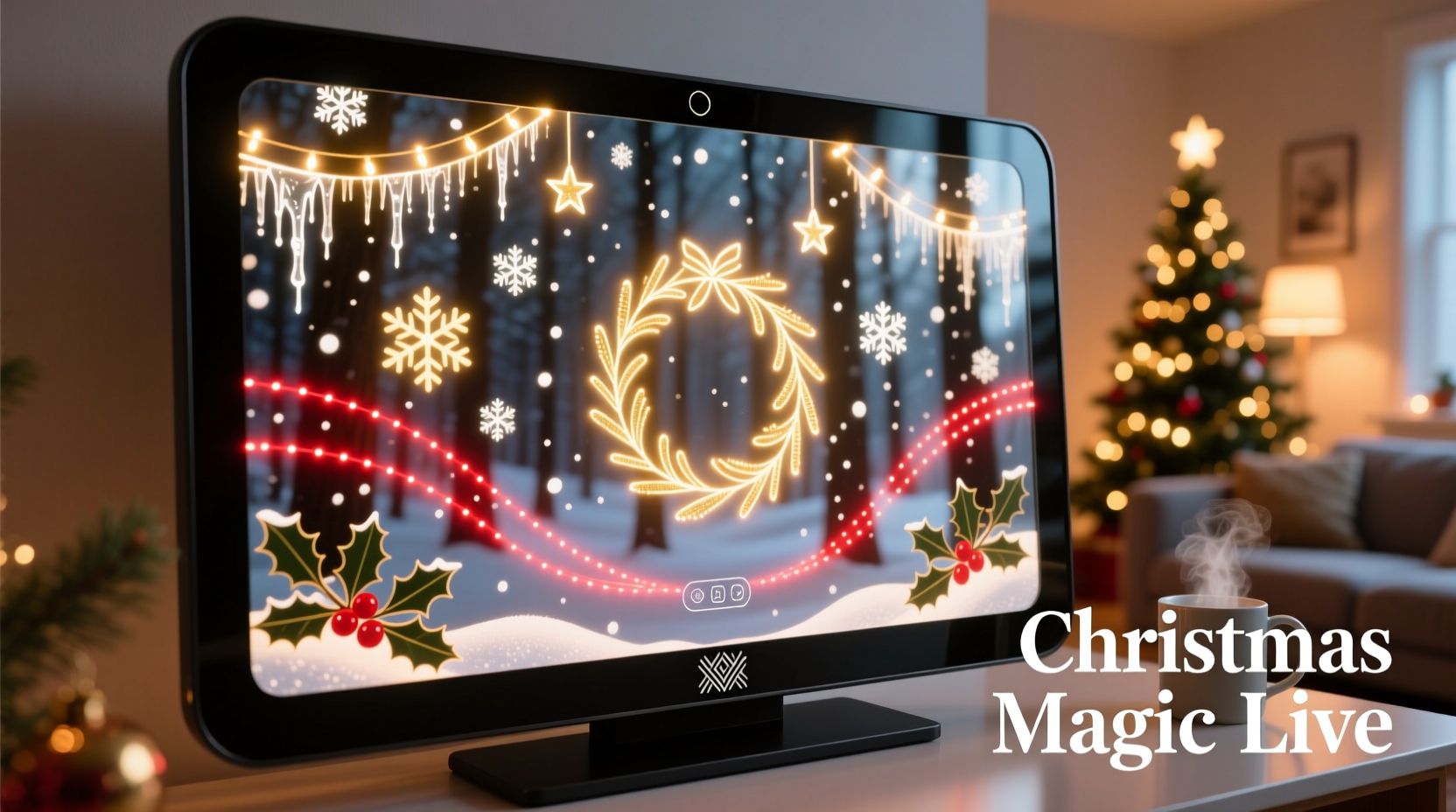
A standard mirror reflects approximately 90–95% of visible light due to its silvered or aluminum-coated backing. This high reflectivity makes traditional projection challenging—most projected images bounce straight back toward the source rather than forming a visible image on the surface. However, by manipulating angles, polarization, and surface treatment, it's possible to make projections appear directly *on* the mirror instead of being reflected away.
The key lies in using a technique known as \"beam-splitter projection\" or \"angled projection.\" When a projector is positioned at a low angle (typically between 15° and 30° relative to the mirror plane), and the viewer stands perpendicular to the surface, the projected light hits the mirror and reflects upward or sideways—but only enters the observer’s eyes when aligned correctly. With added semi-reflective film or two-way glass, part of the projected image becomes visible while still maintaining reflectivity.
“Projection on mirrors isn’t about overpowering reflection—it’s about harmonizing with it. The best effects work *with* the mirror’s natural properties, not against them.” — Dr. Lena Park, Optical Engineer at Interactive Display Labs
Step-by-Step Guide: Setting Up Your Smart Mirror Light Projection
Creating an effective Christmas light animation on a smart mirror requires careful planning and precise equipment placement. Follow these steps to achieve professional results:
- Determine Viewing Position: Identify where people will stand when viewing the mirror. This determines optimal projector angle and brightness settings.
- Select a Projector with High Contrast Ratio: Use a DLP or laser projector with at least 2,000 lumens and a contrast ratio above 10,000:1. Higher contrast improves visibility of dark backgrounds and twinkling lights.
- Mount the Projector Off-Axis: Install the projector above, below, or to the side of the mirror at a shallow angle. Avoid direct line-of-sight reflection into viewers’ eyes.
- Apply Semi-Reflective Film (Optional): For stronger image retention, apply a transparent one-way film that allows partial transmission of projected light while preserving mirror functionality during daylight.
- Use Dark Mode Backgrounds: Animate lights over black or deep blue backgrounds to simulate night sky effects. Bright backgrounds wash out on reflective surfaces.
- Calibrate Animation Speed and Density: Keep animations subtle—slow-moving snowflakes, gentle twinkle patterns, or soft color fades work better than rapid strobes.
- Test in Low Ambient Light: Turn off overhead lights and close blinds. Even small amounts of ambient light reduce perceived contrast dramatically.
Choosing the Right Animation Content for Holiday Effects
Not all animations perform equally well on reflective surfaces. Due to the inherent glare and light scattering of mirrors, certain visual styles produce clearer, more engaging results.
- Point-source twinkles – Simulate starlight or fairy lights using small white dots with randomized flicker timing.
- Color wave gradients – Slow transitions between red, green, gold, and icy blue mimic candlelight or auroras.
- Falling snow or floating ornaments – Lightweight motion effects add depth without overwhelming the surface.
- Border-based animations – Frame the edge of the mirror with scrolling lights or rotating wreaths to preserve central reflectivity.
Avoid full-screen animations with fast movement or bright white fields. These cause ghosting and reduce usability of the mirror for personal grooming or fitness tracking.
Recommended Software Tools for Creating Custom Animations
| Software | Best For | Compatibility |
|---|---|---|
| TouchDesigner | Real-time generative visuals and interactive effects | Windows, advanced users |
| After Effects + Projection Mapper Plugins | Precise animation design and warping to fit mirror shape | Mac/Windows |
| Krita + GIF Export | Hand-drawn frame-by-frame holiday scenes | Cross-platform, free |
| Mirage (by Derivative) | Simple drag-and-drop projection for non-coders | Windows only |
To maximize impact, sync animations with music or voice commands via smart home integration. For example, trigger a “Merry Christmas” light burst when Alexa announces the holiday countdown.
Case Study: Transforming a Bathroom Smart Mirror into a Festive Display
Jamie R., a DIY enthusiast in Portland, Oregon, upgraded their bathroom’s medicine cabinet smart mirror into a seasonal centerpiece each December. The mirror, originally used for weather updates and morning routines, was repurposed with a hidden ceiling-mounted mini projector angled downward at 20°.
Jamie applied a thin layer of transparent privacy film to increase light diffusion and reduce hotspot glare. Using free templates from OpenSourceHolidayArt.org, they programmed a sequence of slow-pulsing LED-style lights that traced the border of the mirror every evening from December 1 to 26.
Family members reported feeling uplifted by the warm glow during early winter mornings. Crucially, Jamie scheduled the projection to deactivate automatically at 7 AM, restoring full mirror clarity for daily use. A motion sensor ensured the display turned off when no one was present, conserving energy.
This low-cost modification ($140 total: $90 for projector, $25 for film, $25 for mount) demonstrated how functional tech can double as emotional decor—without permanent installation.
Do’s and Don’ts of Projecting on Reflective Surfaces
| Do | Don't |
|---|---|
| Use dark-themed animations with isolated light sources | Project full-white screens or text-heavy content |
| Angle the projector below 30 degrees from horizontal | Place the projector directly in front of the mirror |
| Install polarizing filters if ambient light can't be controlled | Overlook ventilation—projectors generate heat near enclosed spaces |
| Test with grayscale first to check contrast levels | Run animations continuously—limit to 4–6 hours per day |
| Integrate with smart home systems for voice activation | Block essential mirror areas like clocks or sensors |
Checklist: Preparing Your Smart Mirror for Christmas Projection
- ☐ Measure available ceiling/wall space for projector mounting
- ☐ Choose a quiet, short-throw projector compatible with HDMI or wireless casting
- ☐ Confirm power access near installation point
- ☐ Acquire adjustable mount for fine-tuning projection angle
- ☐ Source or create holiday animation files (GIF, MP4, or real-time render)
- ☐ Apply anti-glare or semi-transparent film (optional but recommended)
- ☐ Calibrate alignment so animation fits within mirror boundaries
- ☐ Program schedule via smart plug or media player software
- ☐ Test visibility under typical room lighting conditions
- ☐ Inform household members about temporary visual changes
FAQ
Can I still use the mirror normally during projection?
Yes—if animations are confined to borders or dimly lit corners. Full-face projections impair usability. Use timed schedules to alternate between decorative mode and normal function.
Will the projection damage my smart mirror’s electronics?
No, provided the projector doesn’t emit excessive heat or block ventilation ports. Maintain at least 6 inches of clearance around both devices and avoid adhesive installations.
Is there a way to make the lights interactive?
Absolutely. Connect the media server to motion sensors or voice assistants. For instance, waving a hand could trigger a cascade of virtual snowflakes, or saying “Deck the halls” initiates a light show. TouchDesigner and Unity support such integrations with minimal coding.
Conclusion: Bringing Magic to Everyday Surfaces
Projecting animated Christmas lights onto a smart mirror transforms utilitarian objects into storytelling canvases. It proves that innovation doesn’t require reinvention—just a new perspective on what existing technology can do. With thoughtful planning, the right tools, and respect for optical limits, anyone can bring holiday wonder into their home through reflective surfaces.
More than decoration, this approach redefines how we interact with digital interfaces during emotionally significant times of year. A mirror becomes more than a reflection—it becomes a shared experience, a conversation starter, a moment of joy in an otherwise routine environment.




 浙公网安备
33010002000092号
浙公网安备
33010002000092号 浙B2-20120091-4
Comments
No comments yet. Why don't you start the discussion?