
As the holiday season approaches, one of the most common challenges homeowners face is managing Christmas lights efficiently. While the festive glow enhances curb appeal and spreads cheer, leaving lights on all night wastes energy and can shorten bulb life. Automating their operation ensures convenience, safety, and efficiency. Two popular solutions dominate the market: traditional mechanical or digital timers and smart outlets. Each has distinct advantages and drawbacks. Understanding these differences helps you make an informed decision based on your lifestyle, budget, and technical comfort.
How Automatic Lighting Control Works
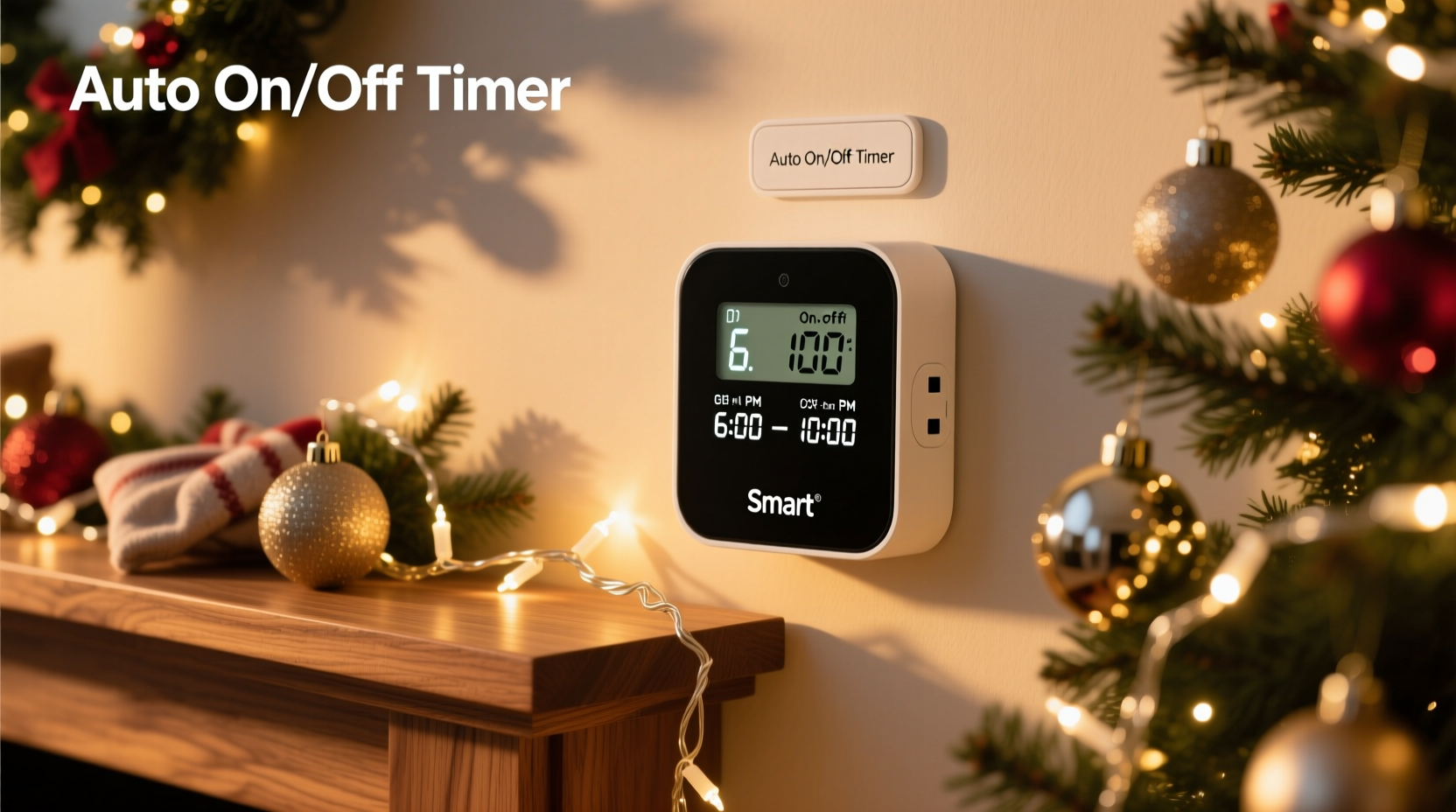
Automatic control of Christmas lights removes the need for manual intervention. Instead of remembering to plug in or unplug strands each evening, a device manages power delivery according to a preset schedule. This not only saves time but also contributes to energy conservation and electrical safety—especially important when dealing with outdoor lighting exposed to weather conditions.
Timers and smart outlets both interrupt or restore power at designated times. However, they differ fundamentally in how they are programmed, monitored, and controlled. A basic timer operates independently once set, while a smart outlet connects to your home Wi-Fi network and allows remote access via smartphone apps, voice assistants, or automation platforms.
Traditional Timers: Simplicity and Reliability
Timers have been used for decades to automate household appliances and seasonal decorations. They come in two main types: mechanical (rotary dial) and digital (LCD display with buttons). Mechanical timers are often less expensive and require no programming knowledge. You simply turn a dial to set on/off intervals in 15- or 30-minute increments. Digital models offer more precision, allowing exact start and stop times, multiple daily cycles, and sometimes randomization settings to simulate occupancy.
These devices are standalone, meaning they don’t rely on internet connectivity or external systems. Once configured, they function reliably even during power outages—as long as the internal clock resets correctly (some digital versions have battery backup).
For users who prefer a “set it and forget it” approach, especially for outdoor displays that follow a consistent daily pattern, timers remain a dependable option. They’re also ideal for renters or those unwilling to invest in smart home infrastructure.
“Timers are still the gold standard for simple, fail-safe automation—especially for seasonal use where complexity isn’t needed.” — Mark Reynolds, Electrical Systems Technician
Smart Outlets: Flexibility and Remote Control
Smart outlets represent the modern evolution of plug-in automation. Devices like the TP-Link Kasa Smart Plug, Amazon Smart Plug, or Google Nest Outlet connect to your Wi-Fi network and integrate with voice assistants such as Alexa, Google Assistant, or Apple HomeKit. Using a mobile app, you can turn connected lights on or off from anywhere, adjust schedules in real time, and monitor energy usage.
One key advantage is adaptability. If plans change—say, you're coming home late or hosting an impromptu gathering—you can delay shutdown or activate lights remotely. Some models support geofencing, which turns lights on automatically when you arrive home. Others allow integration into broader smart home scenes, such as activating lights at sunset alongside indoor ambiance adjustments.
Additionally, many smart outlets support scheduling based on sunrise and sunset times, eliminating the need to manually update clocks twice a year. Over time, this dynamic adjustment maintains optimal visibility without user input.
Key Features of Smart Outlets
- Remote control via smartphone app
- Voice command compatibility
- Scheduling with sunrise/sunset triggers
- Energy monitoring (on select models)
- Integration with smart home ecosystems
- Real-time status feedback
Comparing Smart Outlets and Timers
The choice between a smart outlet and a timer depends on several factors: cost, ease of use, required functionality, and technical confidence. The table below summarizes critical differences to help guide your decision.
| Feature | Timer (Digital/Mechanical) | Smart Outlet |
|---|---|---|
| Average Cost | $8–$15 | $15–$30 |
| Wi-Fi Required | No | Yes |
| Remote Access | No | Yes |
| Voice Control | No | Yes (via assistant) |
| Battery Backup | Some digital models | Depends on model |
| Sunrise/Sunset Scheduling | No | Yes |
| Energy Monitoring | No | Select models only |
| Installation Complexity | Very low | Moderate (app setup) |
| Best For | Simple, fixed schedules; budget users | Dynamic control; tech-savvy households |
While smart outlets offer greater functionality, they introduce dependencies on stable Wi-Fi and compatible devices. A dropped connection or router reboot may temporarily disrupt scheduling until reconnection occurs. In contrast, timers operate independently and are immune to network issues.
Step-by-Step Setup Comparison
To illustrate the practical differences, here’s how each device is typically installed and configured.
Setting Up a Digital Timer
- Plug the timer into a grounded outdoor-rated electrical outlet.
- Press the “Clock” button to set the current time using hour/minute controls.
- Use the “Program” button to select desired on and off times (e.g., 5:00 PM to 11:00 PM).
- Connect your Christmas light strand to the timer’s socket.
- Switch the timer to “Auto” mode to begin scheduled operation.
Configuring a Smart Outlet
- Plug the smart outlet into an outdoor-capable, GFCI-protected receptacle.
- Download the manufacturer’s app (e.g., Kasa, Alexa, or Google Home).
- Create an account and follow in-app instructions to add the device.
- Connect the outlet to your 2.4 GHz Wi-Fi network (most do not support 5 GHz).
- Name the device (e.g., “Holiday Lights”) within the app.
- Navigate to scheduling options and create a routine (e.g., “On at sunset, off at 11 PM”).
- Test remote control by turning the outlet on/off from your phone.
The additional steps involved with smart outlets reflect their enhanced capabilities—but also increase the learning curve for less tech-oriented users.
Real-World Example: A Suburban Family’s Holiday Display
The Thompson family decorates their front yard annually with over 2,000 LED lights, synchronized music, and animated figures. Initially, they used a basic digital timer to manage the display from 5 PM to midnight. However, they frequently received neighbor complaints when the show ended abruptly before guests arrived.
In 2023, they upgraded to a smart outlet system integrated with their home automation hub. Now, the lights activate automatically at sunset, but they can extend the runtime through a quick tap on their phones if company is expected. They also added a geofence rule so that if either parent is within five miles of home after 9 PM, the display stays on until they arrive.
This flexibility improved guest experience and reduced stress. Although the initial investment was higher—three smart outlets at $25 each—the long-term convenience justified the cost.
Checklist: Choosing the Right Option for Your Needs
Use this checklist to evaluate whether a timer or smart outlet better suits your situation:
- ☐ Do you want to control lights remotely? → Choose a smart outlet.
- ☐ Is your outdoor outlet covered and protected from moisture? → Required for both.
- ☐ Are you comfortable setting up Wi-Fi-connected devices? → Necessary for smart outlets.
- ☐ Do you need lights to respond to changing daylight hours? → Smart outlet recommended.
- ☐ Is this a temporary holiday installation? → Timer may be sufficient.
- ☐ Will multiple people need to adjust the schedule? → Smart outlet allows shared access.
- ☐ Are you on a tight budget? → Timer offers lower upfront cost.
- ☐ Do you already use Alexa, Google Assistant, or Apple Home? → Smart outlet integrates easily.
Frequently Asked Questions
Can I use a timer and a smart outlet together?
It's technically possible but unnecessary and potentially problematic. Running a smart outlet through a timer could disrupt its Wi-Fi connectivity during off periods, preventing remote access or accurate scheduling. Use one method or the other—not both.
Are smart outlets safe for outdoor Christmas lights?
Yes, provided the smart outlet is rated for outdoor use or placed inside a weatherproof enclosure. Never expose indoor-rated electronics to rain or snow. Look for IP44 or higher ratings when installing outdoors.
Do mechanical timers wear out over time?
Yes, mechanical timers contain moving parts (gears and springs) that can degrade after years of continuous rotation. Most last 3–5 seasons under heavy use. Digital and smart outlets, having no moving components, tend to have longer operational lifespans.
Final Recommendation: Match the Tool to Your Lifestyle
There is no universal “best” option between a smart outlet and a timer—they serve different needs. If your holiday lighting follows a predictable schedule and you value simplicity and affordability, a digital timer delivers reliable performance with minimal effort. It’s particularly well-suited for porch lights, window outlines, or modest displays that don’t require frequent changes.
Conversely, if you host gatherings, travel frequently, or enjoy fine-tuning your display throughout the season, a smart outlet offers unmatched flexibility. The ability to modify timing on the fly, receive confirmation that lights are active, and integrate with other smart devices makes it a powerful upgrade.
Consider starting with one smart outlet for primary displays and using timers for secondary areas. This hybrid approach balances cost and control. As smart technology becomes more affordable and intuitive, adoption will likely continue rising—but for now, the humble timer remains a valid, effective tool for seasonal automation.
“The right automation choice isn't about the most advanced tech—it's about what fits your routine and reduces hassle.” — Sarah Lin, Home Automation Consultant
Take Action This Season
Before unpacking your light boxes this year, assess how you currently manage them. If you’re tired of running outside every evening or forgetting to turn them off, now is the perfect time to upgrade your system. Whether you opt for a $10 digital timer or a Wi-Fi-enabled smart plug, automating your Christmas lights brings peace of mind, energy savings, and a touch of modern convenience to your holidays.




 浙公网安备
33010002000092号
浙公网安备
33010002000092号 浙B2-20120091-4
Comments
No comments yet. Why don't you start the discussion?