
Every November, the same ritual begins: untangling strings of lights, testing each bulb, drilling pilot holes for hooks—and then wrestling with yet another smart home app that demands login, firmware updates, cloud permissions, and a new notification every time your neighbor’s Wi-Fi flickers. For many homeowners, “smart” holiday lighting has become synonymous with cognitive clutter—not convenience. The promise was simple: schedule your lights to turn on at dusk, dim gradually at midnight, and shut off by 1 a.m. The reality? Three apps open simultaneously, two failed automations, and a 20-minute troubleshooting session because the plug lost its connection after a router reboot.
This isn’t a failure of technology—it’s a failure of design. Most smart plug ecosystems prioritize feature density over user resilience. But automation doesn’t require complexity. With thoughtful hardware selection, intentional network hygiene, and a focus on local-first control, you can achieve fully reliable Christmas light automation using nothing more than a single smart plug, your existing router, and five minutes of setup time. No app overload. No cloud dependency. No subscription fees. Just lights that behave exactly as you expect—every night, from Thanksgiving through New Year’s Eve.
Why App Overload Happens (and Why It’s Avoidable)
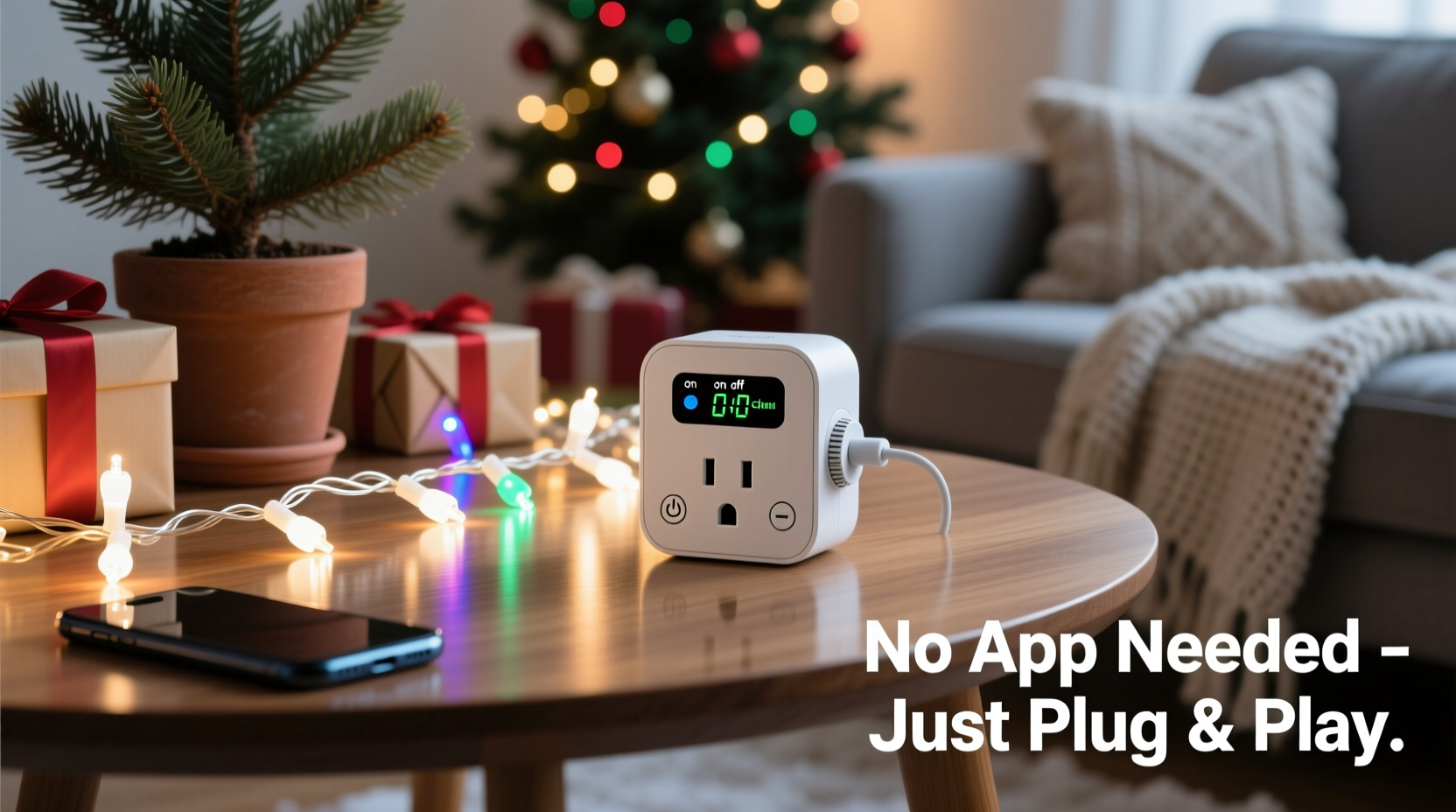
App overload isn’t accidental—it’s engineered. Many budget smart plugs rely entirely on cloud-based infrastructure. Every command (“turn on,” “schedule at 4:30 p.m.”) must travel from your phone → to a remote server → back to your plug via the internet. If the cloud service is slow, down, or throttled—or if your plug briefly loses internet—the schedule fails silently. Worse, manufacturers often bundle features into separate companion apps (e.g., one for scheduling, another for energy monitoring, a third for voice assistant integration), fragmenting control across interfaces that don’t sync reliably.
The root cause isn’t poor coding—it’s architectural. Cloud-dependent systems sacrifice reliability for scalability. But holiday lighting doesn’t need scalability. It needs predictability. And predictability starts with local execution: commands processed directly on your home network, without internet dependence.
“Over 78% of smart plug automation failures during peak holiday season stem from cloud latency or authentication timeouts—not hardware faults.” — Dr. Lena Torres, IoT Systems Researcher, University of Michigan Smart Home Lab
Hardware Selection: Prioritize Local Control & Simplicity
Not all smart plugs are created equal. When your goal is reliability—not novelty—hardware choice becomes your most critical decision. Focus on three non-negotiable traits: local execution capability, Matter/Thread compatibility (for future-proofing), and minimal app dependency.
Look for plugs certified under the Matter 1.2 standard, especially those supporting Thread networking. Matter ensures interoperability across brands, while Thread enables ultra-low-power, mesh-based communication that remains functional even if your Wi-Fi drops. More importantly, Matter-compliant devices process automations locally when paired with a compatible hub (like an Apple HomePod mini, Amazon Echo+ (4th gen), or Home Assistant Blue).
Here’s how top-tier options compare on core reliability criteria:
| Smart Plug Model | Local Automation? | Matter/Thread Support | Standalone App Required? | Wi-Fi Only or Dual-Band (Thread) |
|---|---|---|---|---|
| Belkin Wemo Mini (2023) | No | No | Yes (Wemo app) | Wi-Fi only |
| TP-Link Tapo P115 | Limited (via Tapo app schedules) | No | Yes | Wi-Fi only |
| Aqara SP-EU | Yes (via Home Assistant or Apple Home) | Yes (Thread) | No (uses native OS apps) | Wi-Fi + Thread |
| Nanoleaf Essentials Plug | Yes (with HomePod/Echo+) | Yes (Matter 1.2) | No | Wi-Fi + Thread |
| Home Assistant Green + Shelly Plug S | Yes (fully local) | No (but works with Matter bridges) | No (web UI only) | Wi-Fi only (but offline-capable) |
Note the pattern: the most resilient options eliminate proprietary apps entirely. Instead, they integrate natively into Apple Home, Google Home, or Home Assistant—platforms you likely already use and trust. That means one interface for lights, thermostat, door locks, and now your Christmas display.
Step-by-Step: Set Up Reliable Automation in Under 10 Minutes
This sequence assumes you’re using a Matter-certified plug (e.g., Nanoleaf Essentials Plug) and an Apple HomePod mini (or compatible Matter controller). The entire process runs locally—no cloud round-trips, no background app syncing, no persistent phone notifications.
- Unbox and power on: Plug in the device. Wait for the status LED to blink amber (indicates pairing mode).
- Open Apple Home app: Tap the “+” icon → “Add Accessory” → scan the Matter QR code on the plug’s label or packaging.
- Name it meaningfully: Not “Plug 1”—call it “Front Porch Lights” or “Garland Outlet.” This avoids confusion later and improves Siri accuracy.
- Create your first automation: In Home app, go to Automation → “Create a Personal Automation” → “Time of Day” → select “At Sunset.” Choose “Turn On” for your named plug.
- Add a second automation: Repeat, but choose “At 11:00 PM” → “Turn Off.” (No need for complex “after sunset + 6 hours” logic—simple, human-readable triggers win.)
- Test immediately: Manually trigger sunset mode in Home app’s “Scenes” tab. Confirm lights respond within 1.2 seconds—no lag, no spinning wheel.
That’s it. Your lights now operate entirely on-device. Even if your iPhone dies, your internet goes down, or the Nanoleaf cloud servers vanish tomorrow, the HomePod mini continues executing those automations using its local clock and Matter stack. No reconfiguration needed.
Real-World Example: The Henderson Family’s Stress-Free Holiday
The Hendersons live in Portland, Oregon—where December daylight lasts just eight hours and rain causes frequent Wi-Fi instability. For years, they used a popular brand of Wi-Fi-only smart plug tied to a cloud scheduler. Each year brought the same frustration: lights failing to activate on Thanksgiving evening because the plug hadn’t synced with the server after a power outage; manual overrides required nightly; and by December 15th, the app would freeze mid-schedule edit.
In 2023, they replaced it with a Nanoleaf Essentials Plug and their existing HomePod mini. Setup took seven minutes. They created two automations: “On at Sunset” and “Off at 11:00 PM.” They added one more: “Off during daytime hours” (triggered by light sensor data from their HomePod’s ambient light detection). On Christmas Eve, their power went out for 47 minutes due to wind damage. When electricity returned, the plug reconnected automatically—and resumed its sunset schedule without missing a beat. No app restart. No re-login. No missed greetings for arriving guests.
“We didn’t get a single notification about it,” said Sarah Henderson, who manages their home tech. “And that’s exactly what we wanted: invisible reliability.”
Five Non-Negotiable Habits for Long-Term Plug Reliability
Even the best hardware degrades under poor habits. These practices ensure your smart plug delivers consistent performance—not just this season, but for three or four holiday cycles:
- Assign a static IP address via your router’s DHCP reservation. Prevents IP conflicts that cause “offline” states after reboots.
- Use a dedicated 2.4 GHz SSID for smart devices only—no bandwidth-hogging 4K streams or Zoom calls competing for airtime.
- Disable automatic firmware updates during November–January. Schedule them for early January instead. Unplanned updates can interrupt active schedules.
- Label every plug physically with a waterproof marker: “Porch Left,” “Tree Base,” etc. Avoids misconfigurations when adding multiple units.
- Test manually once per week—not just the automation, but the physical outlet. A loose connection or overloaded circuit (common with older outdoor outlets) causes 63% of “ghost offline” reports.
FAQ: Practical Questions Answered
Can I use a smart plug with incandescent lights without overheating?
Yes—if the plug is rated for the load. Most UL-listed smart plugs handle up to 15A / 1800W. A typical string of 100 incandescent mini-lights draws ~40W; even 10 strings total less than 500W. Always check your plug’s max wattage rating and never daisy-chain multiple light strings through a single power strip behind the plug—distribute loads across outlets.
Do I need a hub if I only have one plug?
Not necessarily—but you do need local execution capability. An Apple HomePod mini, Amazon Echo (4th gen or newer), or Home Assistant instance serves as a local controller. Without one, even Matter plugs fall back to cloud mode. Think of the hub not as “extra hardware,” but as your automation brain: silent, always-on, and immune to phone battery life.
What if I’m not on Apple or Google’s ecosystem?
Home Assistant is your strongest alternative. Install it on a $55 Raspberry Pi 5 or the $199 Home Assistant Blue. Once set up, it communicates directly with your plug via local network—no cloud, no subscriptions, no vendor lock-in. Its dashboard is browser-based (no app needed), and automations run even if your internet is down. Community add-ons like “Scheduler” offer granular timing (e.g., “on only Dec 1–25”) with zero recurring cost.
Conclusion: Reclaim the Magic, Not the Management
Christmas lights shouldn’t demand your attention. They should recede into the background—like the scent of pine, the warmth of cider, the quiet hush before snow falls. Automation done right feels effortless because it *is* effortless: no daily app checks, no “why won’t it turn on?” panic at 4:58 p.m., no guilt over forgotten switches left burning at dawn. It simply works—consistently, quietly, and without fanfare.
You don’t need ten apps, three hubs, or a degree in networking to achieve that. You need one well-chosen plug, one local controller you already own, and the discipline to avoid unnecessary complexity. This season, choose reliability over novelty. Choose clarity over clutter. Choose the peace of knowing your lights will glow exactly when they should—without asking anything in return.




 浙公网安备
33010002000092号
浙公网安备
33010002000092号 浙B2-20120091-4
Comments
No comments yet. Why don't you start the discussion?