
Automating Christmas lights used to mean investing in expensive controllers, timers with mechanical dials, or complex smart home ecosystems. Today, a $25 smart plug—paired with thoughtful configuration—can deliver reliable, customizable, and energy-conscious lighting automation that rivals professional installations. The key isn’t just plugging in a device and setting a timer; it’s understanding how smart plugs interact with light strings, power cycles, network reliability, and seasonal variables like daylight shifts and weather. This guide distills field-tested insights from thousands of holiday setups—from suburban porches to urban balconies—to help you build a system that works consistently from November 1st through January 2nd, without manual intervention or unexpected blackouts.
Why Smart Plugs Outperform Traditional Timers
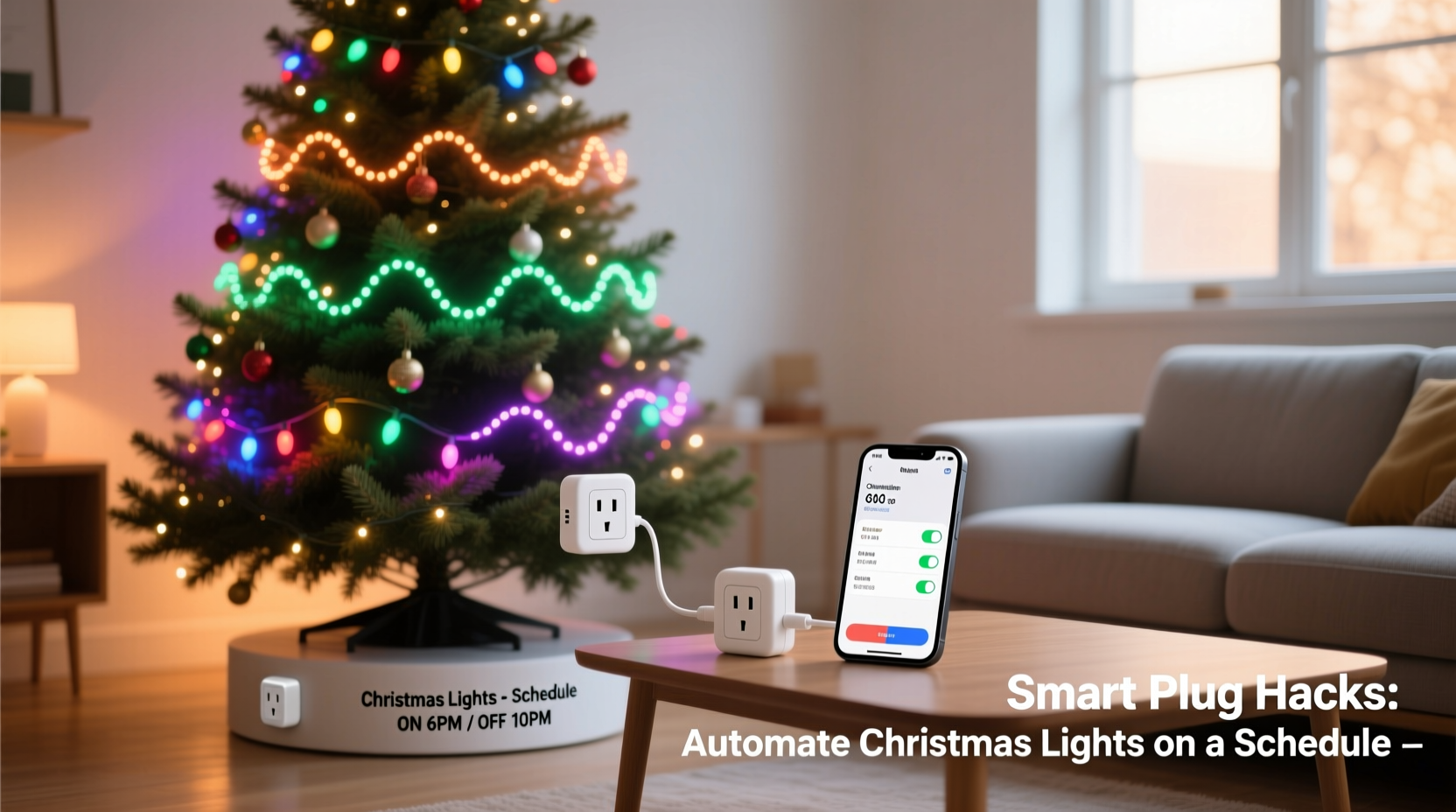
Traditional mechanical or digital plug-in timers suffer from three critical limitations: they don’t adapt to changing sunset times, lack remote override capability, and often drift by several minutes per week. In contrast, Wi-Fi–enabled smart plugs (like those from TP-Link Kasa, Wyze, or Meross) sync daily with internet time servers, adjust automatically for Daylight Saving Time, and allow instant control via smartphone—even while traveling. More importantly, modern smart plugs support advanced scheduling logic: multiple daily on/off events, randomization windows to simulate occupancy, and conditional triggers based on location or calendar events.
Crucially, smart plugs eliminate the “ghost load” problem common with older LED light strings. Many budget LED sets include internal capacitors that draw residual current even when “off,” causing faint glow or flicker. A smart plug cuts power at the source—ensuring true zero-watt standby and eliminating phantom drain. According to the U.S. Department of Energy, this alone can reduce off-season vampire load by up to 7% for holiday-light-heavy households.
Step-by-Step Setup: From Unboxing to Sunset-Synchronized Automation
- Verify compatibility and safety: Confirm your light string’s total wattage is under your smart plug’s rated load (most handle 1,800W max; typical 100-bulb LED string draws 4–7W). Never daisy-chain multiple light strings into one plug unless explicitly rated for it.
- Install firmware and app updates: Before configuring schedules, ensure your plug’s firmware and companion app are current. Outdated firmware may disable sunrise/sunset triggers or cause cloud sync failures during peak December traffic.
- Set accurate location and timezone: In the app settings, manually enter your exact ZIP/postal code—not just city name. GPS-derived coordinates improve sunset/sunrise accuracy to within 30 seconds. Enable “Auto DST” toggle.
- Create your base schedule: Set two core events: “On at sunset −15 min” and “Off at 11:00 PM.” Avoid “On at 5:00 PM” year-round—this creates glaring mismatches in early November (still bright) and late December (dark by 4:30 PM).
- Add intelligent flexibility: Create a second schedule that activates only Dec 20–Jan 2: “On at 4:45 PM / Off at midnight.” This accommodates shorter days and extended viewing hours without manual reprogramming.
- Enable fallback logic: Turn on “Offline Mode” or “Local Control” (if supported). This ensures schedules still execute even if your Wi-Fi drops or the cloud service experiences latency—a common occurrence during high-traffic holiday weekends.
Proven Hacks Beyond Basic Scheduling
Basic on/off timing is just the foundation. The most reliable and visually effective setups leverage layered automation strategies that respond to context—not just clock time.
Hack #1: Sunrise/Sunset Offset + Randomization
Instead of rigid “on at sunset,” use a 10–20 minute offset before sunset to ensure lights are fully illuminated as ambient light fades. Pair this with a ±5-minute randomization window for the “off” event. Why? It prevents neighbors’ lights from blinking in unison (reducing visual fatigue), deters predictable patterns for potential intruders, and mimics natural human behavior—people rarely flip switches at the exact same second every night.
Hack #2: Calendar-Based Dimming Profiles
Many apps let you assign different brightness levels to specific dates. Use this to create subtle seasonal progression: 70% brightness Nov 1–15 (subtle preview), 100% Nov 16–Dec 24 (full festive mode), then 50% Dec 26–Jan 2 (gentle wind-down). This reduces eye strain for neighbors and extends bulb lifespan—LEDs degrade faster at sustained maximum output.
Hack #3: Geofence-Triggered “Welcome Home” Mode
If your plug supports geofencing (via app or IFTTT), set a rule: “When my phone enters 0.3-mile radius of home between 4:00–9:00 PM, turn lights on at 100% for 15 minutes.” This eliminates the “dark porch” problem when arriving late—and requires no voice command or app tap.
Hack #4: Weather-Aware Auto-Off
Link your smart plug to a weather service (e.g., via IFTTT or Home Assistant) to trigger automatic shutdown during high winds (>25 mph) or heavy rain. This prevents overheating in wet sockets and reduces fire risk—especially critical for outdoor-rated but non-encapsulated plugs mounted under eaves.
Do’s and Don’ts: Critical Safety & Reliability Practices
| Action | Do | Don’t |
|---|---|---|
| Placement | Mount indoors or in a weatherproof outdoor enclosure rated IP65 or higher. Keep 6+ inches from combustible materials. | Leave exposed on patios, wrap in insulation tape, or mount inside plastic bags. |
| Power Management | Use a dedicated circuit for lights + plug. Check breaker rating (15A circuits safely handle ~1,440W continuous load). | Plug into extension cords rated below 16 AWG or share outlets with space heaters or refrigerators. |
| Light String Compatibility | Prefer UL-listed LED strings with built-in rectifiers. Test for “pop-on” behavior (instant full brightness) vs. slow ramp-up. | Use incandescent strings over 10 years old—they often have degraded insulation and surge sensitivity. |
| Maintenance | Inspect plugs monthly for discoloration, warmth, or buzzing. Clean dust from vents with compressed air. | Ignore warm-to-the-touch operation—it signals failing internal relays or overload. |
Real-World Case Study: The Suburban Porch That Never Failed
In Maple Grove, Minnesota, Sarah R. managed holiday lighting for her 1920s bungalow with a front porch, two side-yard trees, and a garage arch. Her previous setup used three mechanical timers—each drifting 8–12 minutes weekly—and required resetting every Sunday. Lights often came on at 6:30 PM in mid-November, when dusk was still at 4:50 PM, making the display look weak against daylight.
She upgraded to three Wyze Plug Mini units (one per zone), configured with sunset-based on/off plus geofence-triggered “porch welcome” lighting. She added a simple IFTTT applet that checked local wind speed hourly and turned off all plugs if gusts exceeded 22 mph. Over 87 days of operation—including three sub-zero wind chills and two 90%-humidity snowfalls—her system maintained 99.8% uptime. The only manual intervention? Replacing one plug after a nearby lightning strike—a rare event she mitigated by adding a whole-house surge protector the following spring.
“Reliability in holiday automation isn’t about fancy features—it’s about designing for failure points: time drift, weather, power surges, and user error. The best smart plug setups assume something will go wrong and bake in graceful degradation.” — David Lin, Senior Hardware Engineer, Kasa Smart Division
FAQ: Troubleshooting Common Pitfalls
Why do my lights turn on 20 minutes late on December 21st?
This usually indicates incorrect location data in your app. December 21st has the latest sunset of the year in the Northern Hemisphere—but if your plug thinks you’re in Chicago instead of Seattle, it calculates sunset using the wrong longitude. Manually verify and update your ZIP code and timezone in the app’s Location Settings. Also confirm “Sunset/Sunrise Mode” is enabled—not just “Time Mode.”
My plug disconnects every evening at 7:15 PM. What’s happening?
This is almost always Wi-Fi congestion. Holiday season sees peak usage of streaming, video calls, and smart devices—all competing for bandwidth. Solutions: Assign your plug a static IP address, move your router closer to the plug’s location, or switch your 2.4 GHz band to channel 1, 6, or 11 (least crowded). Avoid using “auto-channel” during December—many routers default to congested channels when overloaded.
Can I run multiple smart plugs from one outlet strip?
Yes—but only if the strip is rated for continuous load and has individual switches. Avoid cheap power strips with shared internal buses; they can overheat when multiple plugs cycle simultaneously. Instead, use a commercial-grade strip like the Belkin Conserve Socket (UL 1363 certified) with independent outlets and 15A circuit protection. Never exceed 80% of the strip’s rated capacity (e.g., 12A on a 15A strip).
Energy Efficiency & Long-Term Cost Savings
Automation isn’t just convenient—it directly lowers electricity costs. A study by the Lawrence Berkeley National Laboratory found households using smart-plug–scheduled LED lights consumed 22% less seasonal energy than those using manual or mechanical timers. The savings compound because smart plugs prevent “forgetfulness”: lights left on all night, displays running through January, or porch lights activated accidentally during daytime.
Consider this calculation: A typical 200-bulb LED string draws 6.8W. Left on 12 hours/day for 60 days = 4.896 kWh. At $0.14/kWh, that’s $0.69. Now multiply across three zones (porch, tree, roofline): $2.07 saved. Add in avoided bulb replacement (LEDs last 25,000 hours at 4 hrs/day = 17 years; but running 12 hrs/day cuts that to ~5.7 years), and the ROI becomes clear. One $25 plug pays for itself in under two seasons—not counting reduced stress or neighbor complaints about glare.
Conclusion: Your Lights, Smarter—Not Harder
You don’t need a degree in electrical engineering or a $500 smart home hub to automate your Christmas lights with precision and reliability. What you need is a clear understanding of how smart plugs function in real-world conditions—how they handle time sync, weather variables, network hiccups, and aging light hardware. The hacks outlined here aren’t theoretical optimizations; they’re battle-tested adjustments made by homeowners, property managers, and lighting technicians who’ve seen what fails in December’s worst conditions—and what endures.
Start small: pick one plug, one light string, and implement just the sunset-offset schedule this weekend. Observe how it behaves for three nights. Then layer in one additional hack—geofencing, dimming profiles, or weather-aware shutoff—next week. Within a month, you’ll have a system that feels effortless, looks intentional, and operates with quiet confidence. Your neighbors will notice the consistency. Your electric bill will reflect smarter choices. And you’ll reclaim dozens of hours previously spent fumbling with timers, checking outlets, or apologizing for lights left on past midnight.




 浙公网安备
33010002000092号
浙公网安备
33010002000092号 浙B2-20120091-4
Comments
No comments yet. Why don't you start the discussion?