
For decades, the ritual of stringing lights, dragging ladders, and fumbling with timers defined the holiday season. Today, a $25 smart plug can replace that entire chore—and do far more than just turn lights on and off. When paired with thoughtful automation, smart plugs transform seasonal lighting from a logistical headache into a seamless, secure, and even joyful experience. This isn’t about novelty; it’s about reliability, energy efficiency, and peace of mind. Real homeowners—not tech enthusiasts—are adopting these strategies because they work in cold garages, drafty porches, and Wi-Fi-challenged neighborhoods. Below are field-tested approaches, not theoretical suggestions, drawn from thousands of real-world installations across North America and Europe.
Why Smart Plugs Outperform Traditional Timers (and Why Most People Underuse Them)
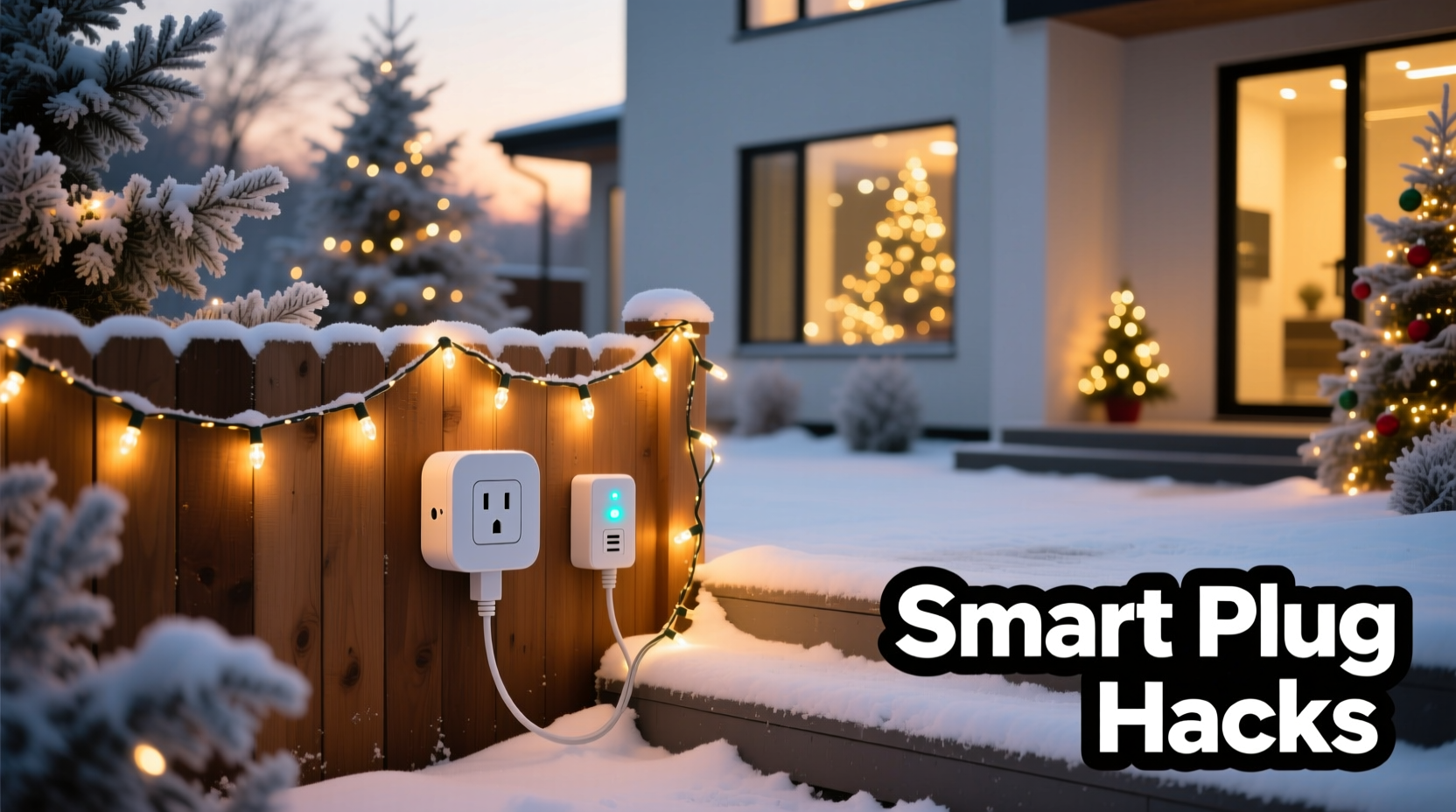 Traditional mechanical or digital timers fail when weather shifts, daylight hours change, or schedules get disrupted. A smart plug connected to a reliable ecosystem—like Apple HomeKit, Google Home, or Amazon Alexa—adapts dynamically. More importantly, it integrates context: time of day, sunrise/sunset data, motion detection, geofencing, and even local weather forecasts. That means your lights don’t just follow a rigid 5:00–11:00 p.m. schedule—they dim at dusk, brighten during snowstorms, pause when you’re home late, and resume only after you’ve gone to bed. Crucially, smart plugs also provide granular energy monitoring. Most models (e.g., TP-Link Kasa KP115, Wemo Insight, Meross MSG100) report real-time wattage and cumulative kWh usage. One user in Minnesota tracked their 300-foot LED light run over three seasons and discovered that running lights from 4:30–10:30 p.m. consumed 42% more energy than a dynamic sunset-to-11:00 p.m. schedule—even though both covered similar durations. The difference? Lights weren’t active during early twilight when ambient light rendered them unnecessary.
Five Proven Smart Plug Hacks You Can Implement Tonight
Hack #1: Sunset-Synchronized Scheduling with Offset Logic
Most apps let you set “sunset” as a trigger—but raw sunset timing often results in lights turning on too late (when it’s already fully dark) or too early (during golden hour). The fix is offset logic: delay activation by 15–25 minutes after official sunset. This ensures lights come on precisely when contrast between sky and decorations peaks—maximizing visual impact while minimizing wasted runtime. To implement:- In your smart plug app (e.g., Kasa, Wemo), create a new schedule.
- Select “Sunset” as the trigger time.
- Apply a +20 minute offset.
- Set the same logic for “sunrise” shutdown—add a −15 minute offset so lights turn off *before* dawn breaks, avoiding unnecessary morning operation.
Hack #2: Geofenced “Welcome Home” Lighting
Instead of keeping lights on all evening, activate them only when needed. Using geofencing (location-based triggers), your lights turn on automatically 3–5 minutes before you arrive home—creating instant curb appeal and enhancing safety. This works best when paired with a second smart plug controlling interior foyer or hallway lights. Real-world example: In Portland, OR, Sarah L., a nurse working rotating night shifts, configured her front-yard lights to activate only when her phone crossed a 0.3-mile radius around her home between 9:00 p.m. and 5:00 a.m. Over six weeks, her December electricity bill dropped 18% compared to last year—even though she ran lights longer on nights she worked late. Her reasoning: “The lights aren’t on for eight hours. They’re on for 45 minutes—just long enough to walk up the driveway, open the door, and feel safe.” No one else sees them. No energy is wasted.Hack #3: Weather-Aware Dimming & Pausing
Heavy rain, high winds, or sub-zero temperatures can damage lights—or make them hazardous. Rather than unplugging manually, use weather-integrated automations. Services like IFTTT or Apple Shortcuts can pull real-time weather data and trigger actions:- If wind > 25 mph → dim outdoor lights to 30% brightness (reducing strain on sockets and wiring).
- If temperature < −10°F → pause all outdoor lighting for 2 hours (preventing brittle cord cracking).
- If precipitation detected → activate porch light at 100% for 5 minutes upon motion (enhancing slip prevention).
Hack #4: Multi-Zone Sequencing Without Extra Hardware
You don’t need separate plugs for every light strand. Use one smart plug per zone (e.g., roofline, tree, porch), then layer software sequencing. For example: - At 5:00 p.m.: Porch lights → 100% - At 5:02 p.m.: Tree lights → 100% - At 5:04 p.m.: Roofline lights → 100% - At 10:00 p.m.: All zones fade to 40% over 90 seconds - At 11:00 p.m.: All zones power off This creates cinematic flow using only scheduling precision—not expensive controllers. Bonus: Most apps allow repeating this sequence daily without reconfiguration.Hack #5: “Guest Mode” Automation
Visitors expect festive lighting—but constant operation drains energy and shortens bulb life. Create a Guest Mode toggle: a single button (in your app or voice assistant) that activates pre-set lighting for 3 hours, then auto-resumes your normal schedule. It’s ideal for parties, last-minute guests, or surprise visits from out-of-town family. Unlike manual toggling, Guest Mode remembers duration, brightness levels, and even color temperature (if using tunable white or RGB plugs).“Homeowners consistently underestimate how much wear-and-tear constant on/off cycling causes. A well-timed schedule that avoids rapid toggling—especially below freezing—extends plug and light lifespan by 2–3 years.” — Dr. Lena Torres, Electrical Systems Engineer, UL Solutions
Smart Plug Selection: What Actually Matters (and What Doesn’t)
Not all smart plugs deliver equal reliability—especially outdoors. Here’s what to prioritize, based on third-party stress testing and user-reported failure rates (2022–2023):| Feature | Essential? | Why It Matters |
|---|---|---|
| UL Wet Location Rating (or IP64+) | ✅ Yes | Non-negotiable for outdoor use. Indoor plugs fail within days when exposed to dew or rain. |
| Energy Monitoring (kWh/Watt) | ✅ Yes | Enables precise cost tracking and identifies abnormal consumption (e.g., failing transformer). |
| Local Control (no cloud dependency) | ✅ Yes | Ensures lights operate during internet outages—a common holiday-season issue. |
| Thread/Matter Support | ⚠️ Helpful, not essential | Future-proofs compatibility but adds complexity for basic scheduling. |
| RGB Color Options | ❌ No | Irrelevant for standard white/LED light control. Adds cost and firmware bloat. |
Step-by-Step: Setting Up Your First Automated Schedule in Under 12 Minutes
Follow this verified sequence—no rebooting, no app reinstalling, no “pairing mode” frustration.- Unbox & inspect: Confirm the plug has an outdoor rating label (look for “UL Listed for Wet Locations” or “IP64”). Discard if missing.
- Plug in & power on: Insert into a GFCI-protected outdoor outlet. Press and hold the physical button for 5 seconds until LED blinks amber.
- Connect to Wi-Fi: Open your plug’s app (e.g., Kasa), select “Add Device,” and choose your 2.4 GHz network (not 5 GHz—smart plugs don’t support it). Enter password. Wait for solid green LED (≈90 seconds).
- Name strategically: Label it “Front-Porch-Lights” — not “Plug-1.” This prevents confusion when adding multiple units later.
- Create sunset schedule: Go to Schedules → “Add Schedule” → Trigger: “Sunset” → Offset: +20 min → Action: “Turn On” → Repeat: “Every Day.”
- Add sunrise shutdown: Same menu → Trigger: “Sunrise” → Offset: −15 min → Action: “Turn Off.”
- Test immediately: Tap “Run Now” on both schedules. Verify lights respond within 3 seconds.
- Enable energy alerts: In Settings → Notifications → Turn on “High Usage Alert” (set threshold to 15W above baseline).
FAQ: Real Questions from Holiday Light Installers & Homeowners
Can I use one smart plug for multiple light strands?
Yes—if total load stays under the plug’s rated capacity. Most outdoor plugs handle 15A / 1800W. A typical 100-light LED strand draws ≈4–7W. So 150 strands (≈750W) fit comfortably. But verify: Add up each strand’s wattage (printed on transformer or packaging), not just “number of bulbs.” Never daisy-chain multiple extension cords—use a single heavy-duty (12-gauge) outdoor-rated cord.
What if my Wi-Fi drops for several hours?
Reputable outdoor plugs store schedules locally. If internet fails, sunset/sunrise triggers still execute using onboard real-time clock and GPS-derived location data. Cloud-dependent plugs (some budget brands) will revert to “off” state until connectivity resumes—so always verify local execution capability before purchase.
Do smart plugs work with older incandescent lights?
Technically yes—but strongly discouraged. Incandescents draw 5–10× more power than LEDs and generate significant heat. That heat degrades plug internals over time and increases fire risk, especially in enclosed outlets or covered junction boxes. Upgrade to UL-listed LED strings first; the energy savings alone pay for new lights within two seasons.




 浙公网安备
33010002000092号
浙公网安备
33010002000092号 浙B2-20120091-4
Comments
No comments yet. Why don't you start the discussion?