
Christmas lights bring warmth, nostalgia, and neighborhood cheer—but managing them manually is exhausting. Forgetting to turn them on at dusk, leaving them burning past midnight, or scrambling to adjust timing as daylight shifts erodes the joy. Smart plugs solve this—if used intentionally. Yet most homeowners stop at “set a simple on/off time.” That’s like using a Swiss Army knife only as a bottle opener. The real power lies in layered automation: coordinating multiple plugs across zones, syncing with sunset data, triggering based on occupancy or weather, and building resilient fallbacks when Wi-Fi flickers or apps glitch. This isn’t about convenience alone—it’s about precision, energy stewardship, and turning your home into a responsive holiday environment.
Why Basic Scheduling Falls Short (and What to Replace It With)
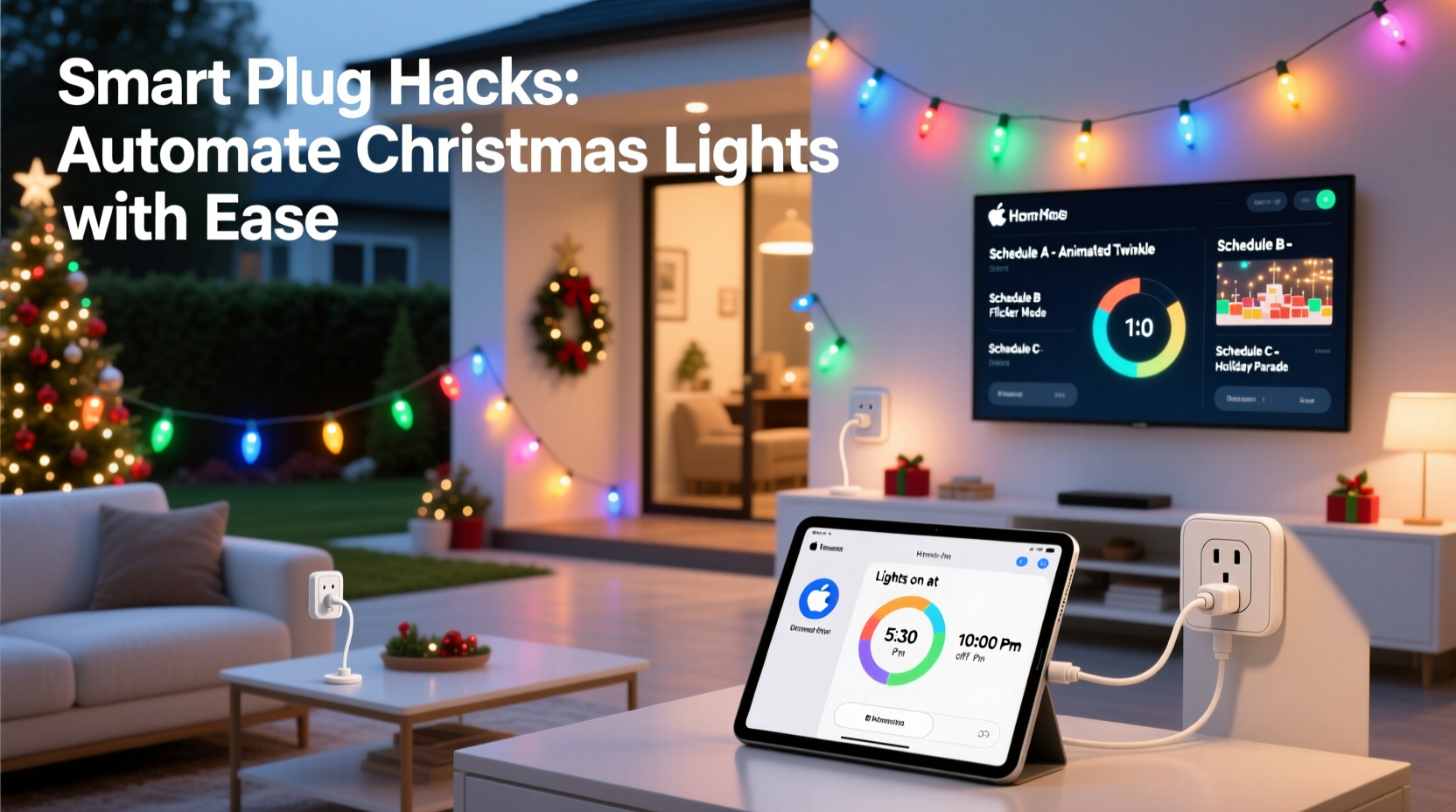
A single timer-based schedule fails because Christmas lighting needs adaptability. Sunset shifts by up to 90 minutes between early December and New Year’s Eve. A fixed 5:30 p.m. start may leave your front porch dark for weeks in late November—and blindingly bright at 4:30 p.m. in mid-December. Worse, static schedules ignore real-world variables: guests arriving late, unexpected rain that makes outdoor lights unsafe, or a family movie night where interior string lights should dim while exterior ones stay vibrant.
Smart plug automation shines when it moves beyond clock-based triggers. Modern platforms like Home Assistant, Apple HomeKit, Google Home, and even robust manufacturer apps (TP-Link Kasa, Wemo, Meross) support conditional logic, geofencing, and integration with environmental sensors. The goal isn’t just “lights on at 5 p.m.”—it’s “front yard lights activate 15 minutes after local sunset *only if* outdoor temperature stays above 28°F and no precipitation is forecasted in the next hour.” That level of nuance transforms automation from a novelty into a reliable, intelligent layer of home management.
5 Foundational Hacks for Multi-Plug Light Coordination
These aren’t gimmicks—they’re field-tested patterns used by professional holiday installers and advanced home automators. Each solves a specific pain point while building toward scalable control.
- Sunset-Synced Staggering: Assign different offsets to each zone (e.g., porch lights at sunset +0 min, tree lights at sunset +5 min, pathway lights at sunset +10 min). This creates a natural “unfolding” effect rather than a jarring all-at-once activation. Use your smart plug platform’s built-in astronomical time triggers—or feed sunset data via IFTTT or Home Assistant’s
sun.sunentity. - Occupancy-Aware Dimming: Pair motion sensors (like Aqara or Philips Hue) with interior plug automations. When motion stops in the living room for >15 minutes, dim string lights to 30% brightness instead of cutting power entirely—preserving ambiance while saving energy.
- Weather-Gated Outdoor Activation: Integrate a free weather API (OpenWeatherMap) into your automation engine. If wind exceeds 25 mph or freezing rain is detected, automatically disable exterior light plugs—even if the schedule says “on.” Prevents tripped breakers, damaged cords, and safety hazards.
- Guest Mode Toggle: Create a single “Holiday Guest Mode” button (in Home Assistant dashboard or Apple Shortcut) that simultaneously extends all light end times by 90 minutes, enables porch light motion sensing, and activates a gentle hallway glow. One tap replaces five manual adjustments.
- Energy Burnout Prevention: Set daily runtime limits per plug (e.g., max 8 hours for incandescent mini-lights, 12 hours for LED net lights). Use plug-level energy monitoring (available on Kasa HS300, Wemo Insight) to auto-shutdown once the watt-hour threshold is met—protecting bulbs and reducing fire risk.
Step-by-Step: Building a Resilient 3-Zone Automation System
This sequence assumes you have three smart plugs: one for exterior roof lights, one for the front-yard tree, and one for indoor mantel strings. It prioritizes reliability over complexity—no coding required for most steps.
- Inventory & Labeling: Physically label each plug with its zone (e.g., “ROOF”, “TREE”, “MANTEL”) and note its MAC address or device ID in your automation app. Mislabeling causes cascading errors—especially when editing schedules later.
- Install Local Triggers: In your plug’s app, disable cloud-only scheduling. Enable local automation (Kasa: Settings → Device Settings → Local Control; Wemo: Settings → Local Execution). Confirm status via ping test or local network scan.
- Configure Sunset-Based Start Times: In your hub (Apple Home, Google Home, or Home Assistant), create three separate automations:
- ROOF: “Turn on at sunset”
- TREE: “Turn on at sunset + 7 minutes”
- MANTEL: “Turn on at sunset + 3 minutes”
- Add End-Time Logic: Instead of “turn off at 11 p.m.,” use:
- ROOF & TREE: “Turn off at sunrise − 60 minutes” (ensures lights extinguish before dawn glare)
- MANTEL: “Turn off at 10:45 p.m. on weekdays; 11:30 p.m. on weekends” (aligns with family rhythm)
- Build the Fallback: Create a manual override shortcut named “EMERGENCY OFF” that turns off all three plugs instantly. Save it to your phone’s home screen. Test it monthly—even the best automation needs an off-ramp.
Do’s and Don’ts: Smart Plug Holiday Automation Table
| Category | Do | Don’t |
|---|---|---|
| Power Management | Use surge-protected power strips for multi-plug setups; verify total load stays under 80% of strip rating (e.g., ≤1440W on a 15A/120V circuit) | Daisy-chain smart plugs or overload a single outlet—this causes thermal shutdown and inconsistent behavior |
| Timing Logic | Set “off” delays to 1–3 seconds between plugs to prevent circuit surges at shutdown | Rely on device-specific time zones—always sync all plugs to your router’s NTP server or hub time source |
| Firmware & Updates | Update firmware quarterly—but never during peak holiday week (Dec 20–Jan 2); schedule updates for first Sunday of month | Enable auto-updates without testing—some patches reset schedules or break third-party integrations |
| Network Stability | Assign static IP addresses to each plug via your router’s DHCP reservation table | Place plugs behind thick masonry walls or metal enclosures—signal degradation causes missed triggers |
Mini Case Study: The Anderson Family’s Neighborhood-Wide Display
The Andersons in Portland, Oregon, manage 17 light zones across their home and garden—including synchronized icicle lights on the garage, animated reindeer projections, and color-changing path markers. Three years ago, they used basic timers. Lights frequently stayed on through dawn, neighbors complained about glare, and their December electric bill spiked 42%. They rebuilt their system using smart plug coordination and open-source automation.
They installed seven TP-Link Kasa KP303 plugs (each supporting real-time energy monitoring) and integrated them into Home Assistant. Key upgrades included: (1) linking all exterior zones to OpenWeatherMap alerts—shutting down during high-wind events; (2) adding a “neighborhood harmony” rule that dims all non-porch lights to 40% brightness between 10–11 p.m. to reduce light pollution; and (3) creating a “school night” mode that ends all displays by 9:15 p.m. on weekdays during term time. Their December 2023 electric usage dropped 29% versus 2022—and they received two thank-you notes from adjacent households praising the “thoughtful, considerate lighting.”
“Most people treat smart plugs as remote switches. The real leverage comes from treating them as programmable nodes in a responsive ecosystem—where light, weather, human behavior, and energy constraints all inform decisions in real time.” — Dr. Lena Torres, Smart Home Systems Researcher, UC Berkeley Institute for Energy Efficiency
Checklist: Your Pre-Holiday Automation Audit
Complete this checklist 7–10 days before installing lights. It prevents last-minute configuration panic and ensures reliability through December.
- ✅ Verify each smart plug connects reliably to your 2.4 GHz Wi-Fi band (not 5 GHz)
- ✅ Test manual on/off via physical button—not just app—to confirm hardware responsiveness
- ✅ Confirm time zone and daylight saving settings are identical across all plugs and your hub
- ✅ Run a 24-hour dry run: simulate sunset/sunrise triggers and log success/failure in a spreadsheet
- ✅ Document all automations in plain text (e.g., “TREE plug: ON at sunset+7m, OFF at sunrise−60m, energy cap: 1.2 kWh/day”)
- ✅ Share emergency override access with one trusted household member (not just the primary account holder)
FAQ
Can I mix smart plugs from different brands in one automation?
Yes—but with caveats. Apple HomeKit-certified plugs (like Belkin Wemo, Eve Energy) work natively together in the Home app. For non-HomeKit devices (e.g., Meross, Gosund), use a unifying platform like Home Assistant or Hubitat. Avoid relying on IFTTT for critical holiday automations—it adds latency and dependency on a third-party service that has experienced outages during peak December traffic.
My lights flicker when multiple plugs turn on simultaneously. How do I fix it?
This indicates inrush current overwhelming the circuit. Solution: stagger activation with 1–2 second delays between plugs. In Home Assistant, use the delay action in your automation script. In Apple Home, create separate automations with slight time offsets (e.g., “Tree on at sunset,” “Roof on at sunset + 00:01:02”). Never exceed 80% of your circuit’s rated capacity—calculate total wattage (volts × amps) before connecting.
Do smart plugs shorten the lifespan of LED Christmas lights?
No—when used correctly. Unlike mechanical timers that cause voltage spikes during contact closure, smart plugs use solid-state relays with clean switching. However, cheap, uncertified plugs lacking UL/ETL certification can introduce electrical noise or fail catastrophically. Always choose plugs with safety certifications and built-in overload protection.
Conclusion
Automating Christmas lights isn’t about eliminating effort—it’s about redirecting attention. When your roof lights ignite precisely as twilight deepens, when your tree glows warmly as guests step onto the porch, and when your energy dashboard shows steady, responsible consumption, you’ve replaced chore with craft. These smart plug hacks deliver more than scheduled on/off cycles: they embed intentionality into your holiday rhythm. You decide when warmth arrives, how light responds to weather and presence, and where energy flows—all without touching a switch. That’s not convenience. It’s quiet confidence in the systems you’ve built.
Start small: pick one zone, implement sunset-synced timing, add a single weather condition. Then expand. Document every change. Test relentlessly. And remember—the most elegant automation disappears into the background, leaving only the magic it enables.




 浙公网安备
33010002000092号
浙公网安备
33010002000092号 浙B2-20120091-4
Comments
No comments yet. Why don't you start the discussion?