
Every November, millions of households face the same quiet dilemma: how to make holiday lighting both festive and functional without daily effort, wasted electricity, or safety compromises. For decades, the solution was simple—a mechanical timer screwed into an outlet or a basic wall switch flipped at dusk and dawn. Today, smart plug timers promise sunrise-sunset scheduling, remote control, voice integration, and energy tracking. But do they deliver consistent value—or introduce complexity that outweighs convenience? This isn’t just about convenience; it’s about reliability during peak season, electrical safety with high-wattage loads, long-term cost efficiency, and peace of mind when you’re away from home.
How Each System Actually Works in Practice
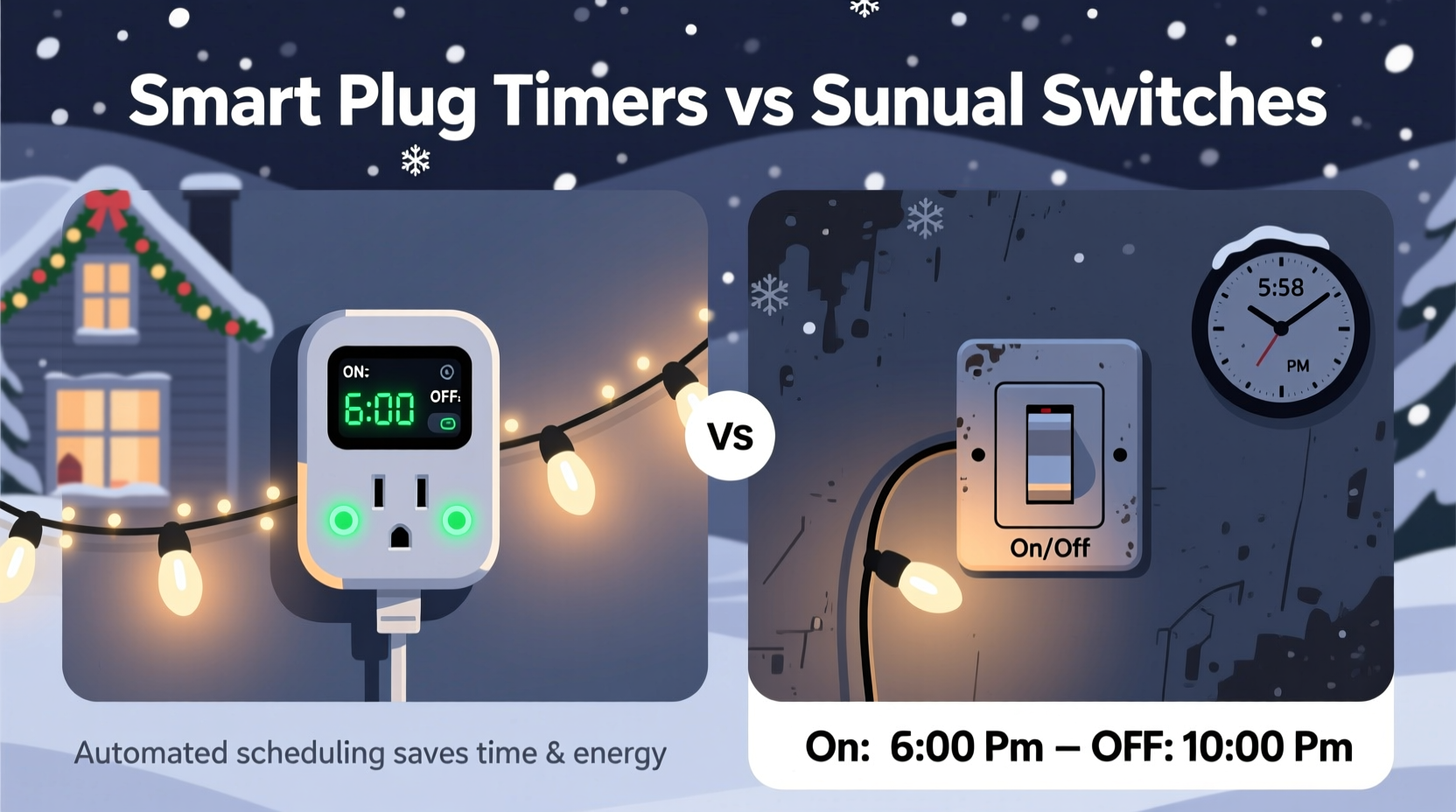
A manual switch—whether a standard wall toggle, a basic in-line cord switch, or a mechanical outlet timer—is fundamentally analog. It operates on physical contact: metal contacts close or open to complete or break the circuit. Mechanical timers use a rotating dial with pins that depress a lever at preset times. They require no Wi-Fi, no app, and no firmware updates—but they also offer zero flexibility once set. A smart plug timer, by contrast, is a microcomputer embedded in an AC outlet adapter. It contains a real-time clock, Wi-Fi or Bluetooth radio, relay switch, and firmware that interprets cloud-based or local scheduling rules. Most integrate with platforms like Alexa, Google Home, or Apple HomeKit—and many now support local execution (no cloud dependency) for improved responsiveness and privacy.
The distinction becomes critical under real-world conditions. During a winter power outage, a mechanical timer resets to 12:00 and loses all programmed settings unless it has battery backup—a rare feature in budget models. A smart plug, if it supports local automation, may retain its schedule and resume immediately after power returns. But if it relies solely on cloud sync and your internet drops, lights may stay off—or worse, stay on—until connectivity resumes.
Reliability, Safety, and Load Capacity: What the Spec Sheets Don’t Tell You
Christmas light strings vary widely in wattage: incandescent mini-lights draw 0.3–0.5W per bulb (a 100-bulb strand = ~40W), while LED equivalents use just 4–7W. But garlands, net lights, icicle strands, and animated displays can easily exceed 200W—and some premium outdoor projectors push past 600W. That’s where load rating matters more than marketing claims.
| Device Type | Typical Max Load Rating | Real-World Limitation | Safety Risk if Overloaded |
|---|---|---|---|
| Mechanical Outlet Timer (e.g., Intermatic ST01C) | 1875W (15A @ 125V) | Contacts degrade over time; frequent cycling increases arcing risk | Overheating, melting housing, fire hazard—especially with damp outdoor use |
| Basic Smart Plug (e.g., Kasa KP115) | 1800W (15A) | Firmware may not report actual current draw; relay rated for resistive loads only | LED drivers and dimmable controllers create inductive/reactive loads—can shorten relay life or cause premature failure |
| Heavy-Duty Smart Plug (e.g., TP-Link Tapo P115 Pro) | 2400W (20A) | Includes thermal cutoff and surge protection; UL-certified for outdoor-rated extension cords | Negligible—designed for continuous operation under fluctuating loads |
Crucially, UL 1363 and UL 1449 certifications matter far more than “weather-resistant” labeling. Only UL-listed devices undergo rigorous testing for temperature rise, dielectric strength, and fault-current interruption. Many unbranded smart plugs sold online carry CE or FCC marks—but those signify electromagnetic compliance only, not electrical safety.
A Real Winter Weekend: How Two Households Handled the Same Challenge
In December 2023, the Johnson family in Portland, Oregon, installed 325 feet of warm-white LED rope lights, two animated reindeer displays, and four window silhouette projectors—totaling 1,380W. They used a $12 mechanical timer plugged into a GFCI-protected outdoor outlet. On December 14, a sudden ice storm knocked out power for 11 hours. When service restored, the timer defaulted to 12:00 and failed to trigger lights until the next evening—leaving their front yard dark during a neighborhood “Light Walk” event. They manually reset it—but three days later, the timer’s internal gear stripped during a scheduled 5:00 a.m. shutoff, leaving lights permanently on and tripping their breaker twice.
Meanwhile, the Chen household in suburban Chicago ran nearly identical lighting (1,420W total) using a UL-listed 20A smart plug with local automation enabled. Their lights were scheduled via Apple Shortcuts to turn on at sunset (calculated daily) and off at 11:00 p.m. During the same ice storm, power returned at 6:42 a.m. The plug reconnected to their local HomeKit hub within 8 seconds and executed its preloaded schedule—lights activated at 7:15 a.m. as planned. No app interaction was needed. They received a push notification confirming status—and verified remotely that no abnormal current draw occurred.
The difference wasn’t price—it was architecture. The Chens invested $39 in a device engineered for resilience. The Johnsons prioritized upfront cost over operational integrity.
Energy Efficiency, Scheduling Precision, and Hidden Costs
On paper, both systems “save energy” by limiting runtime. In practice, precision matters. Mechanical timers operate in 15- or 30-minute increments and cannot adjust for seasonal shifts in sunrise/sunset. Over a six-week season, that means lights may turn on 47 minutes too early in early December—and 33 minutes too late by New Year’s Eve. For a 1,400W setup running two extra hours per week, that’s 16.8 kWh wasted—roughly $2.10 at the U.S. national average electricity rate ($0.125/kWh).
Smart plugs eliminate that drift. With geolocation-aware scheduling, they auto-adjust daily. Some models (like the Wemo Mini Smart Plug) even factor in weather: if cloud cover delays sunset by 12 minutes, the lights wait. More importantly, they enable granular control. You can program different zones—roof lights on at 4:30 p.m., porch lights at 5:00 p.m., and tree lights at 5:15 p.m.—without adding multiple outlets or extension cords.
But there are hidden costs. Smart plugs consume standby power—typically 0.5–1.2W continuously. Over 300 days/year, that adds 0.36–0.88 kWh annually per device. Not trivial if you deploy five plugs: up to 4.4 kWh, or $0.55. Also consider firmware fragility: one major brand discontinued cloud support for legacy plugs in 2022, rendering them “dumb” switches overnight. Always verify long-term update policy before purchase.
“Timers aren’t just about turning things on and off—they’re about matching human behavior with electrical infrastructure. A good system anticipates failure modes, not just ideal conditions.” — Dr. Lena Torres, Electrical Systems Engineer, National Fire Protection Association
Step-by-Step: Choosing & Deploying the Right System for Your Setup
- Calculate total wattage: Add labels from every light string, projector, and animated element. If labels are missing, use a Kill-A-Watt meter for 10 minutes of steady operation.
- Verify circuit capacity: Locate your home’s outdoor circuit breaker. Multiply its amperage (e.g., 15A) by voltage (120V), then multiply by 0.8—the NEC-recommended continuous load limit.
- Assess environment: Is the outlet exposed to rain, snow, or direct sunlight? If yes, only use UL-listed devices rated for wet locations (look for “Suitable for Wet Locations” on packaging—not just “outdoor use”).
- Evaluate connectivity needs: Do you need remote access while traveling? Prefer local-only automation for privacy? Require voice control? Match features to necessity—not novelty.
- Test before decorating: Plug the timer or smart device into a lamp first. Run it for 72 hours straight. Monitor for heat buildup, inconsistent switching, or unexpected disconnects.
- Label everything: Use waterproof tape to mark which plug controls which zone (e.g., “Front Roof – 1420W”). Include max load and date of installation.
FAQ: Practical Questions from Real Homeowners
Can I use a smart plug with old incandescent lights?
Yes—but proceed with caution. Incandescent bulbs draw 5–10× more inrush current at startup than LEDs. That surge stresses relays. Choose a smart plug rated for *incandescent loads* (not just “general purpose”) and confirm it lists a higher inrush rating (e.g., ≥50A for 1/2 cycle). Avoid using dimmable smart plugs with non-dimmable incandescents—they can overheat or fail.
Do mechanical timers really last longer than smart plugs?
Not necessarily. A quality mechanical timer lasts 5–7 years with moderate use. But its gears wear, contacts pit, and accuracy degrades ±5 minutes per month. Smart plugs have no moving parts—so their solid-state relays often outlive mechanical counterparts. However, cheap smart plugs use low-grade capacitors that dry out in cold temperatures, causing failure within 2 winters. Stick to brands with published MTBF (Mean Time Between Failures) specs above 50,000 hours.
Is it safe to leave smart plugs outdoors year-round?
No—unless explicitly rated for permanent outdoor installation. Even “weather-resistant” smart plugs are designed for temporary seasonal use under eaves or covered outlets. Condensation inside the unit causes corrosion and short circuits. Remove and store indoors after the holidays. Use a UL-listed outdoor-rated junction box with gasketed cover for permanent installations.
Conclusion: Automation Should Serve You—Not the Other Way Around
Choosing between smart plug timers and manual switches isn’t about embracing technology for its own sake. It’s about selecting the tool that aligns with your priorities: predictable simplicity, adaptive intelligence, electrical safety, or long-term resilience. A mechanical timer excels when you need bulletproof operation on a fixed schedule and accept seasonal drift. A smart plug shines when your routine changes weekly, you travel often, or you manage complex multi-zone displays—and when you invest in certified hardware, not bargain-bin alternatives. The most sophisticated automation fails if the foundation is compromised: overloaded circuits, uncertified devices, or ignored environmental limits. This holiday season, let your lights reflect intention—not inertia. Audit your load, verify certifications, test thoroughly, and choose the system that works reliably—not just conveniently—for the next decade of December evenings.




 浙公网安备
33010002000092号
浙公网安备
33010002000092号 浙B2-20120091-4
Comments
No comments yet. Why don't you start the discussion?