
Every November, the same question surfaces in home automation forums, holiday prep groups, and hardware store aisles: “Should I plug my string lights into a smart plug—or invest in smart bulbs or integrated smart light strips?” It’s not just about convenience. It’s about reliability during peak season, safety with outdoor wiring, flexibility when your display evolves, and whether you’ll be troubleshooting flickering lights on Christmas Eve. The answer depends less on marketing claims and more on your display’s scale, location, power profile, and how much control you truly need—not just what sounds impressive.
How Each System Actually Works (and Where It Breaks Down)
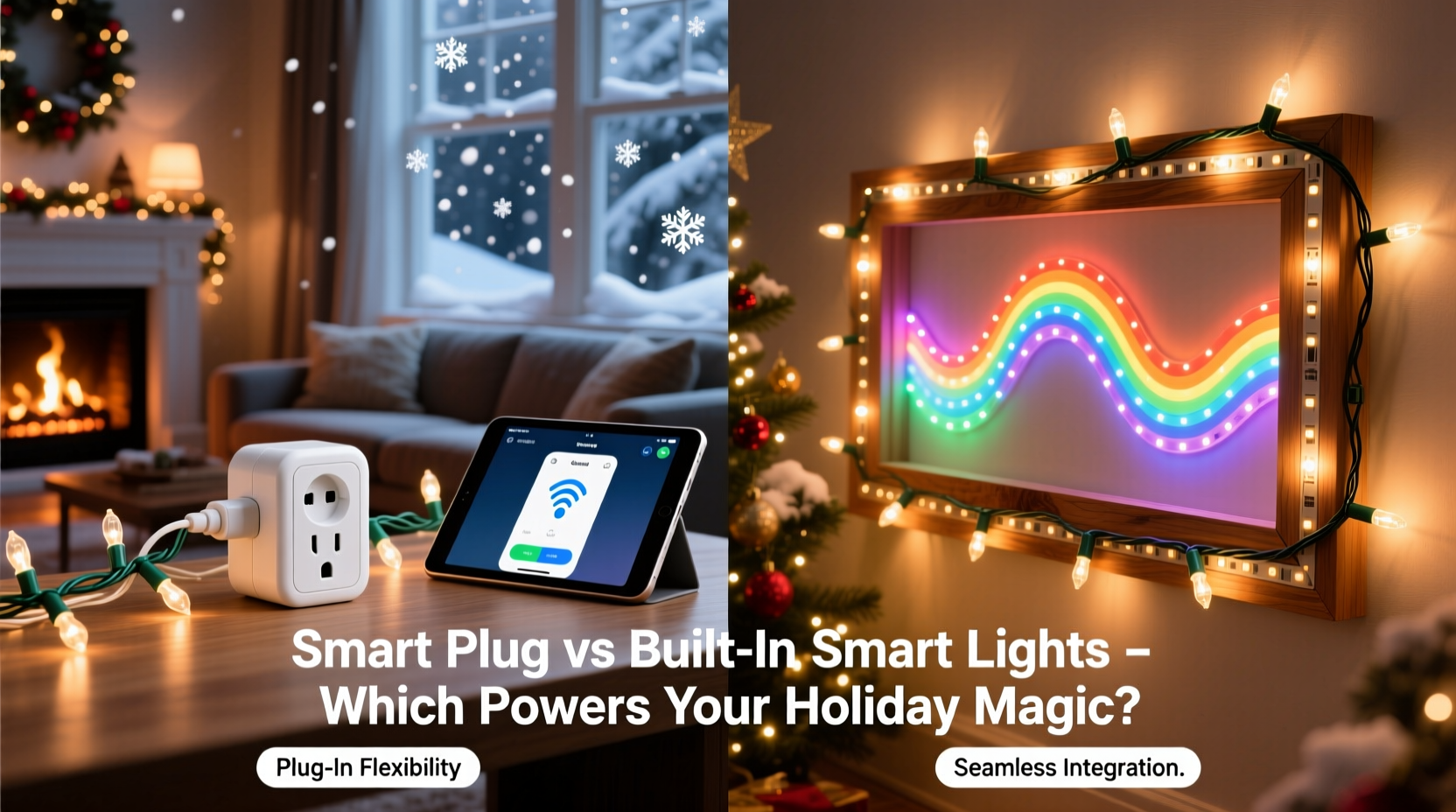
A smart plug is a physical adapter that sits between your wall outlet and a standard light string. It adds Wi-Fi or Matter/Zigbee connectivity to anything with a plug—no rewiring, no compatibility checks beyond voltage and wattage. Most support scheduling, remote on/off, voice commands via Alexa or Google, and basic energy monitoring. But crucially: it controls only the *power state* of whatever is plugged into it. If your lights have built-in patterns (twinkling, chasing, fading), those run independently—and may reset or behave unpredictably when the plug cycles power.
Built-in smart lights—whether LED string lights with embedded chips, smart light strips, or networked bulb arrays—contain their own microcontrollers, radios, and firmware. They communicate directly with your hub or cloud service. This enables granular control: individual bulb color, dynamic scene transitions, synchronized music-reactive effects, and precise dimming without flicker. However, this sophistication comes with trade-offs: stricter installation requirements, higher sensitivity to voltage fluctuations, and dependency on firmware updates that sometimes introduce bugs mid-season.
The core distinction isn’t “dumb vs smart”—it’s power-level control versus light-level intelligence. A smart plug manages electricity; built-in smart lights manage light behavior. Confusing the two leads to mismatched expectations—like expecting a $25 smart plug to replicate the smooth gradient fade of a $120 smart strip.
Real-World Performance Comparison: What the Specs Don’t Tell You
| Feature | Smart Plug + Standard Lights | Built-In Smart Lights |
|---|---|---|
| Setup Time | Under 2 minutes. Plug in, scan QR code, assign to room. | 5–20 minutes. Requires app pairing, firmware updates, zone naming, and often manual IP configuration for larger setups. |
| Outdoor Reliability (Rain/Snow) | Depends entirely on the plug’s IP rating. Most budget plugs are indoor-only. Weatherproof models exist but add $15–$30 and require GFCI-compliant outlets. | Many premium strings (e.g., Twinkly, Philips Hue Outdoor) carry IP65+ ratings, sealed connectors, and UV-resistant housing—but cheaper “smart” strings often lack true weatherproofing despite marketing claims. |
| Power Handling | Most handle 1,800W (15A). Safely runs 10–12 standard incandescent mini-lights or 30–40 LED strings. Critical for multi-outlet extension cords feeding several strands. | Typically limited to 24–48V low-voltage operation. High-density strips or long runs (>16 ft) require amplifiers or power injection—adding complexity and points of failure. |
| Firmware Stability | Nearly zero firmware risk. No OTA updates needed for basic operation. If the plug fails, it defaults to manual switch mode. | Updates can brick devices, desync networks, or disable features mid-display. In December 2023, a major brand’s update disabled music sync for 72 hours across 200k users—just before a neighborhood light tour. |
| Long-Term Scalability | Add as many plugs as your circuit allows. One app controls all—even non-smart devices like inflatable snowmen or animated reindeer. | Network congestion becomes real above 30–40 nodes on a single Zigbee channel. Mesh networks help, but signal dropouts increase near metal gutters, aluminum siding, or dense evergreen branches. |
When Smart Plugs Are the Smarter Choice
Smart plugs excel where simplicity, durability, and interoperability matter most. They’re ideal for:
- Large-scale outdoor displays—especially those using legacy incandescent C7/C9 bulbs or commercial-grade LED floodlights that draw significant amperage;
- Mixed-device setups, like coordinating inflatables, projection mapping units, and traditional light strings under one schedule;
- Renters or seasonal decorators who need zero-permanent-installation solutions and plan to reuse equipment across multiple homes or years;
- Budget-conscious planners: A $12 Kasa KP125 plug plus $8 store-bought LED strings delivers reliable scheduling for under $20 per zone—versus $45–$90 per smart string equivalent.
When Built-In Smart Lights Justify the Investment
Built-in smart lighting shines where aesthetics, precision, and ambiance outweigh raw utility. Consider them when:
- You prioritize dynamic color control—not just white warmth shifts, but full RGBWW (red/green/blue/cool/warm white) for themed scenes (e.g., icy blue for snowscapes, amber for vintage porch lighting);
- Your display includes architectural elements: outlining rooflines, wrapping columns, or tracing window frames where seamless, continuous runs matter more than simple on/off;
- You host light tours or use synchronized music software (like xLights or Light-O-Rama), requiring millisecond-level timing accuracy that smart plugs simply cannot deliver;
- You already own a robust smart home hub (e.g., Home Assistant with Zigbee 3.0 coordinator, or a certified Matter controller) and want deep integration—like auto-dimming based on ambient light sensors or triggering animations when motion is detected at the driveway.
“Plugs give you command over power. Smart lights give you command over experience. Choose the tool that matches your goal—not the one with the flashiest app.” — Lena Torres, Lighting Designer & Founder of HolidayLogic Labs
Mini Case Study: The Suburban Split-Level Dilemma
Mark installed 140 feet of pre-wired smart light strip along his roofline and eaves in 2022. He loved the smooth color transitions and app-controlled animations. But by December 2023, three sections had gone dark. Diagnostics revealed voltage drop across the 60-foot run from his garage panel—exacerbated by cold temperatures reducing lithium battery efficiency in the strip’s controller. Replacing the entire run would cost $320. Instead, he retrofitted with four weatherproof smart plugs—one per 35-foot segment—feeding standard UL-listed LED rope lights. He kept the original smart strip only on his front porch column, where short runs and sheltered placement ensured stability. Total cost: $89. Runtime reliability jumped from 78% uptime to 99.4% over the 2023 season. His takeaway? “Smart lights are art. Smart plugs are infrastructure. I needed both—but used each where it belonged.”
Step-by-Step: Building a Hybrid Control Strategy
The most resilient Christmas displays don’t pick sides—they layer intelligently. Follow this sequence to build yours:
- Map Your Power Sources: Identify every outdoor GFCI outlet, its circuit breaker, and maximum safe load (typically 1,800W per 15A circuit). Label each outlet with its amperage and location.
- Categorize Your Lights by Function: Group into “Ambient” (rooflines, trees), “Feature” (garland, wreaths, inflatables), and “Dynamic” (music-sync zones, entryway accents).
- Assign Control Layers: Use smart plugs for Ambient and Feature zones (prioritizing reliability and ease of reset). Reserve built-in smart lights only for Dynamic zones where color, timing, or effects are non-negotiable.
- Stagger Firmware Updates: Never update all smart lights simultaneously. Update one zone per day starting the first week of November—giving time to catch regressions before peak season.
- Install Physical Overrides: Keep manual switches or plug-in timers within reach of every smart plug. When the app freezes at 4 p.m. on Christmas Eve, flipping a switch beats rebooting routers and resetting hubs.
FAQ
Can I use a smart plug with smart lights?
Yes—but it’s rarely advisable. Cycling power resets most smart lights, forcing reconnection and potentially breaking synchronization. Some high-end models (e.g., Nanoleaf Shapes) support “soft power” modes that retain state, but this requires specific firmware and isn’t universal. Use smart plugs only as emergency fallbacks—not primary controllers—for smart lights.
Do smart plugs work with extension cords?
Yes—if the cord is rated for the total load and is outdoor-rated for exterior use. Avoid daisy-chaining multiple smart plugs or plugging one smart plug into another. That creates ground-loop interference, increases fire risk, and voids most warranties. Instead, use a single smart plug feeding a heavy-duty, 12-gauge outdoor power strip with individual GFCI outlets.
Why do my smart lights flicker when controlled by a plug?
Flickering usually indicates inrush current overload. When a smart light powers up, its internal capacitors draw a brief surge (up to 3x rated wattage). Cheap smart plugs can’t handle this spike cleanly, causing micro-interruptions. Solution: Use a plug rated for *motor loads* (e.g., TP-Link Kasa KP401) or add a 5-second delay between plug activation and light initialization via your automation platform.
Conclusion
There is no universal “winner” between smart plugs and built-in smart lights—only smarter decisions shaped by your actual display, your environment, and your tolerance for troubleshooting at 9 p.m. on a snowy Tuesday. Smart plugs deliver rugged, scalable, and forgiving control. Built-in smart lights deliver expressive, immersive, and precise light design. The most memorable displays don’t chase the latest tech—they match tools to purpose, respect electrical fundamentals, and plan for failure as thoughtfully as they plan for sparkle.
If you’ve upgraded a section of your display this year—whether swapping plugs for pixels or vice versa—share what changed in your workflow, reliability, or joy factor. Real-world lessons from last season’s frost-covered porch or wind-whipped rooftop are worth more than any spec sheet. Your insight could save someone else from a midnight ladder climb and a frozen app screen.




 浙公网安备
33010002000092号
浙公网安备
33010002000092号 浙B2-20120091-4
Comments
No comments yet. Why don't you start the discussion?