
As holiday seasons approach, one of the most visible — and often tedious — traditions is setting up and managing Christmas lights. While stringing them across eaves and trees brings cheer, manually turning them on and off every evening becomes a chore. Fortunately, automation tools like smart plugs and manual timers offer solutions. But which one truly fits your needs? The answer depends on your lifestyle, budget, technical comfort, and long-term goals.
This guide dives deep into both options, comparing functionality, reliability, cost, and convenience to help you make an informed decision. Whether you're decorating a modest porch or illuminating an entire neighborhood block, understanding the strengths and limitations of each system ensures your holiday display runs smoothly — without daily intervention.
How Smart Plugs Work for Holiday Lighting
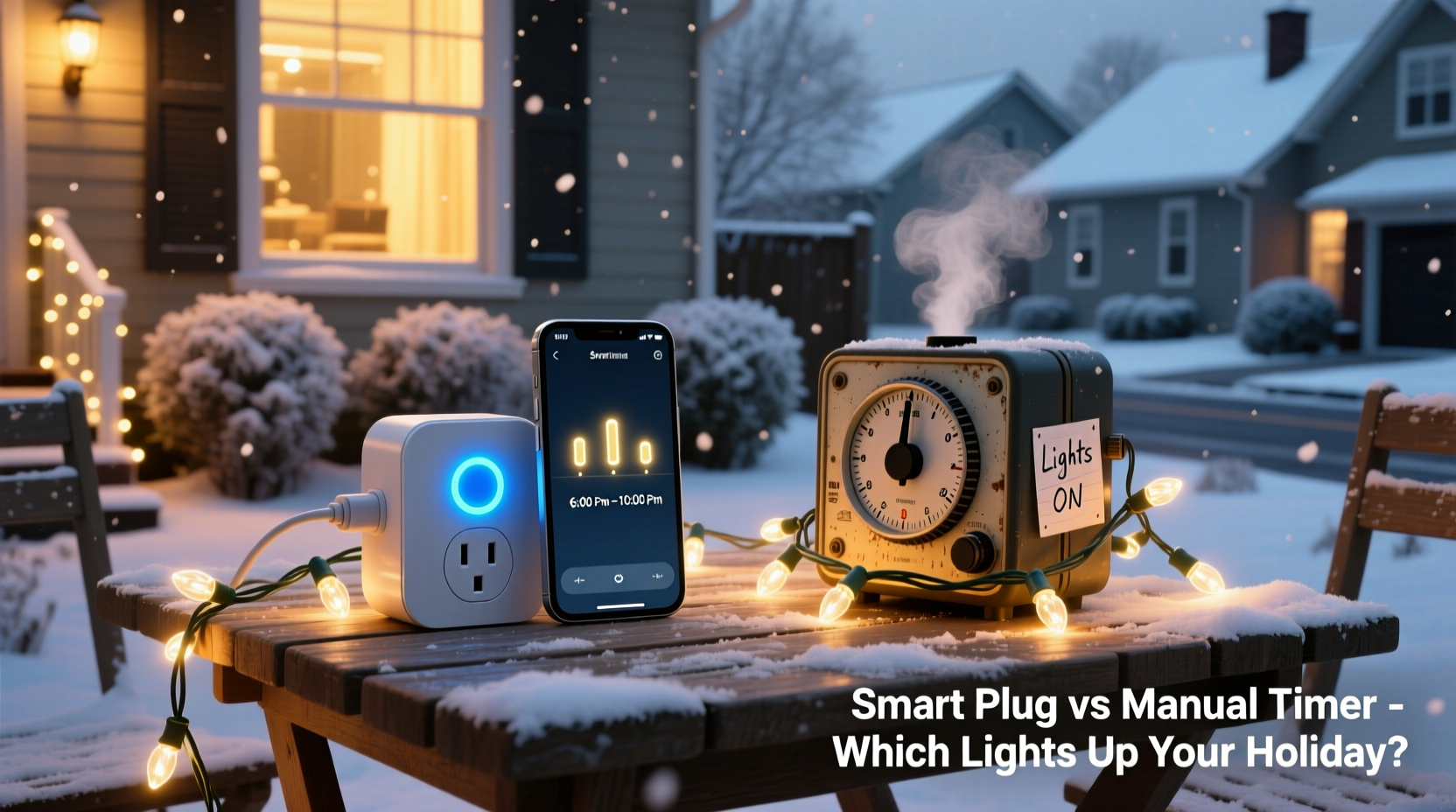
A smart plug is a Wi-Fi-enabled device that connects to your home network and allows remote control of any plugged-in appliance through a smartphone app or voice assistant. When used with Christmas lights, it enables precise scheduling, real-time toggling, and integration with broader smart home ecosystems.
Most smart plugs support major platforms like Amazon Alexa, Google Assistant, and Apple HomeKit. You can say, “Alexa, turn on the Christmas lights,” or set them to illuminate at sunset and power down at midnight — even if you're miles away. Some models also offer energy monitoring, letting you track how much electricity your display consumes over the season.
Installation is straightforward: plug the smart plug into a weatherproof outdoor outlet, connect your light strands to the plug, and follow the companion app’s setup instructions to link it to your Wi-Fi. Once connected, you can create custom schedules, use geofencing (so lights turn on when you arrive home), or sync with local sunset/sunrise times automatically.
The Role of Manual Timers in Light Automation
Manual timers are electromechanical or digital devices that plug into an outlet and allow users to preset on/off cycles using physical dials or buttons. Unlike smart plugs, they operate independently of Wi-Fi and require no smartphone or app.
Electromechanical versions feature a rotating dial with 30-minute intervals around a 24-hour clock face. You push tabs outward to designate when the circuit should be active. Digital models typically have LCD screens and button controls for setting multiple events per day.
These timers are ideal for users who want basic automation without relying on internet connectivity. They’re commonly used for outdoor lighting, indoor lamps, or seasonal displays where consistent timing suffices. However, they lack flexibility — once set, changes require physically adjusting the device, and they don’t adapt to shifting daylight hours unless reset weekly.
One major limitation is accuracy drift. Mechanical clocks can fall behind or run fast over time, leading to lights turning on too early or late. Additionally, power outages reset many models, forcing users to reprogram them after each disruption.
“Manual timers are reliable for simple tasks, but their inflexibility makes them less practical for dynamic holiday routines.” — Mark Delaney, Electrical Systems Technician
Comparing Features: Smart Plug vs Manual Timer
| Feature | Smart Plug | Manual Timer |
|---|---|---|
| Wi-Fi/Remote Access | Yes – control via app or voice | No – must adjust manually |
| Scheduling Flexibility | Multiple daily events, sunrise/sunset sync | Fixed schedule; limited events |
| Power Outage Recovery | Auto-resumes schedule after reboot | Often resets; requires reprogramming |
| Daylight Adjustment | Automatic based on location | Manual weekly adjustment needed |
| Voice Assistant Support | Yes (Alexa, Google, Siri) | No |
| Energy Monitoring | Available on select models | Rare or absent |
| Setup Complexity | Moderate (requires app & Wi-Fi) | Simple (plug and set dial) |
| Cost (Average) | $15–$30 | $8–$15 |
| Weather Resistance | Varies; some rated for outdoor use | Many models designed for outdoors |
Real-World Example: A Family’s Holiday Lighting Dilemma
The Reynolds family lives in Portland, Oregon, where winter days are short and rain is frequent. Each year, they decorate their home with over 1,200 LED lights across the roofline, trees, and front walkway. For years, they used a mechanical timer, setting it to turn on at 5 PM and off at 11 PM.
But problems arose. After a storm-induced blackout, the timer reset, leaving the lights off for three nights. Their teenage daughter forgot to fix it until a neighbor mentioned the dark house. Another issue: as sunset times shifted earlier in December, the lights stayed off during peak viewing hours.
In 2023, they switched to a smart plug compatible with Google Home. Using the app, they created a schedule tied to local sunset (around 4:30 PM) and set shutdown for 11 PM. They also enabled a “welcome home” routine — if anyone arrived after dark, the lights turned on automatically. During a vacation, they remotely activated the display for a virtual neighborhood tour.
“It paid for itself in peace of mind,” said Sarah Reynolds. “We didn’t miss a single night, and we saved energy by avoiding unnecessary runtime.”
Step-by-Step Guide: Setting Up a Smart Plug for Christmas Lights
- Choose a weather-rated smart plug – Ensure it's UL-listed and suitable for outdoor use.
- Install in a GFCI outlet – Locate a protected exterior outlet near your light setup.
- Plug in your light strings – Avoid exceeding the plug’s wattage limit (usually 1,800W).
- Download the companion app – Brands include TP-Link Kasa, Wemo, Meross, or Philips Hue.
- Connect to Wi-Fi – Follow in-app prompts; ensure your router uses 2.4 GHz (most smart plugs don’t support 5 GHz).
- Create a schedule – Set lights to turn on at sunset and off at bedtime (e.g., 11 PM).
- Enable auto-daylight adjustment – Use geolocation features so the schedule shifts with the season.
- Test the setup – Manually toggle the plug in the app to confirm responsiveness.
- Add voice control (optional) – Link to Alexa or Google Assistant for hands-free operation.
- Monitor usage – Check energy reports if available to estimate seasonal costs.
When a Manual Timer Still Makes Sense
Despite the rise of smart technology, manual timers remain relevant in specific scenarios. Renters who can't install permanent smart systems, individuals in low-connectivity areas, or those prioritizing simplicity may find mechanical timers more practical.
They’re also useful for backup automation. If your smart plug loses connection due to router issues, having a basic timer as a fallback ensures lights still operate on a default cycle. Additionally, some older adults prefer tactile controls over smartphone apps, making manual units more accessible.
Digital manual timers — those with programmable buttons but no Wi-Fi — strike a middle ground. They offer multiple on/off periods and better accuracy than rotary models, though they still lack remote access and automatic daylight tracking.
Checklist: Choosing the Right Solution for Your Needs
- ✅ Do you want to control lights remotely? → Choose a smart plug.
- ✅ Are you comfortable using a smartphone app? → Smart plug is viable.
- ✅ Do you experience frequent power outages? → Prioritize smart plugs with auto-reconnect or use a UPS.
- ✅ Is Wi-Fi weak outdoors? → Test signal strength first; otherwise, consider a manual timer.
- ✅ Do you want lights synced to sunset/sunrise? → Only smart plugs offer this reliably.
- ✅ Are you on a tight budget? → Manual timers are cheaper upfront.
- ✅ Do you plan to reuse the device beyond Christmas? → Smart plugs integrate into year-round automation.
- ✅ Do you value ease of setup over features? → Manual timers win for plug-and-play simplicity.
Frequently Asked Questions
Can I use a smart plug outdoors?
Yes, but only if it’s specifically rated for outdoor use. Look for IP44 or higher ratings indicating protection against moisture and dust. Never expose indoor-rated smart plugs to rain or snow.
Do manual timers work during blackouts?
They continue to function once power returns, but many reset to 12:00 and lose their programmed schedule. You’ll need to reconfigure them after each outage, which can be inconvenient over a month-long display.
Are smart plugs safe for Christmas lights?
Yes, provided you stay within the plug’s load capacity. Most LED light strings draw minimal power, so even multiple strands rarely exceed limits. Always check total wattage and use surge protectors in lightning-prone areas.
Conclusion: Making the Season Brighter — and Smarter
Choosing between a smart plug and a manual timer isn’t just about price — it’s about how you live. If you value convenience, precision, and long-term usability, a smart plug delivers unmatched control. It adapts to changing daylight, survives outages gracefully, and integrates into modern home automation.
However, if you need a simple, no-frills solution and aren’t invested in smart tech, a manual timer remains a dependable choice. Just be prepared to adjust it weekly and risk disruptions during storms.
For most households, the smart plug represents the future of holiday lighting — efficient, responsive, and effortless. As prices drop and reliability improves, they’re becoming the standard for festive displays. This season, consider upgrading not just your lights, but how you manage them.




 浙公网安备
33010002000092号
浙公网安备
33010002000092号 浙B2-20120091-4
Comments
No comments yet. Why don't you start the discussion?