
As the holiday season approaches, one of the most common challenges homeowners face is how to keep their Christmas lights on schedule—turning them on at dusk and off at dawn or during specific hours without daily intervention. While some rely on tradition with manual timers, others are turning to smart plugs for convenience and precision. But when it comes to reliability, which option truly wins? The answer isn’t always straightforward, as both solutions have strengths and weaknesses depending on your needs, environment, and technical comfort level.
This article dives deep into the practical differences between smart plugs and manual timers for controlling Christmas lights. From weather resistance to power outages, remote access to setup complexity, we’ll examine what makes each system tick—and which one you can count on year after year.
How Manual Timers Work for Holiday Lighting
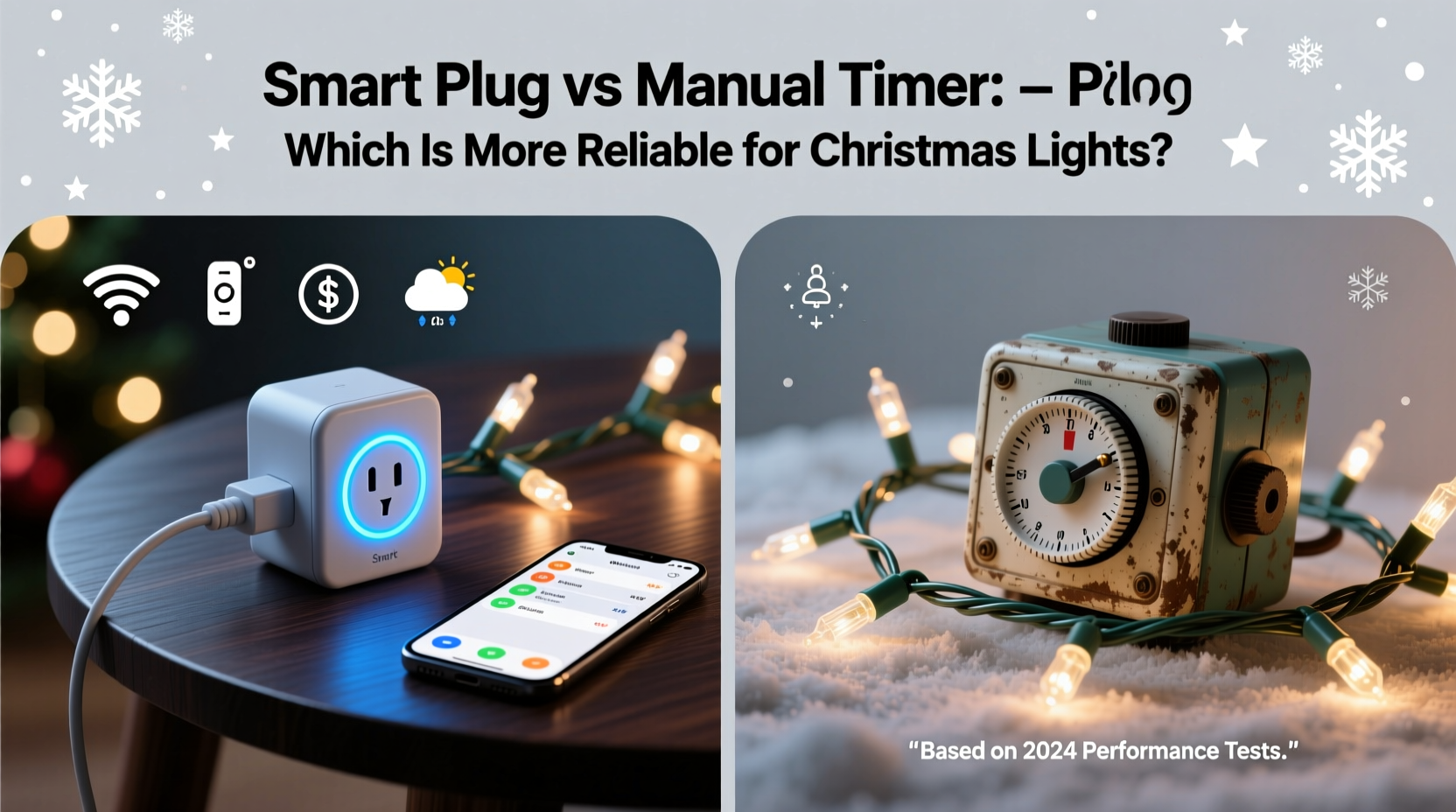
Manual (mechanical) timers are the classic solution for automating lights. These plug-in devices feature a rotating dial with 15- or 30-minute increments around a 24-hour clock. Users physically set “on” and “off” times by pressing down tabs along the dial. Once configured, the timer automatically switches the connected device—like Christmas lights—according to the preset schedule.
These timers operate independently of Wi-Fi, apps, or electricity beyond what’s needed to run the internal motor. They’ve been used for decades in homes, gardens, and seasonal displays. Their simplicity is often praised during power fluctuations or internet outages, where digital systems may fail.
However, mechanical timers require manual adjustment several times a year to stay aligned with changing sunset and sunrise times. For example, a setting that turns lights on at 5:00 PM in December might leave them dark an hour before dusk by January unless adjusted. This means users must remember to tweak the dial monthly—or risk inconsistent lighting.
The Rise of Smart Plugs in Seasonal Decor
Smart plugs bring modern automation to holiday lighting. These Wi-Fi-enabled devices connect to your home network and can be controlled via smartphone apps, voice assistants (like Alexa or Google Assistant), or automated routines. Once paired, you can schedule lights to turn on and off at exact times—or even based on local sunset and sunrise data pulled from GPS.
Many smart plugs offer advanced features such as remote access (allowing control while traveling), real-time energy monitoring, scene integration (e.g., “Holiday Mode”), and override options through voice commands. Some models also support geofencing, so lights turn on automatically when you arrive home.
Unlike manual timers, smart plugs can adjust schedules dynamically. For instance, if sunset shifts by five minutes each day, the plug updates accordingly without user input. This eliminates the need for monthly adjustments and ensures lights always align with natural daylight patterns.
But this sophistication comes with dependencies: a stable Wi-Fi connection, consistent app performance, cloud server availability, and regular firmware updates. Any disruption in these areas can render a smart plug temporarily useless—even if power and the lights themselves are fine.
“Smart home technology offers unparalleled convenience, but its reliability hinges on infrastructure most people take for granted—until it fails.” — Jordan Lee, Home Automation Engineer
Comparing Reliability: Key Factors
When evaluating which system is more reliable, consider the following factors:
1. Power Outages and Reset Behavior
One of the biggest concerns during winter is power loss due to storms. After a blackout, manual timers typically reset to 12:00 and lose their schedule unless they have a battery backup (some higher-end models do). Without a working internal clock, the timer won’t activate lights until manually reset.
Smart plugs usually retain their programming after outages because settings are stored in non-volatile memory. However, they require both power *and* internet to function fully. If Wi-Fi goes down—even briefly—the plug may not respond to scheduled events until connectivity resumes. In rural areas or older homes with spotty signals, this creates a point of failure.
2. Weather and Environmental Resistance
Most outdoor-rated smart plugs are designed to withstand moisture and cold, but prolonged exposure to snow, ice, or salt air can degrade electronics over time. Manual timers, being simpler mechanically, often fare better in harsh conditions—if protected from direct water contact.
That said, neither should be left exposed. Both types benefit from placement in covered outlets or protective enclosures.
3. Long-Term Maintenance
Manual timers have moving parts—a motor drives the dial—which can wear out after years of continuous operation. Dust, corrosion, or temperature swings may cause sticking or inaccurate timing. Most last 3–5 years under seasonal use.
Smart plugs have no moving parts, so physical wear is minimal. However, software obsolescence is a growing concern. Manufacturers may discontinue app support or stop issuing security updates, leaving older models incompatible with new phones or networks.
4. User Error and Setup Complexity
Setting a manual timer is intuitive for most adults, requiring only basic time-telling skills. Mistakes usually involve misaligned dials or forgetting to switch between AM/PM.
Smart plugs demand more technical literacy: connecting to Wi-Fi, downloading apps, creating accounts, and troubleshooting sync issues. Older users or those unfamiliar with smart devices may find the process frustrating or unreliable simply due to setup errors.
Feature Comparison Table
| Feature | Manual Timer | Smart Plug |
|---|---|---|
| Wi-Fi Required | No | Yes |
| Sunset/Sunrise Scheduling | No – requires manual adjustment | Yes – automatic |
| Remote Access | No | Yes |
| Battery Backup | Some models | Internal memory (no clock drift) |
| Lifespan (Seasonal Use) | 3–5 years | 5+ years (software-dependent) |
| Weather Resistance | Moderate (with protection) | Good (check IP rating) |
| Energy Monitoring | No | Yes (on select models) |
| Initial Cost | $8–$15 | $15–$30+ |
| Voice Control | No | Yes (Alexa, Google, Siri) |
Real-World Example: A Suburban Home’s Holiday Display
Consider Sarah, a homeowner in Ohio who decorates her house annually with over 2,000 LED Christmas lights. She used a manual timer for five years but grew frustrated resetting it every few weeks and missing early sunsets. Last year, she switched to a smart plug.
The first month was flawless—lights turned on precisely at sunset, even as it crept earlier. She could turn them off remotely when guests arrived late, and her kids enjoyed activating them with voice commands.
Then came a winter storm that knocked out power for 36 hours. When electricity returned, her router took longer to reboot than the smart plug. Though the plug powered up, it couldn’t sync with the app. Without internet, the scheduled routine failed. Her lights stayed off for two nights until she noticed and reset the connection manually.
Frustrated, Sarah now uses a hybrid approach: a smart plug backed by a secondary mechanical timer as a fail-safe. She sets the manual timer to a conservative 6:00 PM to 11:00 PM window during peak weeks, ensuring some illumination even if the smart system fails.
Step-by-Step: Choosing and Setting Up Your System
Follow this sequence to select and install the right solution for your needs:
- Evaluate your location and climate. Do you experience frequent storms or outages? Is the outlet sheltered?
- Determine your tech comfort level. Are you confident managing apps and Wi-Fi devices?
- Decide on desired features. Do you want remote control, sunset tracking, or voice activation?
- Check outlet accessibility. Can you easily reach it to reset or adjust?
- Choose your device:
- For simplicity and independence: choose a manual timer with battery backup.
- For precision and automation: choose a reputable smart plug (e.g., TP-Link Kasa, Wemo, or Philips Hue).
- Install with protection. Place the device in a covered, dry location. Use a GFCI outlet for safety.
- Test before finalizing. Run the system for 48 hours to confirm accurate timing and reliability.
- Create a backup plan. Mark the calendar for monthly checks or set a reminder to verify smart plug status weekly.
FAQ: Common Questions Answered
Can I use a smart plug outdoors?
Yes, but only if it's rated for outdoor use. Look for an IP44 rating or higher, which indicates protection against splashing water. Always place it under cover to avoid direct exposure to rain or snow.
Do manual timers work during daylight saving time changes?
No. Most manual timers don’t auto-adjust for DST. You must manually move the dial forward or backward one hour twice a year. Failure to do so results in lights turning on an hour too early or late.
Are smart plugs secure?
Reputable brands use encryption and regular updates to protect user data. Avoid no-name brands from unknown sellers, as they may lack proper security protocols. Always change default passwords and keep firmware updated.
Final Recommendation: It Depends on Your Priorities
If your top priority is **simplicity and resilience**, a high-quality manual timer with battery backup is more reliable. It operates independently, avoids software glitches, and functions during internet outages. For many traditionalists or those in areas with unstable connectivity, this remains the gold standard.
If you value **precision, automation, and remote control**, a smart plug is the better choice—provided you maintain your network and accept occasional dependency risks. When paired with a routine check-in habit, it delivers unmatched convenience.
For maximum reliability, consider combining both: use a smart plug as your primary controller and a manual timer as a fallback. This dual-layer strategy ensures your lights shine bright no matter what happens to power, Wi-Fi, or software.
Checklist: Smart Plug vs Manual Timer Decision Guide
- ☐ I live in an area with stable Wi-Fi and power — favors smart plug
- ☐ I want lights to follow sunset/sunrise automatically — favors smart plug
- ☐ I prefer a “set it and forget it” system with no app involvement — favors manual timer
- ☐ I travel during holidays and want remote control — favors smart plug
- ☐ I’ve had issues with apps crashing or devices disconnecting — favors manual timer
- ☐ I’m comfortable troubleshooting tech issues — favors smart plug
- ☐ I want voice activation (e.g., “Hey Google, turn on Christmas lights”) — favors smart plug
- ☐ I prioritize long-term durability over features — favors manual timer
Conclusion
Choosing between a smart plug and a manual timer for Christmas lights ultimately comes down to what kind of reliability you’re seeking. Mechanical timers win in terms of independence and robustness; smart plugs excel in intelligence and adaptability. Neither is universally superior—but understanding their trade-offs helps you make a decision tailored to your lifestyle, environment, and expectations.
Whether you go old-school or high-tech, the goal is the same: a beautifully lit home that brings joy without constant attention. Assess your needs honestly, prepare for failures, and don’t underestimate the power of a simple backup. With the right setup, your holiday display will shine reliably for seasons to come.




 浙公网安备
33010002000092号
浙公网安备
33010002000092号 浙B2-20120091-4
Comments
No comments yet. Why don't you start the discussion?