
As holiday seasons roll around, one of the most common challenges homeowners face is how to automate their Christmas light displays efficiently and reliably. The goal is simple: have the lights turn on at dusk and off at bedtime—without manual intervention. Two popular solutions dominate this space—mechanical or digital timers and smart plugs. While both can manage your lighting schedule, they differ significantly in reliability, functionality, ease of use, and long-term value. Understanding these differences helps ensure your holiday display runs smoothly, night after night, without surprises.
How Timers Work for Christmas Lights
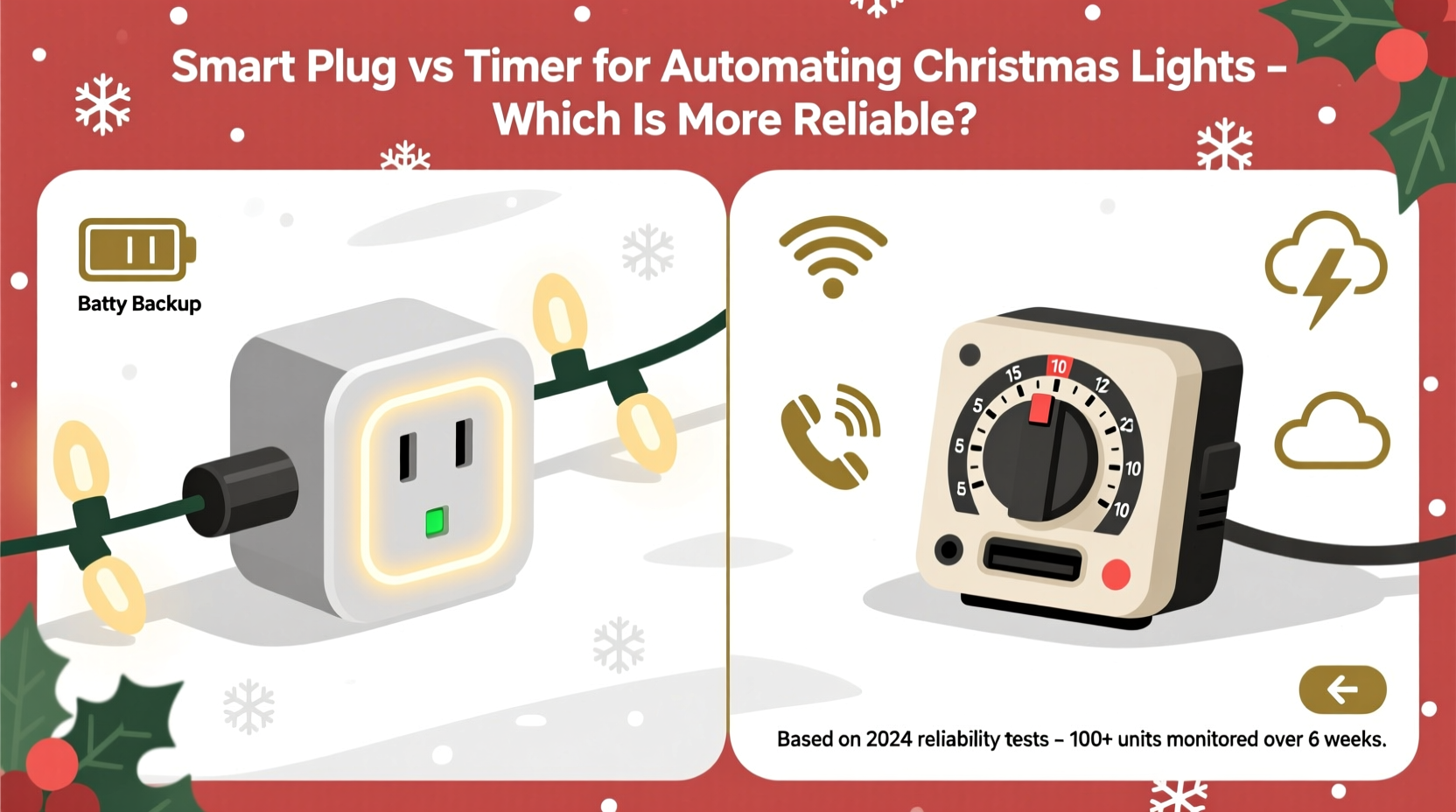
Timers have been used for decades to automate household lighting. A standard outlet timer is a plug-in device that fits between your wall socket and the power cord of your Christmas lights. It operates by either mechanical gears (older models) or digital programming (newer versions) to control when electricity flows through to the connected device.
Basic models allow you to set a fixed “on” and “off” time. For example, you might program it to turn on at 5:00 PM and off at 11:00 PM every day. More advanced digital timers offer multiple on/off cycles per day, random vacation modes, and even photocell sensors that respond to ambient light levels.
These devices are generally inexpensive, easy to install, and require no Wi-Fi or app setup. They function independently, making them immune to internet outages or software glitches. However, their simplicity comes with limitations—especially when it comes to adapting to seasonal changes in daylight hours.
How Smart Plugs Automate Holiday Lighting
Smart plugs bring automation into the modern era. These Wi-Fi-enabled devices connect to your home network and pair with a mobile app (often compatible with Alexa, Google Assistant, or Apple HomeKit). Once set up, you can control connected lights remotely, create schedules, and even enable geofencing so lights turn on when you arrive home.
Unlike traditional timers, smart plugs can automatically adjust to sunrise and sunset times based on your location. This means your lights can come on precisely at dusk and turn off at dawn—or at any custom time—without requiring monthly adjustments.
Many models also support voice commands and integration with broader smart home ecosystems. Some even provide energy monitoring, letting you track how much power your display consumes over the season.
The trade-off lies in complexity. Smart plugs require a stable Wi-Fi connection, occasional firmware updates, and depend on third-party servers for remote access. If your internet goes down or the manufacturer discontinues cloud support, functionality may be limited or lost entirely.
“Smart plugs offer superior flexibility and precision, but their reliability hinges on consistent network performance and ongoing software support.” — Jordan Lee, Smart Home Systems Engineer
Reliability Compared: Key Factors
When evaluating which option is more reliable for automating Christmas lights, several factors must be weighed—not just technical performance, but also environmental resilience, longevity, and user behavior.
Weather Resistance and Outdoor Use
Most Christmas light setups are outdoors, exposing equipment to moisture, temperature swings, and debris. Traditional timers vary widely in durability. Basic indoor models aren’t rated for outdoor use and can short-circuit if exposed to rain or snow. However, weatherproof outdoor-rated timers do exist and are often encased in durable plastic with gaskets to seal against the elements.
Smart plugs, on the other hand, are predominantly designed for indoor use. While some brands market \"outdoor\" smart plugs with IP ratings (like IP65), they remain less common and more expensive. Even then, prolonged exposure to extreme cold or wet conditions can affect performance or void warranties.
Power Outage Recovery
During winter storms, power outages are not uncommon. How each device handles a blackout matters.
- Timers: Mechanical and basic digital models typically reset during an outage and may lose their programmed schedule unless they have battery backup. Higher-end digital timers retain settings via internal batteries.
- Smart Plugs: Most will reconnect automatically once power and Wi-Fi are restored—but only if the network is functional. If the router is down or the plug fails to reconnect to the cloud, scheduled operations may fail silently until manually checked.
Scheduling Accuracy Over Time
A major advantage of smart plugs is dynamic scheduling. Because they sync with online time servers and GPS-based sunset data, they adapt daily to seasonal shifts. A timer with a fixed schedule requires manual recalibration every few weeks to stay aligned with natural light cycles—otherwise, your lights could end up turning on too early or too late as December progresses.
Maintenance and Longevity
Timers are generally low-maintenance. With fewer electronic components and no reliance on external networks, they can last years—even a decade—with minimal issues. Smart plugs, while robust under ideal conditions, are subject to obsolescence. Manufacturers may discontinue apps or cloud services, rendering otherwise functional hardware useless.
Detailed Comparison Table
| Feature | Traditional Timer | Smart Plug |
|---|---|---|
| Setup Complexity | Low – Plug in and dial settings | Moderate – Requires Wi-Fi, app, account |
| Outdoor Suitability | Varies – Weatherproof models available | Limited – Few true outdoor-rated options |
| Daylight Adaptation | No – Manual adjustment needed | Yes – Auto-syncs with sunset/sunrise |
| Remote Access | No | Yes – Via smartphone or voice |
| Internet Dependency | None | Required for full functionality |
| Power Outage Resilience | Fair – Depends on battery backup | Fair to Poor – Needs network recovery |
| Lifespan | 5–10+ years | 3–7 years (risk of obsolescence) |
| Cost | $8–$20 | $15–$35+ |
| Energy Monitoring | No | Some models include usage tracking |
Real-World Example: The Neighborhood Display Dilemma
Consider Mark from Colorado Springs, who maintains an elaborate Christmas light show visible from three blocks away. He initially used a $12 digital timer to control his display. By mid-December, however, the lights were turning on at 4:30 PM—over an hour before sunset—due to unadjusted timing. His neighbors joked about “eternal twilight,” but his electricity bill rose noticeably.
The following year, he upgraded to a smart plug integrated with Google Home. Using the app, he set the lights to turn on 15 minutes after sunset and off at 11:00 PM. The system adjusted automatically each night. During a weekend trip, he even turned the display on remotely for visiting family.
But one evening, a storm knocked out his internet. Though power returned quickly, the smart plug failed to restore its schedule because the router took longer to reboot. For two nights, the lights stayed dark—until he manually reset the device. Frustrated, Mark now uses a hybrid approach: a smart plug backed by a secondary mechanical timer as a failsafe.
Step-by-Step Guide: Choosing and Setting Up Your Automation
Follow this practical sequence to select and deploy the right solution for your needs:
- Evaluate Location: Is the outlet indoors or outdoors? If outside, confirm whether weatherproofing is required.
- Check Network Stability: Test Wi-Fi signal strength at the outlet location. Weak signals reduce smart plug reliability.
- Determine Scheduling Needs: Do you want automatic dusk-to-dawn operation, or is a fixed schedule sufficient?
- Assess Technical Comfort: Are you comfortable downloading apps, creating accounts, and troubleshooting connectivity?
- Purchase Based on Criteria: Choose a timer for simplicity and independence, or a smart plug for flexibility and remote control.
- Install and Program: Plug in the device and configure according to instructions. For smart plugs, ensure firmware is updated.
- Test Before Full Deployment: Run a 48-hour trial to verify correct on/off times and stability.
- Monitor Periodically: Check weekly for malfunctions, especially after storms or outages.
Hybrid Approach: Best of Both Worlds
For maximum reliability, consider combining both technologies. Use a weather-resistant timer as the primary switch, set to a broad window (e.g., 4:00 PM to 12:00 AM), and plug a smart plug inside it. The timer ensures power is available during the evening hours, while the smart plug handles precise on/off timing within that window.
This setup protects against internet failures—your lights won’t go completely dark due to a Wi-Fi outage. It also extends the life of the smart plug by reducing constant exposure to outdoor conditions, since the timer can be mounted outside and the smart plug kept indoors or in a protected junction box.
Checklist: Smart Plug vs Timer Decision Guide
Use this checklist to determine the best fit for your situation:
- ✅ Need automatic adjustment to sunset times? → Smart plug preferred
- ✅ Outlet is outdoors with exposure to rain/snow? → Verify weatherproof rating for either device
- ✅ Unstable or no Wi-Fi near the outlet? → Timer is safer
- ✅ Want remote control or voice activation? → Smart plug required
- ✅ Prefer set-and-forget with minimal maintenance? → Timer wins
- ✅ Concerned about long-term obsolescence? → Timer is more future-proof
- ✅ Running a large or complex display? → Smart plugs allow zoning and sequencing
Frequently Asked Questions
Can I use a smart plug outdoors?
Only if it’s specifically rated for outdoor use (look for IP65 or NEMA 3R ratings). Most standard smart plugs are for indoor use only. Even outdoor-rated models should be shielded from direct rain and extreme temperatures when possible.
Do mechanical timers wear out over time?
Yes, especially older rotary models with clock motors. The gears can degrade or jam, particularly in cold environments. Digital timers without moving parts tend to last longer. Replacing a timer every 3–5 years is a good preventive practice.
What happens if my smart plug loses Wi-Fi?
It may continue running preloaded schedules locally, depending on the brand (e.g., some TP-Link and Kasa models support local execution). However, remote access, voice control, and automatic sunset syncing will be disabled until connectivity resumes.
Final Recommendation: Which Is More Reliable?
Reliability depends on context. If your priority is consistent, hands-off operation without dependency on external systems, a high-quality digital timer with battery backup is more reliable. It functions independently, survives network failures, and lasts for years with little upkeep.
However, if you value precision, convenience, and adaptive scheduling—and have a stable smart home ecosystem—a smart plug offers unmatched control and efficiency. Its reliability is conditional: strong when supported by robust infrastructure, vulnerable when that support falters.
For most users, the smart plug is the better tool for automation—if treated as part of a resilient system. But the humble timer remains the workhorse of dependable, long-term lighting control. In critical applications, pairing both delivers redundancy and peace of mind.
“The most reliable system isn’t always the most advanced—it’s the one that keeps working when conditions change.” — Dana Ruiz, Electrical Systems Consultant
Take Action This Holiday Season
Don’t wait until the first snowfall to figure out your lighting controls. Assess your setup now: test existing timers, check Wi-Fi coverage, and decide whether upgrading to smart technology—or sticking with proven analog solutions—makes the most sense for your home.
Whether you choose a $10 timer or a voice-controlled smart plug, the goal is the same: a bright, hassle-free display that brings joy without stress. Evaluate your needs honestly, plan for contingencies, and enjoy a perfectly lit holiday season.




 浙公网安备
33010002000092号
浙公网安备
33010002000092号 浙B2-20120091-4
Comments
No comments yet. Why don't you start the discussion?