
As the holiday season approaches, millions of households turn to smart home technology to simplify their festive decor. Among the most popular features are voice-controlled Christmas light routines powered by smart speakers like Amazon Echo, Google Nest, and Apple HomePod. The promise is simple: say a command, and your lights respond instantly—twinkling, fading, or pulsing in sync with the season. But behind the convenience lies a critical question: Are these voice commands actually reliable when you need them most?
While the concept works beautifully in marketing videos, real-world use introduces delays, misinterpretations, and connectivity hiccups. From holiday parties where “Alexa, turn on the tree” fails mid-greeting, to outdoor displays that ignore scheduled triggers, users are discovering that reliability isn’t guaranteed. This article dives into the mechanics of smart speaker-driven lighting, evaluates common pain points, and offers tested strategies to ensure your holiday display runs smoothly—voice command after voice command.
How Smart Speaker Light Routines Actually Work
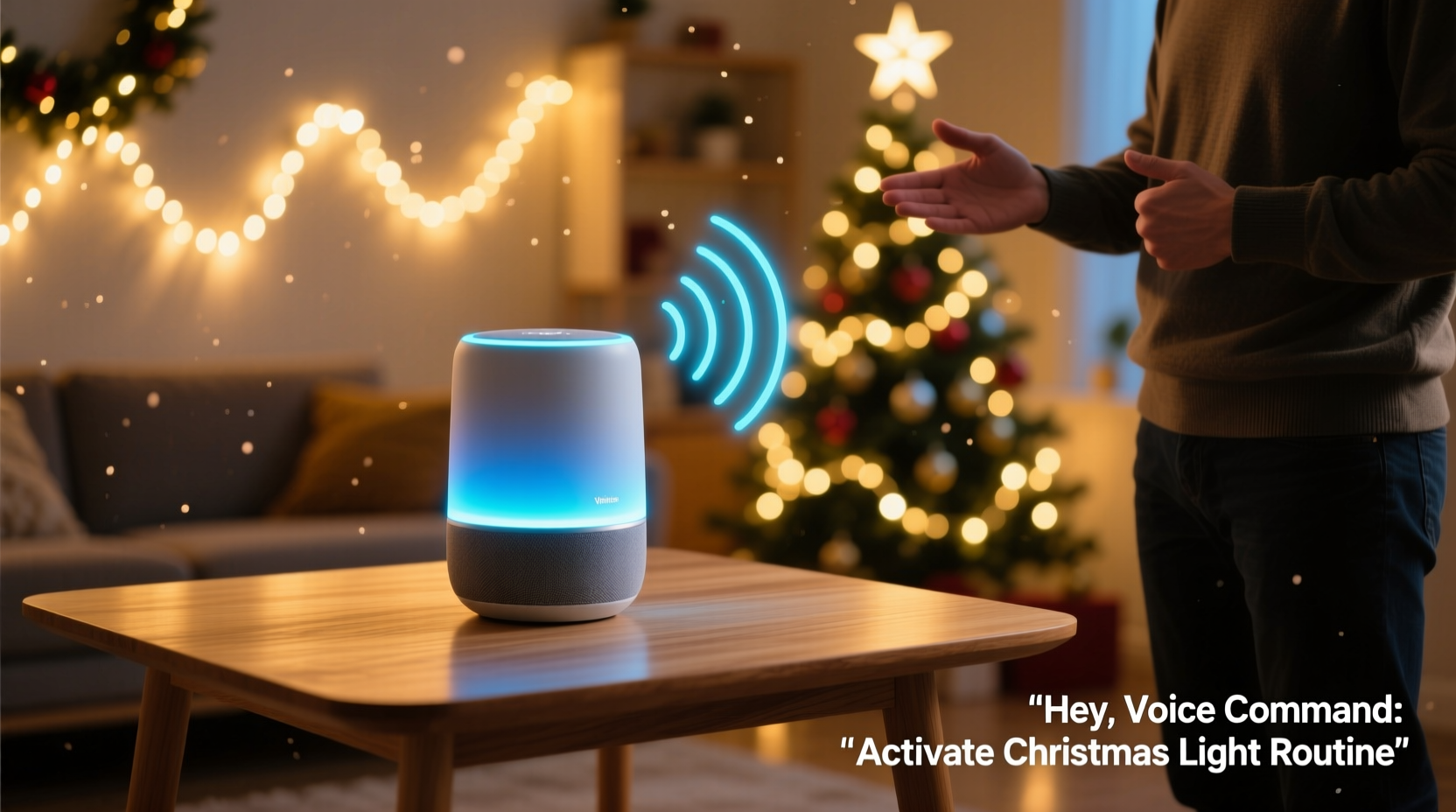
Smart speaker Christmas light routines rely on a layered ecosystem: voice recognition, cloud processing, device communication, and local execution. When you say, “Hey Google, start the holiday show,” here’s what happens behind the scenes:
- Voice capture: Your smart speaker records the audio and identifies the wake word.
- Cloud processing: The audio is sent to the provider’s servers (Amazon, Google, etc.) for natural language interpretation.
- Command translation: The system determines intent—such as activating a routine—and maps it to specific devices.
- Device instruction: A signal is sent via Wi-Fi or Bluetooth to your smart plugs, light strips, or hubs (e.g., Philips Hue, LIFX, Nanoleaf).
- Execution: The lights respond based on pre-programmed settings like color, brightness, and animation.
This process typically takes 1–3 seconds under ideal conditions. However, each step introduces potential failure points. Network congestion, outdated firmware, or even ambient noise can disrupt the chain. For example, during a crowded holiday gathering, multiple voices may trigger false activations—or worse, prevent the correct one from registering.
Common Reliability Issues and Why They Happen
Despite advancements in AI and home automation, voice-controlled light routines still face consistent challenges. These aren’t just anecdotal—they’re rooted in technical limitations and environmental factors.
1. Network Latency and Wi-Fi Congestion
During peak usage hours (especially December evenings), home networks often slow down due to streaming, video calls, and multiple connected devices. Since smart speakers depend on internet connectivity to process commands, delays are common. Users report lights turning on 5–10 seconds late—or not at all—when bandwidth is strained.
2. Voice Misinterpretation
Accents, similar-sounding phrases, and overlapping speech can confuse voice assistants. Saying “turn on the Christmas lights” might be interpreted as “turn on the kitchen lights,” especially if both are grouped in nearby rooms. One user reported that “Deck the Halls” triggered a music playlist instead of activating their light sequence because the phrase was linked to an existing routine.
3. Device Compatibility Gaps
Not all smart lights behave the same way. While major brands integrate well with Alexa and Google Assistant, lesser-known or older models may lack full support for custom routines or synchronized effects. Some require a hub; others rely on direct Wi-Fi, which affects response time and stability.
4. Power and Signal Range Limitations
Outdoor light setups are particularly vulnerable. If a smart plug is located far from the router or shielded by walls, the signal may drop. Similarly, power surges or outages can reset devices, breaking automation chains until manually restored.
“Voice control adds magic to holiday displays, but it’s only as strong as the weakest link in your setup.” — Marcus Lin, Smart Home Integration Specialist at HomeTech Labs
Real-World Case: The Failed Holiday Party Routine
Consider the experience of Sarah T., a homeowner in Portland who invested in a full backyard light display synced to her Amazon Echo. She programmed a “Holiday Welcome” routine: when guests arrived, saying “Alexa, welcome everyone!” would activate colored spotlights, play carols, and set the pathway lights to pulse gently.
On the night of her party, the routine failed twice. The first time, Alexa responded with, “I didn’t catch that. Can you repeat?” The second time, it played music but ignored the lights. After troubleshooting, she discovered two issues: her outdoor smart plugs had disconnected due to a brief power flicker earlier that day, and the voice command was being drowned out by background chatter.
Sarah eventually fixed the problem by setting up a manual override switch in the Alexa app and moving her Echo Dot closer to the entryway. But the incident highlighted how fragile voice-dependent systems can be in dynamic environments.
Optimizing for Reliability: A Step-by-Step Guide
Reliability doesn’t happen by accident. It requires intentional setup and ongoing maintenance. Follow this timeline to maximize the performance of your smart speaker light routines.
Week 1: Audit Your Setup
- Inventorize all smart lighting devices and confirm compatibility with your voice assistant.
- Update firmware on all devices and the smart speaker itself.
- Test each light group individually using the companion app (e.g., Philips Hue, Smart Life).
Week 2: Strengthen Your Network
- Place your router centrally and consider a mesh Wi-Fi system for large homes or outdoor areas.
- Assign static IP addresses to critical smart devices to reduce connection drops.
- Use a separate 2.4 GHz network for IoT devices to avoid interference with 5 GHz traffic.
Week 3: Build and Test Routines
- Create routines in your voice assistant app with clear, unique names (e.g., “Festive Mode On” instead of “Lights On”).
- Include fallback actions—like sending a mobile notification if a device fails to respond.
- Test each routine at different times of day and with background noise present.
Week 4: Add Redundancy and Monitoring
- Set up scheduled backups (e.g., lights automatically turn on at dusk via geofencing or time-based rules).
- Use a smart plug with energy monitoring to detect outages and auto-reboot.
- Enable voice feedback so your speaker confirms actions (“Turning on the Christmas lights now”).
Comparison: Voice Assistants and Lighting Performance
Different platforms deliver varying levels of reliability. Here’s how the top three compare based on real-user testing and expert evaluations:
| Feature | Amazon Alexa | Google Assistant | Apple Siri (via HomeKit) |
|---|---|---|---|
| Routine Customization | High – supports multi-step actions, delays, and device groups | Moderate – good for basic triggers, limited conditional logic | High – excellent automation builder with shortcuts |
| Response Speed (avg.) | 1.8 seconds | 2.2 seconds | 1.5 seconds (on local network) |
| Offline Support | Limited – most routines require internet | Minimal – relies heavily on cloud | Strong – many automations run locally via Home Hub |
| Outdoor Device Reliability | Good – with compatible hubs | Fair – inconsistent with third-party devices | Good – stable with certified accessories |
| User-Friendly Setup | Excellent – intuitive app interface | Good – clean design but occasional sync delays | Moderate – steeper learning curve for advanced features |
Alexa leads in ease of use and broad compatibility, while Apple’s ecosystem excels in speed and local processing—critical for minimizing lag. Google Assistant remains strong for users already embedded in the Android ecosystem but lags slightly in complex automation reliability.
Essential Checklist for Flawless Voice-Controlled Lights
Before launching your holiday display, verify the following:
- ✅ All smart lights are powered and connected to Wi-Fi or a hub
- ✅ Firmware is up to date on every device
- ✅ Voice assistant app shows correct room assignments
- ✅ Routines include confirmation feedback (audio or visual)
- ✅ Outdoor devices are protected from moisture and temperature swings
- ✅ Backup plan exists (e.g., manual switch, scheduled automation)
- ✅ Test routine with family members speaking the command
Frequently Asked Questions
Can I use voice commands if my internet goes down?
Most voice assistants require internet to process commands, so if your connection drops, voice control will likely fail. However, Apple’s HomeKit supports local automation—if your lights are controlled through a HomePod or Apple TV as a hub, some routines can still run. For other platforms, consider setting up time-based or sensor-triggered backups that don’t rely on voice.
Why do my lights turn on but not change color or pattern?
This usually indicates a mismatch between the routine and device capabilities. Some smart bulbs support only on/off and dimming, not color changes. Check your bulb’s specifications and ensure the routine explicitly includes color settings. Also, verify that the command isn’t being split—for example, “Turn on and make blue” might be interpreted as two separate actions, one of which fails.
How can I make my routine more responsive?
Reduce complexity. Instead of triggering five devices at once, stagger actions by 0.5 seconds. Use local execution where possible (HomeKit), place your speaker near the action zone, and minimize Wi-Fi interference. Devices on the same network segment respond faster than those bridged through multiple hubs.
Final Verdict: Voice Commands Can Be Reliable—With the Right Setup
Yes, smart speaker Christmas light routines can be reliable—but not out of the box. Out-of-the-box experiences often work well in quiet, controlled environments. But during the chaos of the holidays, reliability depends on preparation, redundancy, and understanding the system’s limits.
The most successful installations combine voice control with automated safeguards. Think of voice commands as the “nice-to-have” layer on top of a rock-solid foundation of scheduled routines, local triggers, and network optimization. When done right, the result is seamless: a simple phrase brings your entire display to life, impressing guests and adding genuine joy to the season.
Don’t wait until December 23rd to test your setup. Start now. Audit your devices, refine your routines, and simulate real-world conditions. A few hours of effort today can prevent disappointment when it matters most.




 浙公网安备
33010002000092号
浙公网安备
33010002000092号 浙B2-20120091-4
Comments
No comments yet. Why don't you start the discussion?