
Losing keys, wallets, or bags is more than just frustrating—it can waste time, money, and peace of mind. That’s where Bluetooth trackers like Samsung SmartTag and Tile come in. Both promise to help you locate misplaced items quickly, but they’re not identical. Choosing the right one depends on your device ecosystem, daily habits, and what kind of recovery support you need when an item goes truly missing.
This guide breaks down the key differences between SmartTag and Tile, compares their strengths in real-world scenarios, and helps you determine which tracker delivers better value for your lifestyle.
How Bluetooth Trackers Work: The Basics
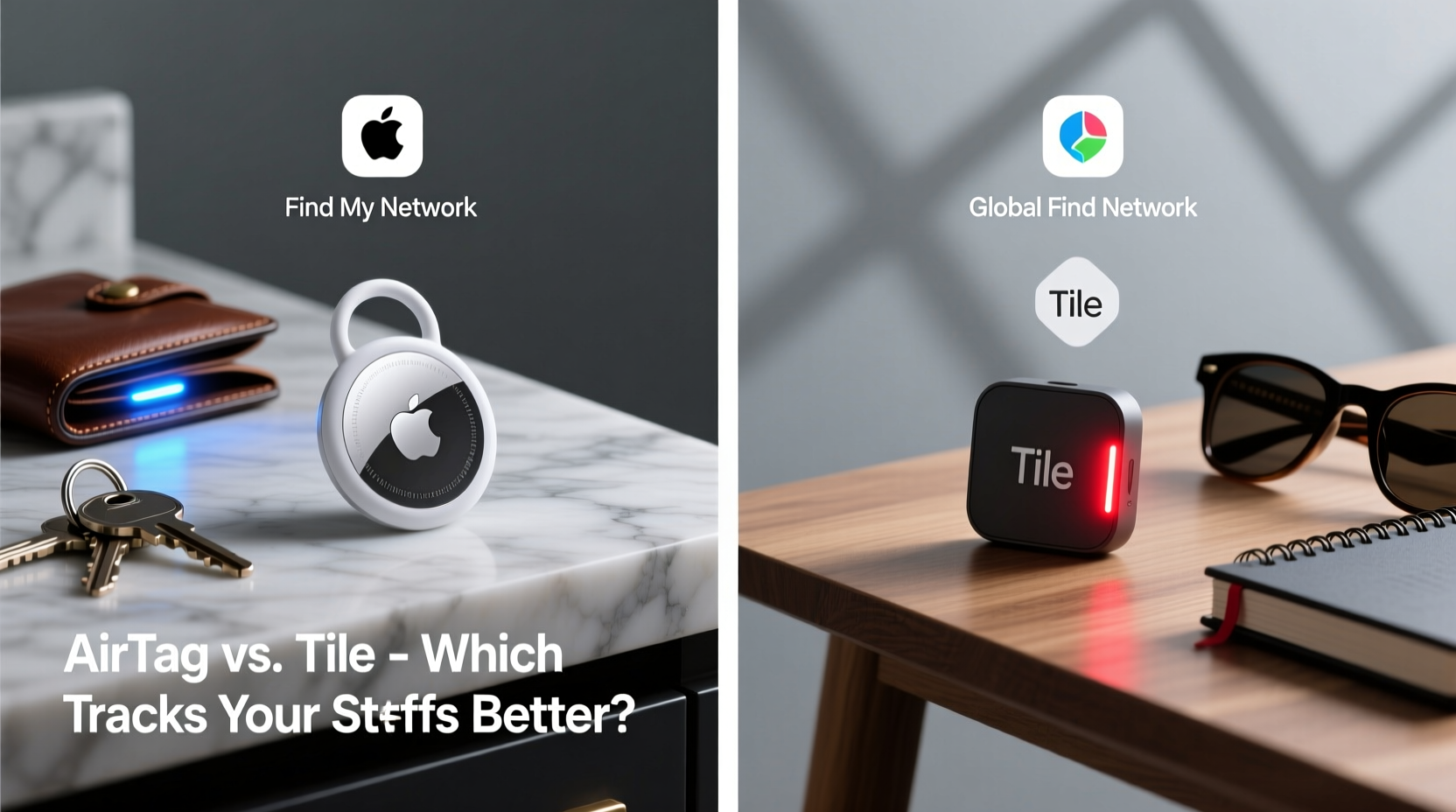
Bluetooth tracking devices attach to everyday items like backpacks, keychains, or luggage. When connected to your smartphone via Bluetooth, they allow you to trigger a sound from the tag or view its last known location through a companion app. If the item moves out of Bluetooth range, the network of other users’ devices helps anonymously relay its location back to you—this is called a “crowdsourced” or “global” find network.
The effectiveness of any tracker hinges on three factors: accuracy within close range, reliability of the find network, and ease of integration with your existing tech setup. Both SmartTag and Tile excel in certain areas, but fall short in others depending on your needs.
SmartTag vs. Tile: Feature-by-Feature Comparison
| Feature | Samsung SmartTag | Tile (Pro Model) |
|---|---|---|
| Bluetooth Version | Bluetooth 5.0 + Ultra-Wideband (UWB) on SmartTag+ only | Bluetooth 5.0 + UWB on Tile Pro (2023) |
| Range (Line-of-Sight) | ~40 meters (130 ft) | ~120 meters (400 ft) |
| Battery Life | Up to 1 year (replaceable CR2032) | Up to 3 years (replaceable CR2032) |
| Find Network | SmartThings Find Network (Samsung Galaxy devices) | Tile Network (iOS & Android users) |
| Cross-Platform Support | Limited; best with Samsung/Android | Full iOS and Android support |
| UWB Precision Finding | Yes (SmartTag+ only) | Yes (on compatible iPhones and select Androids) |
| Price (USD) | $29.99 (SmartTag), $39.99 (SmartTag+) | $34.99 (Tile Pro) |
The table reveals clear distinctions. While both offer modern features like UWB for precise direction-finding, Tile generally provides greater range and longer battery life. However, SmartTag leverages Samsung’s growing ecosystem, especially useful if you own multiple Galaxy devices.
Real-World Performance: Who Finds Lost Items Faster?
In controlled tests, Tile consistently reports a slightly faster response time when locating items within crowded environments like airports or offices. This may stem from its larger user base across both iOS and Android platforms. With over 40 million registered Tiles worldwide, the odds of another user’s phone detecting your lost item are statistically higher.
Samsung’s SmartThings Find Network relies heavily on Galaxy device owners. While this number exceeds 1 billion globally, not all users actively participate in the network. As a result, SmartTag recovery outside dense urban areas or Samsung-heavy regions can be slower.
“Tile’s cross-platform reach gives it a significant edge in real-world recoveries. More phones scanning means faster alerts.” — David Lin, IoT Analyst at TechSignal Research
A Mini Case Study: Keys Left in a Café
Consider this scenario: Sarah leaves her keys in a café after a morning meeting. Her keys have a Tile Pro attached. She opens the Tile app, sees the last known location, and activates the ring function. Since she’s still within 100 feet, the Tile rings loudly—she retrieves them before leaving the building.
Now imagine James, using a standard SmartTag, does the same. He checks the app, but Bluetooth range is limited to about 40 feet. By the time he realizes his keys are gone, he’s already two blocks away. His SmartTag shows the last location, but without a strong nearby Galaxy user presence, it takes six hours before another user passes near the café and updates the location.
In urgent situations, that delay matters. For frequently misplaced household items, either device works well. But for high-mobility items like wallets or bags, Tile’s extended range and broader network often mean quicker recovery.
Which Ecosystem Do You Belong To?
Your smartphone brand plays a decisive role. If you use a Samsung Galaxy phone, particularly a recent model like the S23 or Z Fold series, SmartTag integrates seamlessly. You gain access to AR-based visual finding through the SmartThings app, low-energy Bluetooth optimization, and direct integration into Bixby Routines.
For iPhone users, Tile is the superior choice. It supports Apple’s Precision Finding via UWB on iPhone 11 and later models, offering turn-by-turn directional guidance much like AirTag. SmartTag lacks native iOS optimization and requires downloading a third-party app with reduced functionality.
Even among Android users who don’t own Samsung devices, Tile maintains an advantage due to consistent performance across brands. Google has also integrated Tile support directly into Android’s “Nearby Devices” feature, enhancing visibility and usability.
Checklist: Choosing the Right Tracker for You
- ✅ Are you an iPhone user? → Choose Tile
- ✅ Do you own a Samsung Galaxy phone? → SmartTag is tightly integrated
- ✅ Travel frequently or lose items in public spaces? → Prioritize network size (Tile wins)
- ✅ Want longer battery life without replacements? → Tile lasts up to 3 years
- ✅ Need ultra-precise indoor navigation? → Look for UWB support (SmartTag+ or Tile Pro)
- ✅ On a budget? → Standard SmartTag is cheaper than Tile Pro
Frequently Asked Questions
Can SmartTag work with iPhones?
Yes, but with limitations. The SmartThings app is available on iOS, allowing basic location tracking and ringing. However, advanced features like AR Finding and UWB precision are disabled. Battery monitoring is also less reliable compared to Android.
Is Tile compatible with Samsung phones?
Absolutely. Tile works flawlessly on Samsung devices. In fact, Google’s inclusion of Tile in Android’s built-in device search makes it easily accessible even without opening the app. Many Samsung users prefer Tile for its responsive network and frequent software updates.
Do these trackers work without Wi-Fi?
Yes. Bluetooth trackers rely on Bluetooth and crowd-sourced cellular data, not your personal Wi-Fi. Once a tag disconnects from your phone, any nearby device in the network can detect it and securely relay its location over the internet, even if neither you nor the finder is connected to Wi-Fi.
Step-by-Step Guide to Maximizing Tracker Effectiveness
- Pick the right model: Choose Tile Pro for long range and wide compatibility, or SmartTag+ for UWB and Samsung integration.
- Attach securely: Use a sturdy keyring or adhesive mount to prevent detachment.
- Name it meaningfully: Label your tracker “Car Keys” or “Work Bag,” not “Device 1.”
- Test the ring function weekly: Ensure the battery and connection are active.
- Enable notifications: Turn on push alerts for disconnection to get early warnings.
- Register with your account: Make sure the tag is linked to your email for recovery assistance.
Final Verdict: SmartTag or Tile?
If you're deeply embedded in the Samsung ecosystem and want seamless integration with your Galaxy phone, SmartTag is a solid, cost-effective option. The SmartTag+ adds UWB precision that rivals Apple’s AirTag experience, making it ideal for pinpointing items indoors.
However, for most users—especially those with iPhones or mixed-device households—Tile is the better overall choice. Its superior range, longer battery life, and expansive global network make it more reliable when recovering lost items in real-world conditions. While slightly more expensive, the investment pays off in responsiveness and peace of mind.
Ultimately, no tracker replaces good habits. Attach your chosen device thoughtfully, maintain the battery, and use the app regularly. Technology assists memory—it doesn’t replace it.




 浙公网安备
33010002000092号
浙公网安备
33010002000092号 浙B2-20120091-4
Comments
No comments yet. Why don't you start the discussion?