
If your Spectrum internet connection frequently drops or cuts out, you're not alone. Thousands of users experience intermittent connectivity despite having a high-speed plan. While frustrating, these disruptions are often caused by fixable issues — ranging from equipment problems to network congestion. Understanding the root causes is the first step toward restoring a stable connection. This guide breaks down the most common reasons behind Spectrum internet outages and provides actionable solutions to diagnose and resolve them.
Common Causes of Intermittent Spectrum Internet
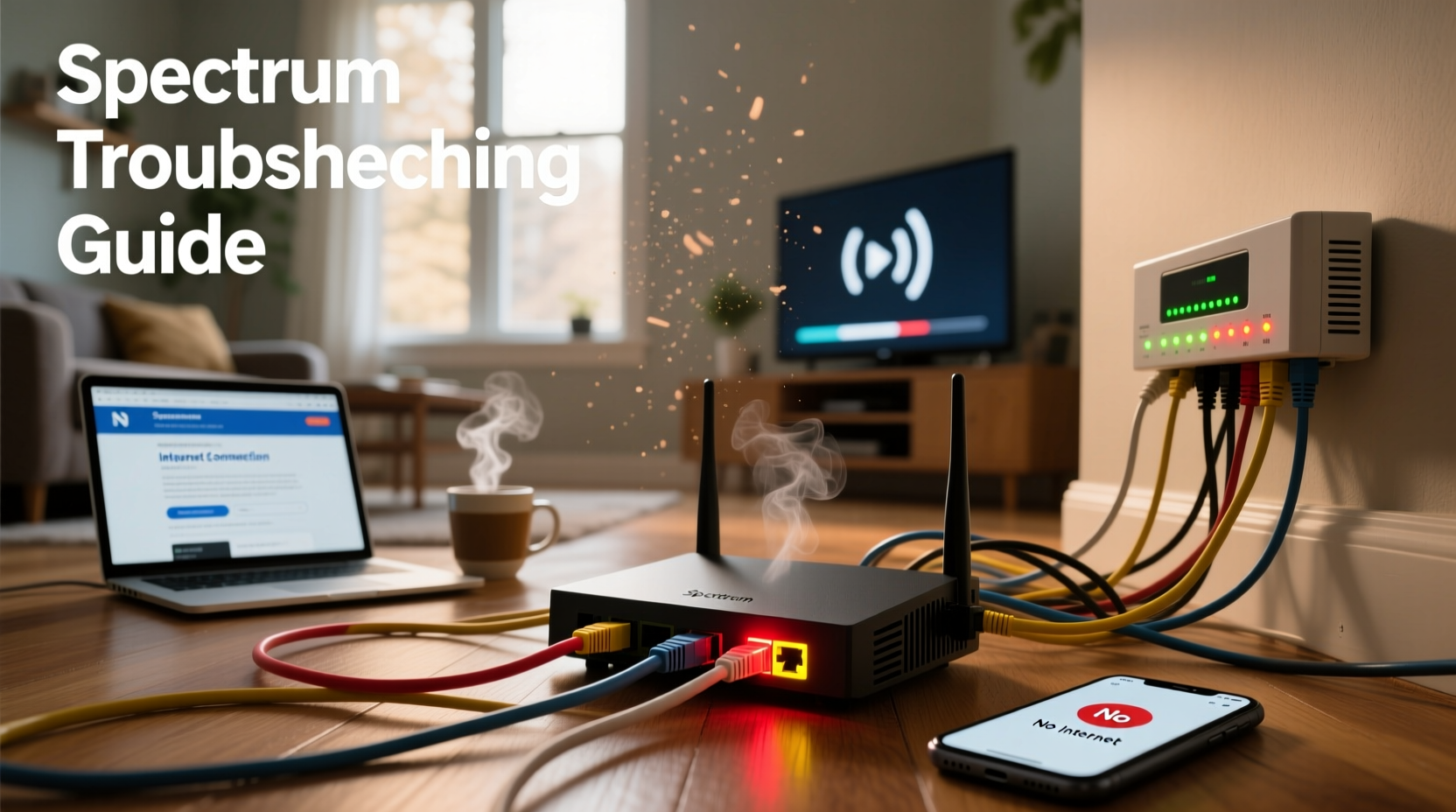
Intermittent internet isn't always due to your ISP. In fact, many disruptions originate within your home network. Identifying the source requires careful observation and systematic testing.
- Router or modem issues: Overheating, outdated firmware, or hardware failure can cause random disconnections.
- Cable line interference: Damaged coaxial cables or loose connections degrade signal quality.
- Network congestion: High bandwidth usage during peak hours can slow or drop connections.
- Wi-Fi interference: Nearby electronics, thick walls, or competing networks disrupt wireless signals.
- ISP-side outages: Local maintenance, node overloading, or service degradation in your area.
Step-by-Step Troubleshooting Guide
Follow this logical sequence to isolate and fix the issue causing your Spectrum internet to cut out.
- Check for Outages: Visit Spectrum’s Service Status page to see if there's a known outage in your area.
- Restart Your Equipment: Power off the modem and router, wait 60 seconds, then power them back on in order (modem first, then router).
- Inspect Physical Connections: Ensure all coaxial cables are tightly secured at the wall outlet, modem, and splitter (if used). Look for fraying or damage.
- Bypass Splitters: Connect the modem directly to the wall without any splitters to test signal strength.
- Test with Ethernet: Connect a computer directly to the modem using an Ethernet cable. If the wired connection is stable, the issue is likely Wi-Fi-related.
- Update Firmware: Log into your router’s admin panel (usually via 192.168.1.1) and check for firmware updates.
- Monitor Signal Levels: Access your modem’s status page (typically http://192.168.100.1) and review downstream and upstream metrics.
How to Check Modem Signal Levels
Signal levels outside the recommended range indicate poor connectivity. Here’s what to look for:
| Signal Type | Acceptable Range | Problematic Level |
|---|---|---|
| Downstream Power (dBmV) | -7 to +7 | < -15 or > +15 |
| Upstream Power (dBmV) | 35–50 | > 54 |
| SNR (Signal-to-Noise Ratio) | > 30 dB | < 25 dB |
| Uncorrectables (per channel) | < 10 per day | > 50 |
If downstream power is too high or low, or uncorrectable errors exceed 100 daily, contact Spectrum for a line inspection.
Real-World Example: The Case of the Flaky Living Room Connection
Mark in Austin, TX, reported that his Spectrum internet dropped every evening around 7 PM. Streaming would buffer, Zoom calls disconnected, and devices lost connection. After rebooting the modem multiple times with no lasting fix, he followed a structured approach.
He connected his laptop directly via Ethernet and found the wired connection remained stable. This pointed to a Wi-Fi issue. Upon checking, he discovered his router was tucked behind a metal entertainment center, surrounded by gaming consoles and speakers — all sources of electromagnetic interference.
He relocated the router to a central shelf, updated its firmware, and switched from 2.4 GHz to 5 GHz for nearby devices. The nightly dropouts stopped immediately. A simple environmental change resolved what seemed like a major service flaw.
“Over 60% of ‘outage’ complaints we see are actually avoidable with proper router placement and regular maintenance.” — Carlos Mendez, Network Support Lead at a Tier-1 ISP
Do’s and Don’ts When Dealing with Spectrum Connectivity Issues
| Do’s | Don’ts |
|---|---|
| Use high-quality coaxial cables with F-connectors | Use damaged or excessively long cables |
| Place the router in a central, elevated location | Hide it in cabinets or near appliances |
| Monitor data usage to avoid throttling | Run multiple 4K streams during peak hours without checking bandwidth |
| Contact Spectrum with modem logs and signal data | Assume the problem is always on their end without testing |
| Replace aging equipment (modems older than 3–5 years) | Continue using outdated hardware with known flaws |
When to Contact Spectrum Support
Some issues require professional intervention. Contact Spectrum if:
- The modem fails to acquire a downstream signal after restart.
- You consistently see “No Internet” or blinking lights on the modem.
- Signal levels are out of range even with direct wall connection.
- Multiple devices across different networks (e.g., mobile hotspot) also lose connection — suggesting an area-wide outage.
When calling, have the following ready:
- Your account number or phone number on file.
- The modem’s MAC address (found on the device label).
- A summary of troubleshooting steps already taken.
- Any error messages or unusual light patterns on the modem.
Ask the technician to run a line diagnostic remotely and check for node congestion. If necessary, request a technician visit — especially if signal leakage or faulty amplifiers are suspected.
FAQ
Why does my Spectrum internet keep dropping at night?
Nighttime slowdowns or disconnections are often due to network congestion. Many households stream, game, or download during peak hours (7–11 PM), which can overload local nodes. Consider upgrading to a higher-tier plan or using Quality of Service (QoS) settings on your router to prioritize critical devices.
Can a bad coaxial cable cause internet to cut out?
Yes. A damaged or poorly shielded coaxial cable introduces signal noise and loss. Even small kinks or corroded connectors can degrade performance. Always use RG6-grade cables and replace any that show visible wear.
Does Spectrum throttle internet after a certain data limit?
Spectrum does not impose data caps on most residential plans as of 2024. However, excessive usage (over 1 TB/month) may trigger fair usage monitoring. Throttling is rare but possible during network emergencies. You’ll receive notification if this occurs.
Conclusion
Dealing with Spectrum internet that keeps cutting out doesn’t have to be a guessing game. Most disruptions stem from preventable or correctable issues — from suboptimal router placement to deteriorating cables. By methodically testing connections, reviewing signal data, and understanding your home network environment, you can eliminate frequent dropouts and enjoy consistent performance.




 浙公网安备
33010002000092号
浙公网安备
33010002000092号 浙B2-20120091-4
Comments
No comments yet. Why don't you start the discussion?