
For decades, the standard QWERTY keyboard has dominated offices, homes, and workspaces across the world. Its familiar layout is second nature to most typists—until discomfort sets in. Repetitive strain injuries, wrist pain, and shoulder tension are common among those who spend hours at a desk. As awareness of ergonomics grows, more people are turning to alternative designs, especially split keyboards. But switching from a traditional keyboard to a split model isn't just about swapping hardware—it requires relearning muscle memory and adapting to a new posture. The central question becomes: Is the learning curve worth the potential for lasting wrist relief?
The answer depends on your typing habits, physical condition, and long-term goals. While split keyboards offer compelling ergonomic advantages, they also demand patience and adjustment. Understanding both sides of the equation helps determine whether this investment in comfort and health pays off over time.
Ergonomic Foundations: Why Keyboard Design Matters
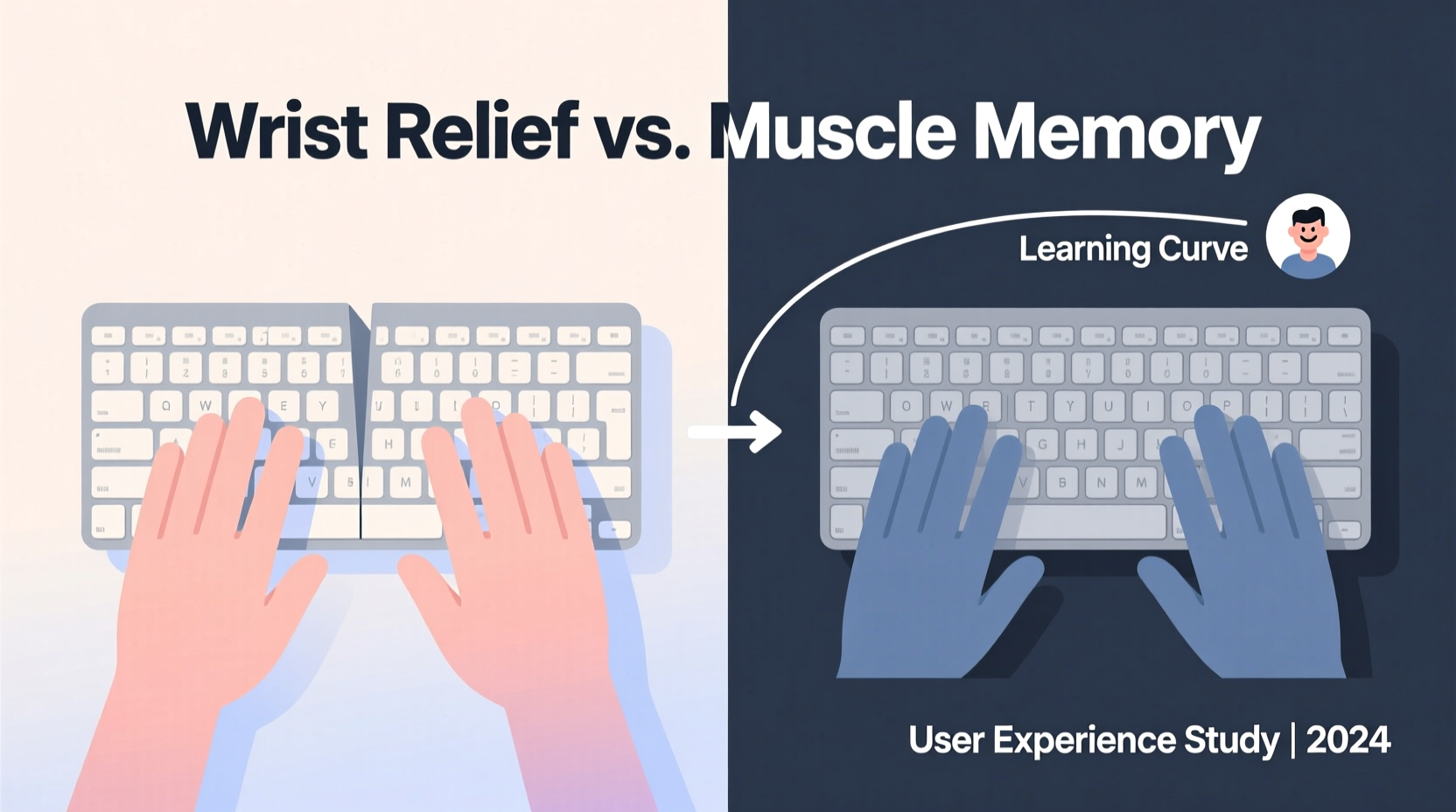
The human body wasn’t designed for prolonged typing with arms stretched forward and wrists bent unnaturally. Standard keyboards force users into what’s known as “ulnar deviation”—where the hands angle inward toward the pinky side—and often encourage “pronation,” a twisting of the forearm that strains tendons and nerves. Over time, these postures can contribute to carpal tunnel syndrome, tendonitis, and chronic discomfort.
Split keyboards address these issues by separating the key clusters, allowing each half to be angled outward. This promotes a more neutral hand position—palms facing each other, like shaking hands with yourself—reducing ulnar deviation and forearm rotation. Many models also allow vertical tilting or tenting (elevating the inner edges), further aligning wrists with the natural line of the forearm.
“Neutral wrist alignment isn’t just about comfort—it reduces pressure on the median nerve and decreases the risk of cumulative trauma disorders.” — Dr. Lena Patel, Occupational Ergonomist
Studies have shown that split keyboards can significantly reduce muscle activity in the forearms compared to traditional layouts. One 2017 study published in *Applied Ergonomics* found that participants using split keyboards reported lower levels of discomfort and exhibited improved wrist angles after just four weeks of regular use.
Comparing Split and Standard Keyboards: A Side-by-Side Analysis
| Feature | Standard Keyboard | Split Keyboard |
|---|---|---|
| Hand Position | Ulnar deviation, pronated forearms | Neutral alignment, reduced strain |
| Ease of Use | Familiar, immediate usability | Learning curve required |
| Portability | Compact, widely compatible | Larger footprint, some models less travel-friendly |
| Typing Speed | Optimized for speed with touch typing | Initial drop in speed, recovery over time |
| Ergonomic Flexibility | Fixed layout, limited adjustability | Adjustable splay, tenting, height options |
| Cost | $15–$100 | $100–$300+ |
| Long-Term Health Benefit | Moderate, may exacerbate strain | High, when used correctly |
This comparison reveals a clear trade-off: convenience versus long-term well-being. Standard keyboards win in accessibility and affordability, but split models excel in supporting sustainable typing postures.
The Learning Curve: What to Expect When Switching
Moving to a split keyboard isn’t like upgrading your mouse. It’s akin to learning to write with your non-dominant hand—awkward at first, but gradually becoming intuitive. Most users report an initial dip in typing speed and accuracy, particularly during the first two to three weeks. Common challenges include mis-hitting keys due to unfamiliar spacing, difficulty reaching central keys like Backspace or Enter, and adjusting to the physical separation between left and right hands.
However, adaptation follows a predictable pattern. With consistent daily use, muscle memory begins to recalibrate. Within four to six weeks, many users regain their original typing speed and report increased comfort. Some even find they type more accurately once acclimated, thanks to better finger isolation and reduced finger travel.
A Realistic Timeline for Adaptation
- Days 1–7: High frustration, frequent errors, slower typing. Focus on form over speed.
- Weeks 2–3: Muscle memory starts developing. Fewer mistakes, but still mentally taxing.
- Week 4: Typing flow improves. Comfort increases noticeably.
- Week 6+: Speed returns to baseline or exceeds it. Wrist and shoulder tension begin to ease.
Success depends heavily on consistency. Those who alternate between split and standard keyboards prolong the adjustment period. Committing fully—even if only during work hours—accelerates the process.
Real-World Example: A Developer’s Journey to Pain-Free Typing
James, a backend developer based in Portland, spent eight years coding with a standard mechanical keyboard. By his early 30s, he began experiencing sharp pain in his right wrist after long debugging sessions. His doctor diagnosed mild carpal tunnel syndrome and recommended ergonomic changes. Skeptical but desperate, James invested in a high-end split keyboard with tenting capability.
The first week was brutal. He missed deadlines due to slow typing and considered returning the device. But he persisted, following online tutorials on proper hand placement and taking micro-breaks every 25 minutes. By week five, his typing speed matched his previous average. More importantly, the constant ache in his wrist faded. After three months, he no longer needed wrist braces during work.
“I didn’t think I had the patience for a change like this,” James said. “But now I can’t imagine going back. My hands feel lighter, and I don’t dread opening my laptop anymore.”
Action Plan: How to Transition Successfully
Switching to a split keyboard isn’t just about buying new gear—it’s a behavioral shift. Follow this checklist to maximize success and minimize frustration:
- Choose the right model: Look for adjustable splay and tenting. Popular entry points include the Kinesis Advantage360 or the Perkyboard.
- Set up your workspace correctly: Ensure your elbows are at 90 degrees, shoulders relaxed, and monitor at eye level.
- Start slow: Begin with emails and notes before tackling complex documents.
- Use typing tutors: Tools like TypingClub or Keybr help rebuild muscle memory with customized exercises.
- Monitor your posture: Check in hourly to ensure wrists aren’t collapsing or hovering.
- Be patient: Allow at least six weeks before evaluating long-term effectiveness.
Who Benefits Most From a Split Keyboard?
Not everyone will benefit equally from switching. The individuals most likely to see meaningful improvements include:
- People with existing wrist or forearm pain – Especially those diagnosed with carpal tunnel, tendonitis, or repetitive strain injury.
- Heavy typists – Writers, coders, data entry professionals, and customer support agents who type for more than four hours daily.
- Remote workers optimizing home offices – Those building dedicated workspaces and prioritizing long-term health.
- Ergonomic enthusiasts – Individuals already using standing desks, monitor risers, or ergonomic chairs.
Conversely, casual users or those without discomfort may not notice enough benefit to justify the cost and effort. For them, simple fixes—like wrist rests, better chair support, or regular stretching—might suffice.
Frequently Asked Questions
Can a split keyboard cure carpal tunnel syndrome?
No single tool cures carpal tunnel syndrome, but a split keyboard can significantly reduce symptoms by improving wrist alignment and reducing pressure on the median nerve. It should be part of a broader strategy including rest, stretching, and medical guidance.
Are wireless split keyboards reliable for daily use?
Yes. Modern wireless models like the Logitech ERGO K860 or ZSA Moonlander offer stable Bluetooth connections, long battery life, and low latency. However, ensure compatibility with your operating system and consider having a wired option as backup.
Do I need special software to use a split keyboard?
Most split keyboards work out of the box as plug-and-play USB devices. However, advanced models with programmable keys (like the Dygma Raise) require companion software for customization, which enhances functionality but adds setup complexity.
Final Verdict: Is the Learning Curve Worth It?
The value of a split keyboard lies not in immediate gains, but in long-term preservation of mobility and comfort. Yes, there is a learning curve—sometimes steep, always inconvenient. You’ll lose speed temporarily, make more errors, and question your decision. But for those prone to wrist strain or spending years at a keyboard, that temporary discomfort pales against the prospect of chronic pain.
Consider it an investment in your body’s future. Just as you wouldn’t skip dental hygiene because flossing takes extra time, skipping ergonomic upgrades for short-term convenience risks long-term consequences. The split keyboard isn’t a magic fix, but when paired with mindful posture, regular breaks, and proper setup, it becomes a powerful tool in preventing injury.
If you're already feeling the warning signs—numbness, tingling, persistent soreness—the answer leans strongly toward yes. Even without symptoms, proactive adoption could delay or prevent issues down the road. For heavy typists, the return on investment isn’t measured in keystrokes per minute, but in years of pain-free productivity.
“The best ergonomic solution is the one you’ll actually use consistently. For many, the split keyboard isn’t just comfortable—it’s sustainable.” — Dr. Marcus Tran, Physical Therapist & Workplace Wellness Consultant
Take Action Today
Your hands carry the weight of your digital life—one keystroke at a time. Whether you’re battling wrist pain or simply aiming to protect your long-term health, exploring a split keyboard is a step worth considering. Start small: research models, read user reviews, and test one if possible. Make the switch when you’re ready to commit—not just to new hardware, but to a healthier way of working.




 浙公网安备
33010002000092号
浙公网安备
33010002000092号 浙B2-20120091-4
Comments
No comments yet. Why don't you start the discussion?