
For decades, the standard QWERTY layout has dominated offices, homes, and digital workspaces. But as ergonomic awareness grows and repetitive strain injuries become more common, users are reevaluating their tools—especially their keyboards. One of the most debated shifts in recent years is the move from traditional keyboards to split keyboards. While aesthetics and comfort often take center stage in these discussions, a critical question remains: which design actually improves typing accuracy?
Typing accuracy isn’t just about avoiding typos. It encompasses consistency, reduced error correction, finger precision, and long-term muscular stability. The right keyboard can reduce fatigue, minimize mistakes, and support sustained high-performance input. This article examines how split and traditional keyboards compare across biomechanical, cognitive, and practical dimensions to determine which better supports accurate typing.
Anatomy of Typing Accuracy
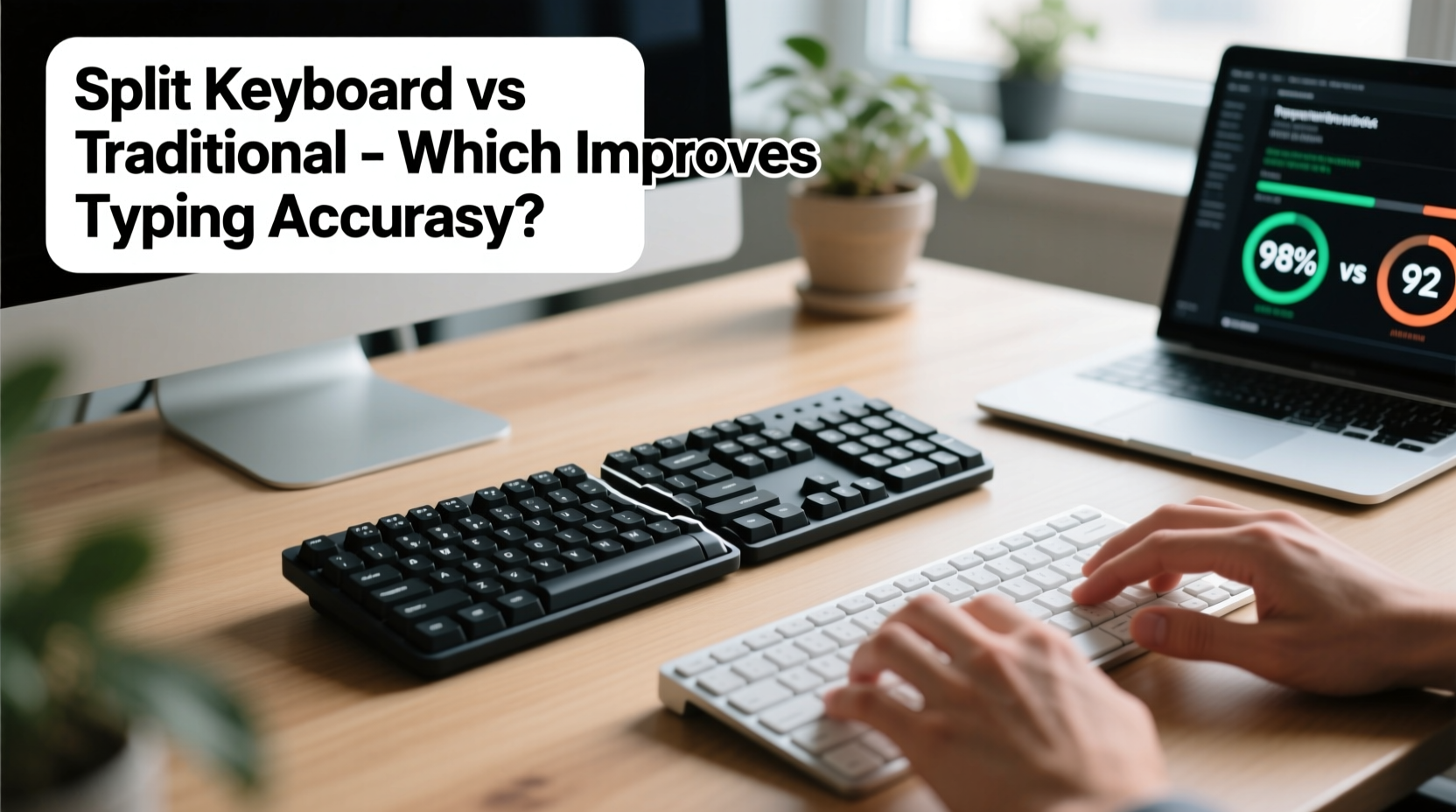
Before comparing hardware, it’s essential to define what contributes to typing accuracy. It’s not solely measured by words per minute (WPM) or error rate. True accuracy involves:
- Muscle memory efficiency – How well fingers locate keys without visual confirmation.
- Postural alignment – Shoulder, wrist, and forearm positioning that reduces strain and micro-movements.
- Key actuation consistency – Uniform pressure and keystroke depth across all fingers.
- Cognitive load – Mental effort required to maintain correct form during extended sessions.
- Error recovery time – How quickly users notice and correct mistakes.
A keyboard that supports natural hand alignment and reduces physical strain indirectly enhances accuracy by allowing typists to maintain focus and consistent technique over time. Poor ergonomics lead to compensatory movements—like twisting wrists or hunching shoulders—that disrupt rhythm and increase key misses.
Ergonomic Foundations: Traditional vs Split Design
The traditional keyboard features a fixed, rectangular layout with keys aligned in straight rows. This design assumes both hands operate symmetrically from a central position, often forcing the wrists into ulnar deviation (inward bending) and shoulder protraction.
In contrast, a split keyboard separates the left and right key clusters, allowing users to angle them outward to match the natural resting position of their arms. This promotes a neutral wrist posture, reduces shoulder tension, and aligns the forearms with the direction of typing force.
According to Dr. Alan Hedge, Professor Emeritus of Human Factors and Ergonomics at Cornell University:
“Split keyboards significantly reduce muscle activity in the upper trapezius and forearm flexors. When muscles aren’t fatigued, motor control improves—and that directly translates to fewer typing errors.” — Dr. Alan Hedge, Cornell University
This reduction in muscular strain allows for finer motor control, especially during prolonged use. Over time, this enhanced control leads to higher consistency in keystrokes and fewer mistyped characters.
Comparative Analysis: Key Differences That Impact Accuracy
| Feature | Traditional Keyboard | Split Keyboard |
|---|---|---|
| Hand & Wrist Alignment | Forces wrists inward; promotes ulnar deviation | Allows neutral wrist posture; reduces strain |
| Shoulder Position | Narrows arm angle; increases trapezius tension | Encourages open, relaxed shoulder stance |
| Finger Reach Consistency | Uneven due to staggered key layout | More balanced reach across home row |
| Typing Fatigue Over Time | Increases after 60–90 minutes | Delayed onset; better endurance |
| Accuracy During Long Sessions | Declines steadily after 1 hour | Maintains higher consistency over 2+ hours |
| Learning Curve | Minimal; familiar to most users | Moderate; requires adaptation period |
The data suggests that while traditional keyboards offer immediate usability, they compromise long-term typing precision. Split keyboards, though initially less intuitive, provide biomechanical advantages that enhance accuracy over extended use.
Real-World Case Study: Transitioning to a Split Keyboard
Jamal Thompson, a technical writer based in Portland, Oregon, spent eight years using a standard membrane keyboard. After developing chronic wrist discomfort and noticing an uptick in editing corrections due to missed keystrokes, he decided to switch to a tented split mechanical keyboard.
His transition followed a structured timeline:
- Week 1: Typing speed dropped from 78 WPM to 52 WPM. Error rate increased by 35% due to misjudged key spacing.
- Week 2–3: Began adjusting tent angle (eventually settling at 25 degrees) and used online typing tutors focused on touch accuracy.
- Week 4: Speed recovered to 75 WPM. Error logs showed a 22% reduction in backspace usage compared to baseline.
- Month 3: Average accuracy reached 98.6% (up from 95.1%), with zero reported wrist pain during workdays.
“I didn’t expect accuracy to improve,” Jamal said. “But once my hands stopped aching, I wasn’t tensing up mid-sentence. I caught myself making fewer corrections, and my drafts needed less cleanup.”
This case illustrates a common pattern: initial performance dip followed by measurable gains in both comfort and precision. The improvement wasn't just physical—it was cognitive. Reduced discomfort freed mental bandwidth previously consumed by monitoring pain or correcting errors.
Step-by-Step Guide to Optimizing Accuracy with a Split Keyboard
If you're considering a switch—or already using a split keyboard but not seeing accuracy gains—follow this sequence to maximize results:
- Choose the Right Model: Select a split keyboard with adjustable tenting, splay, and negative tilt. Mechanical switches (e.g., Cherry MX Brown or Red) offer better tactile feedback than membrane keys.
- Set Up Your Workspace: Position the keyboard so the space between halves aligns with your sternum. Elbows should rest at 90–110 degrees, with forearms parallel to the floor.
- Tent and Splay Gradually: Start with a slight outward angle (10–15 degrees). Increase tenting slowly to avoid overstraining small hand muscles.
- Relearn Touch Typing: Use platforms like TypingClub or Keybr to rebuild muscle memory with the new layout. Focus on accuracy first, speed second.
- Monitor Progress Weekly: Track WPM, error rate, and backspace frequency. Note physical sensations—tightness, numbness, ease of movement.
- Adjust Based on Feedback: If pinky strain occurs, reduce key resistance or add palm support. If accuracy lags on one side, rebalance hand angles.
Common Pitfalls That Undermine Accuracy
Even with superior hardware, poor setup or habits can negate benefits. Avoid these mistakes:
- Incorrect Tenting: Too much tilt strains tendons; too little defeats the purpose of neutral alignment.
- Overcompensating Reach: Placing splits too far apart forces lateral finger stretching, increasing miss rates.
- Ignoring Key Feel: Low-travel membrane keys on some split models lack feedback, leading to double-taps or missed inputs.
- Rushing the Transition: Pushing for pre-switch speeds too soon reinforces bad habits and delays adaptation.
- Poor Chair or Desk Height: A mismatch between seating and keyboard height forces postural compromises that ripple into hand control.
Accuracy improvements depend not only on the device but on the entire input ecosystem. A split keyboard on a poorly adjusted desk may perform worse than a traditional model in an optimized environment.
FAQ: Common Questions About Split Keyboards and Accuracy
Do split keyboards really make you type more accurately?
Yes—but not immediately. Studies and user reports consistently show improved accuracy after a 4–8 week adaptation period. The gains come from reduced fatigue and better hand alignment, which allow for more consistent keystrokes over time.
Can a split keyboard help with carpal tunnel symptoms?
While not a medical treatment, split keyboards reduce risk factors associated with carpal tunnel syndrome by promoting neutral wrist posture and lowering pressure in the carpal tunnel. Many users report symptom relief after switching, which indirectly supports typing precision by reducing pain-related distractions.
Are split keyboards worth it for casual typists?
For light users (under 2 hours/day), the benefits may be marginal. However, anyone experiencing discomfort or frequent typos—even occasionally—can benefit from trying a split design. The investment pays off fastest for writers, coders, data entry professionals, and students with heavy typing loads.
Final Verdict: Which Keyboard Improves Typing Accuracy?
The evidence strongly favors split keyboards for improving long-term typing accuracy—provided they are properly configured and given adequate adaptation time. While traditional keyboards win on familiarity and short-term usability, they impose postural compromises that degrade performance over hours of use.
Split keyboards align with human anatomy rather than forcing adaptation to rigid industrial designs. By supporting neutral joint alignment and reducing muscular fatigue, they create the conditions for precise, sustainable input. Users who invest in proper setup and retraining typically see measurable improvements in error rates, editing efficiency, and overall typing confidence.
That said, the transition requires patience. Expect a temporary dip in speed and occasional frustration. But for those committed to accuracy, comfort, and long-term health, the split keyboard isn’t just an ergonomic upgrade—it’s a performance tool.




 浙公网安备
33010002000092号
浙公网安备
33010002000092号 浙B2-20120091-4
Comments
No comments yet. Why don't you start the discussion?