
For remote workers, hybrid employees, and anyone spending long hours at a desk, the shift from sitting to standing has become more than just a trend—it’s a health necessity. Standing desks are now commonplace in home offices and corporate workspaces alike. But when it comes to choosing between a full standing desk and a standing desk converter, many users hesitate. One of the most common concerns? Wobble. Is a converter really that unstable? Does it make typing or using dual monitors a frustrating experience? Let’s break down the reality behind the rumors.
Understanding the Core Differences
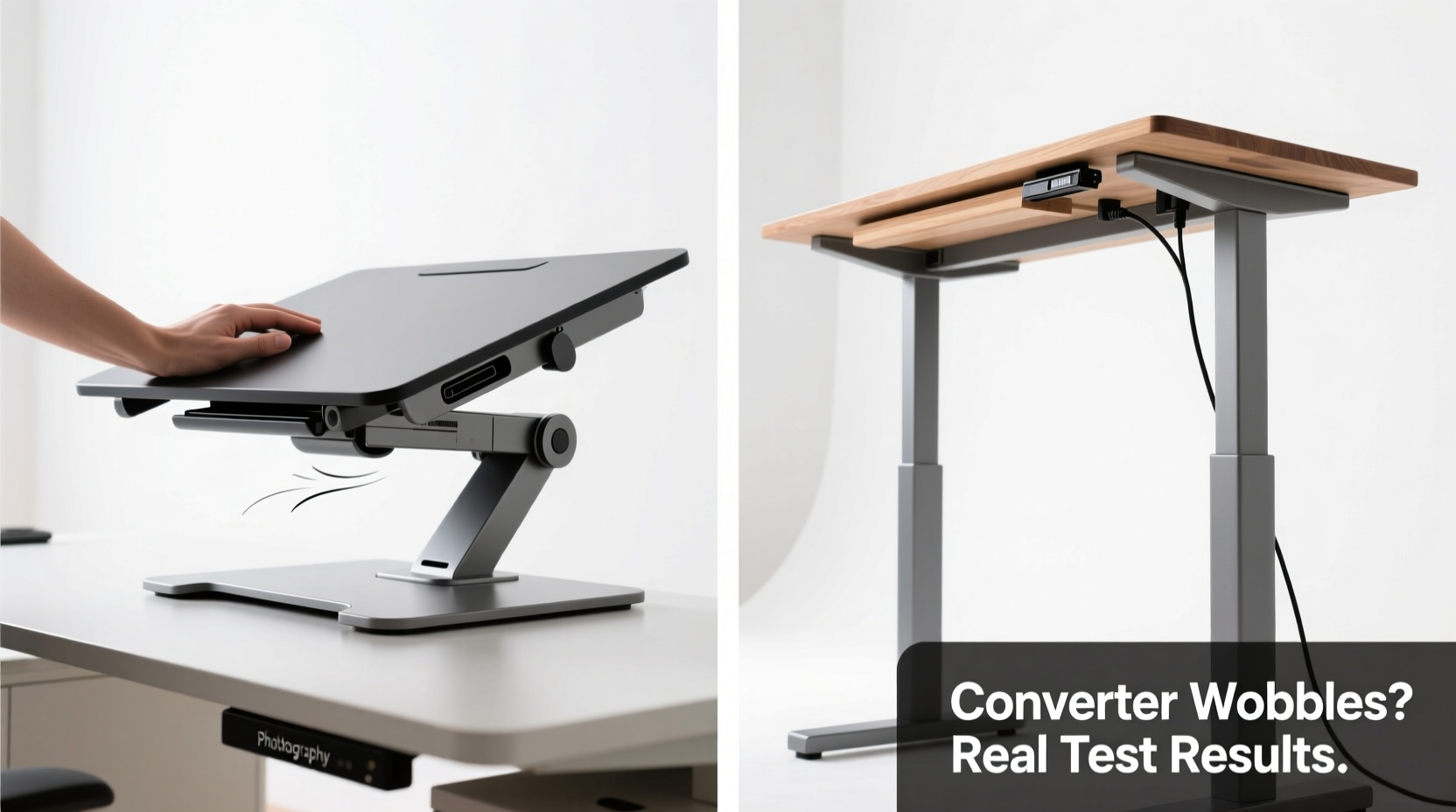
A full standing desk is a complete workstation designed to raise and lower the entire desktop surface. These are typically electric (motorized) or manual (crank-operated), built with robust frames and engineered for stability across height ranges. In contrast, a standing desk converter sits on top of your existing desk and lifts only your monitor(s), keyboard, and mouse. It’s a retrofit solution—ideal for those who want to avoid replacing their current furniture.
The fundamental trade-off lies in structure. Full standing desks integrate support from the floor up, while converters rely on your existing desk as a base. This foundational difference impacts everything from stability to cable management, workspace layout, and even posture over time.
Is the Converter Really That Wobbly?
The short answer: It depends. Not all converters are created equal. Entry-level models made with lightweight materials and basic spring mechanisms tend to shake during typing, especially if you have a heavy dual-monitor setup. However, high-end converters use counterbalance systems, reinforced steel frames, and wider footprints to minimize movement.
Wobble isn’t just about annoyance—it affects usability. Excessive vibration can lead to fatigue, reduced typing accuracy, and even discomfort in the wrists and shoulders. The key factors influencing stability include:
- Weight capacity and load distribution: Overloading a converter beyond its limit increases sway.
- Base width and footprint: Wider bases distribute weight better and resist tipping.
- Material quality: Aluminum or steel frames outperform plastic or thin metal.
- Desk surface integrity: A shaky or uneven desktop transfers motion to the converter.
“Many users report dissatisfaction with budget converters because they expect full-desk stability without paying for engineering-grade components.” — Dr. Lena Tran, Ergonomic Design Researcher at Human Workspace Lab
Real-World Example: Sarah’s Home Office Dilemma
Sarah, a freelance graphic designer, bought a $120 gas-spring converter for her IKEA LACK desk. She mounted two 27-inch monitors and a mechanical keyboard. Within days, she noticed constant screen shake when typing, making color correction work nearly impossible. After consulting an ergonomic specialist, she realized two issues: her desk couldn’t handle lateral stress, and the converter lacked sufficient counterbalance. She upgraded to a sit-stand desk with a crossbar frame, eliminating the problem entirely. Her takeaway? “You can’t cheat physics. Lightweight solutions on lightweight desks don’t cut it for serious work.”
Comparing Converters and Full Standing Desks: A Detailed Breakdown
| Feature | Standing Desk Converter | Full Standing Desk |
|---|---|---|
| Cost | $80–$400 | $300–$1,000+ |
| Installation | Place on existing desk; no tools needed | Assembly required; may need space reconfiguration |
| Stability | Varies; often moderate to low on cheaper models | High, especially with dual-motor or crossbar frames |
| Mobility | Easy to move or transfer between desks | Permanent fixture; not portable |
| Ergonomic Flexibility | Limited by original desk height; may not go low enough | Full range from seated to standing heights |
| Cable Management | Can be messy; limited built-in options | Better integration; often includes routing channels |
| Footprint Efficiency | Uses existing space but reduces usable desktop area | Optimized design; larger consistent workspace |
When a Converter Makes Sense
Despite stability concerns, converters are far from obsolete. They shine in specific scenarios:
- You rent your space and can’t replace furniture.
- You share a desk and need a temporary solution.
- Your current desk has sentimental or aesthetic value.
- You’re testing the waters before investing in a full system.
In these cases, investing in a premium converter—like those from Jarvis, Vari, or Uplift with dual-stage lift systems—can deliver near-full-desk performance without permanent changes.
Step-by-Step Guide: Choosing the Right Option for Your Needs
Follow this practical decision framework to determine whether a converter or full desk suits your lifestyle and workspace.
- Assess your current desk. Is it sturdy? Does it rock when you press down on one corner? If yes, it’s a poor foundation for a converter.
- Measure your equipment weight. Add up monitors, keyboard tray, laptop, dock, etc. Ensure any converter supports at least 20% more than your total load.
- Determine your ideal standing height. Stand barefoot, arms at sides. Your elbows should form a 90° angle when hands are on the keyboard. If your current desk is too high or low, a full desk offers better adjustability.
- Consider daily usage patterns. Do you switch positions multiple times a day? Full desks offer smoother transitions. Occasional standing? A converter might suffice.
- Set a realistic budget. Include potential accessories like monitor arms or anti-fatigue mats. A $150 converter plus $100 in fixes may cost as much as a mid-tier full desk with better results.
- Test stability before committing. If possible, try a model in person or buy from a retailer with a generous return policy.
Expert Recommendations and Long-Term Impact
According to occupational therapists, inconsistent posture due to poorly designed setups leads to more musculoskeletal complaints than prolonged sitting alone. A wobbly converter forces micro-adjustments throughout the day—subtle shifts in wrist angle, shoulder tension, and neck position—that accumulate into strain.
“The goal isn’t just to stand—it’s to stand well. A shaky platform undermines the very benefits we’re trying to achieve.” — Dr. Marcus Bell, Physical Therapist and Workplace Wellness Consultant
Long-term, users of stable standing solutions report improved focus, reduced back pain, and higher energy levels. But these outcomes depend on consistent, comfortable use. If a converter frustrates you every time you type, you’re less likely to use it regularly—defeating the purpose.
Checklist: Before Buying Any Standing Solution
- ✅ Measure your current desk height and depth
- ✅ Weigh all devices going on the platform
- ✅ Confirm minimum/maximum height requirements for ergonomic alignment
- ✅ Check weight capacity and build material of the product
- ✅ Read user reviews specifically mentioning typing stability
- ✅ Verify warranty and return policy (especially for online purchases)
- ✅ Plan cable routing and peripheral placement
Frequently Asked Questions
Can I reduce wobble on my existing converter?
Yes, to some extent. Use rubber pads under the feet to grip the desk surface. Avoid placing it near edges. Consider adding a small weight (like a book) at the rear base to balance forward load. Upgrading to a sturdier desk underneath can also help significantly.
Do electric converters exist?
Most converters are manual (spring-assisted or pneumatic), but some premium models like the VARIDESK Pro Plus 36 Electric offer motorized lift. These are quieter and smoother but come at a higher price point and require power access.
Are full standing desks worth the extra cost?
For most full-time knowledge workers, yes. The combination of superior stability, seamless adjustability, and long-term durability makes them a worthwhile investment. Think of it as upgrading from a folding table to a custom-built workstation—your body will thank you after months of daily use.
Conclusion: Stability Matters More Than You Think
The debate between standing desk converters and full standing desks isn't just about cost or convenience—it's about creating a workspace that supports sustained, healthy work habits. While converters offer flexibility and affordability, their reputation for wobble is not unfounded. Cheap models on weak desks create frustration, not function. High-end converters can perform well, but they often approach the price of entry-level full desks without matching their structural integrity.
If you're serious about integrating movement into your workday, prioritize stability and ergonomics over short-term savings. A full standing desk may require more space and a higher upfront investment, but it delivers a consistently smooth, reliable experience that encourages regular use. For renters or those needing temporary setups, choose a premium converter with proven anti-wobble features—and never compromise on your desk’s foundation.




 浙公网安备
33010002000092号
浙公网安备
33010002000092号 浙B2-20120091-4
Comments
No comments yet. Why don't you start the discussion?