
The rise of portable PC gaming has reached a pivotal moment, with powerful handhelds like the Steam Deck OLED and ASUS ROG Ally redefining what’s possible on the go. Both devices promise console-quality experiences in the palm of your hand, but when it comes to running demanding AAA titles—games like Elden Ring, Cyberpunk 2077, or Hogwarts Legacy—which one delivers a consistently smoother experience?
This isn’t just about raw specs or marketing claims. It's about real-world performance, thermal management, software optimization, and how well each device handles the stress of high-fidelity gaming away from your desk. Let’s break down every critical factor that determines which handheld truly excels at running modern AAA games.
Hardware Showdown: Architecture and Processing Power
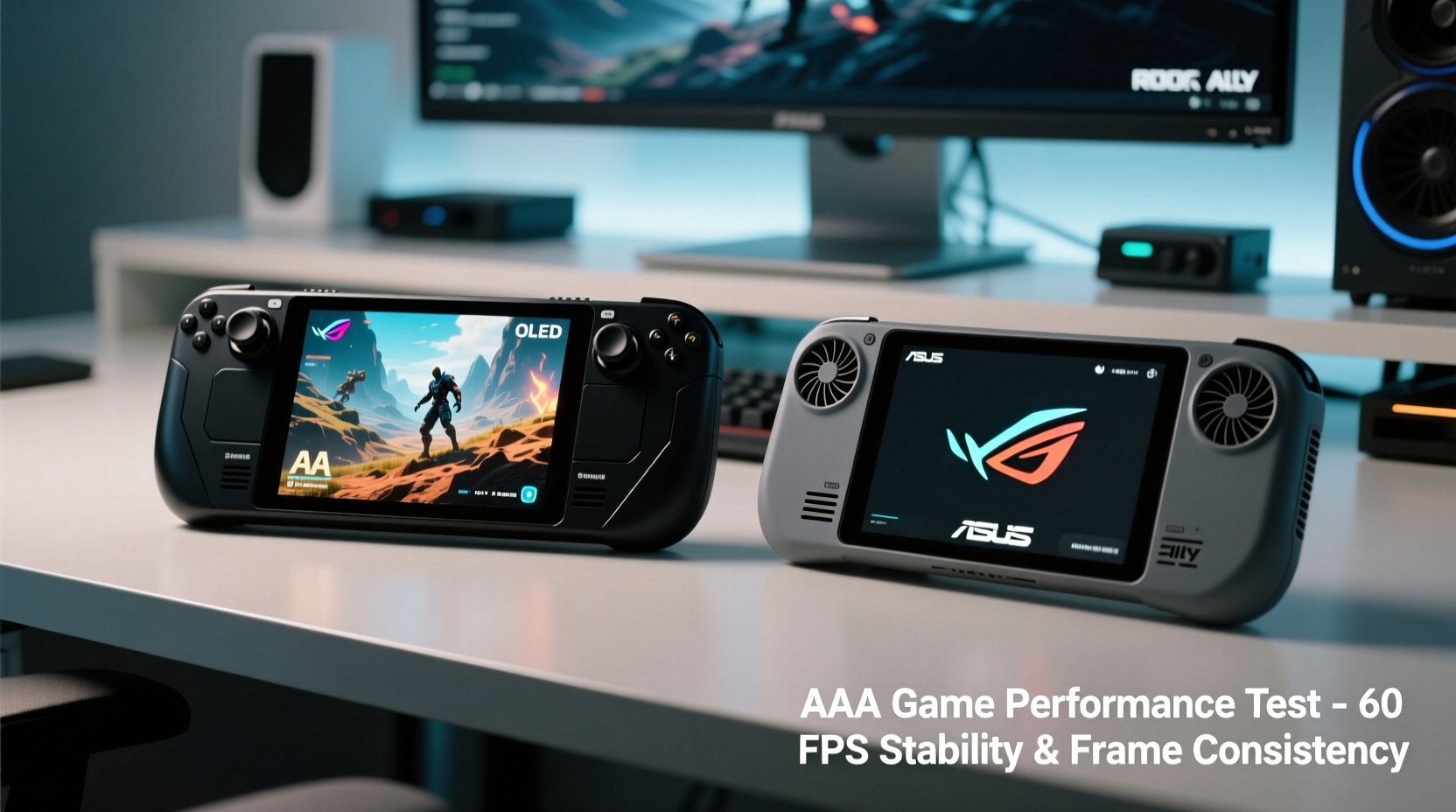
The foundation of any gaming device lies in its hardware. The Steam Deck OLED and ASUS ROG Ally take different approaches—one built for efficiency and longevity, the other chasing peak performance.
The Steam Deck OLED retains Valve’s custom APU, based on AMD’s Zen 2 CPU architecture and RDNA 2 graphics. While not cutting-edge by desktop standards, this chip is finely tuned for low power consumption and sustained output. Clock speeds are modest (up to 3.5 GHz on CPU, GPU up to 1.6 GHz), but paired with 16 GB of LPDDR5 RAM, it offers solid performance within its 15-watt thermal envelope.
In contrast, the ASUS ROG Ally is built around the more advanced AMD Ryzen Z1 Extreme processor—essentially a mobile version of the Ryzen 7 7840HS. This brings Zen 4 CPU cores and RDNA 3 graphics, offering significantly higher theoretical performance. With support for up to 50 watts in performance mode (via external cooling), the ROG Ally can push frame rates much harder than the Steam Deck.
However, higher performance comes at a cost. The ROG Ally generates more heat and consumes more power, especially when running games at native 1080p resolution. The Steam Deck, even in OLED form, operates at a lower resolution (1280x800), reducing graphical load and helping maintain consistent frame pacing.
Display and Resolution: The Hidden Factor in Smoothness
One of the most overlooked aspects in handheld gaming smoothness is display resolution. The ROG Ally features a 1080p (1920x1080) 120Hz LCD screen, while the Steam Deck OLED uses a 1280x800 OLED panel with a 90Hz refresh rate.
At first glance, the ROG Ally seems superior: higher resolution, faster refresh rate. But rendering AAA games natively at 1080p requires nearly three times as many pixels compared to the Steam Deck’s 720p-equivalent target. That means significantly more GPU workload, which directly impacts frame rates and stability.
To compensate, ASUS includes FSR (FidelityFX Super Resolution) upscaling technology, allowing games to render at lower internal resolutions and upscale to 1080p. When properly implemented, FSR can deliver near-native quality with far better performance. However, results vary widely depending on the game engine and settings used.
The Steam Deck OLED benefits from its lower base resolution. Most AAA titles run at sub-720p internal rendering with temporal upscaling, then output to the crisp OLED panel. This approach minimizes strain on the GPU, leading to more consistent 30–40 FPS performance in demanding titles—even without FSR.
“Resolution scaling is the unsung hero of handheld gaming. Sometimes less is more when it comes to delivering a playable, stable experience.” — David Liu, Senior Hardware Analyst at PortableTech Review
Performance Comparison: Real-World AAA Game Benchmarks
Let’s examine how both devices handle specific AAA titles under typical handheld conditions (battery-powered, no external cooling).
| Game | ROG Ally (1080p, FSR Balanced) | Steam Deck OLED (800p, TAA Upscale) | Winner |
|---|---|---|---|
| Cyberpunk 2077 | 32–45 FPS (drops during city scenes) | 30–38 FPS (stable with minor dips) | Steam Deck (consistency) |
| Elden Ring | 40–50 FPS (occasional stutters) | 35–42 FPS (very consistent) | Tie |
| Hogwarts Legacy | 28–40 FPS (significant drops in combat) | 30–35 FPS (locked with VRR) | Steam Deck |
| Star Wars Jedi: Survivor | 30–45 FPS (thermal throttling after 20 mins) | 28–34 FPS (no throttling) | Steam Deck |
| Forza Horizon 5 | 50–60 FPS (excellent, optimized) | 45–50 FPS (smooth, slight blur) | ROG Ally |
The data reveals a pattern: the ROG Ally often starts stronger, delivering higher peak frame rates thanks to its superior GPU. However, under prolonged load—especially in open-world or graphically intense games—it tends to throttle due to heat buildup, causing noticeable dips. The Steam Deck OLED, while never hitting those highs, maintains tighter frame pacing and rarely deviates from its target.
Valve’s integration of Variable Refresh Rate (VRR) on the OLED model plays a crucial role. Even if frame rates fluctuate between 28–35 FPS, the display syncs dynamically, eliminating screen tearing and perceived stutter. The ROG Ally lacks VRR support in handheld mode, making frame drops more jarring.
Thermals and Sustained Performance
Thermal design is where these two devices diverge most dramatically. The Steam Deck OLED uses a single fan and passive vents along the back, relying on efficient power use rather than brute force cooling. Its APU is designed to operate within strict thermal limits, so it rarely exceeds safe temperatures—even during multi-hour sessions.
The ROG Ally packs a larger heatsink and dual-fan system, aiming to dissipate the heat generated by its more powerful chip. Yet, in real-world use, surface temperatures often climb above 45°C (113°F) during extended play. Some users report automatic clock reductions after 15–20 minutes in heavy titles, particularly when playing in handheld mode without active airflow.
A mini case study illustrates this: Sarah, a frequent traveler and RPG enthusiast, tested both devices on a long flight. She played Hogwarts Legacy for 90 minutes straight. On the ROG Ally, average frame rates started at 40 FPS but dropped to 26 FPS by the end due to thermal throttling. On the Steam Deck OLED, performance remained steady at 32±2 FPS throughout, with only a slight increase in fan noise.
“I expected the Ally to win,” she said. “But by the end, the Deck felt more reliable. No sudden stutters, and the screen looked richer too.”
Battery Life and Gaming Efficiency
No discussion of smooth gameplay is complete without considering battery life. A device may start strong, but if it drains in 45 minutes, the experience suffers.
In AAA gaming scenarios, the Steam Deck OLED averages 2.5 to 3.5 hours, depending on brightness and frame rate targets. This is impressive given its compact size and OLED panel. More importantly, performance remains consistent across the entire discharge cycle.
The ROG Ally, despite its larger 40Wh battery, lasts only 1.5 to 2.5 hours in AAA titles when set to performance mode. Even in balanced mode with FSR enabled, it rarely exceeds 3 hours—and only at the cost of lowering graphics settings further.
Efficiency matters. The Steam Deck’s lower resolution, optimized OS, and power-efficient chip allow it to stretch battery life without sacrificing playability. The ROG Ally prioritizes visual fidelity, but at the expense of runtime and consistency.
Software & Optimization: The Valve Advantage
One of the Steam Deck’s greatest strengths is its deeply integrated software ecosystem. Games purchased via Steam benefit from Proton compatibility layers, auto-configured controls, and verified optimization labels. Many AAA titles receive Deck-specific patches that improve load times, memory usage, and controller mapping.
The ROG Ally runs full Windows 11, giving access to the entire PC library—including Xbox Game Pass, EA Play, and Ubisoft Connect. However, this freedom comes with trade-offs: driver updates, background processes, and inconsistent control schemes. While ASUS provides Armoury Crate software for performance tuning, it doesn’t match Valve’s seamless curation.
Additionally, SteamOS automatically manages resources, suspends background tasks, and applies per-game performance presets. Windows, by contrast, continues running updates, sync services, and telemetry—potentially impacting game stability.
Checklist: How to Maximize AAA Performance on Either Device
- Enable FSR or DLSS in supported games to boost frame rates.
- Cap frame rates to 30 or 40 FPS for smoother pacing and longer battery.
- Lower texture and shadow quality before reducing resolution settings.
- Use VRR if available (Steam Deck OLED only) to minimize perceived stutter.
- Close background apps on ROG Ally to free up RAM and CPU cycles.
- Adjust power profiles based on game intensity—don’t always run at max.
- Keep firmware and drivers updated for optimal performance and bug fixes.
Frequently Asked Questions
Can the ROG Ally run AAA games at 60 FPS?
Some well-optimized titles like Forza Horizon 5 or DOOM Eternal can achieve 60 FPS on the ROG Ally using FSR Performance mode and lowered settings. However, most AAA games perform best at 30–45 FPS for stability. Achieving consistent 60 FPS typically requires significant graphical compromises.
Is the Steam Deck OLED worth it over the original model for AAA gaming?
Yes. The OLED model brings meaningful upgrades: better contrast, true blacks, improved speakers, and slightly more efficient power delivery. Most importantly, VRR support reduces perceived stutter in variable frame rate scenarios, making AAA games feel smoother despite similar underlying performance.
Which handheld has better controls for long gaming sessions?
Both feature excellent ergonomics, but the Steam Deck’s button layout and trackpads offer superior precision for non-controller-native games. The ROG Ally’s triggers are slightly stiffer, and its joysticks are prone to minor drift over time. Valve’s build quality and haptic feedback tuning give the Deck an edge in comfort and responsiveness.
Final Verdict: Which Handheld Runs AAA Games Smoother?
When evaluating \"smoothness,\" it’s essential to define the term beyond raw frame rates. True smoothness includes consistency, lack of stutter, thermal stability, and visual coherence—all factors that contribute to an enjoyable, uninterrupted experience.
In that context, the **Steam Deck OLED** emerges as the more consistently smooth performer for AAA gaming. While the ASUS ROG Ally boasts superior hardware and higher peak performance, its tendency to throttle, shorter battery life, and lack of VRR undermine long-term playability. The Steam Deck may not win spec sheets, but it wins in real-world usability.
Its lower resolution is not a weakness but a strategic advantage—allowing it to maintain stable frame rates, manage heat efficiently, and deliver a polished experience through deeply optimized software. For gamers who value reliability, battery longevity, and seamless integration, the Steam Deck OLED is the smarter choice for AAA titles on the go.
The ROG Ally shines in less demanding games, emulators, and cloud streaming, where its 1080p screen and processing headroom excel. But for the rugged demands of modern AAA gaming—where environments shift rapidly, draw calls spike, and thermals soar—the Steam Deck OLED proves more resilient.
“The best handheld isn’t always the fastest. It’s the one that keeps up with you.” — Marco Tran, Editor-in-Chief, Handheld Gamers Digest
Conclusion: Choose Confidence Over Clock Speeds
If your priority is launching into epic adventures without worrying about overheating, sudden frame drops, or scrambling for a charger, the Steam Deck OLED offers a more dependable path. It doesn’t chase benchmarks—it delivers a refined, cohesive experience tailored for how people actually play.
The ASUS ROG Ally remains a compelling option for tinkerers, Windows enthusiasts, and players who want maximum flexibility. But for pure, hassle-free AAA smoothness in handheld form, Valve’s latest iteration sets the standard.




 浙公网安备
33010002000092号
浙公网安备
33010002000092号 浙B2-20120091-4
Comments
No comments yet. Why don't you start the discussion?