
The handheld gaming market has never been more competitive. On one side, you have Nintendo’s long-dominant Switch—a console that redefined portable play with its hybrid design and first-party exclusives. On the other, Valve’s Steam Deck OLED has emerged as a powerful challenger, offering full PC gaming in your hands. The latest OLED model refined an already compelling device, but it comes with noticeable heft compared to the sleeker Switch. So, is the Steam Deck OLED’s superior performance worth carrying around the extra bulk?
This isn’t just about specs on paper. It’s about how those differences translate into real-world gaming—battery life, game library access, comfort during extended sessions, and versatility across environments. For gamers deciding between these two devices, understanding the trade-offs is essential.
Performance: Raw Power vs Optimized Efficiency
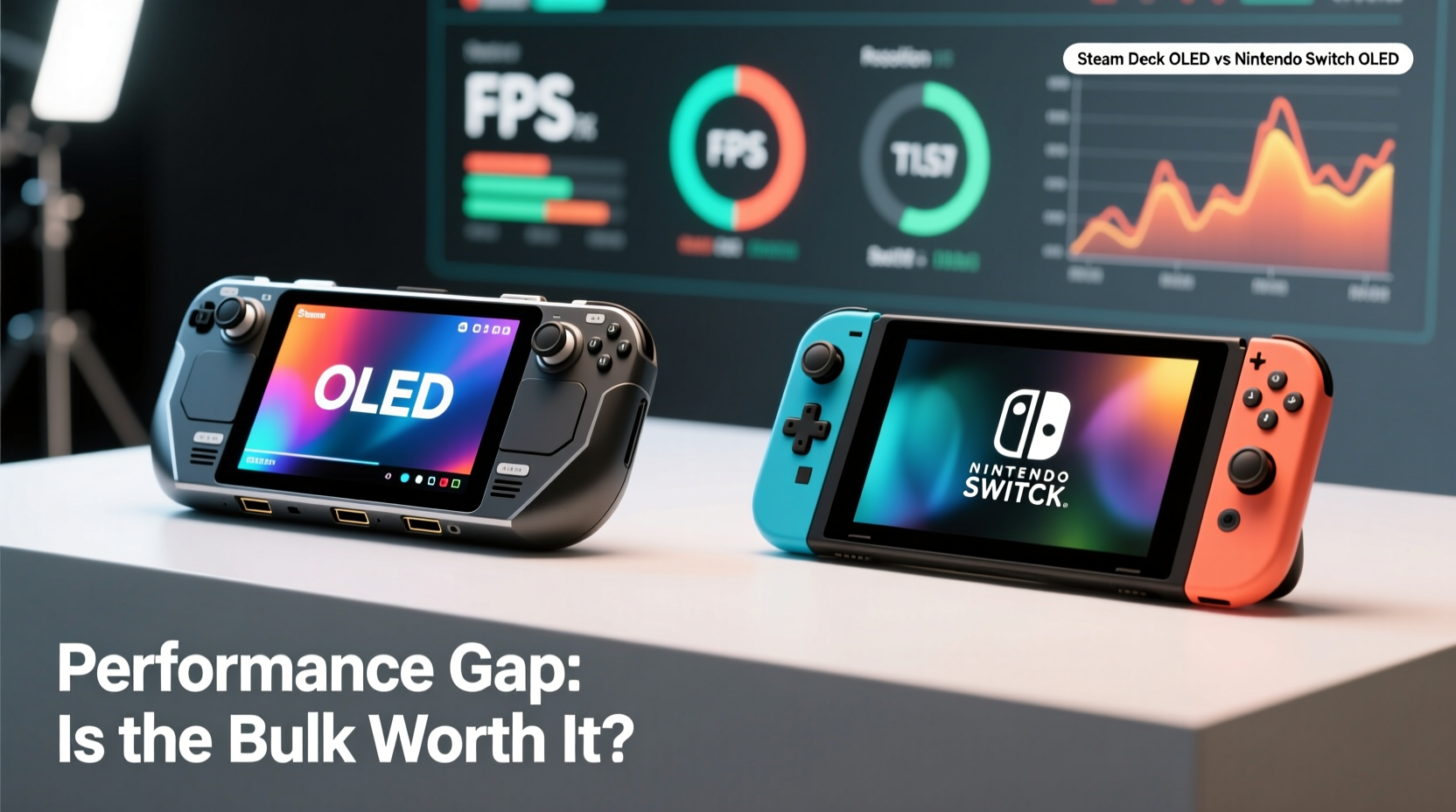
The most glaring difference between the Steam Deck OLED and the Nintendo Switch lies in processing capability. The Steam Deck runs on a custom AMD APU with four compute units based on RDNA 2 architecture, paired with 16GB of unified RAM. In contrast, the Switch uses a much older NVIDIA Tegra X1 chip with significantly less GPU power and only 4GB of RAM.
In practical terms, this means the Steam Deck can handle modern AAA titles at playable frame rates, especially when settings are adjusted. Games like Disco Elysium – The Final Cut, Hades, Baldur’s Gate 3, and even Elden Ring (with mods and optimizations) run smoothly. Meanwhile, the Switch often relies on heavily downgraded ports or cloud streaming for such titles—if they’re available at all.
Valve’s open platform also allows users to tweak graphics settings, overclock via undervolting, and use Proton compatibility layers to expand the game library far beyond what Nintendo offers. This flexibility gives the Steam Deck a massive edge in raw potential.
“Handhelds used to be about compromise. The Steam Deck changes that equation—it’s not just portable; it’s capable.” — Mark Serrels, CNET Senior Editor
However, power comes at a cost. The Steam Deck OLED weighs approximately 665 grams (about 1.47 lbs), while the standard Switch clocks in at just 297 grams (0.65 lbs). That’s more than double the weight. Even held for short periods, the difference is palpable, especially when playing in handheld mode without external support.
Design & Portability: Comfort Meets Practicality
The Steam Deck OLED’s larger chassis accommodates a 7.4-inch OLED screen, larger analog sticks, improved haptics, and better ventilation. These upgrades enhance immersion and control precision, particularly in longer gaming sessions. The matte finish reduces fingerprints, and the built-in kickstand is genuinely useful for tabletop setups.
But there’s no ignoring the footprint. The Steam Deck is nearly the size of a small laptop. Fitting it into a coat pocket? Impossible. Slipping it into a backpack alongside a book or lunchbox? Manageable, but bulky. The Switch, by contrast, fits easily into most bags and even large pockets. Its modular Joy-Con design also enables quick transitions between handheld, tabletop, and docked modes—something the Steam Deck cannot replicate without additional accessories.
For travelers or commuters, the Switch remains the more convenient option. It slips into carry-ons without hassle, charges efficiently via USB-C, and boots instantly into games. The Steam Deck, while faster to resume from sleep than its LCD predecessor, still requires more setup time and careful handling due to its weight distribution.
Display & Audio Quality: Where OLED Shines
The Steam Deck OLED’s biggest upgrade over the original model is its display. The 1280×800 OLED panel delivers deeper blacks, higher contrast, and richer colors than the Switch’s 720p LCD. Text is sharper, shadows are more defined, and HDR-like pop enhances visual fidelity in supported games. For immersive RPGs or atmospheric indie titles, the difference is striking.
Audio quality also sees a boost. Dual front-facing speakers on the Steam Deck produce clearer mids and more balanced output than the Switch’s mono-like sound. While neither matches dedicated headphones, the Steam Deck provides a noticeably fuller experience when playing without earbuds.
That said, the Switch compensates with software optimization. Nintendo tunes its games specifically for the hardware, ensuring consistent performance and minimal strain on the weaker chipset. A game like The Legend of Zelda: Tears of the Kingdom runs at a mostly stable 30fps with impressive draw distances and physics—even if textures are simpler. On the Steam Deck, unoptimized ports may stutter unless manually configured.
Game Library & Ecosystem: Closed Garden vs Open Platform
This is where the philosophical divide becomes clear. The Switch operates within a curated ecosystem. You buy games from the eShop, download them directly, and play them immediately. Most titles are polished, family-friendly, and optimized for the system. However, the library is limited to what publishers choose to release—or port—for Nintendo.
The Steam Deck, meanwhile, taps into the entire Steam catalog of over 50,000 games. With Proton compatibility, many Windows-only titles run seamlessly. Services like GeForce Now allow streaming of high-end games, effectively bypassing local hardware limits. Emulation is also fully supported, giving access to decades of retro gaming—from PS2 classics to N64 titles—all in one device.
Yet, this freedom demands effort. Users must manage storage (the base 512GB fills quickly), configure controller layouts, and sometimes troubleshoot launch issues. The Switch offers plug-and-play simplicity. No drivers, no settings tweaks—just pick up and play.
| Feature | Steam Deck OLED | Nintendo Switch |
|---|---|---|
| Screen Size & Type | 7.4\" OLED (1280×800) | 6.2\" LCD (1280×720) |
| Weight | 665g | 297g |
| Battery Life | 3–12 hours (varies by game) | 4.5–9 hours |
| Storage Options | 512GB / 1TB NVMe SSD | 32GB internal + microSD |
| Game Access | Steam + Emulation + Cloud Gaming | Nintendo eShop Only |
| Expandability | Full desktop mode, third-party apps | Limited to official updates |
Real-World Example: Two Gamers, Two Priorities
Consider Sarah, a college student who commutes daily by train. She values lightweight gear and quick access to games during short breaks. She plays mainly indie titles and enjoys Stardew Valley, Animal Crossing, and occasional Mario Kart races with friends. For her, the Switch is ideal—light, durable, and always ready.
Now meet James, a PC gamer who travels frequently for work. He wants to continue his Cyberpunk 2077 save file on the go and dabbles in retro emulation. He doesn’t mind carrying extra weight if it means playing near-native versions of his favorite games. The Steam Deck OLED fits his needs perfectly—even if he uses a wrist strap during long flights.
Both are valid use cases. Neither device is objectively “better.” It depends on lifestyle, gaming preferences, and tolerance for technical tinkering.
When the Bulk Pays Off: Scenarios That Favor the Steam Deck
There are specific situations where the Steam Deck OLED’s advantages outweigh its size:
- AAA gaming on the go: If you want to play recent releases like Horizon Zero Dawn or Starfield outside your home, the Steam Deck is currently unmatched.
- Emulation enthusiasts: Running PS3 or Xbox 360 games smoothly requires serious processing power—the Switch simply can’t compete here.
- Productivity crossover: The Steam Deck supports web browsers, Discord, video players, and even light coding. Some users treat it as a mini-laptop replacement.
- Cloud gaming hub: Paired with services like Xbox Cloud Gaming or GeForce Now, the Steam Deck becomes a portal to hundreds of high-end titles without relying on local performance.
In each case, the added weight is justified by functionality the Switch cannot provide. But if your gaming revolves around Nintendo exclusives or casual multiplayer, that bulk may feel unnecessary.
Checklist: Choosing the Right Device for You
Ask yourself the following before making a decision:
- Do I primarily play Nintendo-exclusive titles (Zelda, Mario, Pikmin)? → Lean toward Switch.
- Am I willing to adjust graphics settings or troubleshoot compatibility issues? → Steam Deck possible.
- Is portability a top priority (commuting, traveling light)? → Switch wins.
- Do I want to play modern PC games or emulate older consoles? → Steam Deck recommended.
- Will I use this mostly docked or connected to a TV? → Both work, but Switch integrates more seamlessly with living room setups.
- Do I value battery consistency over peak performance? → Switch offers more predictable life per charge.
Frequently Asked Questions
Can the Steam Deck OLED run all Steam games?
No, not all—but thousands are verified or playable via Proton compatibility. Valve maintains a rating system (Verified,Playable,Unsupported) to help users identify compatible titles. Many popular games work well with minor tweaks.
Is the Steam Deck OLED worth upgrading from the original model?
If you already own the LCD version, the OLED upgrade is significant but not essential. The new screen, improved battery, and brighter display enhance the experience, but core performance remains similar. For new buyers, OLED is the clear choice.
Does the Switch OLED model change this comparison?
Somewhat. The Switch OLED has a better screen, slightly improved audio, and increased internal storage (64GB), but the processor and battery life remain unchanged. It narrows the visual gap but doesn’t close the performance chasm.
Conclusion: Balancing Power and Portability
The Steam Deck OLED and Nintendo Switch serve different kinds of gamers. The former is a powerhouse built for flexibility, depth, and high-fidelity experiences. The latter excels in accessibility, mobility, and polished gameplay tailored to its hardware. The performance gap is real—and substantial—but whether it’s worth the extra bulk depends entirely on your priorities.
If you crave the ability to play demanding PC titles, tinker with settings, or dive deep into emulation, the Steam Deck’s size is a fair trade-off. But if you value effortless portability, instant usability, and beloved Nintendo franchises, the Switch remains unmatched.
Neither device replaces the other. They represent two philosophies of handheld gaming: one open and expansive, the other focused and refined. Understanding that distinction is key to choosing wisely.




 浙公网安备
33010002000092号
浙公网安备
33010002000092号 浙B2-20120091-4
Comments
No comments yet. Why don't you start the discussion?