
The handheld gaming market has exploded in recent years, with Valve’s Steam Deck and ASUS’ ROG Ally emerging as two of the most powerful contenders. While both devices deliver impressive performance in portable form, their operating systems set them on fundamentally different paths. The Steam Deck runs SteamOS — a Linux-based system optimized for gaming — while the ROG Ally ships with full Windows 11. This distinction raises a critical question: is Windows on the ROG Ally a genuine advantage, or does it introduce more headaches than benefits?
This isn’t just a technical debate; it’s about user experience, software compatibility, maintenance, and long-term enjoyment. For gamers choosing between these two devices, understanding the real-world impact of Windows versus SteamOS can mean the difference between smooth gameplay and constant troubleshooting.
Performance and Optimization: Native vs General-Purpose OS
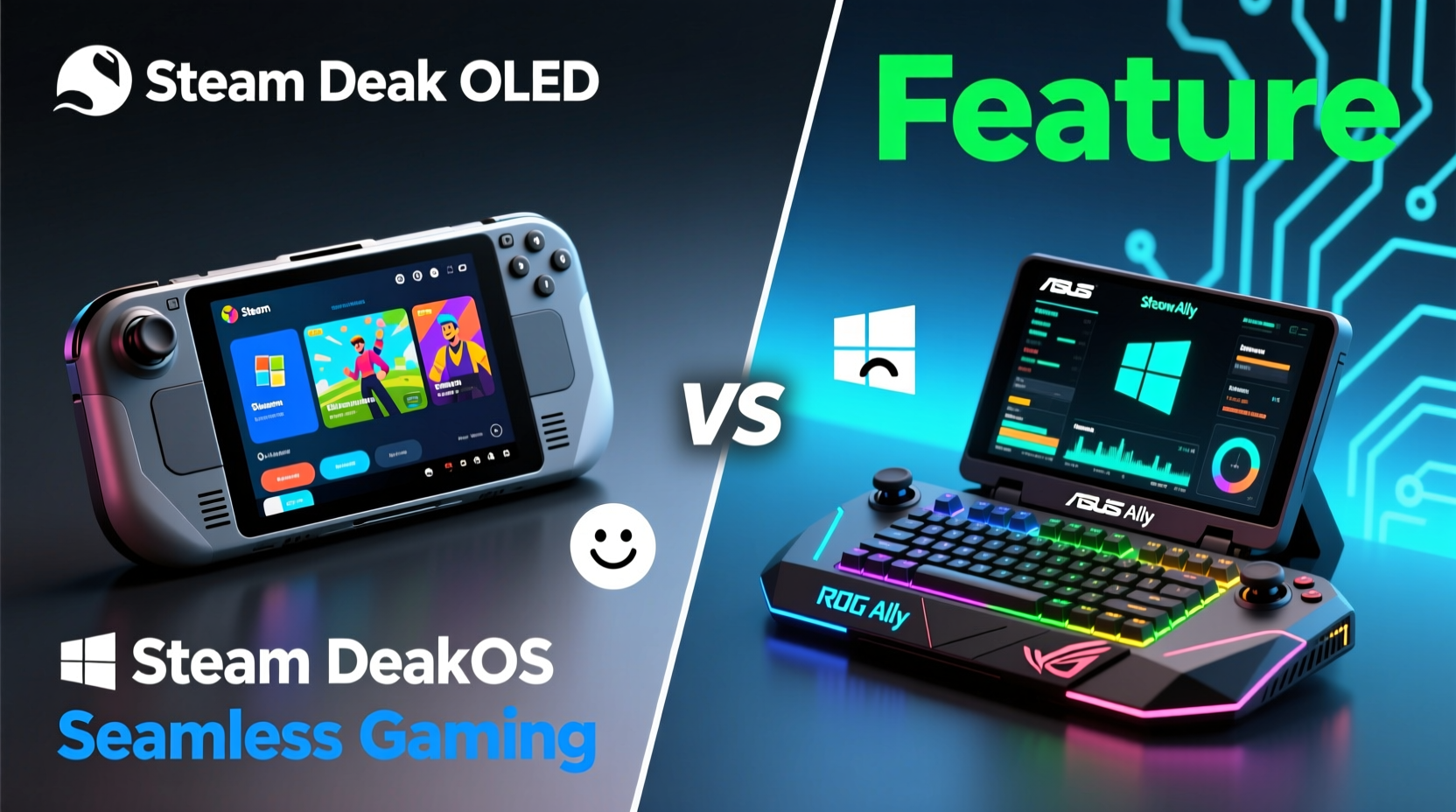
At first glance, Windows seems like the obvious winner. It supports nearly every PC game ever made, allows installation of any software, and gives users full control over system settings. But that flexibility comes at a cost — especially on compact hardware with limited cooling and battery capacity.
The Steam Deck’s SteamOS is built on Arch Linux and tailored specifically for gaming through Proton, Valve’s compatibility layer that translates Windows games to run on Linux. Over 90% of the Steam library is now playable thanks to continuous improvements in Proton and community-driven patches. More importantly, SteamOS is lean. It boots quickly, consumes fewer resources, and dedicates maximum power to the game itself.
In contrast, the ROG Ally runs full Windows 11, which includes background processes like Windows Update, Defender scans, telemetry, and desktop environment overhead. Even when launching games through Game Mode or Xbox settings, there's still a noticeable boot time and occasional stutters caused by background tasks. Gamers report needing to manually disable updates and optimize services to get consistent performance.
Valve’s approach prioritizes reliability. SteamOS doesn’t surprise you with a restart prompt mid-session. There are no forced updates while playing. Everything is designed around one goal: uninterrupted gaming. That focus pays off in smoother day-to-day use, particularly for players who want to pick up and play without tweaking settings every few weeks.
Software Ecosystem: Freedom vs Friction
Windows offers unparalleled freedom. You can install Discord, Chrome, OBS, mods, emulators, productivity tools — anything a full PC can run. For streamers, modders, or multitaskers, this flexibility is invaluable. Want to watch YouTube while waiting for a game to load? No problem. Need to edit screenshots with Photoshop Express? Done.
But this freedom introduces complexity. Managing drivers, firmware updates, antivirus exceptions, and startup programs becomes part of the routine. The ROG Ally requires more active maintenance than the Steam Deck. ASUS provides Armoury Crate for performance tuning and controller mapping, but it’s another app to manage, and its interface isn’t always intuitive.
On the other hand, SteamOS keeps things simple. There’s no need to worry about conflicting software or driver issues. Updates are silent, automatic, and non-disruptive. If something breaks, Valve typically patches it server-side or rolls out a fix within days. Users aren't expected to troubleshoot kernel modules or registry errors.
“With SteamOS, we’re not asking users to be system administrators. We’re building an appliance-like experience where gaming just works.” — Pierre-Loup Griffais, Valve Software Engineer
For casual gamers or those tired of PC maintenance, this simplicity is a major win. But for tinkerers and power users, the lack of access can feel restrictive. You can switch to desktop mode on the Steam Deck, install Linux apps, even dual-boot Windows — but doing so voids some conveniences and may impact warranty support.
Game Compatibility Comparison
Let’s break down how each platform handles different types of games.
| Game Type | Steam Deck (SteamOS) | ROG Ally (Windows 11) |
|---|---|---|
| Native Steam Games | ✅ Full support, verified status | ✅ Runs natively |
| Non-Steam Windows Games | ⚠️ Possible via Proton + third-party launchers | ✅ Direct installation supported |
| DRM-Heavy Titles (Denuvo, Online Auth) | ❌ Often fail or crash | ✅ Generally work |
| Early Access / Unverified Games | ⚠️ Mixed results, depends on ProtonDB rating | ✅ Usually functional |
| Modded Games (e.g., Skyrim, Fallout) | ⚠️ Limited mod support unless using desktop mode | ✅ Full modding capability |
| Emulators & Homebrew | ✅ Excellent via desktop mode or Lakka | ✅ Full compatibility |
As shown, Windows wins on raw compatibility. Any game sold for Windows will likely run on the ROG Ally if the hardware supports it. However, many titles require manual configuration — adjusting resolution scaling, disabling fullscreen optimizations, or updating GPU drivers. These steps are familiar to PC gamers but can frustrate newcomers.
SteamOS takes a curation-first approach. Valve labels games as “Verified,” “Playable,” “Unsupported,” or “Unknown” based on testing. This transparency helps users avoid frustration before downloading. When a game is verified, it launches perfectly — right brightness, correct controls, proper suspend/resume behavior.
User Experience: Real-World Scenarios
Consider Alex, a college student who commutes daily and plays games during breaks. He wants minimal setup, long battery life, and reliable performance. After trying both devices, he chose the Steam Deck OLED. Why? Because it wakes instantly from sleep, lasts 3–5 hours on modern titles, and never interrupts him with update prompts. He plays Elden Ring, Hades, and Baldur’s Gate 3 without issue — all verified titles. He doesn’t miss having Chrome or Steam Workshop mods because his priority is convenience.
Now meet Jordan, a content creator who streams retro RPGs with custom texture packs and uses OBS to record gameplay. Jordan needs full Windows functionality. They bought the ROG Ally specifically to run Vortex (a mod manager), DS4Windows for controller remapping, and Streamlabs. Yes, they’ve had to disable Windows updates twice after unexpected reboots corrupted saves. Yes, battery life is shorter — often 2–3 hours under heavy load. But the trade-off is worth it for creative control.
These examples highlight a key insight: the “best” OS depends on your usage pattern. If you primarily play mainstream Steam games, SteamOS removes friction. If you rely on niche tools, older DRM schemes, or extensive customization, Windows becomes essential.
Maintenance and Longevity
Over time, Windows devices tend to accumulate clutter. Temporary files, registry bloat, outdated drivers — these degrade performance unless actively managed. The ROG Ally is no exception. Some users report slower boot times after several months, requiring periodic clean installs to restore peak responsiveness.
SteamOS, by comparison, resets cleanly with each update. There’s no concept of “disk fragmentation” or “registry corruption.” Storage management is straightforward, and Valve enforces strict sandboxing for applications, reducing security risks. Even when installing third-party software, the risk of bricking the system is low due to recovery modes and verified boot processes.
Battery longevity also ties into OS efficiency. The Steam Deck OLED averages 30–40% better battery life than the ROG Ally in equivalent games, partly due to lower system overhead and adaptive refresh rate support. Windows’ constant background activity drains power faster, even in optimized scenarios.
Checklist: Choosing the Right Device for Your Needs
- Choose Steam Deck OLED if:
- You play mostly Steam games
- You value plug-and-play simplicity
- You prefer longer battery life
- You dislike managing updates and drivers
- You want seamless suspend/resume functionality
- Choose ROG Ally if:
- You use non-Steam launchers (Epic, GOG, EA App)
- You mod games heavily or use scripting tools
- You already own many Windows-only titles
- You're comfortable troubleshooting OS issues
Future-Proofing and Ecosystem Trends
Linux gaming is growing. Proton compatibility improves monthly. Major developers like Bethesda and Ubisoft now test their games with Proton. Even NVIDIA has contributed to open-source Vulkan drivers to enhance performance on hybrid systems. As cloud gaming expands, OS differences may matter less — but local performance and UI fluidity will remain critical.
Meanwhile, Microsoft continues pushing Xbox features deeper into Windows: Auto HDR, DirectStorage, Game Pass integration. The ROG Ally benefits from these advancements immediately. Features like Quick Resume (when supported) and Bluetooth audio enhancements give it an edge in ecosystem synergy — assuming you’re invested in Microsoft’s vision.
Valve, however, maintains tight control over the Steam Deck experience. Firmware updates bring new features like variable refresh rate, improved touch keyboard, and remote play enhancements — all seamlessly integrated. There’s no fragmentation across models, unlike the varied OEM implementations in the Windows handheld space.
FAQ
Can I install Windows on the Steam Deck?
Yes, but it’s not officially supported. Installing Windows removes SteamOS benefits like Verified status, automatic optimization, and efficient power management. Performance may suffer without proper driver tuning.
Does the ROG Ally support Steam Input?
Yes, but configuration is less streamlined than on Steam Deck. Controller profiles work, but touchscreen keyboard and gyro calibration aren’t as tightly integrated.
Which has better build quality?
Both are well-built, but the Steam Deck OLED features an anti-glare screen, brighter display, and improved hinge design. The ROG Ally has a higher-refresh-rate screen (120Hz vs 90Hz), but some users report screen wobble when held loosely.
Conclusion: Embrace Your Playstyle
The debate between Steam Deck OLED and ROG Ally isn’t really about hardware — it’s about philosophy. SteamOS represents a curated, appliance-like future where gaming takes precedence over technical tinkering. Windows offers full control but demands responsibility in return.
If you crave hassle-free gaming with excellent battery life and consistent performance, the Steam Deck OLED delivers. Its limitations are intentional guardrails, not flaws. Conversely, if you thrive on customization, own a large library of Windows-exclusive games, or need professional-grade tools, the ROG Ally’s Windows foundation is a legitimate asset — albeit one that requires upkeep.




 浙公网安备
33010002000092号
浙公网安备
33010002000092号 浙B2-20120091-4
Comments
No comments yet. Why don't you start the discussion?